Introduction
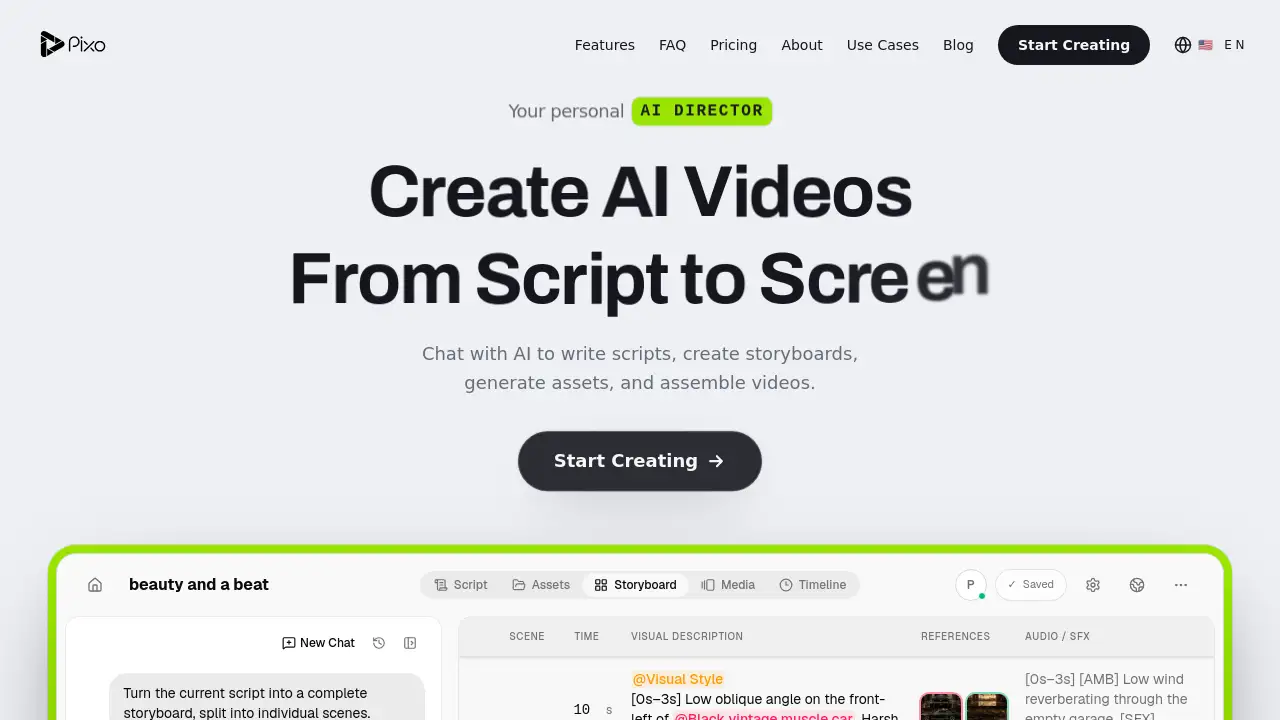
Viral Video AI is an AI video generator that turns a prompt, a photo, or a reference clip into short vertical videos for TikTok, Reels, and YouTube Shorts. It suits creators who want download-ready clips without a full editing workflow.
What is Viral Video AI?
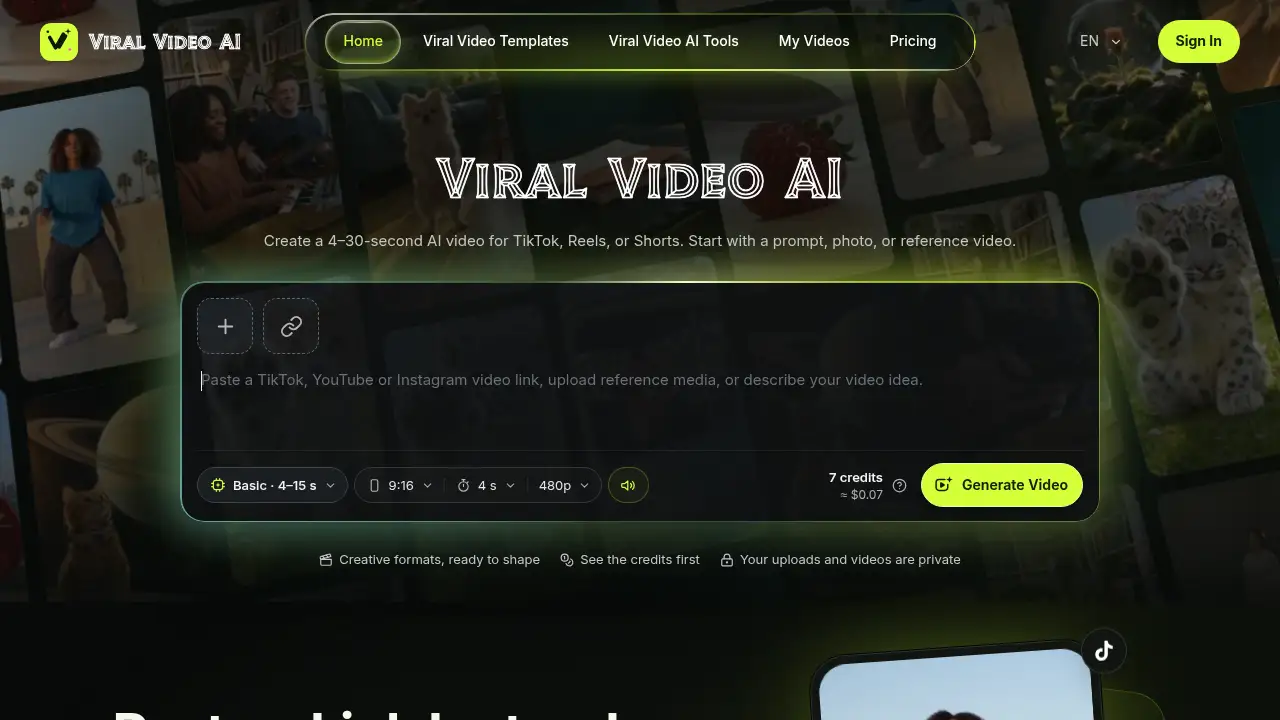
Viral Video AI is a browser-based AI video generator for making 4–30 second clips in a vertical 9:16 frame. Instead of cutting footage by hand, users describe an idea, upload a photo, or paste a public TikTok, YouTube, or Instagram link as a reference, then preview and download the result.
The tool addresses a practical problem: short-form platforms reward speed and volume, but filming and editing each clip takes time. An AI video generator like this one lowers the barrier for people who have an idea but no camera, no animation skills, and no editing software.
It offers 480p and 720p output, optional native audio, and several input types, including up to 9 images with the Basic or Standard model and up to 30 with Pro. Uploads and generated videos are described as private, which matters for anyone handling personal or client material. For creators testing hooks, joining trends, or producing quick branded clips, Viral Video AI offers a short path from concept to finished video.
Key Features of Viral Video AI
Prompt, Photo, or Reference Video Input
Start with a text idea, a photo, or a reference clip, and let this AI video generator build the motion and scene around it.
Clips Built for TikTok, Reels, and Shorts
Generate vertical 9:16 videos between 4 and 30 seconds, matching the format TikTok, Reels, and Shorts already use.
Paste a Link Instead of Uploading
Paste a public TikTok, YouTube, or Instagram URL to preview a clip as a style reference, then describe an original take without downloading or re-uploading files.
Credit Cost Shown Before Generating
See the credit cost up front; a 4-second 480p Basic clip is listed at about 7 credits, roughly $0.07.
Trending Templates Library
Browse ready-made templates covering dance, lip sync, pet, and transition formats, then add a photo to personalize the result.
Native Audio and Resolution Control
Choose duration, aspect ratio, and resolution, and keep native audio where the selected model supports it. Clips longer than 15 seconds automatically switch to the Pro model.
Use Cases for Viral Video AI
Social Media Content Calendars
Fill gaps in a posting schedule with short AI videos for TikTok, Reels, and Shorts without booking a shoot day.
Small Business and Product Teasers
Turn a single product photo into a short promotional clip for a store page, ad test, or social post.
Pet, Meme, and Trend Content
Use templates to place a pet photo into a dance, lip sync, or reaction format that fits a current trend.
Reference-Led Creative Testing
Paste an inspiration link, study the pacing, and generate a new version of the clip with a different subject or setting.
How to Use Viral Video AI
- Open the site and sign in to an account.
- Add media or type a prompt: upload from a phone, paste a video link, or start from a template.
- Pick a generation model, aspect ratio (9:16 by default), duration, and resolution.
- Review the credit cost, then generate the clip and watch the preview.
- Download the finished video, or adjust the prompt and regenerate a new version.
The workflow inside Viral Video AI stays short by design, so a single test clip can be produced in a few steps rather than a full editing session.
Target Audience for Viral Video AI
- Short-form creators posting to TikTok, Reels, and Shorts
- Small business owners and solo marketers
- Social media managers handling several accounts
- Pet, meme, and trend-focused pages
- Freelancers and agencies testing creative concepts quickly
Is Viral Video AI Free?
Viral Video AI runs on a credit system rather than a flat monthly plan shown on the homepage. A 4-second, 480p Basic generation is listed at about 7 credits, or roughly $0.07, so users can estimate spend before generating. Because full plan pricing is not published in the reference content, current credit bundles and any free trial should be confirmed on the official site.
| Plan | Price | Features |
|---|---|---|
| Basic | ~7 credits (≈$0.07) for 4 s, 480p | 4–15 s clips, up to 9 images, one reference video, native audio |
| Standard | Credit-based | Longer durations and higher resolution options |
| Pro | Credit-based | Up to 30 images, clips over 15 s (auto-selected), 720p |
Image limits apply per generation: JPEG, PNG, and WebP up to 10 MiB each, plus one MP4/MOV reference video between 2 and 30 seconds and up to 20 MiB.
Viral Video AI's Pros and Cons
| Aspect | Pros | Cons |
|---|---|---|
| Ease of use | Prompt, photo, or link input; no editing skills needed | New interface means a small learning curve for settings |
| Formats | Purpose-built 9:16 output for TikTok, Reels, and Shorts | Maximum clip length of 30 seconds |
| Pricing | Credit cost displayed before generating; low per-clip estimate | Full plan pricing not listed on the homepage |
| Inputs | Photos, multiple images, and one reference video | Only one reference video per generation |
| Privacy | Uploads and videos stated as private | An account is required to generate |
Frequently Asked Questions about Viral Video AI
What is Viral Video AI best used for?
It is best for short vertical clips: trend participation, product teasers, pet content, and quick hook tests for TikTok, Reels, and Shorts.
How long can a generated video be?
Clips run from 4 to 30 seconds. Generations longer than 15 seconds automatically use the Pro model.
Can a photo be used instead of a text prompt?
Yes. Users can upload JPEG, PNG, or WebP images up to 10 MiB each, or run an existing photo through a template.
Can a TikTok link be used as a reference?
Yes. A public TikTok, YouTube, or Instagram URL can be pasted to preview a reference clip, then the user describes an original version for the AI video generator to create.
Does Viral Video AI support audio and 720p?
Native audio is listed as an option, and output is available in 480p or 720p depending on the selected model.
Are uploads and finished videos private?
The site states that uploads and generated videos are private, which helps when working with personal photos or client material.
Viral Video AI Tags
Viral Video AI, AI video generator, short AI videos, AI video maker, TikTok video generator, Reels video maker, YouTube Shorts generator, photo to video AI, text to video, AI video templates, AI lip sync video, vertical video generator