Introduction
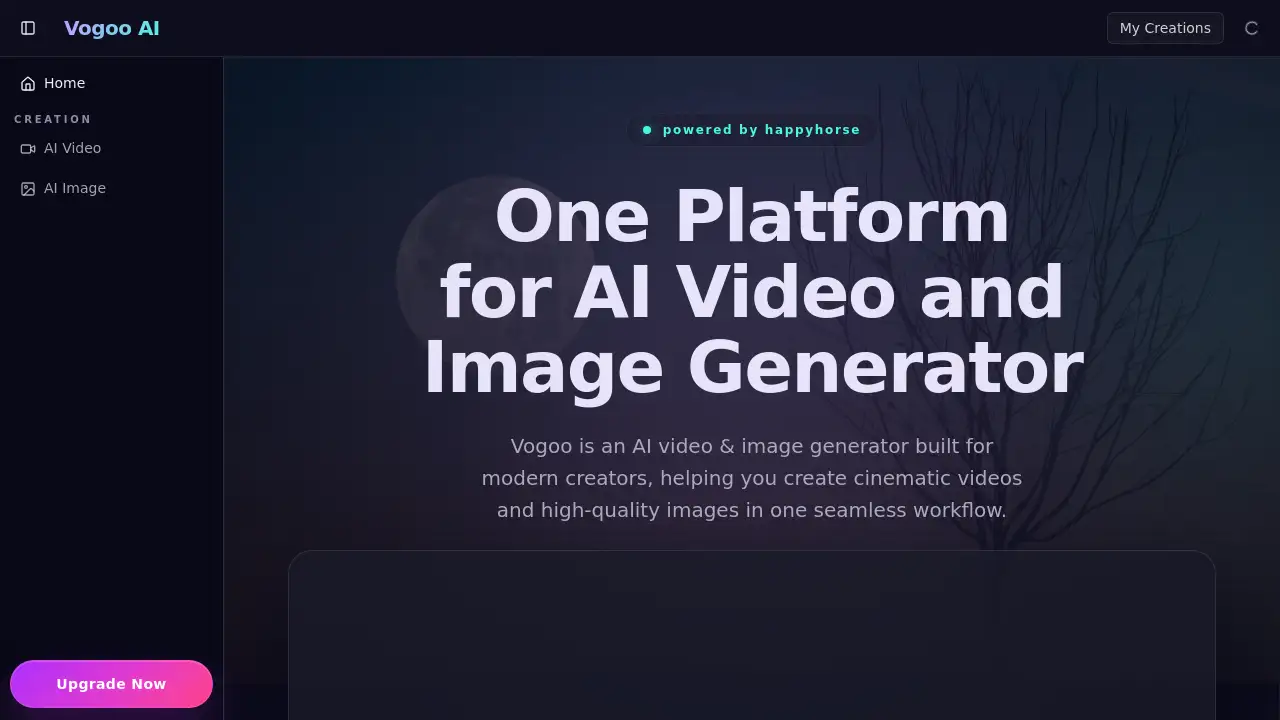
Vogoo AI is a powerful AI video and image generator designed for modern creators and marketing teams.
What is Vogoo AI?
Vogoo AI is a comprehensive, browser-based platform that combines AI video generation and AI image generation into one seamless workflow. It addresses the common problem of creative teams needing to switch between multiple, disconnected tools for different stages of production. The platform allows users to move from an initial text prompt or reference image all the way to a polished, export-ready asset. It is suitable for marketers, content creators, advertising agencies, and in-house creative teams who need to produce high-quality cinematic videos, product photos, and campaign visuals quickly and efficiently. By integrating generation and editing, Vogoo AI helps maintain visual consistency and reduces operational friction in creative pipelines.
Key Features of Vogoo AI
Cinematic Text-to-Video Generation
This core feature transforms written scene descriptions into cinematic sequences with production-ready camera motion, lighting, and pacing, functioning as a capable ai movie generator.
High-Quality Image-to-Video Conversion
Upload a single reference image to create smooth, coherent video clips, ensuring stable subject identity and natural motion continuity for professional image to video results.
Advanced AI Image Maker
Acting as a robust ai image generator, this feature produces high-detail images for product photos, editorial visuals, and concept art with strong style control and visual hierarchy.
Integrated AI Video Editor
The platform includes editing controls for refining timing, framing, and visual style, allowing it to serve as a practical AI Video editor and AI Effect workspace before final export.
Reference-Based Iteration
Users can rapidly test multiple creative directions by applying image to image changes, enabling quick A/B testing of mood, texture, and composition without starting from scratch.
Production-Ready Output
Vogoo AI generates assets in up to 4K native resolution, ensuring outputs are suitable for professional use across web, social media, and advertising channels.
Use Cases for Vogoo AI
AI Video Generator for Ad Campaigns
Teams can quickly build ad loops, explainer videos, and product launch teasers while maintaining consistent brand style, leveraging its capabilities as an AI Video maker.
AI Image Generator for E-commerce
Create alternative product photos, hero images, and catalog visuals when physical photography is slow or costly, using it as an efficient ai image maker.
Pre-visualization for Film and Content
Use the ai movie generator functionality for creating short cinematic sequences, concept trailers, and storyboard previews to validate visual ideas before costly production.
Rapid Creative Asset Iteration
Marketing and design teams can use image to image workflows to swiftly test different visual moods, compositions, and campaign directions for faster review cycles.
How to Use Vogoo AI
Using Vogoo AI is designed to be a straightforward process:
- Start a Project: Log into the web platform and choose to create a new video or image project.
- Input Your Concept: Use a text prompt for text to video or text to image generation, or upload a reference image for image to video or image to image workflows.
- Adjust Parameters: Set your desired style, motion parameters, resolution, and other generation controls.
- Generate and Review: Let the Vogoo AI engine create your asset, then review the output within the platform.
- Edit and Export: Use the integrated AI Video editor and ai image editor tools to polish timing, framing, and effects before exporting the final, production-ready file.
Target Audience for Vogoo AI
- Marketing Professionals needing fast, on-brand visual content for campaigns.
- Content Creators and Social Media Managers producing engaging video and image posts.
- Advertising and Creative Agencies requiring efficient tools for client work and pitches.
- E-commerce Businesses looking to scale product imagery and promotional videos.
- Independent Filmmakers and Video Editors for pre-visualization and asset creation.
Is Vogoo AI Free?
Vogoo AI offers a free tier to get started, allowing users to generate their first AI video or image. For full access to advanced features, higher resolution exports, and increased generation limits, users need to explore their paid subscription plans. For the most accurate and current pricing details, it is recommended to visit the official Vogoo AI website.
Vogoo AI's Pros and Cons
| Aspect | Pros | Cons |
|---|---|---|
| Workflow | Integrated platform for generation and editing reduces tool-switching. | May lack the ultra-specialized depth of standalone, high-end software. |
| Speed & Efficiency | Enables rapid iteration and A/B testing for creative concepts. | Output quality and speed depend on the complexity of the input prompt. |
| Accessibility | Browser-based and does not require powerful local hardware. | Requires a stable internet connection for all functionality. |
| Output Quality | Generates high-detail, 4K resolution assets suitable for professional use. | As with all AI tools, may occasionally require multiple attempts to perfect a result. |
Frequently Asked Questions about Vogoo AI
What is Vogoo AI best used for?
Vogoo AI is best used as an all-in-one AI video generator and AI image generator for creating campaign content, product visuals, cinematic sequences, and for rapidly iterating on creative concepts within a single, cohesive workflow.
Can Vogoo AI create videos from images?
Yes. The image to video feature allows you to upload a reference image, and Vogoo AI will animate it into a video clip with natural motion and continuity, making it ideal for bringing static photos to life.
Is Vogoo AI suitable for making movie clips?
Absolutely. The ai movie generator capabilities are well-suited for creating short cinematic sequences, concept trailers, and storyboard previews, helping filmmakers visualize scenes before full-scale production.
How does Vogoo AI help with image creation?
As a powerful ai image maker, Vogoo AI generates high-quality images from text prompts. Its image to image feature also lets you modify existing images, making it excellent for testing different styles, moods, and compositions quickly.
Do I need separate editing software with Vogoo AI?
Not necessarily. Vogoo AI includes built-in controls that function as an AI Video editor and ai image editor, allowing for refinements to timing, framing, and style directly within the platform before you export your final asset.
Who is the ideal user for Vogoo AI?
The ideal users are marketing teams, content creators, agencies, and e-commerce businesses that need to produce a high volume of professional-grade visual content quickly and maintain consistency across their campaigns without managing multiple software tools.
Vogoo AI Tags
AI video generator, AI image generator, text to video, image to video, Vogoo AI, ai movie generator, AI Video maker, ai image maker, cinematic video, AI Tool, AI Video editor, image to image, AI Effect, video creation, image creation, creative workflow, marketing tool, content creation