Introduction
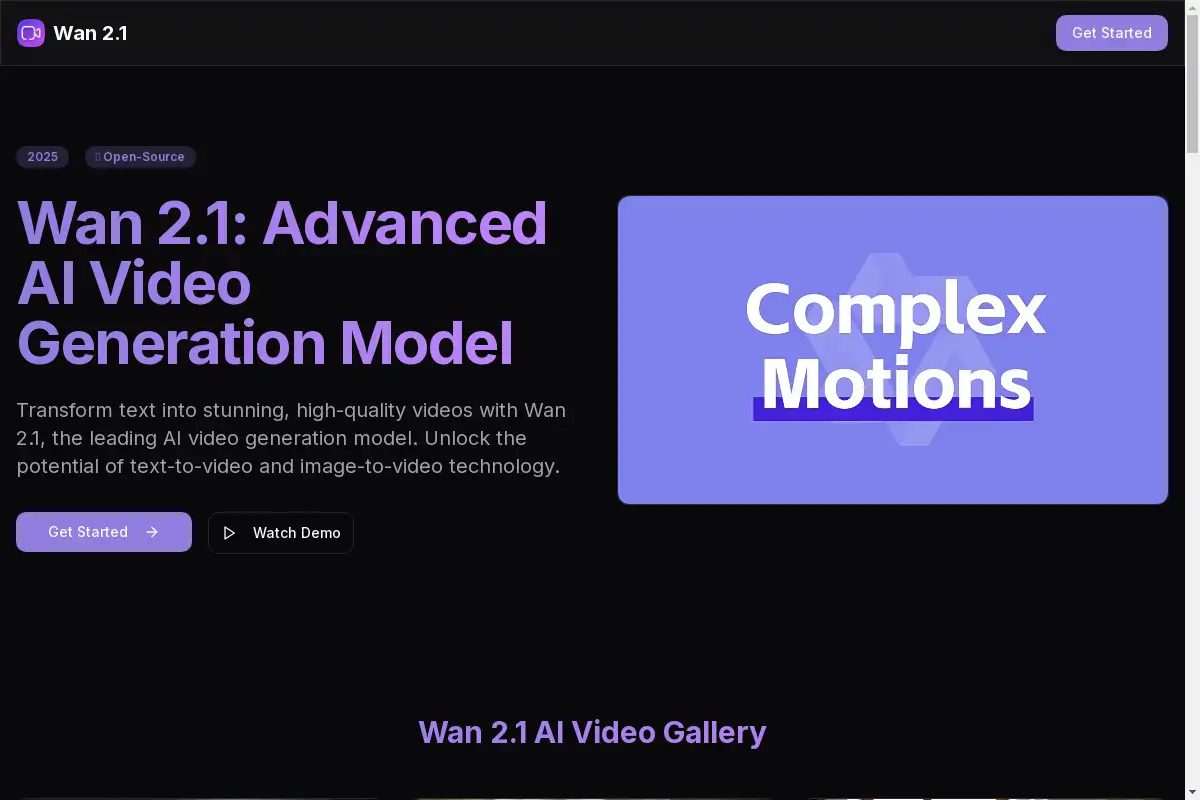
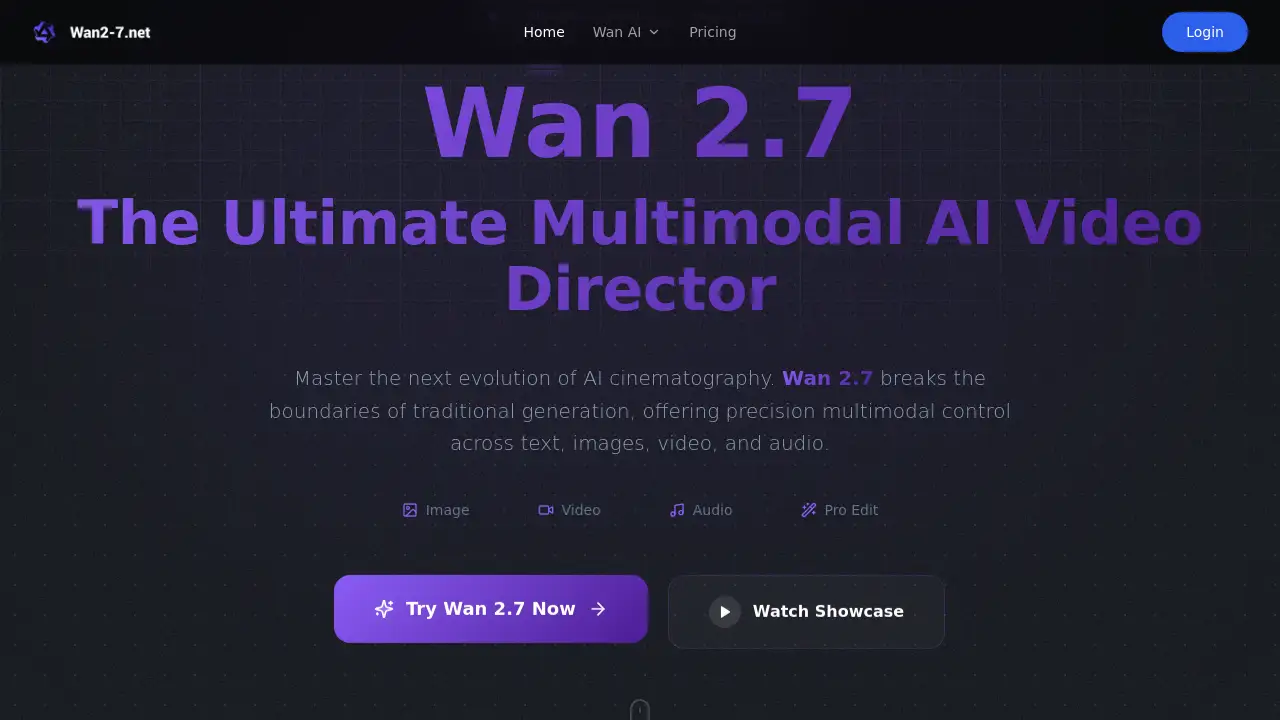
Wan 2.7 is a professional multimodal AI video director designed to master cinematic AI filmmaking.
What is Wan AI?
Wan AI, specifically its Wan 2.7 model, is a next-generation multimodal AI video foundation model. It addresses the core challenges in AI filmmaking, such as inconsistent character identity and a lack of directorial control. By enabling creators to use images, videos, and audio as direct references, it transforms static inspiration into dynamic, professional-grade videos with cinematic character consistency. This tool is essential for filmmakers, marketers, and content creators who need precision, efficiency, and realism in their video production workflow.
Key Features of Wan AI
Universal Multimodal Reference
This feature allows users to reference anything—images for style, videos for motion, audio for atmosphere—to guide the AI in creating hyper-realistic cinematic content with surgical precision.
Persistent Character Identity
Wan 2.7's engine locks in facial features, clothing, and environmental styles across multiple shots, solving the common problem of visual drift and ensuring perfect character consistency throughout a project.
"Continue Filming" Video Extension
Break the single-clip limit by intelligently extending existing videos. This tool generates smooth, logical subsequent actions, enabling uninterrupted storytelling and long-form narrative creation.
Directed Video Editing
Modify existing footage by swapping characters or adding elements while meticulously preserving the original motion, lighting, and rhythmic continuity of the scene.
AV Rhythm Alignment
Achieve precise synchronization where sound directly orchestrates vision, perfect for dialogue lip-syncing or creating music videos where action matches the beat.
Use Cases for Wan AI
Professional Brand Storytelling
Marketing teams can build entire ad campaigns from a single reference image, maintaining perfect brand and character integrity across all video content for global campaigns.
Indie Film Previsualization
Filmmakers can rapidly prototype multi-shot sequences, using reference videos for camera movement and extending scenes to visualize complex, coherent cinematic flows before live shooting.
Social Media Content Creation
Content creators can pivot from a raw idea to a finished, perfectly synced music short or engaging clip in minutes, streamlining production for platforms like TikTok and YouTube.
Product Demo and Explainer Videos
Businesses can use existing product images and motion templates to generate consistent, high-quality demo videos that clearly explain features with professional polish.
How to Use Wan AI
The Wan 2.7 platform offers a streamlined three-step workflow for cinematic production:
- Input Your Multimodal Base: Start by uploading your creative assets as references. This could be a Reference Image to define style or a Reference Video to provide a motion template.
- Direct the Scene with @Commands: Use the intuitive
@taggingcommand system to orchestrate the AI. For example, write a prompt like "@Image1for character details, following the movement rhythm of@Video1." - Generate, Extend, or Edit: Submit your directed prompt to generate fluid motion. You can then use the Video Extension tool to "keep filming" the next sequence or apply Advanced Editing to modify elements within the generated clip.
Target Audience for Wan AI
- Professional Filmmakers and Directors
- Marketing Agencies and Brand Managers
- Independent Content Creators and YouTubers
- Social Media Managers and Video Editors
- Indie Game Developers and Animators
Is Wan AI Free?
Based on the available information, Wan 2.7 offers a "Pro Edition" experience. The homepage mentions a "Try Wan 2.7 Now" button, suggesting potential free trial access. For detailed and current information on specific pricing plans, features, and any free tier availability, users should visit the official Wan 2.7 Pricing page.
Wan AI's Pros and Cons
| Aspect | Pros | Cons |
|---|---|---|
| Control & Consistency | Unparalleled character identity persistence and multimodal reference control. | May have a steeper learning curve than simpler text-to-video tools. |
| Workflow Efficiency | "Continue Filming" and editing tools can drastically cut pre-production and iteration time. | Specific pricing for the Pro Edition is not detailed on the main page. |
| Output Quality | Focus on cinematic realism, physical logic, and professional-grade video results. | As a cutting-edge tool, it may require a powerful computer for optimal performance. |
| Rights & Usage | Paid users reportedly receive full commercial rights to generated content. | The free access model and its limitations are not explicitly outlined. |
Frequently Asked Questions about Wan AI
What makes Wan 2.7 different from other AI video generators?
Unlike standard text-to-video tools, Wan 2.7 is built as a true multimodal AI video director. It allows users to directly use images, videos, and audio as primary control signals to dictate the exact style, motion, and atmosphere of the generated scene, offering far greater precision.
How do I maintain character consistency in videos with Wan 2.7?
Consistency is a core strength. By uploading a Reference Image of your character and using the @Image tag in your prompt, the Wan 2.7 engine activates its Semantic Identity Retention mechanism, locking in facial features, clothing, and proportions across different shots and angles.
Can I use Wan 2.7 to edit videos I already have?
Absolutely. The platform includes Directed Video Editing capabilities. You can upload an existing video clip and use Wan 2.7 to modify it, such as swapping out a character or adding an element, while the AI works to preserve the original motion and lighting continuity.
Are videos created with Wan 2.7 free for commercial use?
According to the provided information, all videos generated by paid users of Wan 2.7 include full commercial rights. Users retain 100% ownership and copyright, making the content ready for client work, advertising, or social media monetization.
What is the "Continue Filming" feature?
This is the Video Extension tool. It allows you to take a video clip you've generated or uploaded and instruct the AI to "keep filming" the next logical sequence. This is key for building longer, coherent narratives without manual editing between disjointed clips.
What kind of computer do I need to run Wan 2.7?
While specific system requirements are not listed on the homepage, advanced AI video generation typically benefits from a capable computer with a good graphics card (GPU) and sufficient RAM for smooth operation, especially for longer or high-resolution videos.
Wan AI Tags
Wan 2.7, AI video generator, multimodal AI, cinematic AI filmmaking, character consistency, video extension, AI video editing, professional video AI, reference image to video, AI director, content creation tool, video production software