Introduction
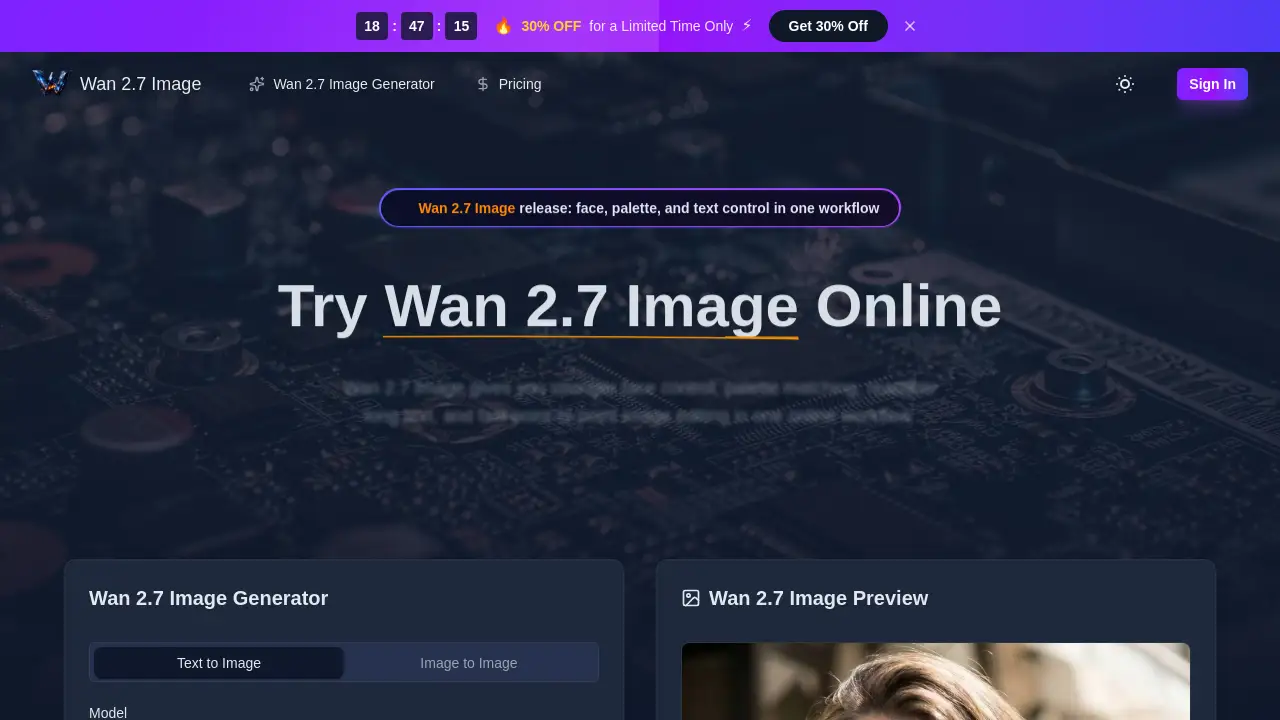
Wan 2.7 Image is an online generator and editor offering enhanced AI image creation with a focus on practical control for professional workflows.
What is Wan 2.7 Image?
Wan 2.7 Image is a specialized online AI image generation and editing tool. It is designed to address common challenges faced by creators who need more precision than typical "one-click" AI art tools offer. The core problem it solves is the lack of reliable control over specific details like facial features, color palettes, and text legibility in generated images. This makes it particularly suitable for designers, e-commerce teams, brand managers, and editorial creators who require consistent, brand-safe, and commercially viable visuals. The model's significance lies in integrating several advanced controls—including face control, palette extraction, long text rendering, batch consistency, and interactive editing—into a single, streamlined online workflow. This focus on practical utility over just aesthetic novelty sets it apart for professional use cases.
Key Features of Wan 2.7 Image
The appeal of this tool is rooted in its practical features, which are tailored for production environments rather than casual experimentation.
Precise Face Control
This feature allows users to guide facial structure, eye shape, and skin details more deliberately, helping portraits avoid the generic "AI look" and appear more specific and believable for character or brand work.
Hex-Based Palette Transfer
Users can extract color tones from reference images, such as brand boards or product photos, and apply them to new generations, ensuring outputs stay within a desired visual system for consistent branding.
Readable Long Text Rendering
Wan 2.7 Image handles dense layouts with greater clarity, generating readable labels, captions, charts, and document-style mockups where small text remains legible, a noted improvement over older models.
Multi-Reference Consistency
The tool supports using up to nine reference images simultaneously, which is crucial for maintaining coherence across a series, such as a product lifestyle set, comic panels, or a campaign's visual assets.
Batch Image Generation
For efficiency, users can generate up to 12 related images in a single batch, speeding up the creation of product sets, social media variants, or storyboard sequences.
Interactive Local Editing
This feature enables point-and-instruct editing, allowing users to select a specific area of an image, describe a change, and revise only that section without needing to regenerate the entire composition from scratch.
Use Cases for Wan 2.7 Image
The tool's capabilities lend themselves to several professional scenarios where control and consistency are paramount.
Brand-Consistent Marketing Campaigns
Marketing teams can generate entire sets of promotional visuals, from social media ads to website banners, that adhere strictly to a brand's color palette and maintain a cohesive look.
E-commerce Product Photography
Online retailers can create consistent, high-quality product lifestyle images and variation shots for their catalogs without the cost and time of traditional photoshoots.
Editorial and Publishing Layouts
Publishers and content creators can produce document-style images with integrated charts, annotated diagrams, and readable text blocks for articles, reports, and presentations.
Character Design and Storyboarding
Artists and writers can develop and maintain a character's appearance across multiple scenes or comic panels, using the multi-reference and batch features to ensure visual consistency.
Rapid Design Mockups and Prototypes
Designers can quickly iterate on visual concepts, using the interactive editing workflow to make fast, localized adjustments to layouts, colors, or elements based on client feedback.
How to Use Wan 2.7 Image
The process for using the Wan 2.7 Image generator is straightforward and designed for an efficient online workflow.
- Enter a Prompt or Upload References: Start by typing a text description of the desired image or uploading up to nine reference images to guide the subject, style, and color.
- Configure Parameters: Set your requirements, such as the aspect ratio (e.g., 1:1, HD), image quality, and the number of images to generate in the batch (up to 12).
- Generate and Refine: Click the generate button. Once the Wan 2.7 Image model renders the result, you can download the high-resolution output or use the interactive edit tool to make localized revisions.
- Download Final Assets: After any refinements, download the final images for use in your project, campaign, or publication.
Target Audience for Wan 2.7 Image
This tool is built for professionals who rely on visual assets in their work.
- Graphic Designers and Art Directors
- E-commerce Managers and Product Photographers
- Marketing and Brand Managers
- Content Creators and Social Media Managers
- Comic Artists and Storyboard Illustrators
- Publishers and Editorial Teams
Is Wan 2.7 Image Free?
Wan 2.7 Image operates on a credit-based subscription model. There is no permanently free tier, but the service offers a tiered pricing structure. According to the product homepage, a limited-time discount of 30% is available. The plans are as follows:
| Plan | Regular Monthly Price | Discounted Annual Price (Saving ~50%) | Key Inclusions |
|---|---|---|---|
| Starter | $19.9 | $9.9/month | 9,600 credits/year, all core features, commercial use. |
| Premium (Most Popular) | $39.9 | $19.9/month | 24,000 credits/year, priority queue, priority support. |
| Advanced | $99.9 | $49.9/month | 72,000 credits/year, fastest generation speed, expert support. |
All plans include access to the hosted Wan 2.7 Image generator, text-to-image and image-to-image functions, multi-reference support, batch downloads, and commercial usage rights. For the most current pricing, users should visit the official Pricing page.
Wan 2.7 Image's Pros and Cons
| Aspect | Pros | Cons |
|---|---|---|
| Features & Control | Integrates multiple advanced controls (face control, palette matching, long text rendering) into one workflow. Offers practical tools like batch generation and local editing. | The array of features may have a learning curve for users new to advanced AI image generation. |
| Output Quality | Produces more specific and commercially usable images, with improved consistency across batches and better handling of complex layouts. | As with all AI models, output can vary based on prompt quality and may occasionally require iteration. |
| Pricing & Value | Subscription plans are structured for professional use, offering good value for teams that regularly need high volumes of controlled imagery. | The credit-based system and lack of a free tier make it less accessible for casual or individual hobbyists on a tight budget. |
| Workflow Efficiency | Batch output and interactive editing significantly speed up revision and asset production cycles for professional projects. | Requires an internet connection as it is an online-only tool. |
Frequently Asked Questions about Wan 2.7 Image
What is the Wan 2.7 Image release date?
The Wan 2.7 Image model became publicly available around late March 2026, with hands-on testing and reviews becoming more widespread in early April 2026.
How does Wan 2.7 Image differ from other AI image generators?
While many tools prioritize creating a single striking image, Wan 2.7 Image is distinguished by its focus on practical control for production. Its combined strengths in face control, precise palette extraction, readable long text, multi-image consistency, and interactive editing cater specifically to commercial and professional workflows.
Can Wan 2.7 Image really generate readable text and charts?
Yes, one of its highlighted capabilities is long text rendering. It is particularly noted for generating clearer small text within images, making it suitable for creating specification sheets, labeled diagrams, tables, and other document-style layouts that require legible text elements.
How many reference images can I use, and how big is the batch?
The tool supports using up to 9 reference images to guide generation, which is beneficial for maintaining character or product consistency. It also allows batch generation of up to 12 images at once, useful for creating product sets or campaign asset packs.
What is interactive local editing?
This point-and-instruct editing feature lets users select a specific region within a generated image and provide a new text instruction to modify only that area. This allows for precise revisions without altering the rest of the composition, saving significant time in the editing process.
Does Wan 2.7 Image support prompts in languages other than English?
The model supports both Chinese and English prompts. However, for complex or detailed editing instructions, early user reports suggest that English prompts may yield more stable and predictable results.
Wan 2.7 Image Tags
Wan 2.7 Image, online AI image generator, face control AI, palette extraction tool, long text rendering AI, batch image generation, interactive image editing, AI for designers, e-commerce product images, brand visual consistency, AI portrait generator, professional AI editor, Wan 2.7 model