Introduction
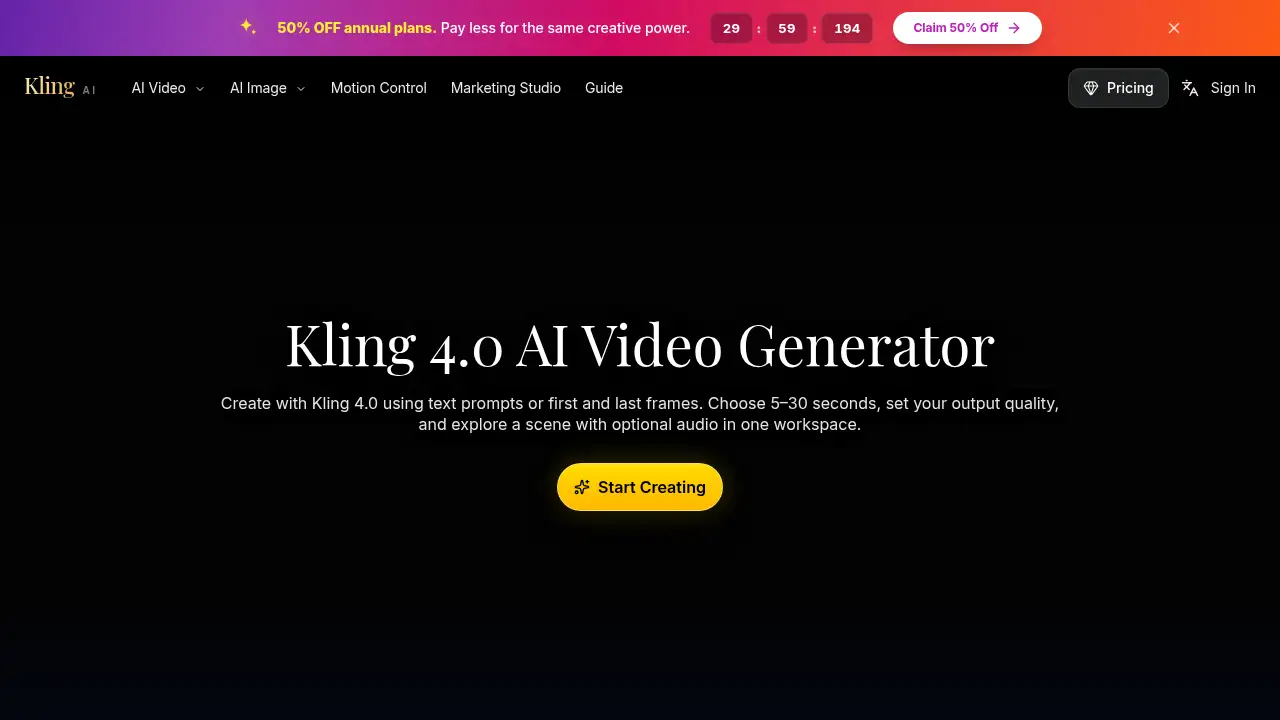
Kling 4.0 is an AI video generator for scene creation. It helps users turn written prompts or first and last frames into short clips in one workspace.
What is Kling 4.0?
Kling 4.0 is an AI video generator and AI video workspace for creating motion concepts from text prompts or image inputs. The tool is designed to help creators move from a first idea to a reviewable clip without switching between separate tools. Kling 4.0 lets users choose 5–30 second durations, set output quality, and add optional audio in one place.
The product matters because it gives marketers, storytellers, and social creators a practical way to test framing, pacing, and visual direction before committing to full production. As a Kling AI tool, Kling 4.0 supports text to video and image to video workflows in a single interface. This makes Kling 4.0 useful for early concept work, short scene studies, and focused visual experiments rather than only final output.
Key Features of Kling 4.0
Text and Frame-Based Creation
Use text prompts or first and last frames to start a Kling 4.0 scene. This text to video and image to video flexibility lets users guide both the opening idea and the shot’s destination.
Adjustable Clip Length
Select a 5–30 second duration for each Kling 4.0 generation. Give a short action room to develop, or make a compact social opening that is easy to review.
Resolution and Quality Controls
Choose 720p, 1080p, or 4K output in the Kling 4.0 workspace. Higher resolutions use more credits, and 4K output has an existing annual-plan requirement.
Optional Audio
Decide whether Kling 4.0 should include audio. A silent clip can fit an existing soundtrack, while generated sound can help test the atmosphere of a new scene.
Results and Creation History
Preview Kling 4.0 results in the result panel and revisit saved generations in My Creations. Users can download selected clips and keep useful prompt versions for refinement.
Model and Workspace Consistency
Keep Kling 4.0 settings visible while reviewing results. The same AI video workspace lets users change models without relearning the basic layout.
Use Cases for Kling 4.0
Product Concepts
Try a product reveal with Kling 4.0 using a clear product image and a described setting. Verify labels, proportions, and branding before sharing the AI video generator output.
Story Development
Explore a scene from a script with Kling 4.0 and compare framing and pacing. Use the short clip to decide which idea deserves more production time.
Social Content
Develop an opening moment for social platforms with Kling 4.0. Match the composition to the publishing format and keep the main action readable on a small screen.
Scene and Campaign Studies
Use Kling 4.0 for scene studies or campaign concepts. Compare visual directions while retaining the brief and reference assets.
How to Use Kling 4.0
- Open the Kling 4.0 workspace and choose prompt-based or image-based input.
- Write a clear prompt or add first and last frames; describe the surroundings, subject, and action.
- Select a 5–30 second duration, choose 720p, 1080p, or 4K output, and decide whether Kling 4.0 should include audio.
- Generate the clip and preview the result; check labels, framing, proportions, and motion against the intended purpose.
- Save useful prompts, revisit saved generations in My Creations, and download selected clips for further review.
Target Audience for Kling 4.0
- Marketers and product teams testing product reveal concepts
- Social media creators building short visual openings
- Storyboard artists, filmmakers, and scriptwriters exploring scene ideas
- Designers and creative agencies comparing visual directions
- Users exploring AI video creation for short concept clips
Is Kling 4.0 Free?
The reference does not confirm a free tier for Kling 4.0. The workspace uses credits, and 4K output has an existing annual-plan requirement. Pricing details are not fully listed in the provided content, so users should check the official pricing page at https://www-kling.com/pricing before choosing a plan.
Kling 4.0's Pros and Cons
| Aspect | Pros | Cons |
|---|---|---|
| Pricing | Credit-based options and an official pricing page for current details | A free tier is not confirmed in the reference; 4K output requires an annual plan |
| Features | Supports text prompts, first and last frames, 5–30 second clips, and optional audio | High-resolution output uses more credits |
| Workflow | Single AI video workspace with saved history and downloads | Results still need review for accurate labels, proportions, and branding |
| Output | 720p, 1080p, and 4K choices | 4K availability has a plan requirement |
Frequently Asked Questions about Kling 4.0
What is Kling 4.0 best used for?
Kling 4.0 is best for short scene creation, product concepts, social openings, and visual tests. It works as an AI video generator for reviewing motion ideas before full production.
Can Kling 4.0 create videos from text and images?
Yes. Kling 4.0 supports text prompts and first and last frames. This gives users text to video and image to video options in the same workspace.
How long can Kling 4.0 clips be?
Kling 4.0 clips can be set from 5 to 30 seconds. This range is suitable for focused actions, opening shots, and short concept studies.
Does Kling 4.0 include audio?
Kling 4.0 offers optional audio. Users can choose a silent clip for an existing soundtrack or include generated sound to explore a scene’s atmosphere.
What resolutions does Kling 4.0 support?
Kling 4.0 supports 720p, 1080p, and 4K output. Larger output uses more credits, and 4K has an existing annual-plan requirement.
Is Kling 4.0 free?
The reference does not confirm a free tier for Kling 4.0. Generation uses credits, and pricing should be checked on the official pricing page before use.
Kling 4.0 Tags
Kling 4.0, AI video generator, Kling AI, text to video, image to video, AI video workspace, 5–30 second AI video, 4K AI video, AI scene creation, product reveal video, social media video, AI video with audio