Introduction
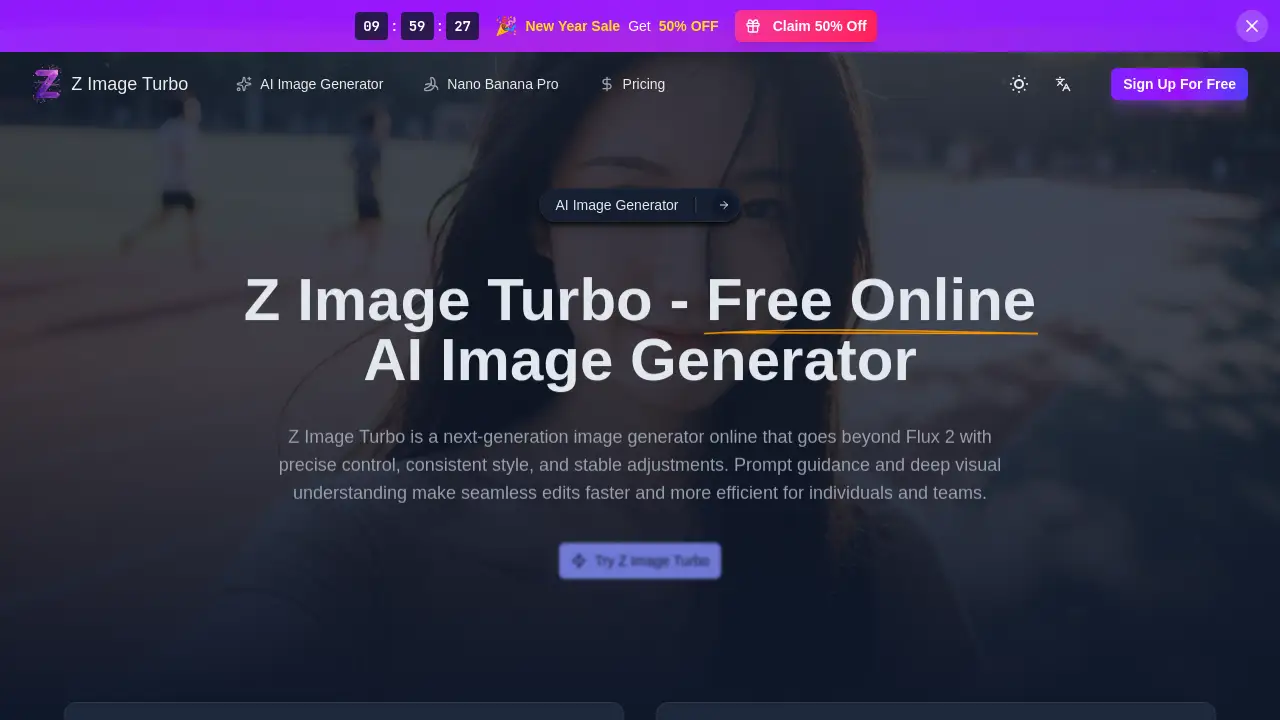
Z Image Turbo is a next-generation AI image generator online designed for professional creators and teams who demand precise control and consistent style.
What is Z Image Turbo?
Z Image Turbo is an advanced online AI image generator that prioritizes precision, consistency, and speed for professional creative work. It addresses the common challenge of maintaining a stable visual style and composition across multiple AI-generated iterations, which is crucial for branding, product development, and artistic projects. This tool is suitable for digital artists, designers, marketers, and developers who need to produce high-quality, predictable images efficiently. By combining deep visual understanding with stable edits, Z Image Turbo makes the process of generating and refining images faster and more reliable than many general-purpose models, helping teams move from concept to final asset without losing critical visual cues.
Key Features of Z Image Turbo
Precise Control and Stable Edits
Z Image Turbo offers exceptional control over the generation process, allowing users to make stable adjustments to lighting, elements, and framing while keeping the core structure intact.
Consistent Style Retention
The model excels at locking in a specific artistic or brand style across multiple generations and variations, ensuring visual coherence throughout a project.
Lightning-Fast Generation Speed
Built for efficiency, Z Image Turbo delivers high-quality renders quickly, enabling rapid iteration and concept testing without long wait times.
Professional-Grade Output Quality
The AI produces photorealistic and stylistically accurate images with high fidelity, suitable for commercial use in advertising, media, and design.
Advanced Prompt Guidance
The tool features deep visual understanding, interpreting complex text prompts accurately to land closer to the user's vision on the first attempt.
Flexible Export Options
Users can export their creations in multiple formats including JPG, PNG, and WebP, and choose from standard aspect ratios or custom dimensions.
Use Cases for Z Image Turbo
Artistic Retouching and Enhancement
Polish portraits or illustrations, add texture, and refine fine details without losing the original character or artistic style.
Fashion and Product Mockup Creation
Test different colorways, materials, and patterns to showcase apparel or product concepts in realistic contexts.
Scene Enhancement and Realism Upgrades
Tidy lighting, improve structure, and reduce clutter in landscapes, interiors, or architectural shots for more professional results.
Background Removal and Professional Compositing
Cleanly cut out subjects and combine elements from multiple sources while maintaining natural shadows for seamless composites.
Photo Restoration and Colorization
Repair damaged or aged photographs, restore missing details, and add color realistically while preserving the authentic feel of the original.
Design Prototyping and Iteration
Rapidly spin up layout variations, brand visual elements, or multiple design drafts to accelerate the decision-making process.
How to Use Z Image Turbo
Using Z Image Turbo is a straightforward, three-step process designed for a smooth workflow:
- Craft Your Prompt: Sign into your account and enter a clear, descriptive text prompt. Detail the subject, desired style, lighting, and composition to guide the AI effectively.
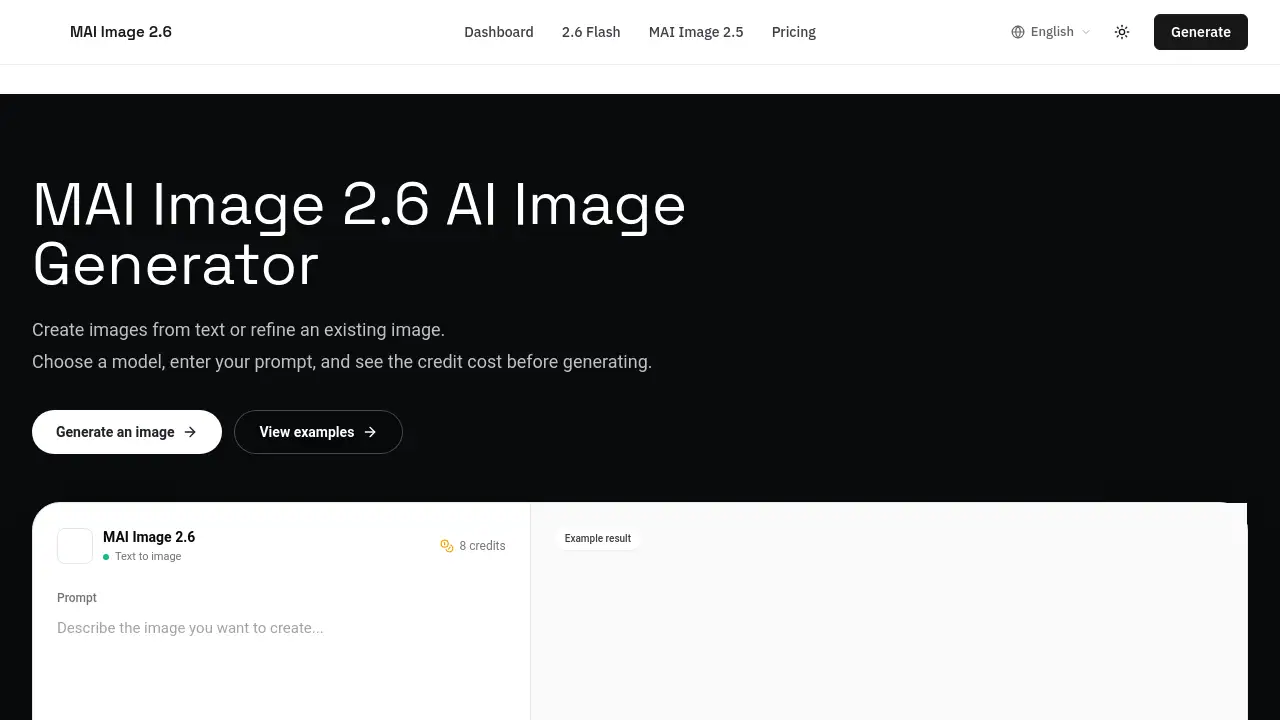
- Configure Output Settings: Set your preferred aspect ratio (like 1:1 or 16:9) or enter custom dimensions. Then, select your export format (JPG, PNG, or WebP). The interface shows the credit cost before generation.
- Generate and Refine: Click the generate button and watch the progress. Once complete, download your image. You can rerun the process to iteratively refine the result until it matches your vision perfectly.
Target Audience for Z Image Turbo
- Digital Artists and Illustrators
- UI/UX and Graphic Designers
- Marketing Managers and Content Creators
- Game Developers and Concept Artists
- Creative Directors and Production Teams
- Freelance Creatives and Photographers
Is Z Image Turbo Free?
Z Image Turbo operates on a credit-based system. New users can try Z Image Turbo online with free starter credits. For continued use, credits are purchased, with costs scaling based on the output resolution and complexity of the generation. The platform also supports shared credit pools, making it convenient for team collaboration. For the latest and most detailed pricing information, users should visit the official Z Image Turbo website.
Z Image Turbo's Pros and Cons
| Aspect | Pros | Cons |
|---|---|---|
| Output & Control | Superior style consistency and stable edits across revisions. Precise control with prompt and reference images. | May have a learning curve to master advanced control features. |
| Speed & Efficiency | Lightning-fast generation speed enables rapid iteration. | Credit system means cost can add up with high-volume, complex projects. |
| Workflow Integration | Professional-grade outputs suitable for commercial use. Supports team credit pools. | Primarily an online tool; dependent on internet connectivity. |
Frequently Asked Questions about Z Image Turbo
How do I get started with Z Image Turbo?
Getting started is simple. Visit the Z Image Turbo website, sign in to your account, enter a descriptive prompt, set your desired size and format, and generate your image. New users can try Z Image Turbo online with complimentary starter credits.
How does the credit system work?
Z Image Turbo uses a transparent credit-based system. The cost per generation depends on factors like output resolution and complexity, and the estimated credit cost is always displayed before you confirm the generation. This system allows for scalable use from individuals to teams.
Can I use my own images with Z Image Turbo?
Yes. For greater control, you can upload reference photos or sketches. Z Image Turbo will intelligently follow the composition, style, lighting, and tone of your reference image while adhering to your text prompt.
Are images created with Z Image Turbo free for commercial use?
Yes, all images generated with Z Image Turbo can be used commercially for projects like advertising, design, and media. You must ensure you have the necessary rights to any reference images you upload to guide the generation.
What makes Z Image Turbo different from other AI image generators?
Z Image Turbo stands out for its professional focus on consistent style retention, precise control, and stable edits. It is specifically tuned to keep brand cues and structural elements locked during iteration, offering predictable, high-fidelity results ideal for professional workflows.
What languages does Z Image Turbo support for text within images?
Z Image Turbo excels at rendering text within images, including complex bilingual typography. It handles both English and Chinese text with crisp glyphs and proper layout fidelity, making it excellent for international design projects.
Z Image Turbo Tags
AI image generator, Z Image Turbo, online AI art, precise control AI, consistent style generator, stable image edits, professional image creation, fast AI rendering, AI for designers, commercial AI art, image generation online, AI photo editing, Z Image Turbo review