Introduction
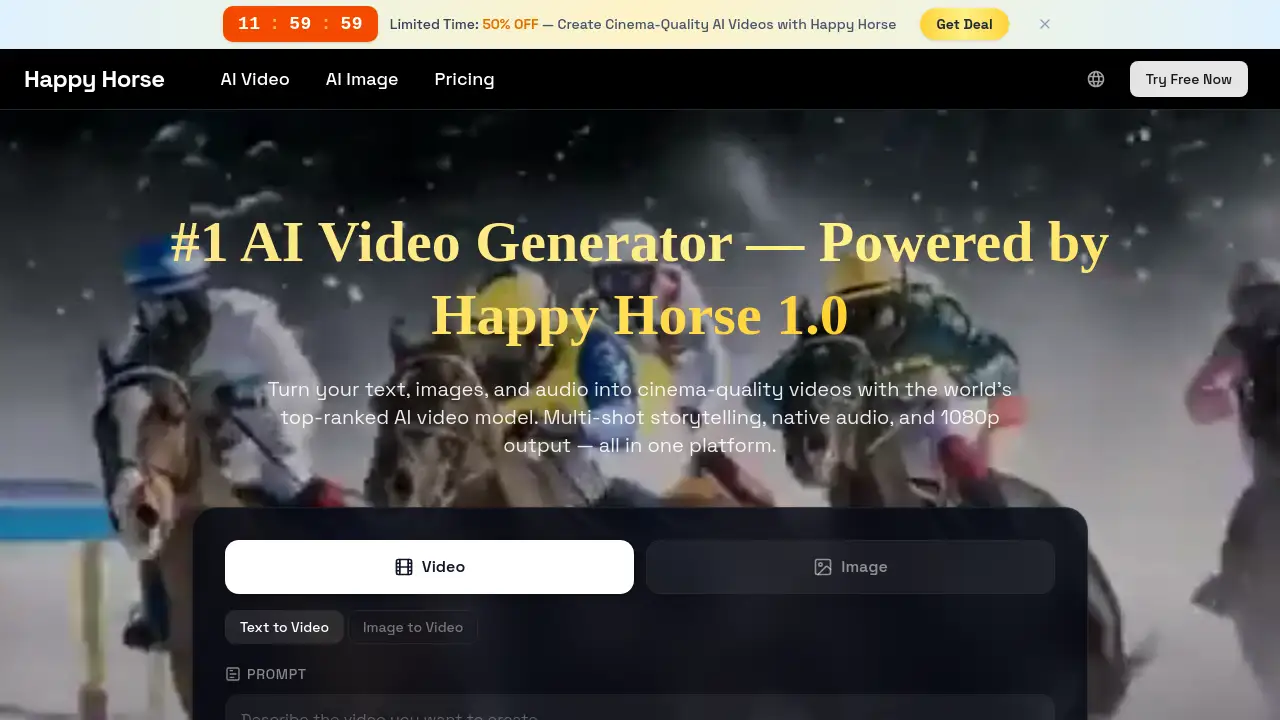
Happy Horse V1.0 is the world’s leading AI video generator platform.
What is Happy Horse V1.0?
Happy Horse V1.0 is an advanced AI-powered platform designed to create high-quality videos from simple text prompts or images. It addresses the common challenge of video production, which traditionally requires significant time, technical skill, and financial investment. By leveraging a sophisticated 15-billion-parameter unified model, Happy Horse V1.0 enables users to generate cinema-grade 1080p videos complete with multi-shot storytelling and native audio generation. This makes it an invaluable tool for a wide range of users, from individual content creators and digital marketers to educators and professional filmmakers, looking to produce engaging visual content efficiently and at scale.
Key Features of Happy Horse V1.0
Unified Multi-Modal AI Model
At its core, Happy Horse V1.0 utilizes a 15-billion-parameter, 40-layer Transformer architecture that seamlessly processes text, image, video, and audio data in a single sequence, enabling powerful and coherent video synthesis from diverse inputs.
Multi-Shot Storytelling
This feature allows the AI to generate coherent scene sequences with persistent characters and consistent visual styles from a single prompt, eliminating the need for manual scene stitching and editing.
Native Audio-Video Synthesis
The platform can generate perfectly synchronized dialogue, sound effects, and ambient audio alongside the video, supporting accurate lip-sync across multiple languages including English, Mandarin, and Japanese.
Cinema-Grade 1080p Output
Happy Horse V1.0 produces broadcast-ready videos in crisp 1080p resolution, supporting six different aspect ratios (16:9, 9:16, 1:1, etc.) optimized for platforms like YouTube, TikTok, and Instagram.
Fast DMD-2 Accelerated Inference
Utilizing a distilled inference technique, the model can generate a 5-second video in approximately 2 seconds at a lower resolution and deliver full 1080p output in around 38 seconds, enabling rapid creative iteration.
Included Commercial License
Every paid subscription plan includes full commercial usage rights, allowing users to monetize their generated videos in ads, client projects, and social media campaigns without legal concerns.
Use Cases for Happy Horse V1.0
Social Media Content Creation
Creators and influencers can rapidly produce scroll-stopping short-form videos for TikTok, YouTube Shorts, and Instagram Reels, iterating on ideas quickly to maintain a consistent posting schedule.
Marketing and Advertising
Digital marketers and agencies can generate video ads, product demos, and campaign assets at a fraction of traditional production costs, enabling efficient A/B testing of different creative concepts.
E-Commerce Product Visualization
Online sellers can animate static product photos into engaging videos that showcase details, textures, and features, enhancing product listings and social media ads to drive conversions.
Educational Content Production
Educators and course creators can transform lesson plans into visually compelling animations and explainer videos, boosting student engagement and comprehension without needing video production expertise.
Film Previsualization and Storyboarding
Filmmakers and studios can use the tool for rapid concept art, storyboarding, and previsualization, leveraging its multi-shot storytelling to maintain character consistency across scenes during early creative phases.
Personal and Hobby Projects
Hobbyists can explore AI creativity for personal projects like custom greetings, travel montages, or artistic experiments, starting with free credits and no technical skills required.
How to Use Happy Horse V1.0
The process to create a video with Happy Horse V1.0 is straightforward and designed for users of all skill levels.
- Describe Your Vision: Start by typing a detailed text prompt describing your desired video scene, including elements like subject, action, mood, and camera movement. Alternatively, upload an image to serve as a starting frame.
- Customize Settings: Select your preferred AI model, video duration, resolution (up to 1080p), and aspect ratio. You can enable audio generation for synchronized sound and toggle the multi-shot feature for automatic scene transitions.
- Generate and Preview: Click the generate button. Happy Horse V1.0 will process your request and create the video, typically within seconds to under a minute for full HD output. You can preview the result directly on the platform.
- Download and Share: Once satisfied, download the final video file in high quality. With the included commercial license, you can immediately use it for your social media, website, advertising campaigns, or client deliverables.
Target Audience for Happy Horse V1.0
- Content Creators, Influencers, and Vloggers
- Digital Marketers, Advertisers, and Social Media Managers
- E-Commerce Entrepreneurs and Product Managers
- Educators, Trainers, and Online Course Creators
- Filmmakers, Video Editors, and Creative Studios
- Small Business Owners and Startup Teams
- Hobbyists and Individuals Exploring AI Creativity
Is Happy Horse V1.0 Free?
Happy Horse V1.0 offers a free tier to start, with several paid plans that unlock more features and higher usage limits. The pricing is subscription-based, with significant discounts for annual commitments.
| Plan | Price (Billed Yearly) | Key Features |
|---|---|---|
| Free | $0 | 10 starting credits, watermarked outputs, 480p resolution, standard queue, 1 parallel task. |
| Lite | $9.9/month ($118.8/year) | 400 credits/month, 1080p video resolution, no watermark, faster queue, access to Happy Horse 1.0 & other models. |
| Pro (Most Popular) | $19.9/month ($238.8/year) | 1000 credits/month, 1080p video resolution, no watermark, priority queue, 4 parallel tasks, access to all models. |
| Ultra | $28.5/month ($342/year) | 2000 credits/month, 1080p video resolution, no watermark, highest priority queue, 10 parallel tasks, dedicated support. |
All paid plans include a full commercial license for generated content.
Happy Horse V1.0's Pros and Cons
| Aspect | Pros | Cons |
|---|---|---|
| Ease of Use | Intuitive, text-prompt-driven interface requires no video editing skills. | Output quality heavily depends on the skill of crafting an effective text prompt. |
| Speed & Performance | Exceptionally fast generation times thanks to DMD-2 distillation. | The free tier has a standard queue, so generation may be slower during peak times. |
| Output Quality | Ranked highly for motion quality and visual fidelity; produces professional 1080p videos. | As with all AI generators, occasional inconsistencies in physics or anatomy may occur. |
| Features | Unique multi-shot storytelling and native audio generation set it apart. | Advanced features like highest priority queue and more parallel tasks are locked behind the highest-tier plans. |
| Pricing & Value | Free tier available; commercial license included in all paid plans. | Credits are consumed per generation, which may require careful management for high-volume users. |
Frequently Asked Questions about Happy Horse V1.0
What makes Happy Horse V1.0 different from other AI video generators?
Happy Horse V1.0 distinguishes itself through its unified model architecture enabling multi-shot storytelling and joint audio-video synthesis in a single process. It is also recognized for its high 1080p output quality and fast generation speeds, being ranked #1 on independent benchmark platforms.
Do I own the videos I create with Happy Horse?
Yes. The platform grants users a full commercial license for all content generated on paid subscription plans (Lite, Pro, Ultra). This means you can use, modify, and monetize the videos for client work, ads, or social media without restriction. The free plan outputs are watermarked.
How long does it take to generate a video?
Generation time varies by length and resolution. The AI can produce a 5-second video at a lower resolution in about 2 seconds. A full 1080p output video typically takes approximately 38 seconds to generate, which is significantly faster than many competing tools.
What is multi-shot storytelling?
This is a flagship feature where the AI can generate a coherent sequence of multiple video shots from one text prompt. It maintains character identity, visual style, and logical scene transitions automatically, creating a short narrative clip without manual editing.
Can Happy Horse V1.0 generate audio?
Yes. The platform features native audio generation, creating synchronized dialogue, sound effects, and background music that matches the video content. It supports lip-sync in 7 languages, including English, Mandarin, and Japanese.
Is there a free trial or free plan?
Yes. Happy Horse V1.0 offers a permanent free plan that provides 10 credits to start, allowing users to test the core text to video and image to video functionalities with watermarked, 480p outputs. No credit card is required to sign up.
Happy Horse V1.0 Tags
AI video generator, Happy Horse V1.0, text to video, image to video, AI video creation, multi-shot storytelling, native audio generation, 1080p video generator, AI content creation, video marketing tool, social media video maker, AI for creators, commercial AI video, fast video generation, cinematic AI video