Introduction
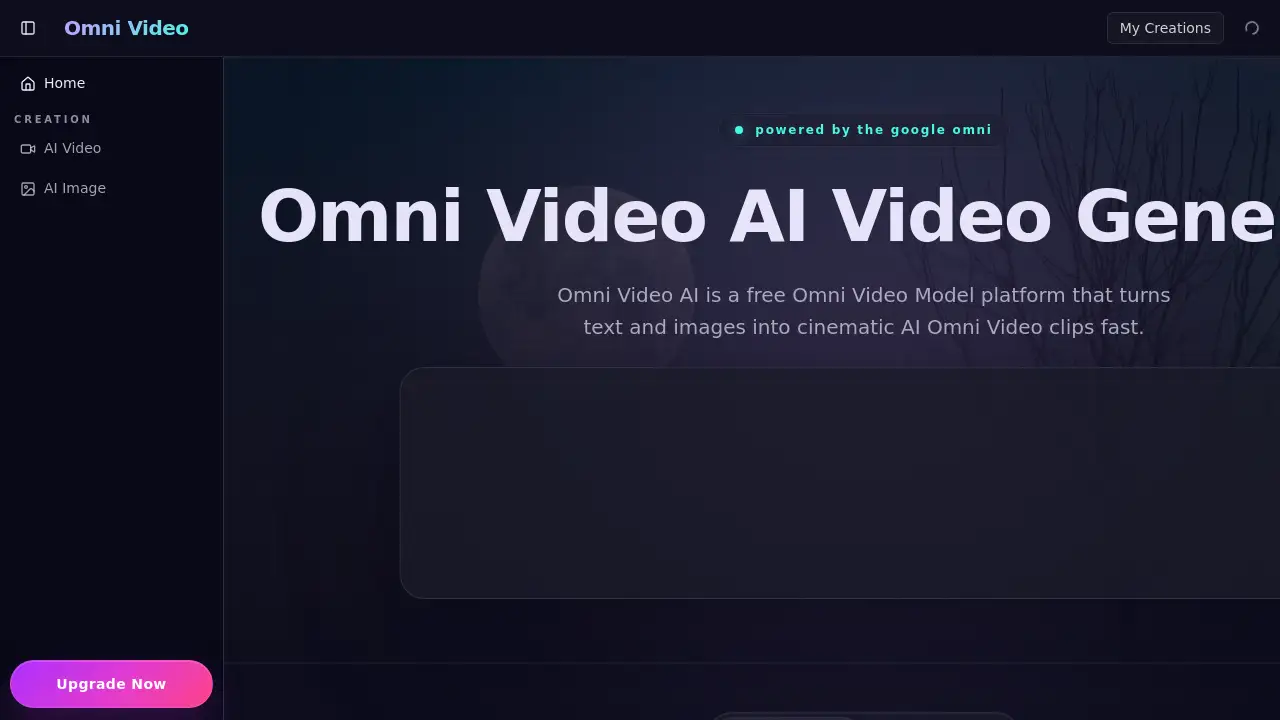
Omni Video AI is a free AI video generator that turns text and images into cinematic video clips.
What is Omni Video?
Omni Video AI is a browser-based platform that leverages a powerful AI model to generate cinematic video clips from text prompts or reference images. It addresses the challenge for creators and marketers who need high-quality, coherent video content quickly without extensive production resources. The tool combines text-to-video, image-to-video, and editing functionalities into one streamlined workflow. This makes it suitable for professionals and beginners looking to produce campaign ads, social media content, or pre-visualization clips with a consistent, professional visual style.
Key Features of Omni Video
Cinematic Text-to-Video
The platform can transform a simple text description into a full video clip with coherent camera motion, appropriate lighting, and professional pacing, making it an efficient AI video generator for storytelling.
High-Quality Omni Video Model
The underlying Omni Video Model is designed to preserve identity, texture, and lighting across frames, resulting in realistic AI video output that avoids the common jitter and inconsistency of other generators.
Stable Image-to-Video Conversion
Users can upload a single reference image, and the tool will generate a video with stable, intentional motion, maintaining the subject's identity and scene coherence throughout the clip.
Integrated AI Video Editor
The platform includes built-in editing controls, allowing users to refine timing, framing, and visual style directly within the workspace before exporting the final video, eliminating the need for separate post-production software.
Fast Generation and 4K Export
With a reported fast inference time, the tool generates high-definition video clips quickly and supports native 4K resolution export for professional-grade visual assets.
Use Cases for Omni Video
Creating Campaign and Social Media Ads
Teams can build consistent ad loops, explainer videos, and launch teasers with cinematic quality, maintaining brand style across different marketing channels efficiently.
Rapid Content Prototyping and Pre-Visualization
Filmmakers and designers can use the text-to-video feature to quickly visualize script notes or concepts, creating usable pre-visualization clips in minutes to streamline early production stages.
Enhancing Static Imagery with Motion
E-commerce managers and marketers can breathe life into product photos or studio shots by using the image-to-video feature to create multiple dynamic, ad-ready clips from a single image.
Producing Consistent Visual Content
Social media managers and content creators can generate a steady stream of on-brand video content from text prompts, ensuring a unified visual language across all posts and campaigns.
How to Use Omni Video
Using Omni Video AI to create a video is a straightforward three-step process.
- Input Your Prompt or Image: Describe the video scene you want in the text box, or upload an image or video to use as a visual reference for generation.
- Set Your Parameters: Choose the desired video duration, aspect ratio (like 16:9 or 9:16), and output quality settings.
- Generate and Download: Click the "Generate" button. After a brief processing time, you can preview, make final edits using the AI video editor controls, and download your high-definition video clip.
Target Audience for Omni Video
- Marketing Professionals and Agencies
- Social Media Content Creators and Managers
- Filmmakers and Video Producers
- Motion Designers and Graphic Artists
- E-commerce Managers and Brand Strategists
- UX/UI Designers creating product demos
Is Omni Video Free?
Based on the reference information, Omni Video AI is promoted as a free platform. The homepage encourages users to "Start Creating with Omni Video AI for Free" and "Generate your first Omni Video clip in minutes." There is no mention of paid plans or tiers in the provided content. For the most accurate and current information on any potential premium features, users should check the official website.
Omni Video's Pros and Cons
| Aspect | Pros | Cons |
|---|---|---|
| Accessibility | Free to use and browser-based, requiring no software installation. | Pricing structure for advanced features (if any exist) is not detailed. |
| Workflow | Integrates text-to-video, image-to-video, and editing into one cohesive AI tool. | As a web platform, it requires a stable internet connection. |
| Output Quality | Generates cinematic, coherent clips with stable motion and high (4K) resolution. | The creative output is ultimately dependent on the user's input prompts and guidance. |
| Ease of Use | Features a simple three-step process suitable for beginners. | Professional-grade control over fine details may be limited compared to advanced desktop software. |
Frequently Asked Questions about Omni Video
What is Omni Video AI?
Omni Video AI is a free, browser-based AI video generator that uses the Omni Video Model to create cinematic video clips from text descriptions or images. It is designed for marketers, creators, and teams who need to produce high-quality video content quickly.
How is Omni Video AI different from other AI video generators?
While many tools focus only on clip generation, Omni Video AI provides a complete workspace that integrates prompting, referencing, motion control, and editing. It emphasizes scene coherence, identity stability, and a cinematic style inspired by advanced AI research, all within a single platform.
Can I use Omni Video AI for professional advertising campaigns?
Yes. The platform is built to help teams create campaign ads, explainers, and launch teasers with cinematic quality. Its ability to maintain consistent brand style and visual language across multiple clips makes it suitable for professional advertising and social media campaigns.
Is Omni Video AI the official Google Gemini model?
No. The platform is an independent tool inspired by the cinematic style and research associated with models like Gemini Omni. It packages similar capabilities into a user-friendly AI video generator workflow but is not the official model owner.
Does Omni Video AI have editing features?
Yes. The platform includes integrated AI video editor controls that allow users to refine the timing, framing, style, and visual consistency of their generated clips directly within the same workspace, facilitating fast revision cycles.
What kind of videos can I create with Omni Video AI?
You can create a wide range of videos, including cinematic landscape scenes, animated fashion portraits, product motion clips, social media ads, pre-visualization shots for film, and looping background visuals. The tool supports both text-to-video and image-to-video workflows.
Omni Video Tags
Omni Video AI, AI video generator, text to video, image to video, cinematic AI video, free video maker, Omni Video Model, AI video editor, create AI video, video from text, marketing video tool, social media video creator