Introduction
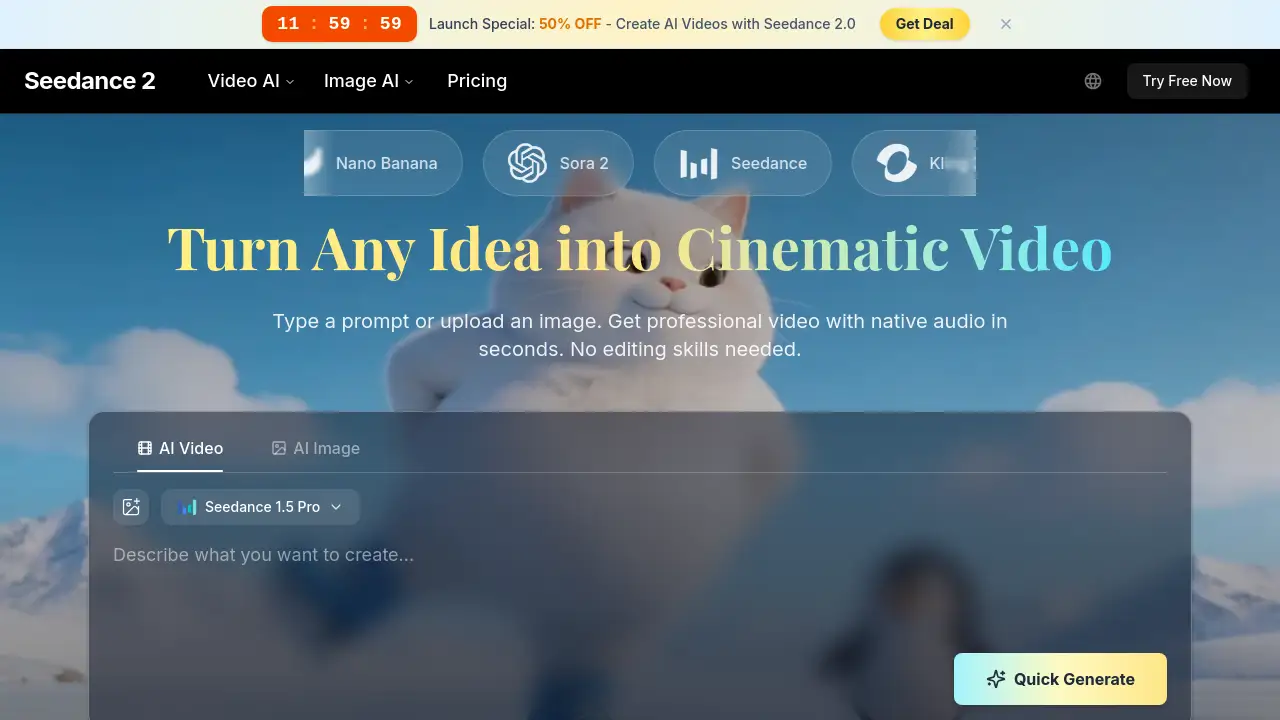
Create stunning cinematic videos from text or images instantly with Seedance 2.0 AI Video, a powerful AI video generator designed for everyone.
What is Seedance 2.0 AI Video?
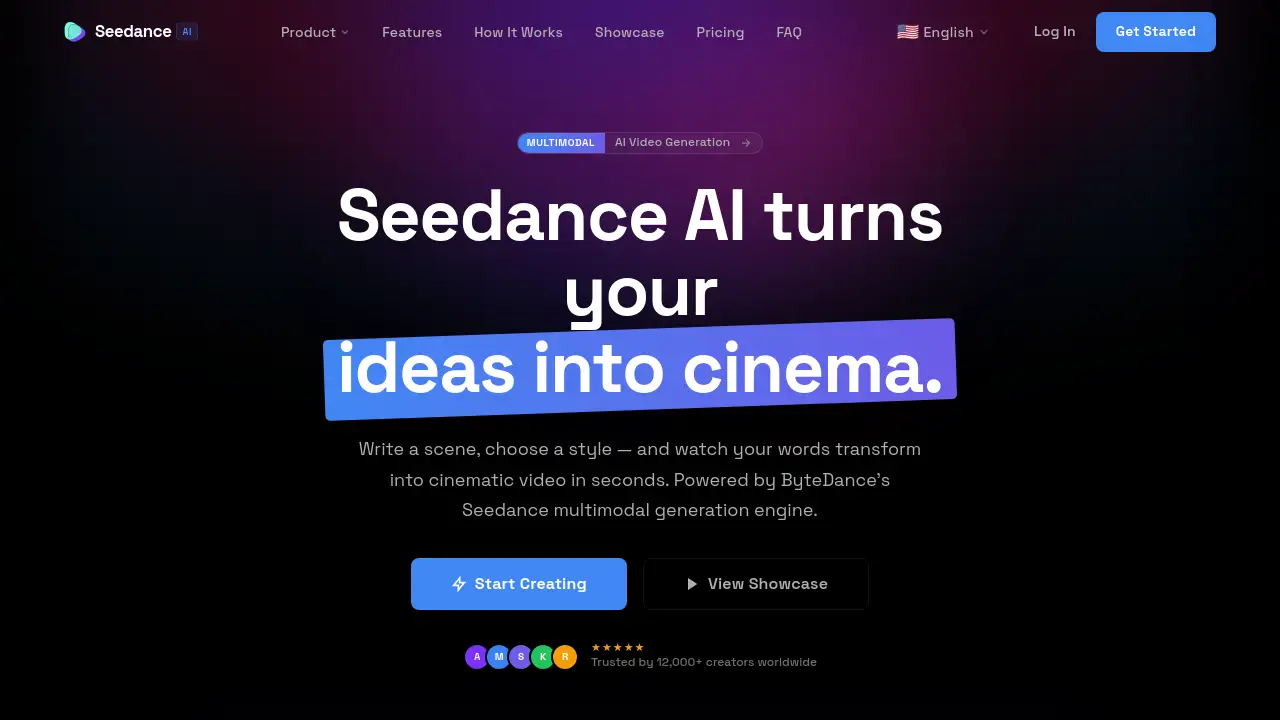
Seedance 2.0 AI Video is an online platform that transforms simple text prompts or uploaded images into professional-quality, cinematic videos complete with synchronized native audio. This AI video generator solves the common problem of complex and time-consuming video production by automating the entire process, making it accessible to users without any editing skills or technical background. It is suitable for a wide range of creators, from social media influencers and marketing teams to educators and hobbyists, who need to produce engaging video content quickly and efficiently. The ability to generate videos in seconds directly from a description democratizes high-quality video creation.
Key Features of Seedance 2.0 AI Video
Lightning-Fast Video Generation
The platform leverages optimized AI inference to deliver finished videos in under a minute, significantly faster than traditional rendering or other AI video tools, allowing for rapid iteration and content creation.
Multi-Format Input Flexibility
Users can create videos by typing a detailed text prompt or by uploading an image to animate, providing multiple pathways for inspiration and giving the AI video generator maximum creative flexibility.
Professional Cinematic Quality
Seedance 2.0 produces videos with realistic physics, natural character motion, and coherent visual styles, enabling outputs that look professionally filmed and are suitable for commercial use.
Built-In Native Audio Synchronization
Every generated video includes automatically created and synchronized audio, removing the need for users to source or edit sound separately, which is a major time-saver for content creation.
Advanced Style Application
The tool can apply a vast range of visual aesthetics to videos, from cinematic film looks and anime to watercolor and 3D render styles, based on user prompts within the AI video generator.
Robust Privacy and Content Safety
User prompts, uploaded images, and generated videos are kept private, with built-in content filters to ensure outputs are appropriate and professional for all audiences.
Use Cases for Seedance 2.0 AI Video
Social Media Content Creation
Ideal for generating scroll-stopping short-form videos, B-roll footage, and engaging clips for platforms like TikTok, YouTube Shorts, and Instagram Reels to maintain a consistent posting schedule.
Marketing and Advertising Campaigns
Marketing teams can rapidly prototype ad concepts, create multiple promotional video variations, and produce scalable product demonstration videos without a full production crew.
E-commerce Product Visualization
Online stores can animate static product photos into dynamic lifestyle and showcase videos, enhancing product listings and improving conversion rates with compelling visual content.
Educational and Explanatory Content
Educators and trainers can create animated explainer videos, historical reenactments, and complex concept visualizations to make learning materials more engaging and memorable.
How to Use Seedance 2.0 AI Video
Using Seedance 2.0 is a straightforward three-step process designed for simplicity.
- Describe or Upload Your Idea: Start by typing a detailed text prompt describing your desired scene, characters, action, and mood. Alternatively, upload an image you wish to bring to life.
- Generate Your Video: Click the generate button. The Seedance 2.0 AI Video generator will process your input, create the visuals, apply motion and style, and sync the native audio, typically in under 60 seconds.
- Download and Share: Preview your completed video. If satisfied, download it in high resolution and share it directly to social media, embed it on a website, or use it in your projects.
Target Audience for Seedance 2.0 AI Video
- Content Creators & Influencers
- Marketing Professionals & Ad Agencies
- E-commerce Store Owners & Brands
- Educators, Trainers, and Course Creators
- Creative Agencies and Video Production Studios
- Hobbyists and Casual Creators
Is Seedance 2.0 AI Video Free?
Seedance 2.0 offers a free tier to start, with paid plans unlocking more credits and advanced features. The pricing structure is as follows:
| Plan | Price (Billed Yearly) | Key Features |
|---|---|---|
| Free | $0 | 10 starting credits, commercial license, watermarked outputs, 480p resolution, standard queue. |
| Lite | $9.9/month ($118.8/year) | 400 credits/month, no watermark, 1080p resolution, faster queue. |
| Pro | $19.9/month ($238.8/year) | 1000 credits/month, no watermark, 1080p resolution, priority queue, 4 parallel tasks. |
| Ultra | $28.5/month ($342/year) | 2000 credits/month, no watermark, 1080p resolution, highest priority queue, 10 parallel tasks, dedicated support. |
All paid plans include a commercial license and reduced credit consumption for Seedance 2.0 generations.
Seedance 2.0 AI Video's Pros and Cons
| Aspect | Pros | Cons |
|---|---|---|
| Ease of Use | Extremely simple, three-step process; no editing skills required. | Output quality is entirely dependent on the user's prompt-writing ability. |
| Speed & Efficiency | Generates professional videos in seconds, enabling rapid content creation. | Free tier has limited credits and adds a watermark to videos. |
| Output Quality | Produces cinematic videos with realistic motion and synchronized audio. | Maximum video length per generation is currently limited compared to full-length editors. |
| Pricing & Value | Free tier available; paid plans offer good value for high-volume creators. | Can become costly for individuals or small teams needing thousands of credits monthly. |
| Features | Offers multiple input methods (text/image) and extensive style control. | Lacks the fine-grained, frame-by-frame control of traditional video editing software. |
Frequently Asked Questions about Seedance 2.0 AI Video
What is the maximum video length I can generate?
Seedance 2.0 AI Video can generate coherent scenes up to approximately 15 seconds in a single prompt, which is ideal for short-form content and social media clips.
Do I own the videos I create with Seedance 2.0?
Yes, you retain full ownership of the videos you generate. All plans, including the free tier, include a commercial license, allowing you to use the videos for business purposes.
Can I use my own images or video as a starting point?
Yes, the AI video generator allows you to upload an image to animate. You can use this feature to transform product photos, artwork, or any still image into a dynamic video.
What are "credits" and how many do I need?
Credits are the currency used to generate videos. Each video generation consumes a certain number of credits, which varies by the AI model used and video length. The free plan offers 10 credits to start.
How does the native audio feature work?
The platform's AI automatically generates sound effects, ambient noise, or music that matches the visual content of your prompt and synchronizes it with the video, creating a complete audiovisual piece.
Is there a limit on how many videos I can generate per day?
There is no set daily limit. Your generation capacity is determined by your available credits, which refresh monthly according to your subscription plan.
Seedance 2.0 AI Video Tags
ai video generator, create ai video, cinematic video maker, text to video, image to video, free video generator, ai video creator, professional video maker, social media video tool, marketing video ai, e-commerce video, video content creation