Introduction
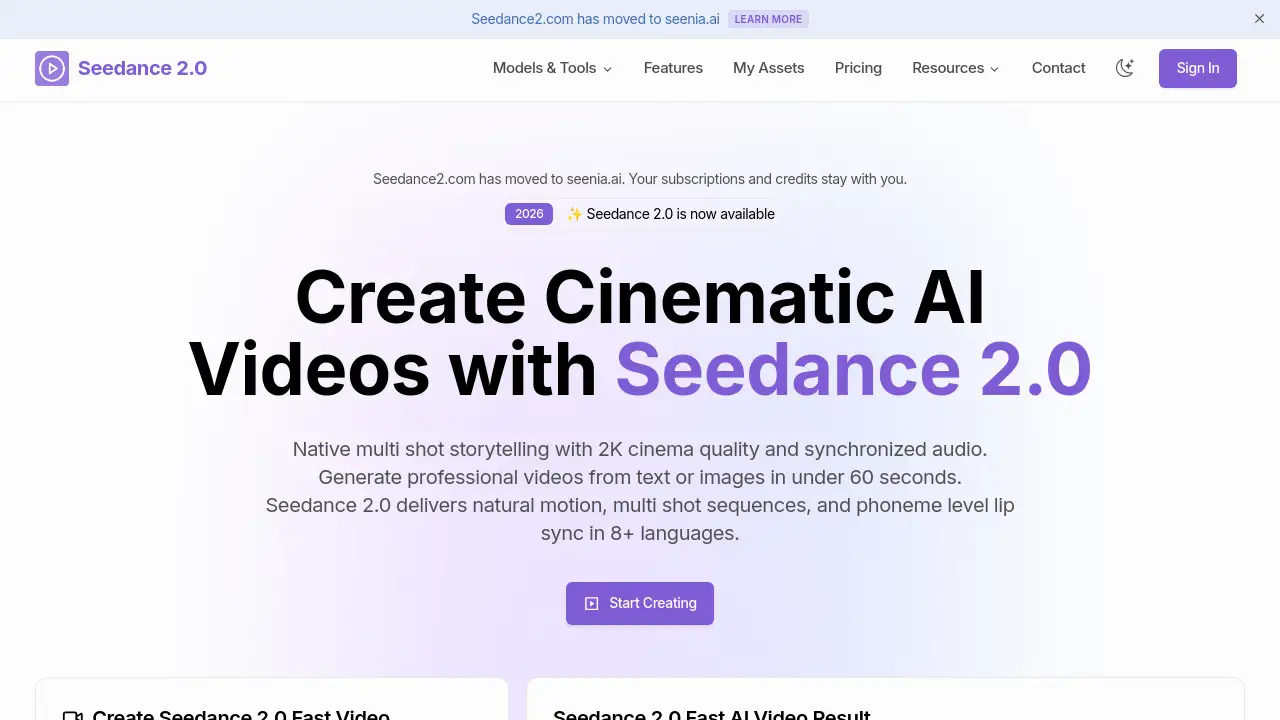
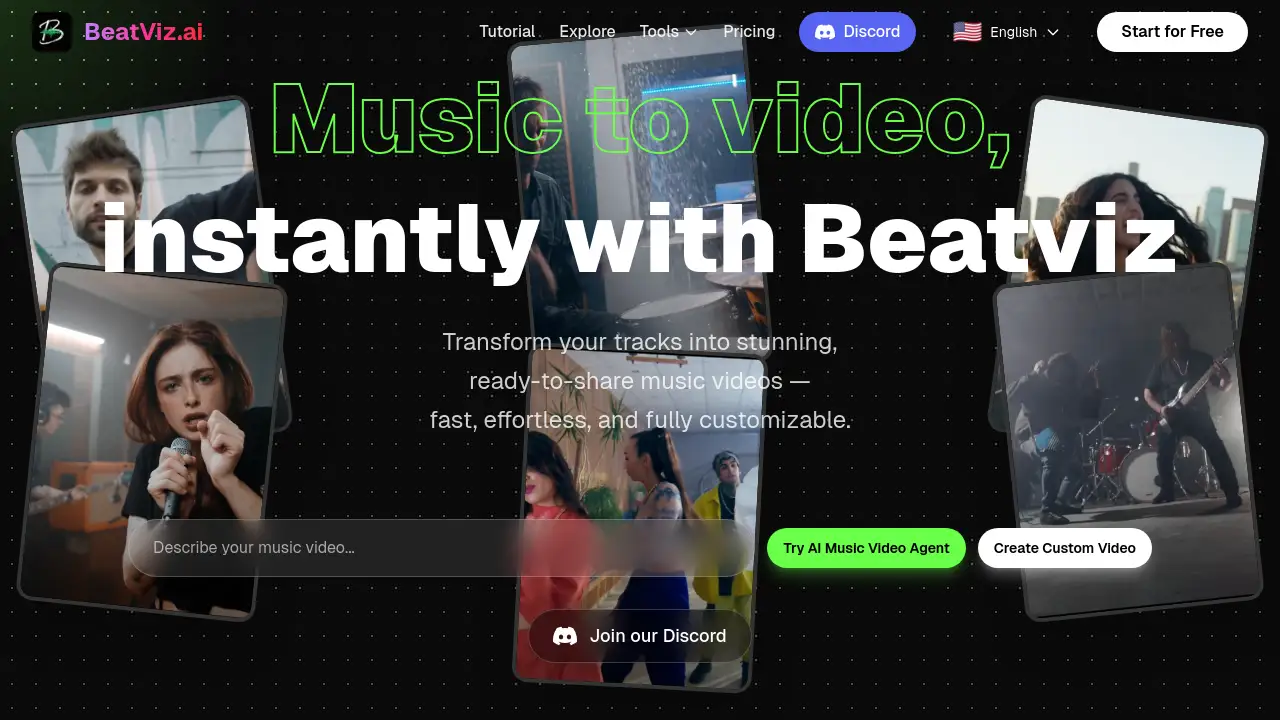
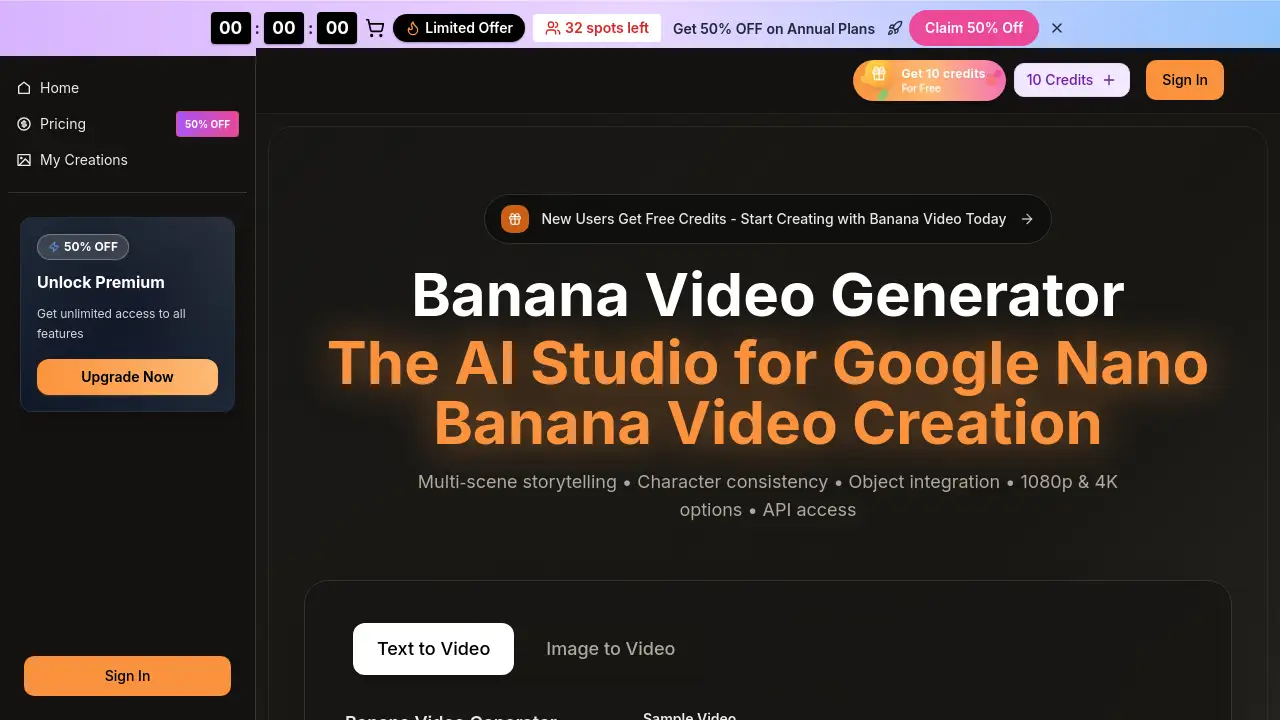
Banana Video is a modern AI-powered platform designed for generating video content from text or images.
What is banana video?
Banana Video is an online banana video generator that uses artificial intelligence to create short video clips. It solves the problem of time-consuming and expensive traditional video production by enabling users to generate banana video content quickly from simple text prompts or uploaded images. This banana video ai tool is suitable for marketers, content creators, social media managers, and businesses looking to produce cost-effective marketing materials, social media ads, or narrative clips. Its importance lies in democratizing video creation, allowing users without technical video editing skills to produce professional-looking banana video clips with features like multi-scene storytelling and character consistency.
Key Features of banana video
Text-to-Video and Image-to-Video Conversion
The core functionality allows users to generate banana video content either by typing a descriptive prompt or by uploading a reference image, providing flexibility for different creative workflows.
Multi-Scene Storytelling
Users can create videos that tell a coherent story across multiple scenes, which is essential for producing engaging narrative content or advertisements.
Character and Object Consistency
The banana video ai technology works to maintain consistent appearances for characters and objects throughout a generated video clip, leading to more polished and professional results.
High-Quality Video Output
The generator supports output resolutions up to 1080p Full HD and offers 4K-ready quality, ensuring videos are suitable for professional use on various platforms.
Native Audio Generation
This feature allows for the creation of videos with synchronized audio elements like dialogue and sound effects directly within the platform, streamlining the production process.
Flexible Aspect Ratios
Creators can choose from multiple aspect ratios including 16:9, 9:16, and 1:1, making it easy to create content optimized for different platforms like YouTube, TikTok, or Instagram.
Commercial Usage Rights
Outputs generated with Banana Video come with a license for commercial use, giving businesses and creators confidence to use the banana video clips in ads and monetized content.
Fast Generation and Iteration
The platform is built for speed, allowing for quick previews and rendering to support rapid experimentation and iteration on video ideas.
Use Cases for banana video
Low-Cost Marketing Video Production
Teams can create polished marketing and brand banana video content in minutes, eliminating the need for expensive studios or long editing cycles, which is ideal for banana video google ad campaigns.
Social Media Content Creation
Content creators and social media managers can quickly produce eye-catching banana video clips for platforms like Instagram Reels, TikTok, and YouTube Shorts to engage their audience.
Product Demonstrations and E-commerce
Businesses can generate clean, ad-ready product reels and demonstration videos for e-commerce websites and landing pages to showcase their offerings.
Storyboarding and Previsualization
Filmmakers and agencies can use the banana video generator to quickly visualize concepts and create storyboards for client pitches or project planning.
Educational and Explainer Content
Educators and trainers can turn scripts or key points into simple, animated explainer videos to enhance learning materials.
How to Use banana video
Using Banana Video is a straightforward process designed to get from idea to final video quickly.
- Choose Your Input Method: Start on the platform's main page and decide whether to create a video from text or an image.
- Enter Your Prompt or Upload: For text-to-video, type a detailed description of your desired scene. For image-to-video, upload a reference picture. You can also set parameters like aspect ratio, video quality (e.g., 720p or 1080p), and duration.
- Generate the Video: Click the "Generate" button. The banana video ai will process your input and create a video clip, which you can preview directly on the site.
- Refine and Download: If needed, you can tweak the prompt and regenerate. Once satisfied, download the final banana video file for use in your projects.
Target Audience for banana video
- Marketing Professionals and Agencies: Those needing to produce high volumes of video ads and campaign assets quickly.
- Social Media Content Creators and Influencers: Individuals looking to create regular, engaging video content for their followers.
- Small Business Owners and Entrepreneurs: Teams with limited budgets who need professional marketing videos.
- Freelance Designers and Video Editors: Creators who want to speed up their workflow or offer new services to clients.
- Educators and Trainers: Professionals who create instructional or explanatory video content.
Is banana video Free?
Banana Video offers a free trial with credits to get started, along with paid subscription plans for higher-volume usage. Based on the reference information, the available plans are:
| Plan | Price (Annual Billing) | Key Features & Credits |
|---|---|---|
| Basic | $17.9/month (billed annually) | 1,000 credits/month, up to 100 videos/month, includes basic AI models and commercial license. |
| Professional | $29.9/month (billed annually) | 2,000 credits/month, up to 200 videos/month, includes access to more advanced AI models like Veo 3 and Sora 2. |
| Enterprise | $59.9/month (billed annually) | 6,000 credits/month, up to 600 videos/month, includes priority generation and support, plus all advanced models. |
New users can get free credits to test the banana video generator. For the most current pricing and details, visiting the official Banana Video pricing page is recommended.
banana video's Pros and Cons
| Aspect | Pros | Cons |
|---|---|---|
| Ease of Use | Simple, intuitive interface for quick video generation from text or images. | Advanced control over fine details of animation may be limited compared to professional desktop software. |
| Speed & Cost | Dramatically faster and more cost-effective than traditional video production for certain use cases. | Subscription cost may be high for individual users or those with very occasional needs. |
| Output Quality | Generates professional-looking 1080p video suitable for many commercial and social media applications. | The quality and realism of AI-generated banana video clips can vary depending on the prompt and model used. |
| Features | Strong feature set including multi-scene storytelling, character consistency, and commercial licenses. | The most advanced AI models (like Sora 2) are locked behind higher-tier annual plans. |
Frequently Asked Questions about banana video
Is there a free version of Banana Video?
Yes, new users can start with free credits to test the banana video generator. For ongoing use, paid subscription plans are available that offer more credits and access to advanced features.
How is Banana Video different from other AI video tools?
Banana Video emphasizes multi-scene storytelling and character consistency within its banana video ai generation, which can lead to more coherent narrative videos compared to some tools that generate single, unrelated scenes.
Can I use videos created with Banana Video for commercial purposes?
Yes, according to the provided information, all plans include a Commercial Use License. This means you can use the generated banana video clips in client work, advertisements, and other monetized content.
What video formats and resolutions does it support?
The platform allows exports in high-definition formats, specifically offering 720p HD and 1080p Full HD quality options, with mentions of 4K-ready output.
How long does it take to generate a video?
Generation is generally fast, allowing for previews in seconds. The final render time for higher-quality outputs may take a bit longer but is designed for rapid iteration within a workflow.
Can I edit a video after it's generated?
The primary workflow involves refining the text or image prompt and regenerating the clip. For detailed frame-by-frame editing or complex compositing, you would need to download the video and use separate editing software.
banana video Tags
banana video, banana video generator, banana video ai, text to video, image to video, AI video generator, nano banana video, create video from text, marketing video tool, social media video maker, video creation software, online video generator