Introduction
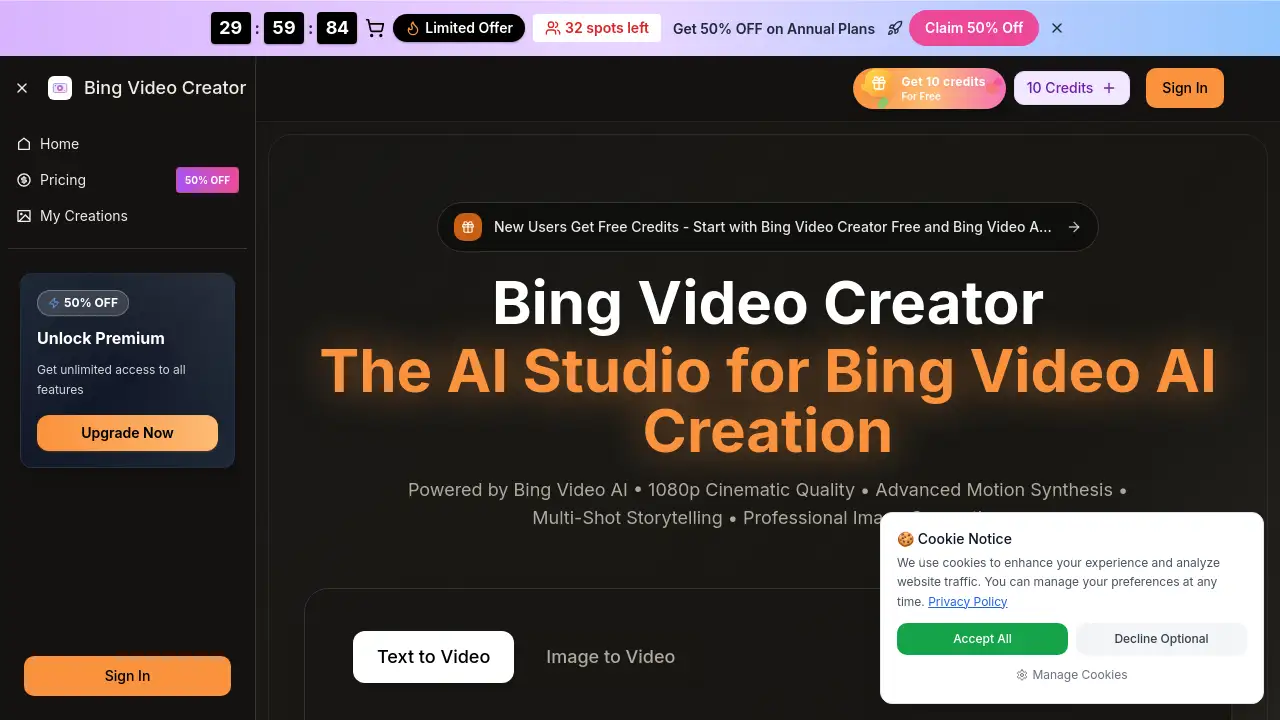
Bing Video Creator is an advanced AI-powered video generation studio that transforms text prompts and images into professional-quality video content.
What is bing video creator?
Bing Video Creator is an all-in-one, web-based platform that functions as a powerful Bing AI Video Generator. It leverages sophisticated Bing Video AI and the underlying Bing Video Model to create cinematic video clips from simple text descriptions or uploaded images. This tool solves the problem of expensive and time-consuming video production, making it possible for individuals and teams to generate professional marketing clips, social media content, and narrative videos in seconds. It is particularly suitable for content creators, digital marketers, small business owners, and social media managers who need to produce high-quality video content quickly and without requiring extensive technical skills or a large budget.
Key Features of bing video creator
Multi-Model Access
Users can select from different Bing Video Model options tailored for specific scenes or styles, allowing for greater creative control and variation within the Bing Video Creator pipeline.
4K-Ready & 1080p Cinematic Quality
The platform generates clean, professional video output with sharp detail, offering 1080p cinematic quality and 4K-ready resolution ideal for client delivery, marketing, and social media.
Native Audio Generation
This feature enables the creation of videos with synchronized dialogue, ambient sounds, and sound effects directly within the tool, reducing the need for separate audio editing software.
Fast Generation Speed
The Bing AI Video Generator is built for speed, allowing users to preview video concepts in seconds and render higher-quality versions for final publication, perfect for rapid iteration and testing ideas.
Commercial Usage Rights
Outputs created with Bing Video Creator come with a license for commercial use, giving creators and businesses confidence to use the generated AI video in advertisements, monetized content, and client projects.
Flexible Workflow Tools
The studio includes batch generation, scene-splitting capabilities, and prompt helpers, streamlining the workflow from the initial idea to a share-ready final video.
Image-to-Video Conversion
Beyond text, the platform can animate static images. Users upload a picture, add a prompt describing the desired motion, and the Bing Video AI brings it to life as a short video clip.
Use Cases for bing video creator
Cost-Effective Marketing Video Production
Teams can use Bing Video Creator to turn marketing briefs and concepts into polished, campaign-ready AI video content quickly and affordably, ideal for product promotions and brand stories.
Creating Premium Social Media Content
Creators can generate eye-catching, high-definition clips for platforms like Instagram, TikTok, and YouTube, leveraging the tool's cinematic quality and fast turnaround to stay on trend.
Prototyping and Storyboarding
Filmmakers and writers can visualize scenes or narrative ideas by generating video clips from text descriptions, using the Bing AI Video Generator as a powerful tool for pre-production planning.
Enhancing Static Visuals
Photographers and designers can use the image-to-video AI feature to add subtle motion to their still images, creating engaging animated photos or dynamic portfolio pieces.
How to Use bing video creator
Using Bing Video Creator is a straightforward process designed for efficiency.
- Access the Platform and Set Parameters: Navigate to the Bing Video Creator website. Before generating, choose your desired settings such as aspect ratio (e.g., square for Instagram, landscape for YouTube) and video quality.
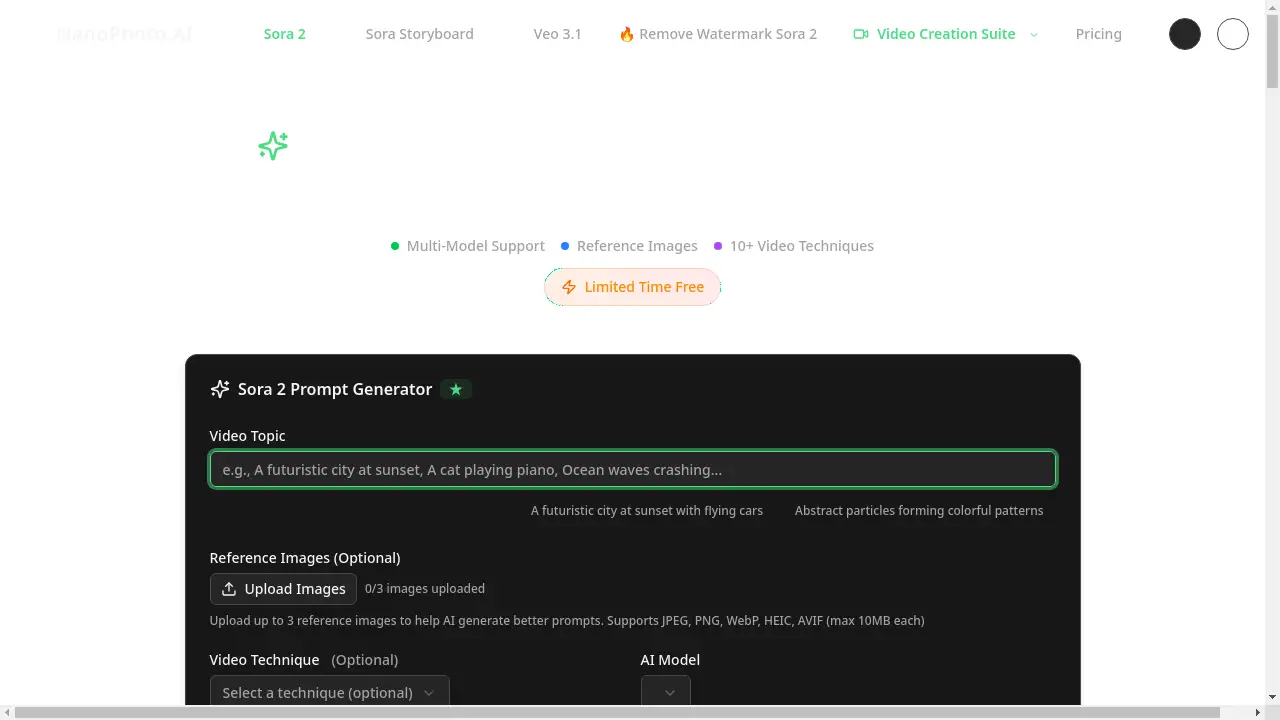
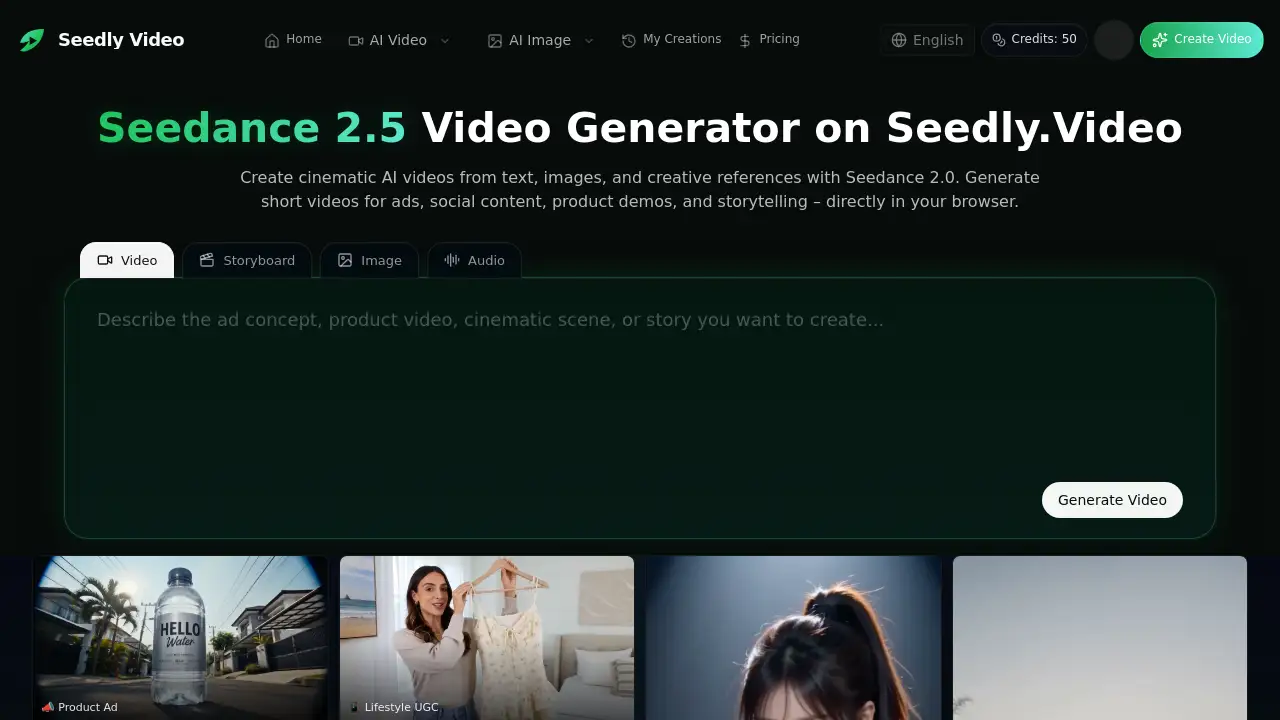
- Input Your Creative Prompt: In the main text box, type a detailed description of the video scene you want to create. For image-to-video, upload a reference image and write a prompt describing the motion.
- Generate and Preview: Click the generate button. The Bing Video AI and Bing Video Model will process your request and present a preview of your AI video within seconds.
- Refine and Download: If needed, refine your prompt based on the initial result and generate again. Once satisfied, download your video in high quality for use in your projects.
Target Audience for bing video creator
- Independent Content Creators & Artists: Individuals producing video content for social media, portfolios, or personal projects.
- Digital Marketers & Social Media Managers: Professionals needing a steady stream of high-quality video ads, posts, and campaign assets.
- Small Business Owners & Entrepreneurs: Those requiring affordable marketing and explainer videos to promote their products or services.
- Agencies & Creative Teams: Teams looking to accelerate video production workflows, prototype ideas, and deliver client work faster.
Is bing video creator Free?
Bing Video Creator offers a free tier to start, allowing users to try the core Bing AI Video Generator functionality with initial credits. For ongoing use, it operates on a subscription model with annual plans offering significant savings. The pricing is based on a credit system, where each video generation consumes a certain number of credits.
| Plan | Price (Billed Annually) | Key Features & Credits |
|---|---|---|
| Basic | $17.9/month | 1,000 credits/month. Includes AI video generation, commercial license, access to the Bing Video Model, and basic editing tools. |
| Pro (Most Popular) | $29.9/month | 2,000 credits/month. Adds priority generation, no watermark, and access to advanced AI models like Veo 3 and Sora 2. |
| Enterprise | $59.9/month | 6,000 credits/month. Designed for high-volume business use with the maximum credit allowance and priority support. |
bing video creator's Pros and Cons
| Aspect | Pros | Cons |
|---|---|---|
| Output Quality | Delivers professional, cinematic quality 1080p and 4K-ready video suitable for commercial use. | The final output's realism and consistency can vary depending on the complexity of the prompt. |
| Speed & Workflow | Fast generation speed from idea to preview accelerates content creation and iteration cycles. | Operates on a credit system, which may limit high-volume users on lower-tier plans. |
| Accessibility | No software installation required; works directly in a web browser on both desktop and mobile. | Creating optimal results requires learning how to craft effective text prompts for the Bing Video AI. |
| Licensing | Provides clear commercial usage rights, giving businesses legal confidence to use generated content. | Advanced features and popular AI models are gated behind higher-tier subscription plans. |
Frequently Asked Questions about bing video creator
What is Bing Video Creator?
Bing Video Creator is an online AI studio that acts as a Bing AI Video Generator. It uses advanced Bing Video AI and a Bing Video Model to create video clips from text descriptions or images, offering a quick way to produce professional video content.
Is there a free version of Bing Video Creator?
Yes, you can try Bing Video Creator Free to start. The platform provides free initial credits so users can test the core AI video generation capabilities before committing to a paid subscription plan.
How long does it take to generate a video?
Generation is very fast. Bing Video Creator can produce a preview of your AI video in a matter of seconds, allowing for rapid experimentation. Rendering the final high-quality download may take slightly longer but remains quick.
Can I use the videos for commercial purposes?
Yes. A key feature of Bing Video Creator is that it grants commercial usage rights for the videos you generate. This means you can legally use them in advertisements, on social media, for client work, and in other monetized projects.
What is the difference between text-to-video and image-to-video?
Text-to-video involves writing a description to generate a video scene from scratch. Image-to-video allows you to upload an existing picture and add motion to it based on a text prompt, animating the static image using Bing Video AI.
What are credits in Bing Video Creator?
Credits are the unit of consumption for generating videos. Each time you create an AI video, it uses a certain number of credits from your monthly allowance. Subscription plans offer different monthly credit pools, determining how many videos you can create.
bing video creator Tags
Bing Video Creator, Bing AI Video Generator, Bing Video AI, Bing Video Model, AI video generator, text to video AI, image to video AI, free video maker, AI video creation, cinematic AI video, 4K video generator, marketing video tool