Introduction
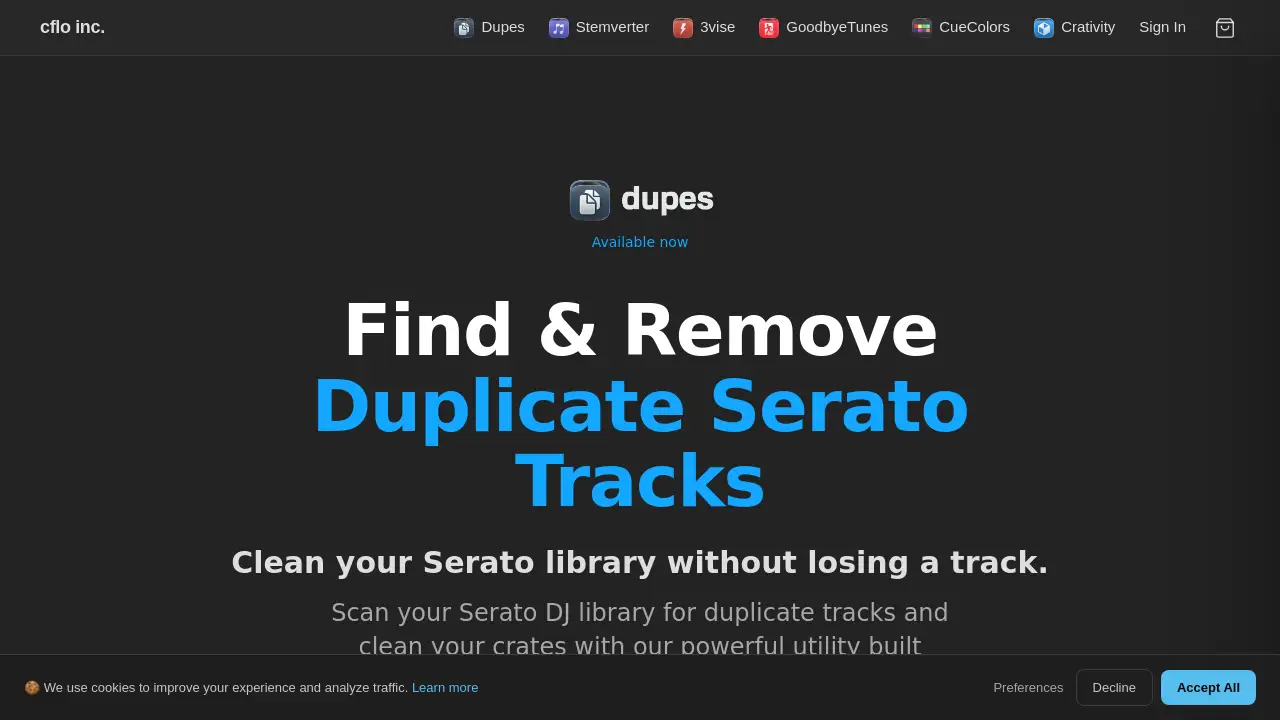
A Serato duplicate cleaner is essential for DJs who want to organize their music library without losing any tracks. Dupes, a utility built exclusively for macOS, scans Serato DJ Pro libraries to find duplicate tracks across different formats, qualities, and edits. With over 170,000 duplicates removed and 1.8 TB of storage recovered by users, this tool helps DJs free up disk space, speed up searches, and prevent accidental double‑plays. Whether you’re a mobile DJ with thousands of files or a bedroom producer, a reliable duplicate track remover like Dupes can transform your workflow.
What is Dupes?
Dupes is a one-time purchase application that reads your Serato database directly and identifies duplicate tracks by comparing up to ten metadata parameters. It runs 100% locally on your Mac, so your music files never leave your machine. The tool is designed for Serato DJ Pro users who struggle with messy libraries full of redundant files in different bitrates, file types, or edits. By cleaning your Serato library of duplicates, Dupes helps you regain hard drive space, improve loading times, and maintain a tidy crate structure. It supports both Intel and Apple Silicon Macs (M1–M5) and requires macOS 12 or later.
Key Features of Dupes
Metadata Matching
Dupes compares tracks using ten metadata fields: title, filename, artist, BPM, bitrate, time, size, album, comment, and file type. Users can toggle each parameter to find exact or fuzzy matches, making it a flexible duplicate file finder for Serato.
Batch Resolve
With one click, you can resolve hundreds of duplicate groups at once. This feature saves hours of manual sorting and allows you to quickly clean up even the largest libraries.
Archive or Trash
Choose whether to move duplicate files to a custom archive folder or directly to the system Trash. Serato crate references are updated automatically, so no broken links remain.
Serato Sync
After resolving duplicates, Dupes updates your Serato database in real time. Missing file references are removed, and your crates stay accurate.
Private & Local Processing
All scanning and matching happens on your Mac. No data is uploaded to any server, ensuring your music and metadata remain private.
Unlimited Scans
No subscription fees. After purchase, you can scan your library as many times as you like—ideal for ongoing library maintenance.
Apple Silicon Native
The app runs natively on M1, M2, M3, M4, and M5 chips without needing Rosetta. This ensures fast performance on the latest Macs.
Use Cases for Dupes
Cleaning a Large Library
A DJ with over 10,000 tracks often has a 12% duplicate rate. Dupes can scan the entire library, identify all duplicates, and let you batch‑resolve them, freeing hundreds of gigabytes of storage.
Removing Different Quality Versions
You may have the same song in MP3 320 kbps and WAV 1411 kbps. Dupes lets you keep the highest bitrate version and archive or delete the lower‑quality duplicate.
Organizing Crates by Playlists
If you have multiple playlists that include the same track from different sources, Dupes can scan specific crates or playlists so you only clean what matters.
How to Use Dupes
- Scan: Open Dupes and point it at your Serato library, a specific crate, or a playlist. The tool reads the Serato database directly—no imports or exports needed.
- Review: Duplicates are grouped by the metadata parameters you choose. Toggle parameters like title, BPM, or bitrate to refine your matches.
- Resolve: Set auto‑selection rules (e.g., keep highest bitrate, newest file, or most plays). Then click to resolve – files are archived or trashed, and your Serato library updates instantly.
Target Audience for Dupes
- Professional DJs using Serato DJ Pro with large libraries
- Mobile DJs who collect tracks in multiple formats
- Producers who accumulate multiple edits or remixes
- Librarians and collectors wanting to save disk space
- Any Serato user on macOS who values a clean, efficient music collection
Is Dupes Free?
Dupes is a paid one‑time purchase. Current launch pricing is $99 (reduced from $129). There is no free version, but a single license activates on one Mac at a time (transferable to a new machine).
| Plan | Price | Features |
|---|---|---|
| Launch License | $99 (one‑time) | Unlimited scans, all features, lifetime updates for the version purchased |
Dupes's Pros and Cons
| Aspect | Pros | Cons |
|---|---|---|
| Pricing | One‑time fee, no subscription | $99 may feel high for casual users |
| Platform | macOS native, Apple Silicon optimized | Only works on macOS (no Windows) |
| Compatibility | Supports Serato DJ Pro directly | No rekordbox support yet |
| Privacy | 100% local processing | No cloud backup for decisions |
| Ease of Use | Simple 3‑step workflow | No in‑app undo for resolve actions |
| Features | 10 metadata parameters, batch resolve | Limited to Serato ecosystem |
Frequently Asked Questions about Dupes
What DJ software does Dupes support?
Dupes currently supports Serato DJ Pro. It reads the Serato database directly, so no exporting or re‑importing is needed. Rekordbox support is planned but not yet available.
How does Dupes find duplicate tracks?
The Serato duplicate cleaner compares tracks using up to ten metadata parameters. You choose which parameters to match on—from strict (all ten) to loose (just a few). It then groups any tracks that match your criteria.
Is my music uploaded anywhere?
No. Dupes runs 100% locally on your Mac. Your music files and metadata never leave your machine.
What happens to removed files?
You decide: files can be moved to an archive folder or directly to the system Trash. Crate references in Serato are updated automatically.
Can I undo a resolve?
There is no in‑app undo button because Dupes updates your Serato library immediately. However, if you chose to move files to the Trash, you can restore them before emptying the Trash.
How many Macs can I use Dupes on?
Your license activates on one Mac at a time. You can deactivate the old machine from your account page and activate a new one when you upgrade.
Dupes Tags
Serato duplicate cleaner, duplicate track remover, clean Serato library, Serato DJ library management, duplicate file finder, Serato crate organizer, macOS DJ tool, remove duplicate tracks Serato, Serato DJ Pro utility, library cleaning software, Serato duplicate scanner