Introduction
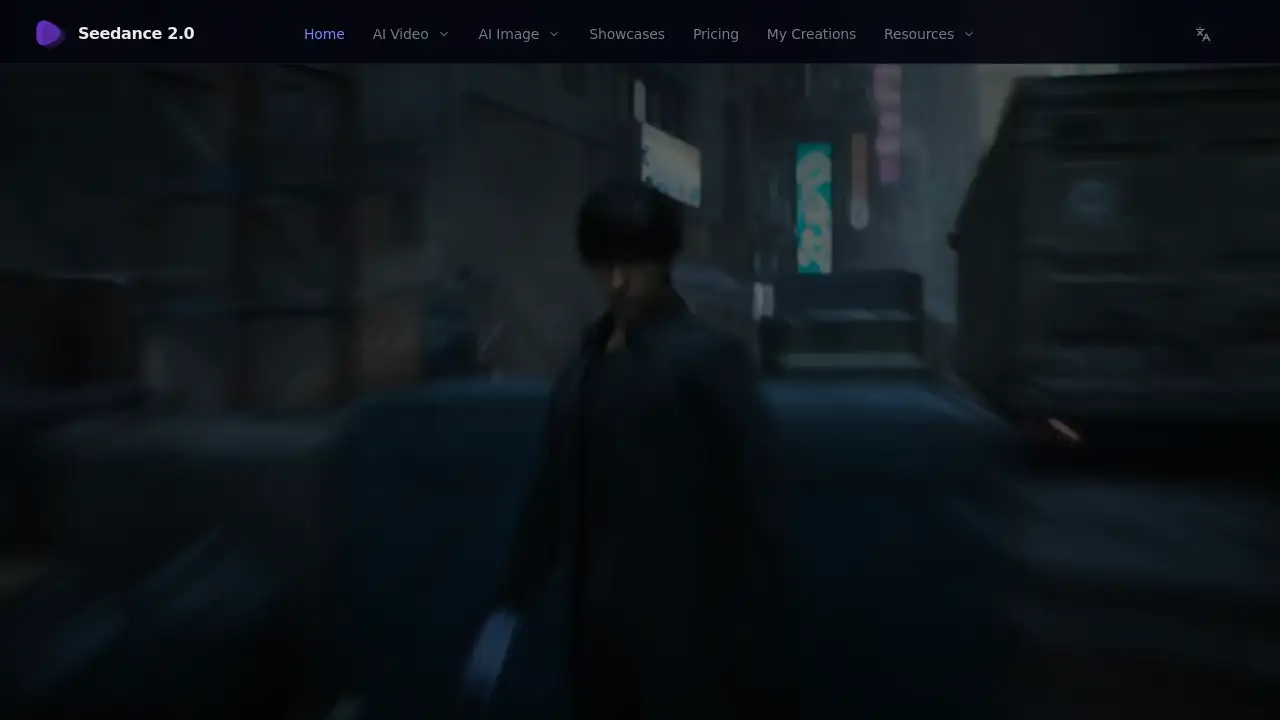
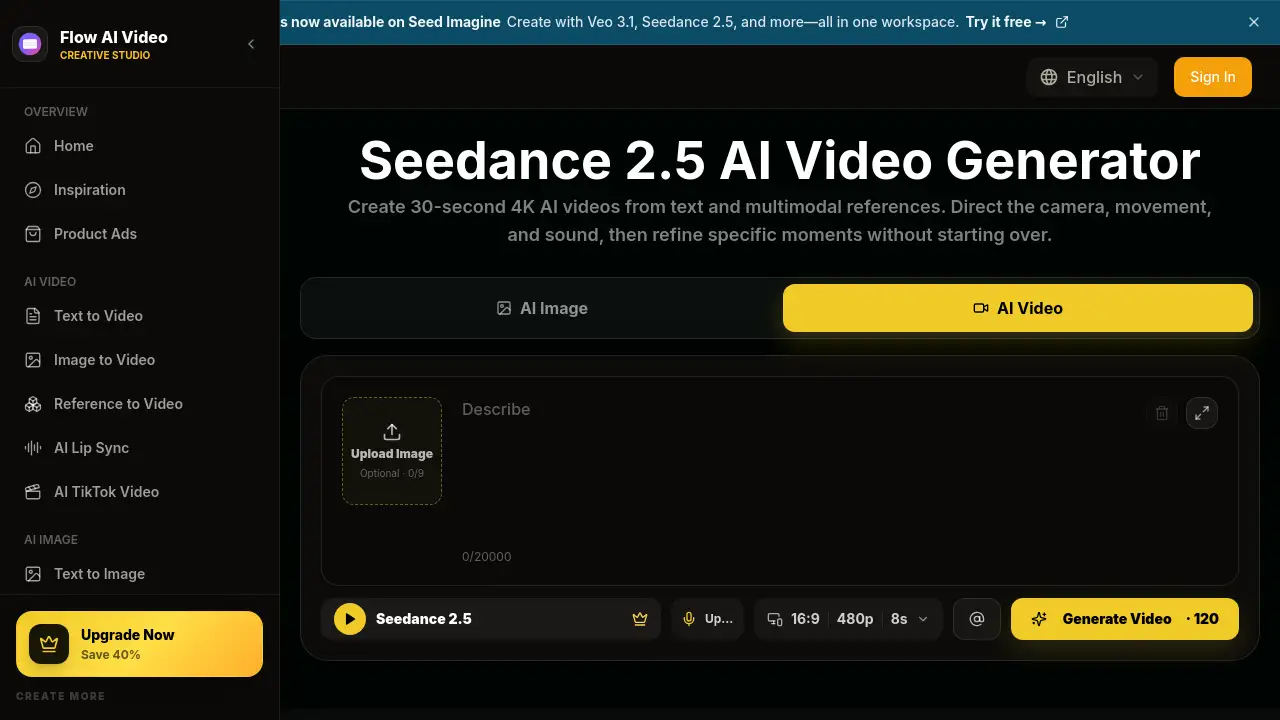
Seedance 2.5 is an advanced AI video generator that turns text prompts and multimodal references into 30-second 4K AI videos with motion control, native audio, and localized editing in Flow AI Video. Whether creators need product ads, social clips, or cinematic scenes, seedance 2.5 simplifies the entire video creation workflow. This review explores what seedance 2.5 offers, who benefits from this AI video generator, and how it fits into modern content production.
What is seedance 2.5?
Seedance 2.5 is an AI video generation model available inside Flow AI Video, a platform that also hosts models like Veo 3.1 and Seedance 2.0. It solves a common problem: producing professional-looking video without a camera crew, actors, or expensive editing suites. Users give seedance 2.5 a text prompt, reference images, or audio, and the model returns a complete video clip with camera movement, action, and sound. Whether the goal is text to video AI, image to video AI, or a mix of both, seedance 2.5 handles the input and generates the final result in one place. For marketers and creators, this AI video generator removes most of the technical barriers in video production. Seedance 2.5 matters because it brings studio-level output within reach for anyone.
Key Features of seedance 2.5
30-Second 4K Video Generation
Seedance 2.5 generates clips up to 30 seconds long in 4K resolution. This makes seedance 2.5 a strong AI video generator for producing high-quality content across YouTube, TikTok, and Instagram.
Multimodal Reference Input
Users can upload text prompts, reference images, or audio into seedance 2.5. This flexibility supports both text to video AI workflows and image to video conversions, so creators can choose the input method that best matches their project.
Motion Control
Seedance 2.5 lets users direct camera movements and subject motion. Instead of accepting random AI behavior, creators can guide pans, zooms, and action sequences to match the intended style — a key advantage of this AI video generator.
Native Audio Generation
Seedance 2.5 produces synchronized audio directly inside the generated video. This removes the need for a separate sound-editing step, making the workflow faster for a modern AI video generator.
Localized Editing
Seedance 2.5 includes localized editing so users can refine specific moments in a video without regenerating the entire clip. This image to video AI feature saves time and keeps the rest of the footage untouched.
Use Cases for seedance 2.5
Product Advertising
Marketers use seedance 2.5 to create product ads, money shots, and TVC-style commercials. The example gallery includes beverage launches, skincare demos, and fashion shows that demonstrate the model's range.
Social Media Content
Seedance 2.5 is ideal for generating UGC-style videos, tutorials, and short vertical clips. The 9:16 output format suits TikTok, Reels, and Shorts, which makes this AI video generator popular with social media teams.
E-commerce Try-On Videos
Online stores can use seedance 2.5 as an image to video AI solution to create virtual try-on clips for clothing, accessories, and beauty products. This helps shoppers see products in motion without a full photoshoot.
How to Use seedance 2.5
Using seedance 2.5 inside Flow AI Video is simple:
- Go to the seedance 2.5 page on Flow AI Video and sign in.
- Type a text prompt or upload reference images and optional audio.
- Select the aspect ratio, such as 16:9 or 9:16, and choose the resolution.
- Click Generate Video and let the AI video generator process the clip.
- Review the output and use localized editing to fix any parts that need changes.
Target Audience for seedance 2.5
- Digital marketers and ad agencies
- Content creators and influencers
- E-commerce store owners
- Video editors exploring text to video AI tools
- Small business owners who need quick promos
- Social media managers
Is seedance 2.5 Free?
Flow AI Video offers a free trial so users can test the seedance 2.5 AI video generator before paying. The platform also advertises a 40% saving on upgrades. Exact pricing for seedance 2.5 was not listed on the review page, so users should check the official Flow AI Video pricing page for current plans.
| Plan | Price | Features |
|---|---|---|
| Free Trial | $0 | Basic access to test seedance 2.5 AI video generator |
| Paid Plan | See official page | Full features, launch discount available |
seedance 2.5's Pros and Cons
| Aspect | Pros | Cons |
|---|---|---|
| Video Quality | 4K resolution with 30-second clips | Long videos may consume many credits |
| Input Options | Text, image, and audio references supported | Requires careful prompt design for best results |
| Editing | Localized editing avoids full regeneration | Advanced controls have a learning curve |
| Audio | Native audio is generated automatically | Limited audio customization compared to dedicated tools |
| Pricing | Free trial available for new users | Pricing details are not fully transparent on the review page |
Frequently Asked Questions about seedance 2.5
What is seedance 2.5?
Seedance 2.5 is an AI video generator that creates 30-second 4K AI videos from text prompts, reference images, and audio. It runs inside the Flow AI Video platform.
How does seedance 2.5 compare to other AI video models?
Seedance 2.5 offers features similar to models like Veo 3.1, Seedance 2.0, and Kling 3.0, including text to video AI generation, motion control, and native audio. Its combination of multimodal input and localized editing makes it stand out among modern AI video generator tools.
Can I use seedance 2.5 for free?
Yes, Flow AI Video provides a free trial so users can test this AI video generator. Paid plans offer more credits and advanced features.
What aspect ratios does seedance 2.5 support?
Seedance 2.5 supports common formats such as 16:9 for widescreen and 9:16 for vertical social videos. Users can also choose the resolution and video length as needed.
Is seedance 2.5 good for product ads?
Yes. Seedance 2.5 includes many product ad examples like money shots, TVC commercials, UGC clips, and try-on videos, making it a solid choice for marketing teams that want fast iterations.
What does localized editing mean in seedance 2.5?
Localized editing lets users adjust one specific moment in a video without redoing the whole clip. It saves credits and keeps the rest of the output identical.
seedance 2.5 Tags
seedance 2.5, AI video generator, text to video AI, image to video AI, 4K AI video generator, Flow AI Video, AI video creation, AI video generation model, motion control video, localized video editing, AI video examples, seedance video model