Introduction
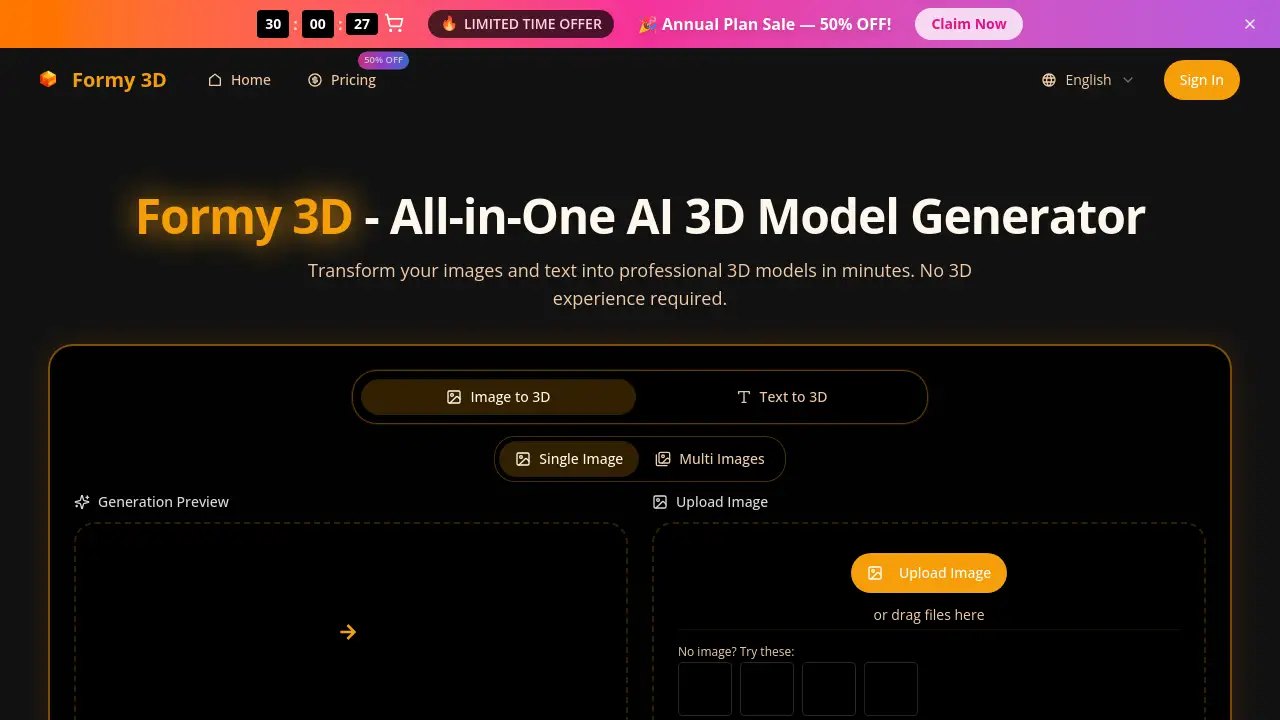
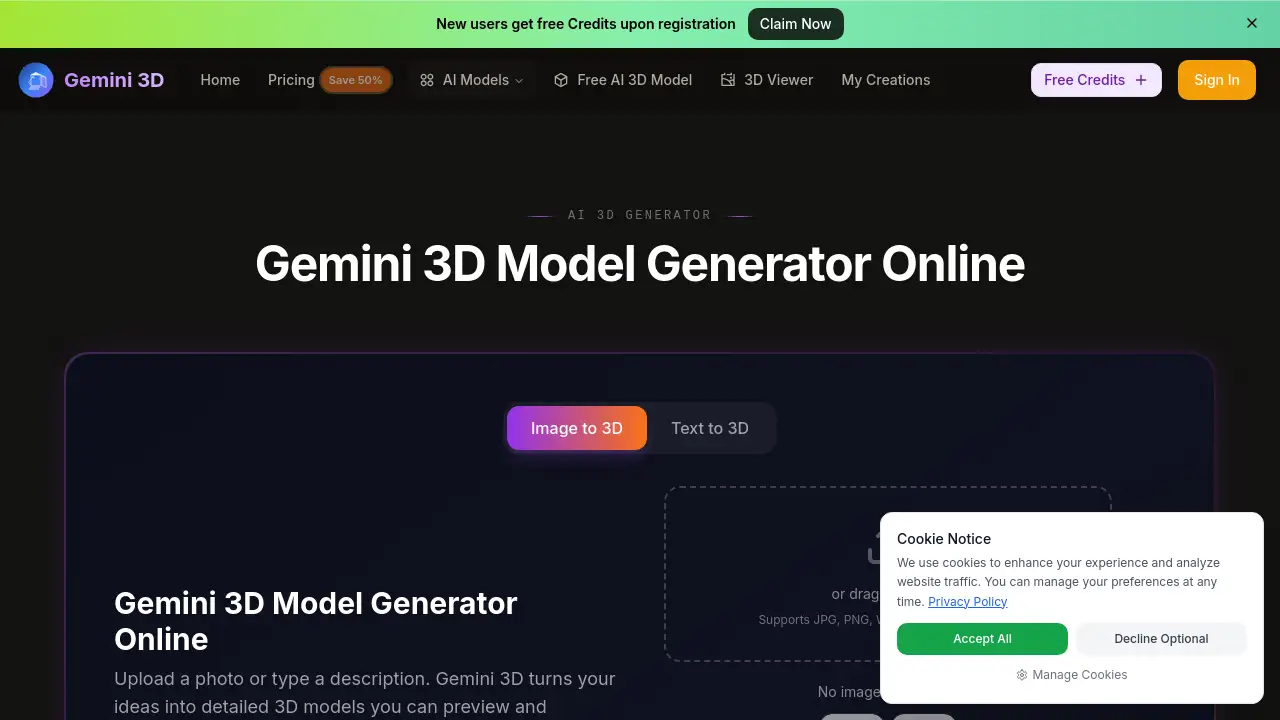
Gemini 3D is a free online AI tool that turns text prompts or images into detailed 3D models in seconds. This image to 3D converter lets anyone create production-ready assets without modeling skills.
What is image to 3d?
Gemini 3D is an AI model generator that interprets text to 3D or photo inputs and produces textured, rotatable 3D models. It solves the problem of slow, complex 3D modeling by letting users describe ideas in plain English or upload a reference image. Within seconds, the AI delivers a model with clean geometry and PBR materials.
Suitable for game developers, e‑commerce teams, designers, and hobbyists, this 3D model generator removes the steep learning curve of traditional CAD software. The platform exports to GLB, OBJ, FBX, and STL, making assets ready for Unity, Unreal, Blender, or 3D printing. Because it is a free AI 3D model tool, anyone can experiment without financial risk.
Key Features of image to 3d
Image to 3D – Photo Upload
Upload a JPG, PNG, or WEBP (max 6 MB) and get a fully textured 3D model. The AI reads shape, surface detail, and structure from the photo, turning flat references into rotatable assets.
Text to 3D – Prompt Generation
Type a description like “a retro arcade machine with neon trim” and the AI generates a detailed model with accurate geometry. No CAD experience needed – just natural language.
PBR Textures and Clean Topology
Every model includes physically‑based textures (brushed metal, glass, fabric) that behave realistically in any engine. Clean topology means no manual fixing before use.
Multi‑Format Export
Download as GLB (web/Three.js), OBJ (offline editing), FBX (game engines), or STL (3D printing). Each export is optimized, so you skip conversion steps.
Rapid Preview and Standard Quality
Two generation modes: Rapid (free, fast preview, 20 credits) and Standard (paid, best quality, 100 credits). Standard delivers cleaner geometry and better textures for production work.
Style Gallery
Pick from 16 predefined styles – photorealistic, low‑poly, cyberpunk, anime, oil painting, etc. – to generate consistent assets that fit your project’s visual direction.
Use Cases for image to 3d
Game Asset Prototyping
Indie studios and solo developers use image to 3D to quickly generate props, characters, or environment pieces from text prompts. They iterate variations before committing to final art.
E‑commerce Product Visualization
Upload a product photo and get a 3D model for 360° views on product pages. This cuts modeling time from hours to minutes for catalog assets.
AR/VR Content Creation
Create 3D objects for augmented reality experiences. Export to GLB for easy integration into WebAR or mobile apps, with realistic materials that respond to real lighting.
3D Printing Pre‑visualization
Designers generate a model from a sketch or description, export as STL, and send it directly to a slicer. The AI handles geometry, so users focus on form rather than manual mesh building.
How to Use image to 3d
- Go to Gemini 3D – Open the website and sign up for free credits (new users get credits upon registration).
- Choose input – Either type a text prompt or drag an image (JPG, PNG, WEBP) into the upload area.
- Select quality – Choose Rapid (free preview, 20 credits) or Standard (paid, 100 credits) for better results.
- Generate – Click the “Generate Model” button. The AI produces a model in seconds.
- Preview and export – Rotate the model in the browser. If satisfied, click download and pick GLB, OBJ, FBX, or STL.
Target Audience for image to 3d
- Game developers – prototyping assets quickly before committing to high‑poly work.
- E‑commerce teams – producing product models for online catalogs.
- AR/VR creators – generating 3D objects for immersive experiences.
- 3D printing enthusiasts – converting sketches or photos into printable models.
- Graphic designers – creating 3D mockups for client presentations.
- Hobbyists and newcomers – exploring 3D modeling without learning complex software.
Is image to 3d Free?
Gemini 3D offers a free tier that includes 20 credits for Rapid preview runs (fast, lower quality). Paid plans unlock Standard quality – cleaner geometry, better textures, and production‑ready exports. Annual subscriptions save 50%. Here is the pricing breakdown:
| Plan | Price | Credits | Key Features |
|---|---|---|---|
| Basic (Annual) | $9.9/month | 6,000/year | Standard generation, unlimited downloads, permanent history, commercial license |
| Professional (Annual) | $23.9/month | 15,000/year | All Basic features, more credits for heavy use |
| Enterprise (Annual) | $63.9/month | 60,000/year | All Professional features, team‑scale credits |
Monthly and one‑time payment options are also available. Free users can test prompts with Rapid mode before committing to a plan.
image to 3d's Pros and Cons
| Aspect | Pros | Cons |
|---|---|---|
| Ease of use | Zero learning curve; natural language controls | Limited fine‑tuning of geometry |
| Speed | Models generated in seconds | Rapid preview quality is lower |
| Export formats | GLB, OBJ, FBX, STL – covers all pipelines | No native export to proprietary formats (e.g., .blend) |
| Quality | PBR textures, clean topology in Standard mode | Free runs are just previews, not production‑ready |
| Pricing | Free tier available; affordable annual plans | Full quality requires paid subscription |
| Style versatility | 16 predefined styles + custom prompts | Some prompt nuance may be lost for highly specific designs |
Frequently Asked Questions about image to 3d
Can I use Gemini 3D for commercial projects?
Yes. All paid plans include a Commercial Use License, allowing you to use generated models in products, games, marketing, and other commercial applications.
How does the image to 3D conversion work?
Upload a photo (JPG, PNG, or WEBP). The AI analyzes shape, surface details, and structure to build a textured 3D model. The resulting mesh can be rotated and exported in your chosen format.
What file formats can I export?
You can download models as GLB, OBJ, FBX, or STL. Each format is optimized for its target use – GLB for web, FBX for game engines, STL for 3D printing, and OBJ for general editing.
Is there a limit on the number of free generations?
Free users get 20 credits for Rapid preview runs. Each run uses 20 credits, so you can test prompts a few times. Standard quality generation costs 100 credits per run and is only available on paid plans.
Can I customize the generated model after export?
Yes. The exported files are standard 3D formats that can be imported into Blender, Unity, Unreal, or any 3D editing software for further refinement.
Do I need any 3D modeling experience to use Gemini 3D?
No. The tool is designed for everyone. You can describe your idea in plain text or upload a photo – the AI handles the modeling. No CAD or mesh editing skills are required.
image to 3d Tags
image to 3D, free AI 3D model generator, text to 3D, online 3D model creator, photo to 3D, AI 3D generation, 3D asset creation, GLB export, OBJ export, STL 3D printing, 3D modeling tool, prompt to 3D, PBR textures, AI model generator