Introduction
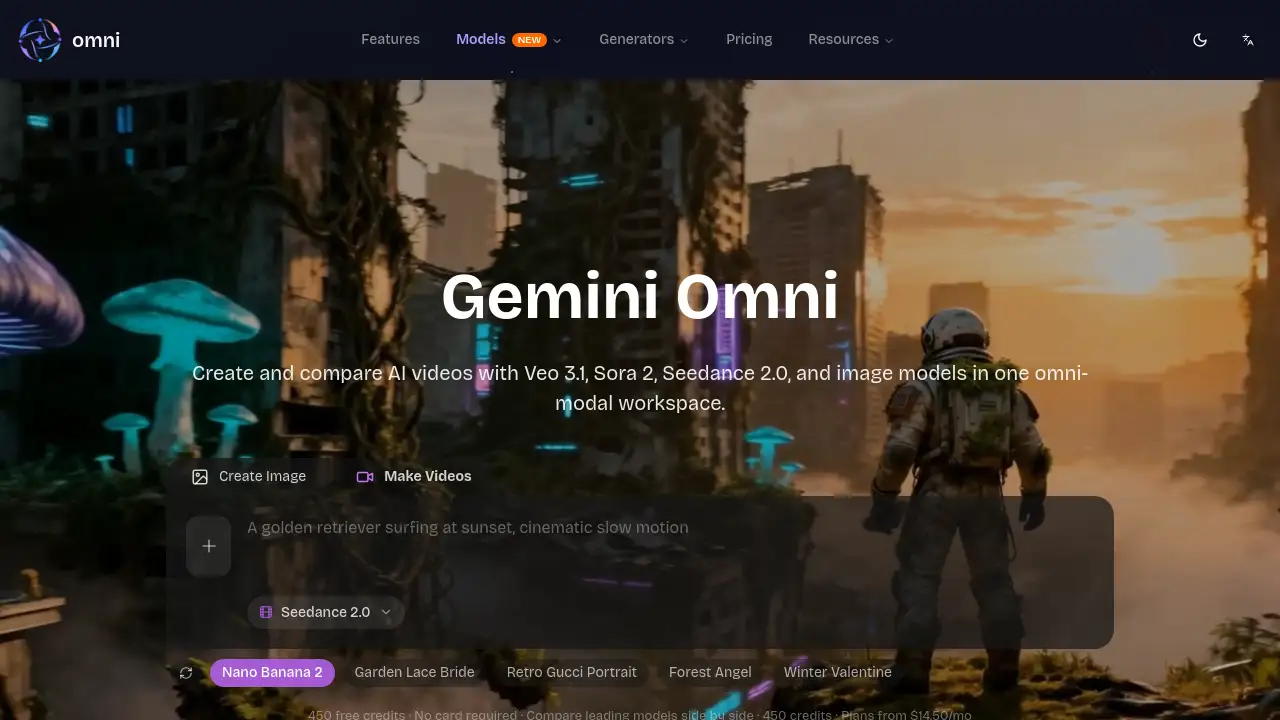
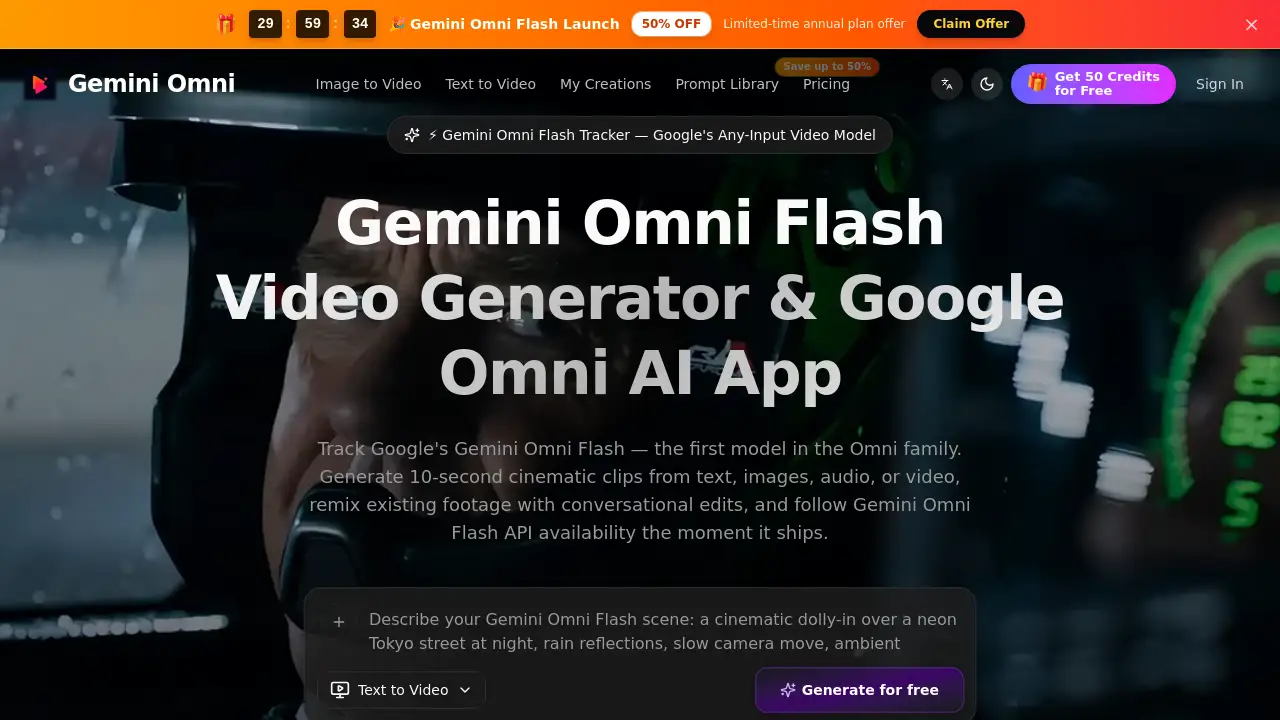
Gemini Omni Flash Video Generator is a browser-based AI video creation tool that tracks Google's any-input video model. It helps creators make short cinematic clips from text, images, audio, or video. With free credits, API tracking, and Google Flow access, this tool is a practical entry point for experimenting with Gemini Omni Flash Video Generator workflows.
What is Gemini Omni Flash Video Generator?
Gemini Omni Flash Video Generator is the independent workspace at geminiomniflash.io. It tracks Google's first Omni-family model, Gemini Omni Flash, and provides an AI video workflow around it. The model accepts any combination of text prompt, image, audio, or reference video, then outputs a 10-second cinematic video. The website acts as an all-in-one Omni Gemini AI video workspace where users can generate, remix, and chat-edit videos.
This product solves a common problem. Many AI video generators only accept text prompts, but Gemini Omni Flash Video Generator accepts natural, mixed inputs. A creator can upload a product photo, add a voice note, or use a reference clip to guide the result. That makes the Gemini Omni Flash Video Generator useful for social media managers, filmmakers, e-commerce teams, and educators.
Key Features of Gemini Omni Flash Video Generator
The core features of Gemini Omni Flash Video Generator are designed for quick output and easy iteration.
Text-to-Video with Shot Control
Use natural-language prompts to define subject, camera movement, location, and lighting. The Gemini Omni Flash Video Generator turns these structured prompts into video drafts at multiple resolutions.
Image-to-Video for Anchored Motion
Upload a reference image, and the tool animates around that visual. This mode in Gemini Omni Flash Video Generator keeps the original reference style while adding fluid motion.
Storyboard-to-Video Workflows
The platform auto-generates storyboards from prompts and converts multi-panel storyboards into complete sequences. This helps film teams create pre-visualizations without manual transition editing.
Reference-Guided Consistency
Use multiple reference images to lock character appearance, camera style, and color tone. This reference-guided approach keeps every Gemini Omni Flash Video Generator output visually consistent across shots.
Audio and Motion Alignment
The Gemini Omni Flash Video Generator workflow keeps audio rhythm, motion timing, and visual references aligned. Users can produce clips with optional audio without moving to separate post-production tools.
API Integration for Developers
The platform offers API endpoints for text generation, image generation, transitions, and fusion. Developers can configure resolution, duration, aspect ratio, and audio output for each Gemini Omni Flash Video Generator request.
Use Cases for Gemini Omni Flash Video Generator
Typical uses for Gemini Omni Flash Video Generator include:
Social Media Marketing
Draft short-form video concepts for TikTok, Instagram Reels, and YouTube Shorts. Gemini Omni Flash Video Generator makes it easy to produce multiple variations for different platforms.
E-commerce Product Videos
Turn product images into short video drafts to test presentation styles. The image-to-video mode in Gemini Omni Flash Video Generator supports product messaging and seasonal promos.
Filmmaking and Pre-Production
Use storyboard-to-video to create pre-visualizations before shooting. The Gemini Omni Flash Video Generator helps directors explore camera movement and continuity early.
Business Presentations
Turn ideas into visual stories for decks, training materials, and internal updates. Gemini Omni Flash Video Generator keeps branding consistent across video drafts.
Educational Content
Draft explainer videos for lessons and training. Gemini Omni Flash Video Generator illustrates abstract concepts quickly and supports multilingual variants.
Creative and Artistic Projects
Use the tool for video art, music visualizations, and experimental concepts. The any-input nature of Gemini Omni Flash Video Generator makes it a flexible creative partner.
How to Use Gemini Omni Flash Video Generator
Using Gemini Omni Flash Video Generator takes three simple steps.
- Set the brief: open geminiomniflash.io and start with a prompt, still image, or reference clip.
- Generate in the app: choose text-to-video, image-to-video, or reference mode inside the Omni Gemini app, set resolution and aspect ratio, then run the workflow.
- Refine and export: adjust prompts, swap references, compare versions side by side, and export when the result fits the creative brief.
Target Audience for Gemini Omni Flash Video Generator
The target audience for Gemini Omni Flash Video Generator includes:
- Social media marketers
- E-commerce teams
- Filmmakers and video editors
- Business presenters
- Educators and trainers
- Creative artists
- Developers building AI video pipelines
Is Gemini Omni Flash Video Generator Free?
Gemini Omni Flash Video Generator uses a simple pay-as-you-go credit model. The homepage mentions free credits and Google Flow access, so new users can test the tool before buying. Specific prices are not published in the reference content. Users should check geminiomniflash.io for current credit plans.
Gemini Omni Flash Video Generator's Pros and Cons
Here are the advantages and disadvantages of Gemini Omni Flash Video Generator.
| Aspect | Pros | Cons |
|---|---|---|
| Input flexibility | Accepts text, image, audio, and video | Outputs are limited to short 10-second clips |
| Workflow | Combines several AI video tools in one workspace | Some features depend on prompt quality |
| Pricing | Pay-as-you-go credits never expire | No clear public price list |
| Developer access | API endpoints for automation | API may require technical setup |
Frequently Asked Questions about Gemini Omni Flash Video Generator
How does Gemini Omni Flash Video Generator make videos?
It takes any combination of text, image, audio, or video, and generates a 10-second cinematic clip. The tool handles motion, audio rhythm, and visual references together.
Is Gemini Omni Flash the same as Google's model?
Gemini Omni Flash is Google's first Omni-family model. The website geminiomniflash.io is an independent tracker and workspace designed around that model, with free credits and API tracking.
Can I use audio as an input?
Yes. The Gemini Omni Flash Video Generator accepts audio, so users can guide audio rhythm and motion timing without a separate audio tool.
Does the tool support API use?
Yes. The platform provides API endpoints for text generation, image generation, transitions, and fusion. Developers can configure resolution, duration, aspect ratio, and audio output.
Is Gemini Omni Flash Video Generator free?
The service offers free credits. After that, users buy credits on a pay-as-you-go basis, and credits never expire. Full plan details are available on the official page.
Who should use this product?
Social media marketers, e-commerce teams, filmmakers, educators, business presenters, and developers who need fast AI video drafts with Gemini Omni Flash Video Generator.
Gemini Omni Flash Video Generator Tags
Gemini Omni Flash, Gemini Omni Flash Video Generator, AI video generator, text-to-video, image-to-video, storyboard to video, reference-guided video, Omni Gemini, API video generation, Google Flow access, free AI video credits, Gemini video model