Introduction
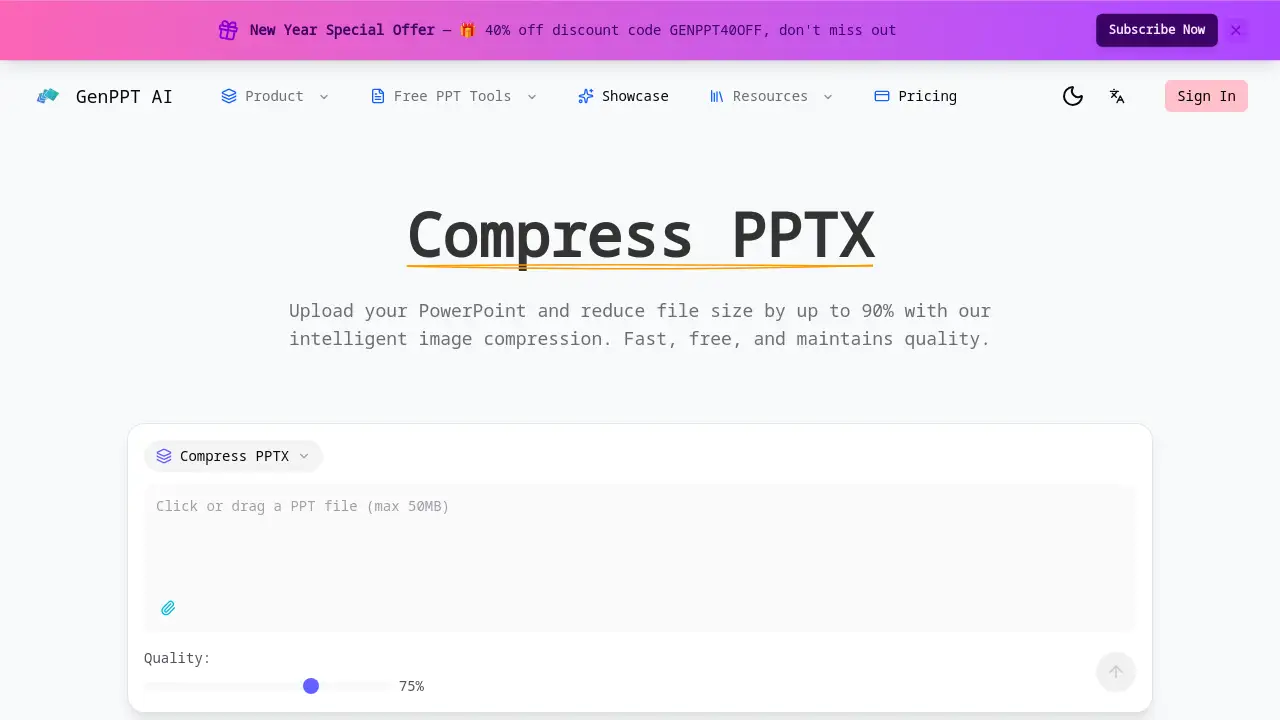
A free online tool to compress PPTX files and reduce PowerPoint file size by up to 90% while maintaining quality.
What is Merge PPT?
Merge PPT, accessible via GenPPT's compress tool, is a specialized online utility designed to solve a common problem: overly large PowerPoint (PPTX) files. It intelligently reduces the file size of presentations, primarily by compressing images embedded within slides. This tool is essential for anyone who needs to share presentations via email, upload them to cloud storage with size limits, or simply keep their digital files organized and manageable. By offering a free PPT compressor that is fast, secure, and quality-aware, it removes the friction from sharing and storing professional, student, or business presentations.
Key Features of Merge PPT
Intelligent Image Compression
Advanced algorithms analyze each image within a PPTX file to apply optimal compression, significantly reducing PPT file size by 50-90% while striving to preserve visual quality.
Fast Processing Engine
The tool uses a high-speed compression engine that typically processes and reduces PPTX file sizes in under 30 seconds, allowing for quick turnaround without lengthy waits.
Adjustable Quality Control
Users have precise control over their compress PowerPoint process with a quality slider ranging from 20% to 100%, enabling a custom balance between final file size and image clarity.
Secure & Private Handling
Files are processed with end-to-end encryption and are automatically deleted from servers after compression, ensuring that presentations remain confidential when you compress pptx files.
Formatting Preservation
The PPT compressor is designed to reduce only image file sizes, leaving all slide animations, transitions, layouts, and other formatting elements completely intact.
Completely Free to Use
The core service to compress ppt files is free without limitations or mandatory subscriptions, making it accessible for users of all types and budgets.
Use Cases for Merge PPT
Email Attachment Preparation
Compress large PowerPoint files to meet common email attachment size limits, ensuring presentations can be sent directly without using external file-sharing links.
Cloud Storage Optimization
Reduce the storage footprint of presentation libraries on services like Google Drive or Dropbox by using the tool to compress PPTX files before uploading.
Academic Submission
Students and educators can shrink presentation file sizes to comply with submission portal requirements for assignments, theses, or conference materials.
Business & Professional Sharing
Professionals can quickly reduce PPT file size for client deliverables, internal reports, or webinar slides, facilitating faster distribution and download times.
How to Use Merge PPT
Using the tool is a straightforward three-step process designed for simplicity.
- Upload Your File: Navigate to the GenPPT compress tool page and upload your PowerPoint (PPTX) presentation.
- Adjust Settings (Optional): Use the quality slider to set your desired compression level if you wish to customize the balance between size and quality.
- Process and Download: Initiate the compression. Once complete, download the new, smaller version of your presentation to your device.
Target Audience for Merge PPT
- Students and Educators submitting assignments or lecture materials.
- Business Professionals sharing reports, pitches, and training decks.
- Freelancers and Consultants delivering client presentations.
- Administrators and Managers organizing large libraries of company files.
- Anyone who needs to email a PowerPoint presentation reliably.
Is Merge PPT Free?
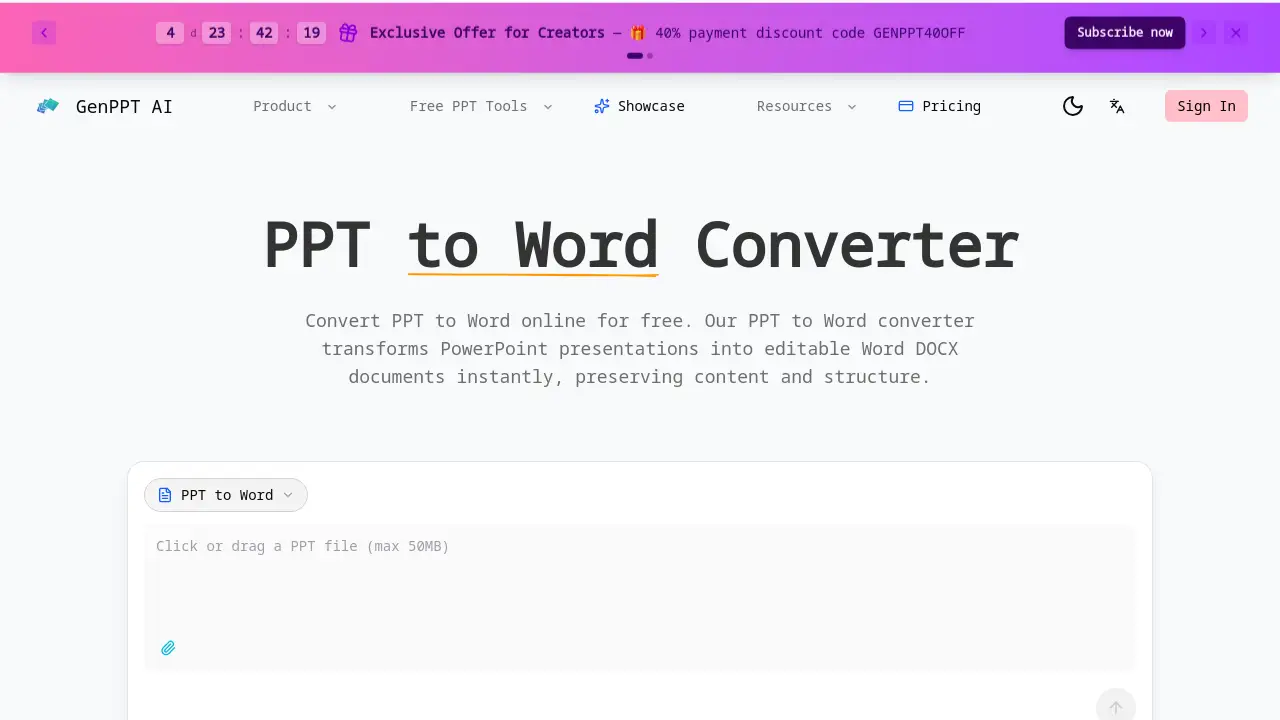
The core file compression service is completely free to use. According to the homepage, there is a promotional discount code ("GENPPT40OFF") visible, which may apply to other premium services or extended features within the GenPPT ecosystem, but the basic PPT compressor functionality has no cost.
Merge PPT's Pros and Cons
| Aspect | Pros | Cons |
|---|---|---|
| Cost & Accessibility | Completely free core service; no account or subscription needed. | Premium AI generation features (if any) are separate and paid. |
| Performance | Fast processing; significant file size reduction (50-90%). | An internet connection is required as it is an online-only tool. |
| Usability & Control | Simple three-step process; adjustable quality slider for control. | Limited to PowerPoint (PPTX) format compression. |
| Security & Output | Secure processing with auto-deletion; preserves all slide formatting. | Final image quality depends on the compression level selected. |
Frequently Asked Questions about Merge PPT
Is it really free to compress PowerPoint files?
Yes, the service to compress PPTX files and reduce PPT file size is completely free. There are no hidden fees, usage limits, or requirements to create an account for the core compression feature.
How does the tool reduce file size without losing quality?
The PPT compressor uses intelligent image compression algorithms. It analyzes and optimizes the images inside your presentation, which are typically the largest components, reducing their data size while aiming to maintain visual fidelity based on your selected quality setting.
Will compressing my file ruin the animations or design?
No. The tool is designed specifically to compress PowerPoint files without affecting non-image elements. All animations, transitions, fonts, shapes, and slide layouts remain exactly as they were in the original file.
Is my data safe when I upload a presentation?
Yes. The service uses secure, encrypted connections for file transfer. Furthermore, a key privacy feature is that all uploaded files are automatically deleted from the servers shortly after the compression process is complete and you download the result.
What is the maximum file size I can upload?
The reference information does not specify a maximum upload limit, and it explicitly states there are "No file size limits" as an advantage. For the most current information, it's best to check the tool's website directly.
Can I compress multiple PPT files at once?
The comparison table lists "Batch processing support" as a feature. This suggests you may be able to upload and compress ppt files in batches, but the exact interface and limits should be verified on the live tool page.
Merge PPT Tags
compress PPTX, reduce PPT file size, free PPT compressor, compress PowerPoint, PPTX compressor, online PPT compressor, reduce PowerPoint size, compress ppt files, shrink PPT file, image compression for PPT, presentation file optimizer, PowerPoint tools