Introduction
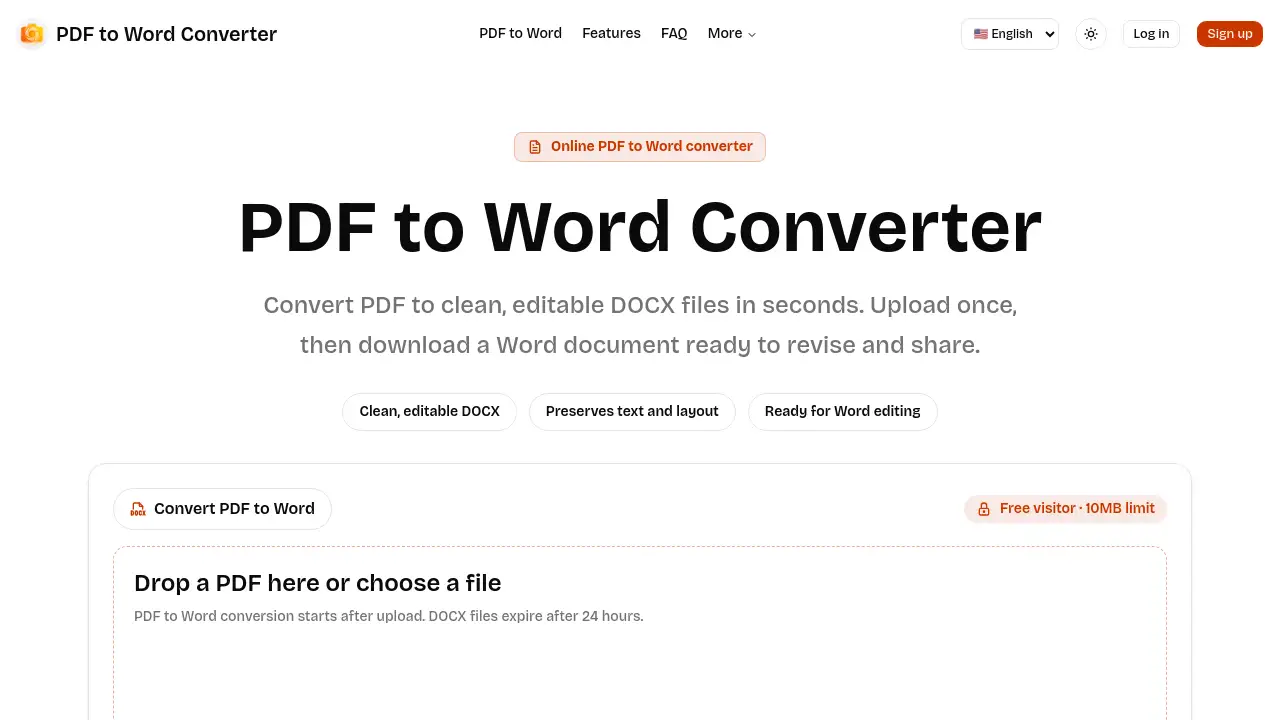
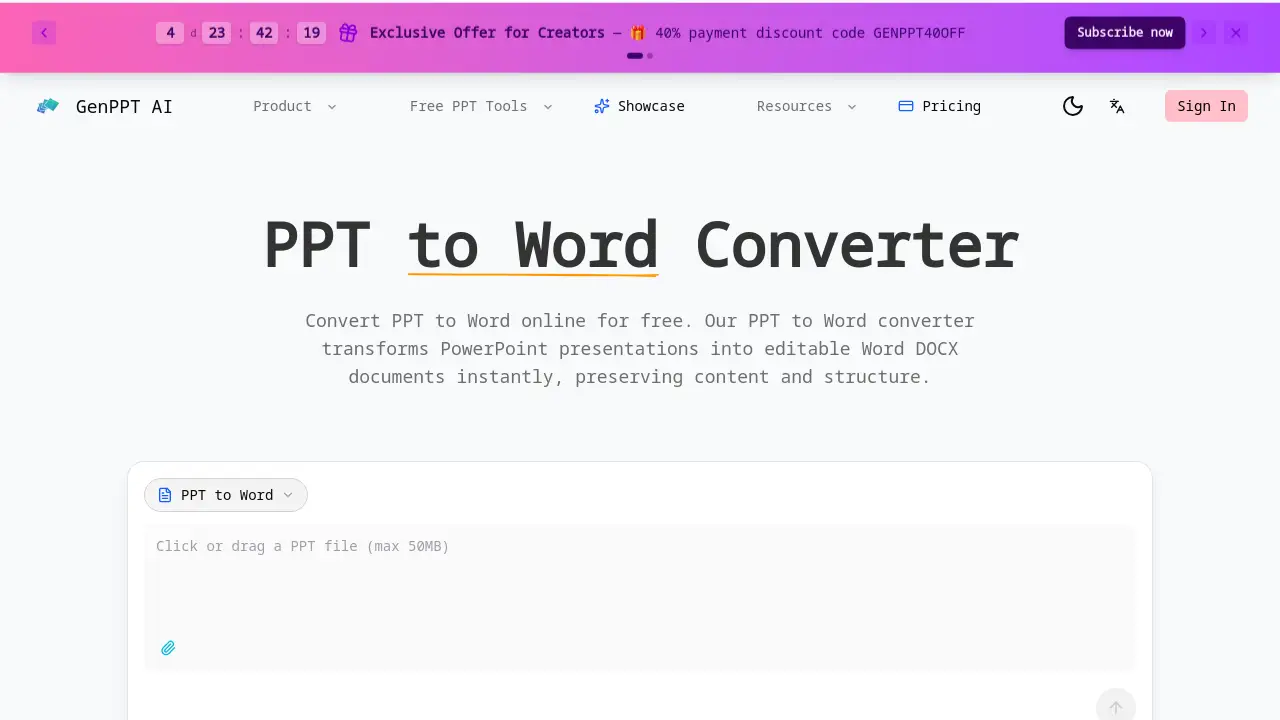
PPT to Word is a free online tool for converting PowerPoint presentations into editable Microsoft Word documents.
What is PPT to Word?
PPT to Word is an online conversion tool designed to transform PowerPoint files (PPT or PPTX) into editable Word documents (DOCX). It solves the common problem of needing to extract and edit text, tables, and content from presentation slides without manual copying and pasting. This tool is suitable for anyone who needs to repurpose presentation material into reports, handouts, or other text-based formats. The ability to convert PPTX to Word accurately while preserving the original structure makes it a significant time-saver for professionals, students, and content creators who regularly work with both presentation and document formats.
Key Features of PPT to Word
Accurate Content Preservation
The converter accurately extracts text, tables, and formatting from PowerPoint slides, ensuring the output DOCX file maintains the original content structure for easy editing in Word or Google Docs.
Fast and Free Online Conversion
Users can convert PPT to Word in seconds without any cost for web usage, handling files up to 50MB with no registration required for the first conversion.
Developer-Friendly API
For automation needs, a REST API allows developers to integrate PPTX to Word conversion into applications, enabling bulk processing workflows with a simple credit-based system.
Secure File Processing
All PPT and PPTX files are processed in an isolated sandbox environment and deleted immediately after the DOCX conversion is complete, ensuring user data privacy and security.
No Software Installation
The entire PPT to Word conversion process happens online in a web browser, eliminating the need to download or install any software on the user's device.
Use Cases for PPT to Word
Creating Meeting Minutes and Reports
Business professionals can convert a sales or project update PPTX to Word to quickly draft detailed meeting reports, proposals, or executive summaries based on slide content.
Developing Study Guides and Handouts
Educators and students use the tool to transform lecture slides into editable Word documents, creating comprehensive study guides, course notes, or assignment drafts.
Automating Document Workflows
Development teams integrate the PPT to Word API into content management systems to automate the conversion of presentation archives into searchable, editable document formats at scale.
Repurposing Content for Marketing
Content creators and marketers convert presentation decks into Word documents to easily repurpose key messages, data, and narratives into blog posts, articles, or whitepapers.
How to Use PPT to Word
Using the PPT to Word converter is a straightforward process:
- Navigate to the PPT to Word converter website.
- Upload your PowerPoint file (PPT or PPTX format) by dragging and dropping it or selecting it from your device.
- Initiate the conversion process. The tool will process the file and convert PPT to Word format.
- Once processing is complete, download the resulting editable DOCX document to your computer.
Target Audience for PPT to Word
- Business Professionals (Sales, Executives, Consultants)
- Students and Educators
- Developers and Software Teams
- Content Creators, Writers, and Marketers
- Administrative and Support Staff
Is PPT to Word Free?
The online PPT to Word converter offers a free tier for web users. According to the provided information, conversion is "completely free for web usage" with no registration required for the first conversion. For automated, high-volume needs, the service offers a developer API that operates on a credit-based system. Users should check the official website for the most current details on API pricing and any potential limits on the free web service.
| Plan | Price | Key Features |
|---|---|---|
| Web Tool | Free | Instant online conversion for files up to 50MB, no registration for first use. |
| Developer API | Credit-based | Programmatic access for automating PPTX to DOCX conversion in applications. |
PPT to Word's Pros and Cons
| Aspect | Pros | Cons |
|---|---|---|
| Pricing & Access | Free to use online; no software installation. | The advanced API for automation is a paid service. |
| Features | Accurate content preservation; fast processing; secure file handling. | Primarily an online-only tool with no offline desktop application. |
| Usability | Simple, straightforward interface for quick conversions. | Requires user registration for ongoing use beyond the first conversion. |
| Performance | Handles files up to 50MB with no size limits on the free tier. | Compared to some competitors, it is a specialized tool focused solely on PPT to Word conversion. |
Frequently Asked Questions about PPT to Word
Is the PPT to Word converter really free?
Yes, the online tool to convert PPT to Word is free for standard web use. Users can upload and convert their PowerPoint presentations to DOCX format without any charge.
What happens to my files after conversion?
The service employs enterprise-grade security. Files are processed in an isolated sandbox and are deleted immediately after the PPT to Word conversion is complete. The company states it does not store user presentation content.
Can I convert PPT to Word on my phone?
As a web-based tool, the PPTX to Word converter should be accessible from any device with a modern web browser, including smartphones and tablets, allowing for mobile conversion.
Does the converter preserve slide formatting?
The tool is designed to accurately extract and preserve text content, tables, and the overall structure from PowerPoint slides into the resulting Word document, though complex slide designs may be simplified.
What file formats are supported?
The converter supports input files in both the older PPT and modern PPTX PowerPoint formats. The output is provided in the standard, editable DOCX format for Microsoft Word.
Is there a limit to how many times I can use it?
While the first conversion does not require registration, continued use of the free online PPT to Word tool likely requires creating an account. There may be fair usage limits, so checking the website for current policy is recommended.
PPT to Word Tags
PPT to Word, PPTX to Word, convert PPT to Word, online PPT converter, PowerPoint to Word, free document converter, PPT to DOCX, extract text from PPT, presentation to document, editable Word file, online file conversion, PPTX to DOCX