Introduction
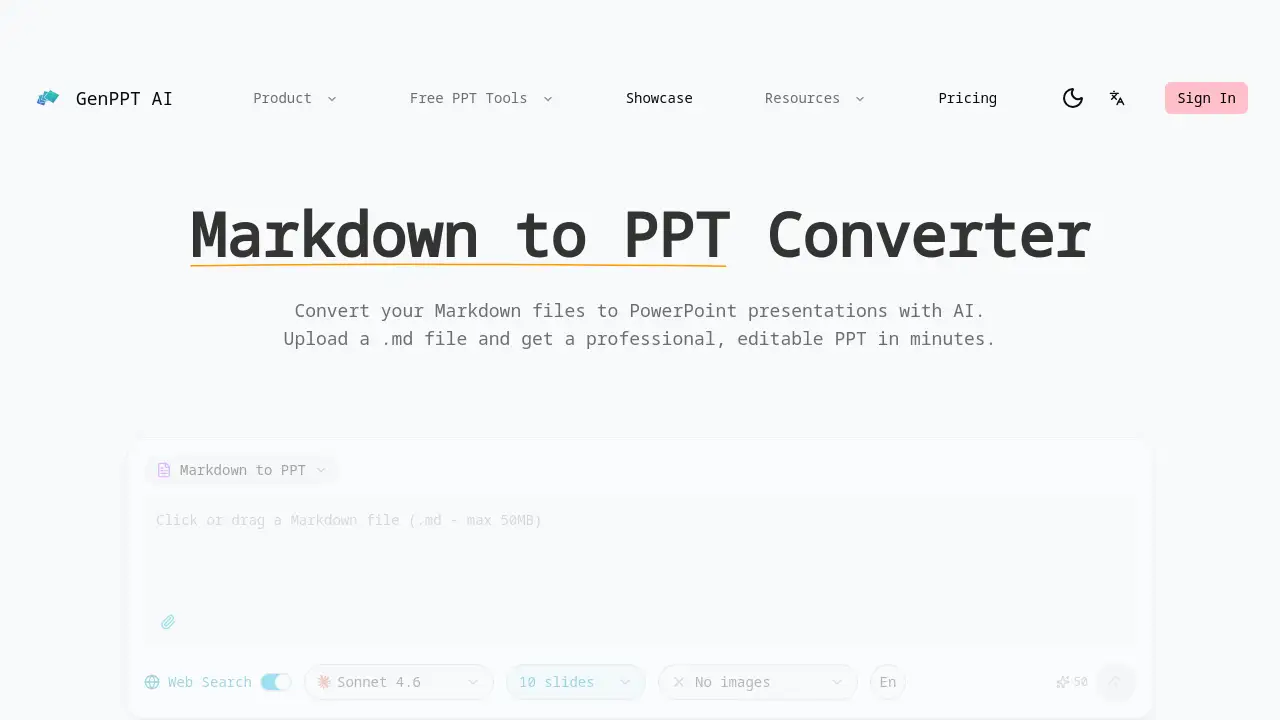
AI-powered text to PPT converter that turns plain text into professional presentations instantly.
What is Text to PPT Converter?
Text to PPT Converter is an online AI tool designed to transform plain text documents into structured, professional PowerPoint presentations. It solves the time-consuming problem of manually converting ideas or written content into a visual slide deck. By simply uploading a .txt file or pasting text, users can get a fully editable .pptx file in minutes. This tool is particularly suitable for students, educators, business professionals, and anyone who needs to quickly create presentations from existing reports, notes, or outlines without design expertise.
Key Features of Text to PPT Converter
Smart Content Analysis
The AI analyzes plain text content, identifying key topics and logical sections to create a well-structured PowerPoint presentation from a simple text file.
Automatic Structure Detection
The text to PPT converter detects natural sections and content hierarchy within plain text, organizing key points into clear, coherent slides automatically.
Professional Slide Design
It applies professional layouts, color schemes, and typography to transform plain text into visually appealing presentation slides.
Fully Editable PPTX Output
The final text to PPTX file is a standard PowerPoint file, allowing full customization of text, layouts, and images after conversion.
Web Search Enhancement
When enabled, this feature enriches the text to PPT conversion by supplementing user content with current data and context from the web.
Fast & Free Conversion
This free txt to PPT converter processes plain text files of any length quickly, delivering professional presentation results in just minutes.
Use Cases for Text to PPT Converter
Converting Lecture Notes into Slides
Students and teachers can quickly turn their lecture notes or study guides into clear, structured presentations for class or review sessions.
Drafting Business Proposals from Reports
Professionals can convert the text from a business report or project outline into a polished PowerPoint deck for stakeholder meetings or pitches.
Creating Training Materials from Manuals
Trainers and HR personnel can transform procedural documents or training manuals into engaging, easy-to-follow presentation slides.
Summarizing Research into Presentations
Researchers and analysts can condense long-form research papers or articles into concise, visually supported presentation summaries.
How to Use Text to PPT Converter
- Access the Tool: Navigate to the Text to PPT Converter website.
- Input Your Text: Either upload a
.txtfile or paste your plain text directly into the provided field. - Choose a Template (Optional): Select from available design templates like "Insight Blue" or "Clarity Glass" for your presentation.
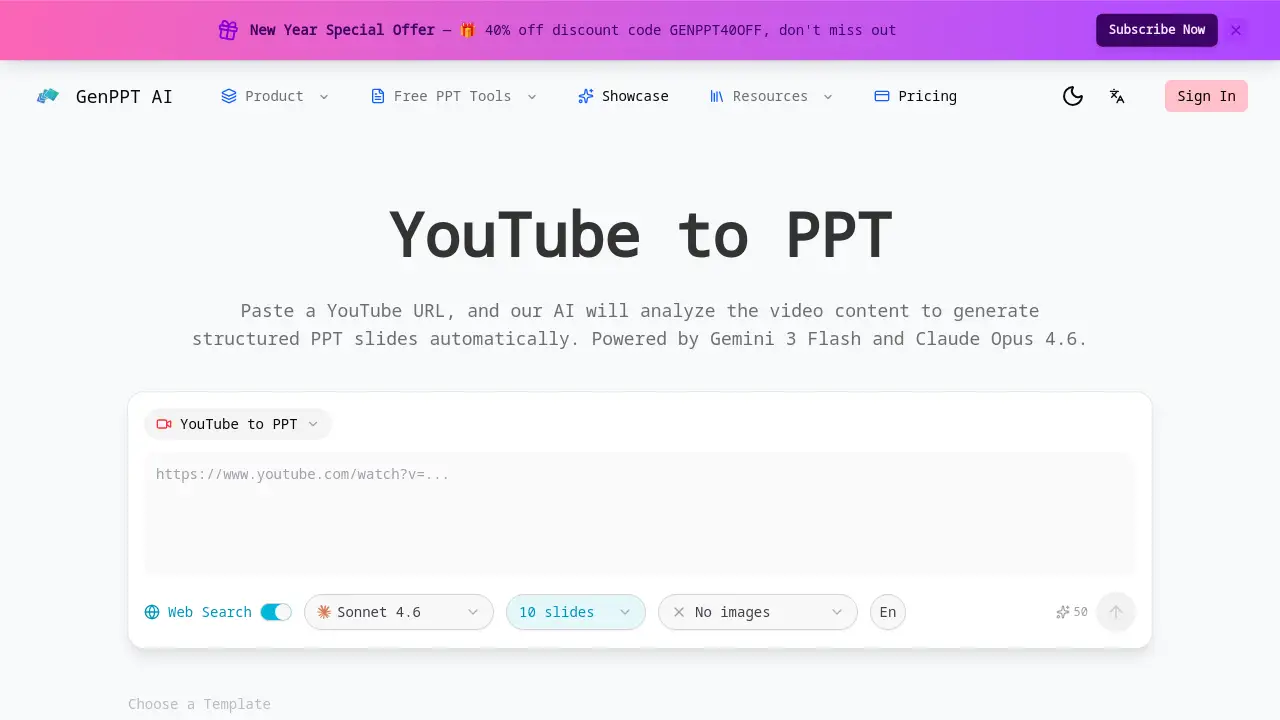
- Enable Web Search (Optional): Toggle the web search feature to allow the AI to add current information to your slides.
- Generate and Download: Click the convert button. Within minutes, download your fully editable
.pptxPowerPoint file.
Target Audience for Text to PPT Converter
- Students and Academics
- Business Professionals and Consultants
- Educators and Trainers
- Marketers and Content Creators
- Anyone needing to create quick presentations from written content
Is Text to PPT Converter Free?
The product homepage promotes a "Free text to PPTX converter," indicating a free tier is available. A special discount code "GENPPT40OFF" is also mentioned, suggesting the existence of a paid Pro plan with enhanced features. For precise details on plan limits and pricing, users should visit the official product website.
| Plan | Price | Features |
|---|---|---|
| Free | $0 | Basic text to PPT conversion with core AI features. |
| Pro | Information Not Specified* | Likely includes advanced templates, higher usage limits, and web search. A 40% discount code (GENPPT40OFF) is currently advertised. |
*Exact Pro plan pricing and features should be verified on the official product page.
Text to PPT Converter's Pros and Cons
| Aspect | Pros | Cons |
|---|---|---|
| Ease of Use | Extremely simple; just upload text or paste. | Limited information on advanced customization controls. |
| Speed | Converts text to PPT in minutes, saving significant time. | Dependent on internet connection and server processing. |
| Cost | Offers a free txt to PPT converter tier. | Full feature set and limits of the free plan are not detailed. |
| Output Quality | Creates professional, editable PPTX files with smart design. | AI interpretation of text structure may require manual tweaks. |
Frequently Asked Questions about Text to PPT Converter
What file format do I need for the text to PPT converter?
The tool primarily accepts plain text files with a .txt extension. You can also directly paste plain text into the converter's input field.
Is the PowerPoint file I receive editable?
Yes. The tool outputs a standard .pptx file, which is fully compatible with Microsoft PowerPoint, Google Slides, and other presentation software. You can edit all text, images, layouts, and designs after the text to PPTX conversion.
Can the AI add images or data to my presentation?
The core function is to structure and design text content. The optional "Web Search Enhancement" feature can pull in current data and context. Users typically need to add specific images or complex charts manually after conversion.
How long does the text to PPT conversion take?
The process is fast, typically completing in just a few minutes, depending on the length of the text file you upload.
Is there a limit to how much text I can convert?
The product description states it handles "plain text files of any length." However, practical limits for the free tier are not specified and would be found on the official pricing or terms page.
What templates are available for the presentation design?
The homepage shows example templates like "Insight Blue," "Clarity Glass," and "Sandstone Pro." The exact number and variety of templates available in the free versus paid plans should be checked on the product site.
Text to PPT Converter Tags
text to ppt, text to ppt converter, txt to ppt, text to pptx, convert text to ppt, free text to ppt, ai powerpoint generator, plain text to presentation, online ppt maker, create powerpoint from text, ai presentation maker, text to slides