Introduction
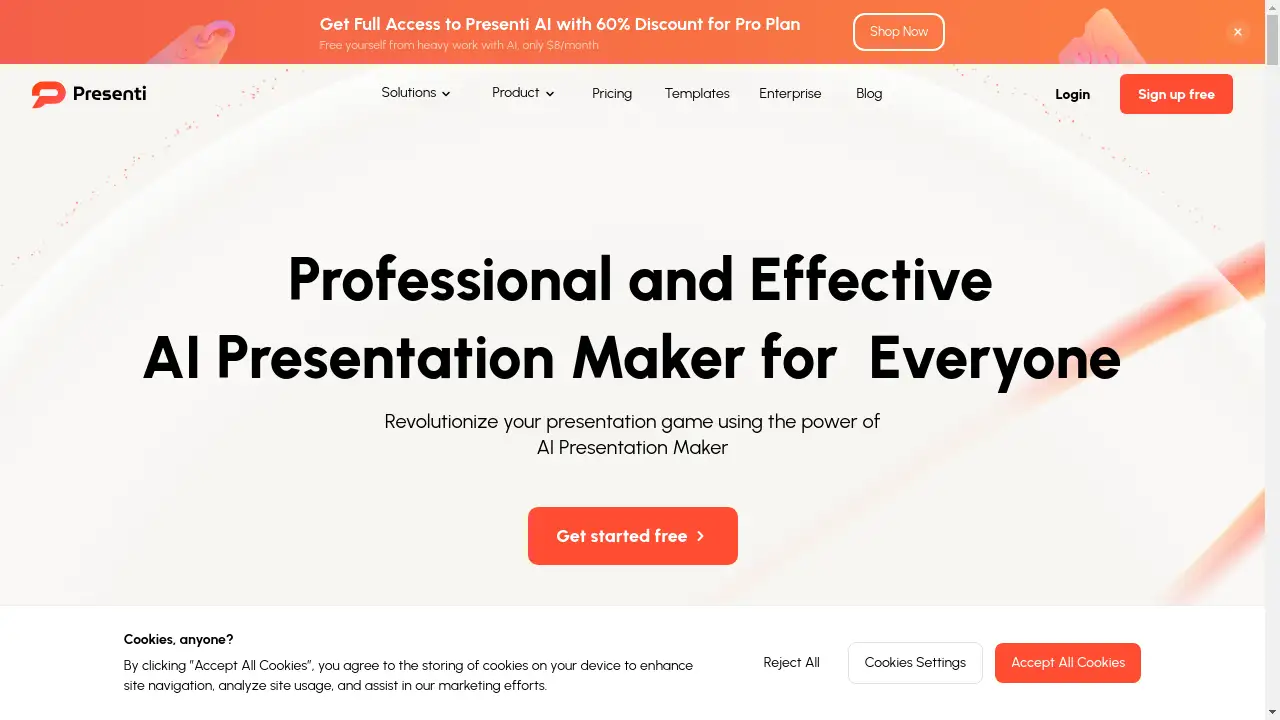
Presenti AI is a powerful AI presentation maker designed for creating professional slides quickly.
What is Presenti AI?
Presenti AI is an AI presentation maker that transforms ideas, text, and documents into professional slides in minutes. This tool addresses the common pain point of spending excessive time on slide design and formatting. It is suitable for professionals, educators, marketers, and anyone needing to create compelling presentations efficiently. By leveraging artificial intelligence, it automates the design process, allowing users to focus on their content. The platform serves as a capable alternative to tools like Gamma, offering a streamlined workflow from concept to a polished final product. Its ability to convert various input formats makes it a versatile solution for modern presentation needs.
Key Features of Presenti AI
Text to Presentation
This core feature allows users to transform simple text or raw ideas into a complete set of visually stunning slides with minimal effort.
Document Conversion
Presenti AI can seamlessly convert existing Word documents, PDF files, and Markdown syntax into editable, polished presentations, preserving the original content.
Mindmap to Presentation
Users can convert brainstorming mind maps into structured and visually engaging presentations, maintaining the logical flow of their initial ideas.
Template to Presentation
An extensive library of pre-designed, customizable templates enables users to quickly create professional presentations for various industries and purposes.
Automated Design Optimization
The platform acts as a personal designer by automatically refining layouts, color schemes, and typography to ensure every slide is visually balanced and cohesive.
Structured Outline Analysis
AI technology automatically generates and analyzes presentation outlines, allowing for dynamic customization and editing to save time on content structuring.
Use Cases for Presenti AI
Business Pitch Decks
Professionals can rapidly create compelling venture capital proposals and new market development plans to impress potential investors and stakeholders.
Marketing Presentations
Marketing teams can transform marketing content and strategies into dynamic slides for client meetings and internal reviews, enhancing visual communication.
Educational Materials
Educators and trainers can develop structured and visually appealing educational content from their notes or existing documents for more engaging lessons.
Corporate Reporting
Employees can convert lengthy Word documents and PDF reports into concise, professional corporate culture promotion or project update presentations.
How to Use Presenti AI
Using Presenti AI to create a presentation is a straightforward process. First, provide your input by entering a topic, some keywords, or uploading a supported file like a Word document, PDF, or mindmap. Second, the AI presentation maker takes over, generating the content, selecting layouts, and applying a cohesive design. Finally, review the generated slides, make any final customizations or edits, and then your professional presentation is ready to be presented.
Target Audience for Presenti AI
- Business professionals and entrepreneurs
- Marketing and sales teams
- Educators and academic professionals
- Students and researchers
- Project managers and consultants
Is Presenti AI Free?
Presenti AI offers a generous free plan that allows users to start creating presentations at no cost. For users requiring more advanced features and capabilities, there are affordable premium options available. The Pro Plan, for instance, is advertised at a discounted rate, providing full access to the AI presentation maker's functionalities, making it a cost-effective tool for both individuals and teams.
Frequently Asked Questions about Presenti AI
What types of files can I convert into a presentation?
Presenti AI supports conversion from several file formats, including Word documents (DOC/DOCX), PDFs, Markdown files, and mind maps into editable presentations.
Is there a limit on the free plan?
The free plan provides access to core features, allowing users to create presentations. For unlimited access and advanced capabilities, upgrading to a paid Pro Plan is necessary.
How does the AI design optimization work?
The automated design optimization analyzes your content and automatically refines the layout, color scheme, and typography to ensure a visually balanced and professional-looking slide deck.
Can I customize the AI-generated presentations?
Yes, the presentations generated by the AI presentation maker are fully editable. You can customize the text, adjust the design, and make any other changes before finalizing your slides.
Who is the typical user for this tool?
The tool is designed for a wide audience, including business professionals creating pitch decks, marketers developing campaign slides, educators preparing lessons, and anyone who needs to create presentations quickly.
How does Presenti AI compare to PowerPoint?
Presenti AI focuses on AI-powered generation and automated design to create slides from scratch or existing documents quickly, whereas PowerPoint is a traditional, manual slide editing tool. It is often seen as a modern alternative.
Presenti AI Tags
AI presentation maker, create presentation online, Gamma alternative, text to slides, Word to presentation, PDF to presentation, AI slide maker, professional presentation software, business pitch deck, marketing presentation, automated design, presentation templates, mindmap to slides