Introduction
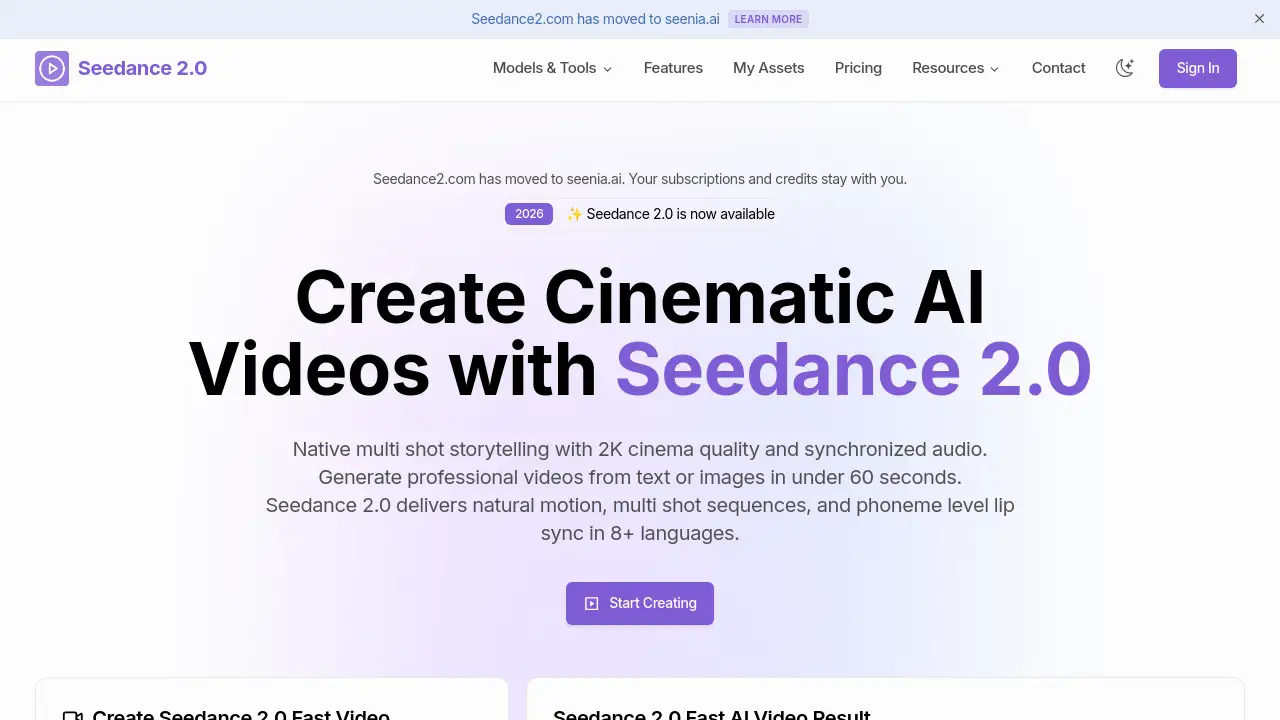
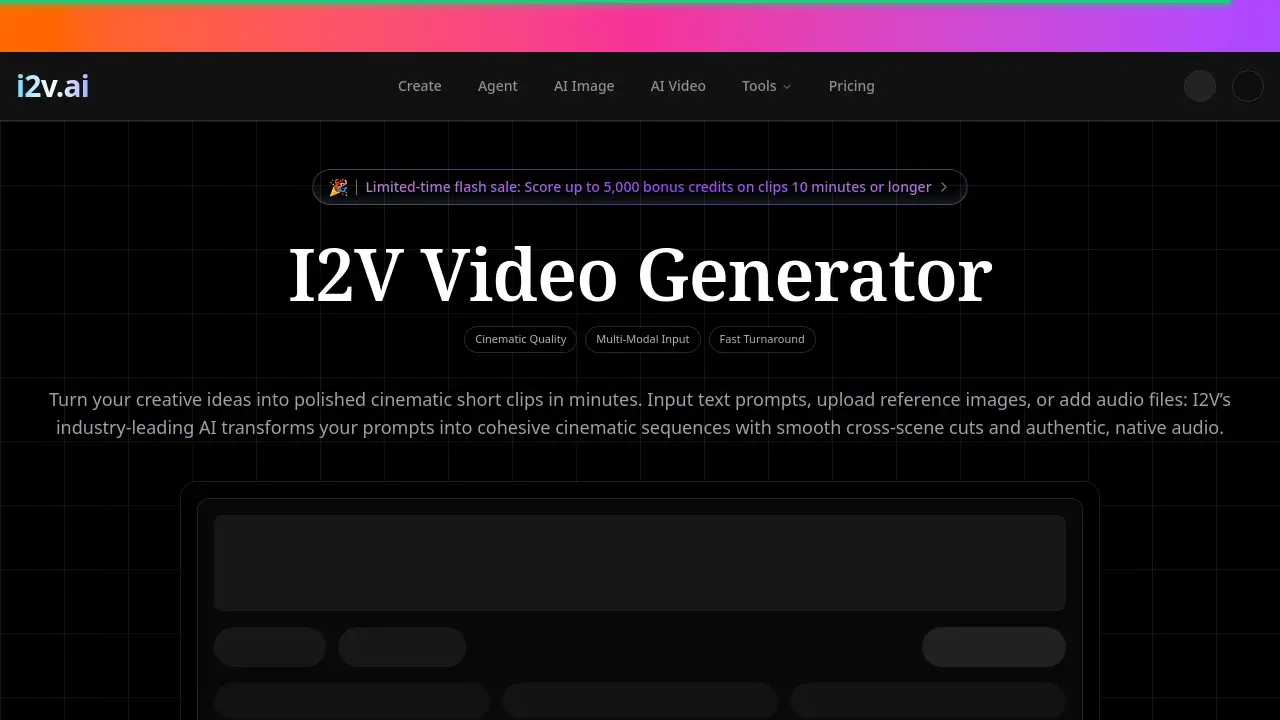
I2V is a leading free, professional-grade AI video generator for creating cinematic multi-shot videos.
What is image to video?
I2V is an independent AI video creation platform designed to transform text, images, and audio into polished, cinematic video clips. It solves the problem of creating high-quality, multi-shot video content without extensive production resources. This tool is suitable for professional creators, marketers, educators, and social media managers who need to produce compelling visual narratives quickly. The platform stands out by offering industry-grade quality with features like consistent character identity across shots and fully integrated native audio, making it a significant tool for modern content creation workflows.
Key Features of image to video
Cinematic Multi-Shot Sequences
I2V generates cohesive video sequences with smooth transitions between different scenes, moving beyond single, static clips to create short narratives.
Audio-Driven Video Creation
Users can upload their own audio tracks, such as voiceovers or music, and the AI video generator will craft visuals that match the audio's pacing and mood, including accurate lip-sync.
Persistent Character Consistency
The platform maintains consistent facial features, clothing, and character build across every shot and camera angle, which is essential for storytelling and professional video production.
High-Quality 2K Output
I2V offers export options up to 2K resolution, providing broadcast-quality, watermark-free MP4 files suitable for commercial use and various platforms.
Multi-Modal Input Flexibility
Creators can initiate video generation using detailed text prompts, one or two reference images, or audio files, offering multiple pathways to start a project.
Fast and Efficient Rendering
The latest model iteration promises a 30% faster generation time compared to previous versions, delivering professional cinematic results more quickly.
Use Cases for image to video
Ads & Marketing Campaigns
Marketers can turn static product photos into dynamic, engaging advertisements with consistent branding and high-resolution output for better conversion rates.
Educational & Training Content
Educators can build animated explainers, historical reconstructions, or virtual instructor videos with synchronized audio, ideal for online courses and training materials.
Social Media & Short-Form Content
Content creators can efficiently produce vertical or square videos for platforms like TikTok, Instagram Reels, and YouTube Shorts with perfectly synced audio.
Storyboarding & Pre-Visualization
Filmmakers and video producers can use I2V to pre-visualize scenes, test camera angles, and establish pacing before committing to expensive principal photography.
How to Use image to video
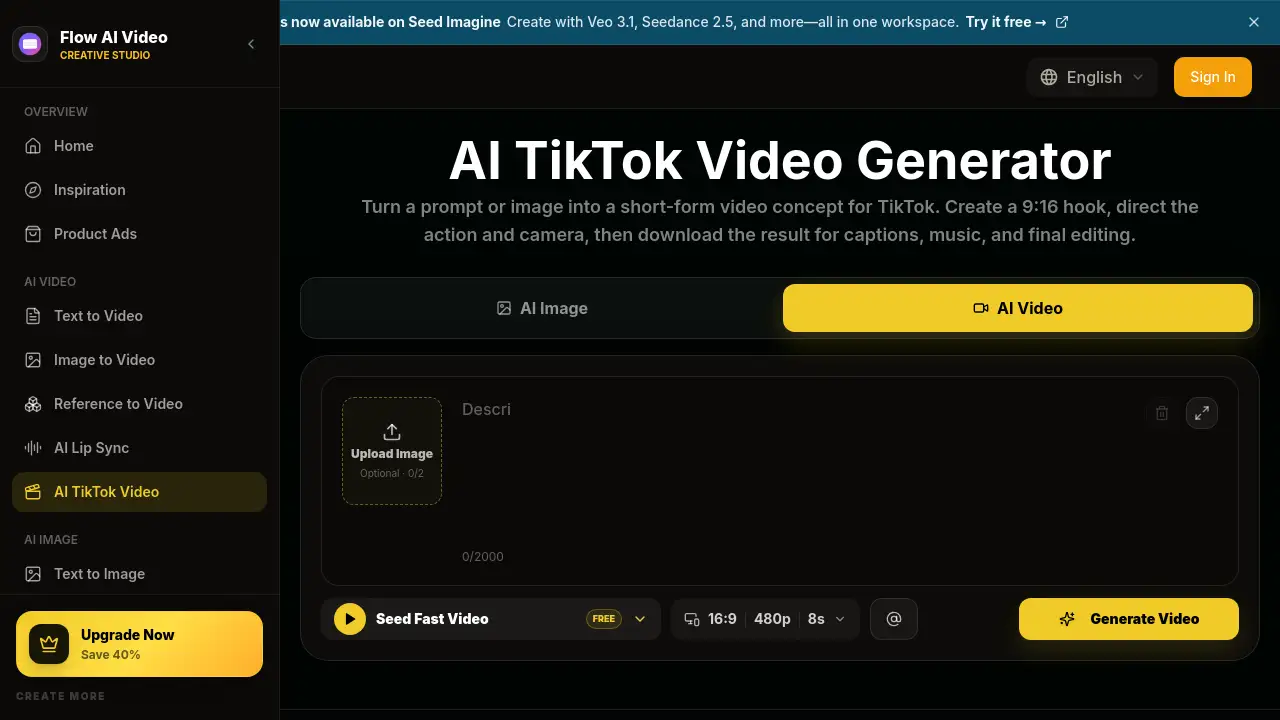
- Choose Your Input: Start by entering a detailed text prompt, uploading one or two reference images, or adding an audio file to guide the scene.
- Set Parameters: Select your desired aspect ratio (e.g., 16:9, 9:16) and output resolution. Choose between Standard mode for speed or Pro mode for 2K quality and audio-driven generation.
- Generate & Export: Submit your request. Once processed, download your finished, watermark-free MP4 video clip ready for use.
Target Audience for image to video
- Marketing professionals and advertising agencies
- Social media managers and content creators
- Educators, trainers, and e-learning developers
- Independent filmmakers and video producers
- Businesses needing cost-effective video production
Is image to video Free?
Yes, I2V offers a free trial with complimentary credits for new users to test its core features. For ongoing use, it operates on a credit-based subscription model. Below is a summary of its paid plans:
| Plan | Price (Monthly, Billed Yearly) | Key Features & Credits |
|---|---|---|
| Starter | $16/month | 900 credits/month, 1080p output, access to all templates and basic AI models. |
| Pro (Most Popular) | $29.95/month | 3,200 credits/month, priority processing, 2K output, advanced AI image models, full I2V Pro access. |
| Scale | $149.5/month | 17,900 credits/month, fastest queue, dedicated account manager, all premium features. |
All paid plans include permanent commercial usage rights and watermark-free downloads. Users can also purchase credit packs on a pay-as-you-go basis.
image to video's Pros and Cons
| Aspect | Pros | Cons |
|---|---|---|
| Quality & Output | Professional, cinematic multi-shot sequences; Consistent characters; High 2K resolution. | Video clips are limited to 5-12 seconds in length. |
| Features | Unique audio-driven video creation; Multiple input modes (text, image, audio); Fast rendering. | The most advanced features (like 2K output) are locked behind higher-tier plans. |
| Usability | Straightforward three-step workflow; Agent feature allows chat-based generation. | Achieving optimal results may require learning to write effective prompts. |
| Pricing | Transparent subscription model; Generous free trial available; Includes commercial license. | Can become expensive for high-volume users requiring the Scale plan. |
Frequently Asked Questions about image to video
What is I2V?
I2V is a cutting-edge AI video generator platform that creates cohesive, multi-shot video sequences with integrated audio. It's built for professional cinematic multi-shot video production, offering tools for text-to-video, image-to-video, and audio-to-video creation.
Is I2V free to try?
Yes, new users receive free credits to explore the platform's core video generation tools, including text-to-video and image-to-video, without any upfront payment.
Can I use my videos commercially?
Commercial usage rights are included with all paid subscription plans. Upgrading unlocks full publishing rights, removes watermarks, and provides access to high-resolution export options.
What makes I2V different from other AI video tools?
I2V specializes in multi-shot AI video with persistent character consistency across scenes. Its standout feature is fully integrated native audio, allowing for audio-driven creation and automatic generation of dialogue and sound effects.
Does it support Image-to-Video and Audio?
Fully supported. You can upload reference images to set your clip's visuals. The platform also supports audio uploads for steering visuals or can automatically generate synchronized audio, including lip-synced dialogue.
What formats and resolutions are supported?
Finished videos are exported as MP4 files. Resolutions range from 480p to 1080p in Standard mode and up to 2K in Pro mode. Supported aspect ratios include 16:9, 9:16, 4:3, 3:4, 21:9, and 1:1.
image to video Tags
AI video generator, image to video, cinematic video creation, multi-shot AI video, text to video, AI video maker, professional video production, audio to video, video creation platform, AI content creation, marketing video tool, social media video maker