Introduction
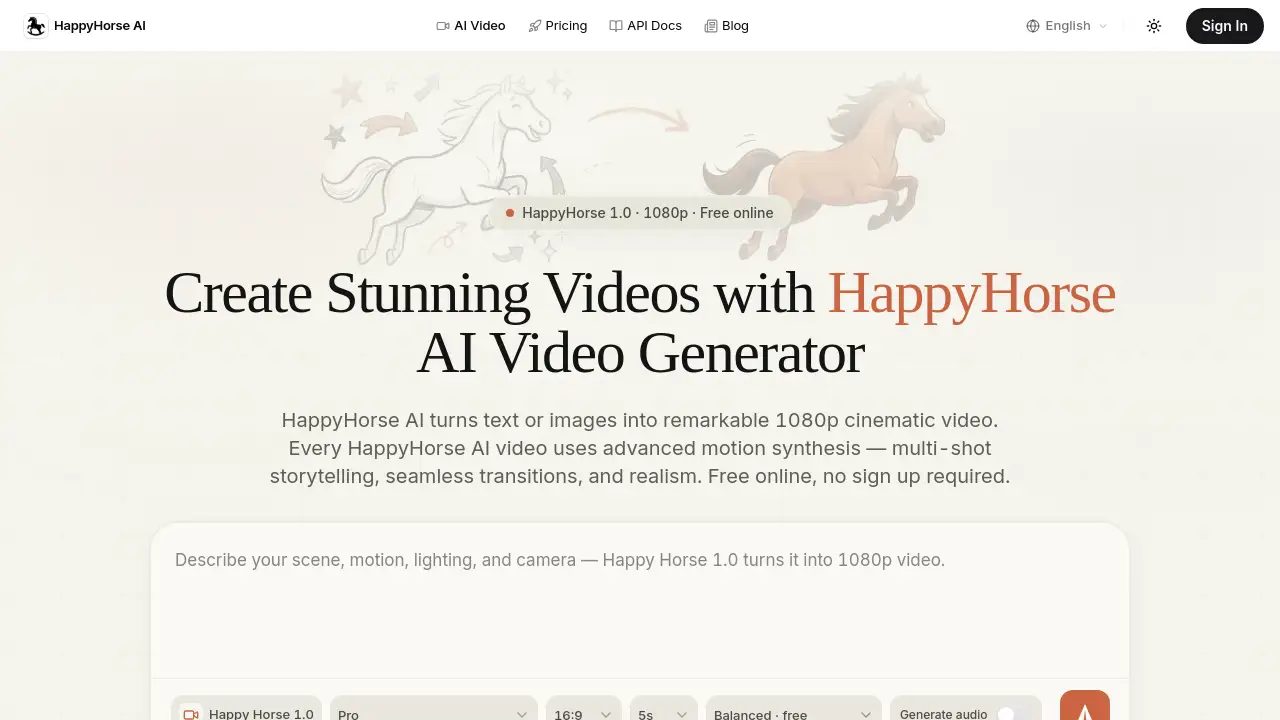
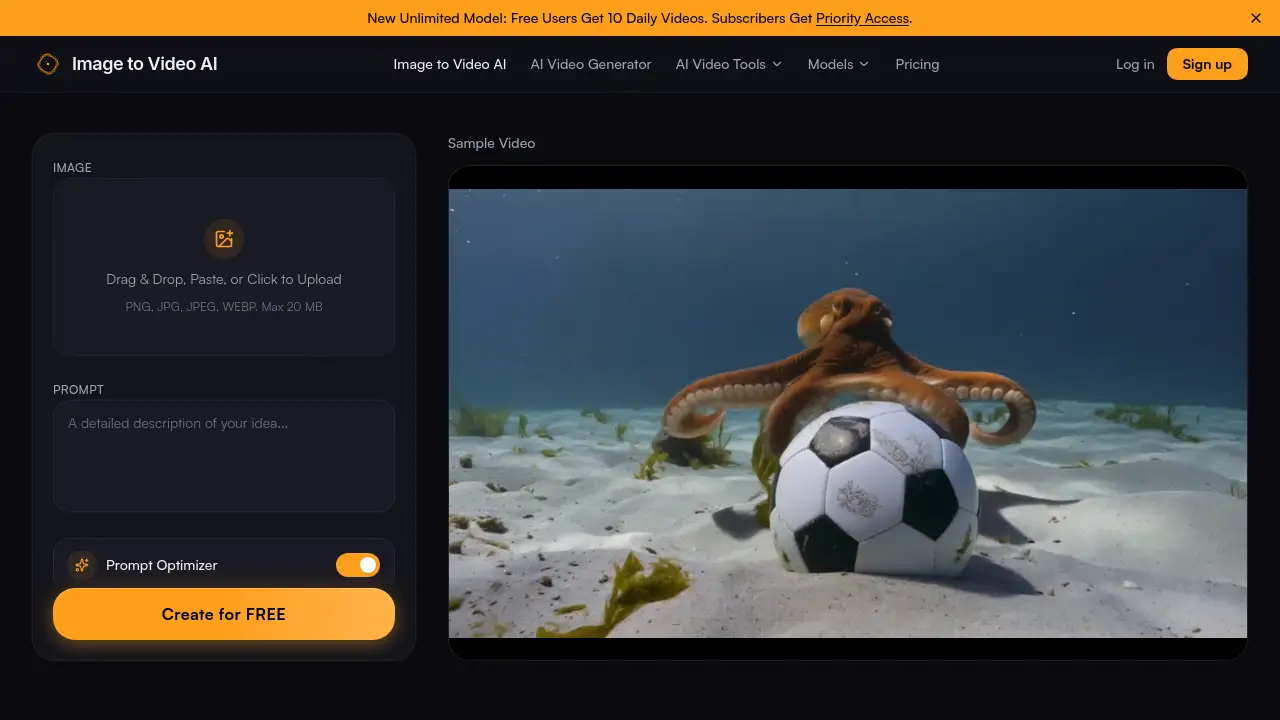
Image to Video AI is a free online tool that transforms static photos into dynamic videos using artificial intelligence. As a leading image to video AI generator, it allows users to upload images, add text prompts, and create professional-grade animations in seconds without sign-up. This review explores the features, use cases, and pricing of this best image to video AI platform.
What is Image to Video AI?
Image to Video AI is a web-based AI image to video generator that turns still photographs into high-quality, animated video clips. It solves the problem of having no video editing skills or expensive software – anyone can turn a simple JPG, PNG, or WEBP into a cinema-like motion clip by describing the desired movement with a text prompt. The tool is ideal for content creators, marketers, real estate agents, e-commerce store owners, and beginner creators who need fast, professional-looking video output. Because it is entirely free to start (no credit card, no watermark), it has become one of the best image to video AI options for those looking to produce video content at scale without a budget. Why it matters: in today’s visual-first social media and advertising landscape, static images often get ignored, while motion grabs attention. This free image to video AI tool bridges that gap, making professional animation accessible to everyone.
Key Features of Image to Video AI
Versatile AI Motion Styles for Any Image
The free image to video AI platform offers multiple motion presets – from subtle camera pans and zooms to natural physics simulations like wind or water ripples. Users can turn images into videos for social media, marketing campaigns, or personal projects with complete creative control.
Combine Image & Text Prompts for Precise Video Generation
Rather than relying solely on an input image, this AI image to video generator also accepts a descriptive text prompt. By typing instructions such as “slow zoom in” or “gentle sway,” the engine interprets both visual content and written direction to produce context-aware animations.
High-Quality AI Video Output Without Watermarks
Many free image to video AI tools add logos or limit resolution, but this tool delivers crisp 1080p HD output without any watermark. Videos are clean and ready for YouTube, Instagram, TikTok, or website embedding.
Lightning-Fast Image to Video AI Processing
The optimized pipeline generates results in seconds, not minutes. This speed is essential for social media managers and marketers who need to produce multiple clips quickly. Batch processing is supported for high-volume workflows.
Use Cases for Image to Video AI
Bring Photos to Life with AI Motion Effects
Photographers and visual storytellers can add subtle motion – drifting clouds, flowing water, or gentle camera movement – to make still images more engaging on social feeds.
Turn Real Estate Photos into Cinematic Property Tours
Realtors use this free image to video AI to create walkthrough animations from listing photos. Buyers spend more time on listings with video previews, giving agents a competitive edge.
Boost Online Sales with Product Photo Animations
E-commerce store owners can animate product stills into short video clips. Adding motion to product pages has been shown to increase conversion rates by engaging shoppers longer.
How to Use Image to Video AI
-
Upload Your Image – Go to the free image to video AI platform and drag an image (JPG, PNG, or WEBP, up to 20MB). Optionally crop to your desired aspect ratio.
-
Add a Prompt – Type a text description of the motion you want, e.g., “slow zoom in,” “wind blowing.” The more specific, the better the AI image to video result.
-
Generate and Download – Click generate. In seconds, preview the animated video. Adjust if needed, then download the finished clip in 1080p resolution, ready to share.
Target Audience for Image to Video AI
- Content creators and influencers
- Social media managers and marketers
- Real estate agents and property marketers
- E-commerce store owners and product photographers
- Beginner creators with no video editing experience
- Freelance designers and visual storytellers
Is Image to Video AI Free?
Yes, the service has a generous free tier. According to the product homepage, free users receive 10 daily video creations. Subscribers get priority access and likely higher limits. There is no credit card required to start. The pricing structure is as follows:
| Plan | Price | Features |
|---|---|---|
| Free | $0 | 10 videos/day, no sign-up, 1080p output, no watermark |
| Subscriber | See website | Priority access, unlimited daily videos (implied), faster processing |
For detailed subscriber pricing, visit the official pricing page at https://imgtovideoai.net/#pricing.
Image to Video AI's Pros and Cons
| Aspect | Pros | Cons |
|---|---|---|
| Pricing | Completely free to start; no watermark or credit card | Free tier limited to 10 videos per day |
| Ease of Use | Simple three-step interface; no learning curve | No advanced editing timeline or manual keyframes |
| Output Quality | Crisp 1080p HD with natural motion | Limited to the motion styles offered; no custom speed control |
| Speed | Generates videos in seconds | Batch processing may be slower for multiple clips simultaneously |
| Compatibility | Supports JPG, PNG, WEBP; works on any browser | No mobile app currently available |
Frequently Asked Questions about Image to Video AI
Is Image to Video AI really free?
Yes, the free image to video AI plan gives you 10 video generations per day with no sign-up, no watermark, and full HD output. No credit card is required.
What image formats are supported?
You can upload JPG, PNG, and WEBP files up to 20MB. The best image to video AI tool automatically processes all standard image formats.
Can I use the generated videos for commercial purposes?
Yes, videos created with this AI image to video generator are royalty-free. You can use them on YouTube, Instagram, TikTok, product pages, or any commercial project without attribution.
How long are the videos?
The output length is typically a few seconds per clip, optimized for social media and short-form content. Longer prompts may produce slightly extended clips, but the tool is designed for quick, shareable animations.
Do I need to sign up to use the free image to video AI?
No sign-up is required for the free tier. Simply visit the website, upload an image, type a prompt, and download your video.
What is the difference between the Free and Subscriber plans?
Free users get 10 video generations each day. Subscribers receive priority access – meaning faster processing and likely higher daily limits – as stated on the product homepage. Exact subscriber benefits are listed on the pricing page.
Image to Video AI Tags
image to video AI, free image to video AI, AI image to video generator, best image to video AI, turn images into video, image to video converter, AI animation tool, free video generator from photo, text-to-video AI, motion video creator, AI image to video online, AI video maker no watermark