Introduction
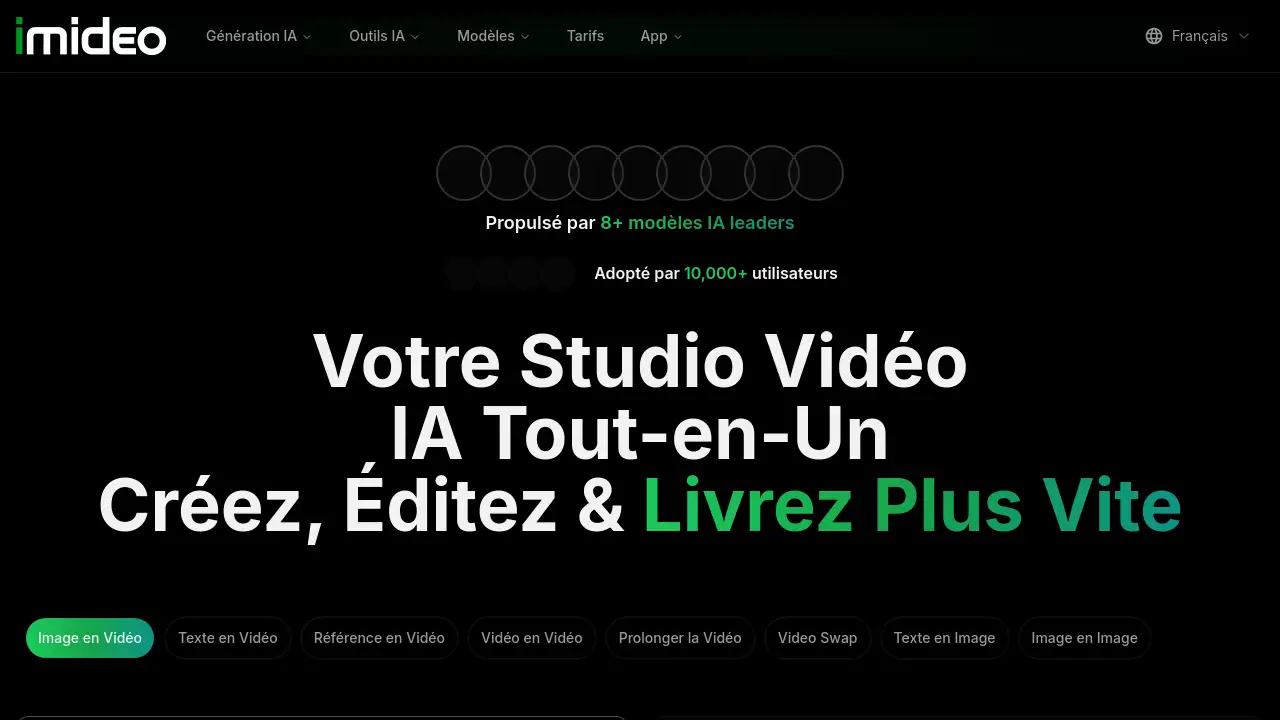
iMideo AI is an advanced AI video generator that transforms images into professional videos in seconds.
What is iMideo AI?
iMideo AI is an all-in-one AI video generator designed to simplify video creation for content creators, marketers, and businesses. It solves the problem of costly and time-consuming manual video editing by using artificial intelligence to generate videos from images, text prompts, or reference clips. The platform aggregates over eight leading AI models—including Kling 3.0, Veo3, and Runway Gen4—allowing users to switch between them seamlessly and compare results instantly. With iMideo AI, anyone can produce cinematic-quality video content without technical skills or expensive software.
The product is relevant because the demand for quick, high-quality video content is skyrocketing across social media, advertising, and education. iMideo AI caters to both beginners and professionals who need fast turnaround times and professional output. By centralizing multiple top-tier models, it eliminates the need to juggle separate tools, making it a one-stop solution for AI-powered video creation.
Key Features of iMideo AI
Image to Video Animation
Upload any image and add movement, depth, and cinematic effects. The AI generates smooth, natural-looking animations from static photos, ideal for bringing product shots or illustrations to life.
Text to Video Generation
Describe a scene in words, and iMideo AI creates a matching video. This feature is perfect for storytellers, marketers, and educators who need quick visual content from simple text prompts.
Reference to Video Composition
Import two or three images with different subjects—people, products, locations—and the AI merges them into a single coherent video scene. This is useful for creating unique composites without manual editing.
Video to Video Transformation
Upload an existing video and apply style changes, mood shifts, or full scene replacements. The AI reinterprets the footage in seconds, making it a powerful tool for video repurposing and creative experimentation.
Multi-Model Switching and Comparison
Access 8+ leading models (Kling 3.0, Veo3, Runway Gen4, PixVerse, Wan 2.7, etc.) from one dashboard. Switch models on the fly and compare outputs side-by-side to pick the best result for each project.
AI Video Effects & Face Swap Tools
Apply magical effects, replace heads, swap faces, or change body appearance in videos. The platform includes a suite of specialized AI tools such as video head swap, video face swap, AI dance generator, and more for advanced customization.
Use Cases for iMideo AI
Social Media Content Creation
Create engaging short videos for TikTok, Instagram Reels, or YouTube Shorts. Convert static brand images into dynamic clips with minimal effort, using text prompts or image inputs.
Marketing and Advertising
Generate product demonstration videos, promotional animations, or ad creatives quickly. The AI video generator allows marketers to test different visual styles using various models and choose the most effective output.
Educational and Training Materials
Turn written concepts into visual explanations. Educators can transform text descriptions or diagrams into animated videos that make learning more interactive and memorable.
Creative Storytelling and Filmmaking
Filmmakers and artists can use the tool to prototype scenes, animate storyboards, or experiment with different visual styles. The reference-to-video feature helps combine multiple elements into one shot.
E-commerce Product Visualization
Bring static product images to life by adding motion—showing a dress flowing, a gadget rotating, or food sizzling. This enhances product pages and can boost conversion rates.
How to Use iMideo AI
- Choose your input type – Start with an image, text prompt, or reference video. You can also select a specific AI model from the available list (e.g., Kling 3.0, Veo3, Runway Gen4).
- Upload or describe – Upload a static image (PNG/JPG up to 10MB, min 240×240) or type a detailed description of the scene you want.
- Adjust settings – Set the aspect ratio (16:9, 9:16, 1:1, etc.), resolution (720p available), and video duration (starting from 5 seconds). You can also choose the number of variants to generate.
- Generate and compare – Click “Create Video” (costs 60 credits per generation). The tool will produce the video and allow you to switch models or view side-by-side comparisons if you choose multiple variants.
- Download or refine – Once satisfied, download the video. You can also use the other AI tools (face swap, effects, etc.) to further edit the result.
Target Audience for iMideo AI
- Content creators – YouTubers, TikTokers, and social media influencers who need quick, high-volume video content.
- Digital marketers – Professionals creating ad creatives, product demos, and social media campaigns.
- Small business owners – Entrepreneurs who want to produce polished videos without hiring a video editor.
- Filmmakers and animators – Those prototyping scenes or exploring visual concepts before final production.
- Educators and trainers – Teachers and instructional designers who need visual learning materials.
- Graphic designers – Professionals looking to add motion to static designs.
- E-commerce sellers – Online store owners wanting to animate product images for better conversions.
Is iMideo AI Free?
iMideo AI offers a credit-based system. Each video generation costs 60 credits. New users typically receive some free credits upon sign-up (exact amount varies). For continued use, paid plans are available through the official pricing page. The platform also provides an iOS app (AI Portrait Studio) that can be downloaded for free, with in-app purchases. Check iMideo Pricing for detailed plan options and credit packages.
| Plan | Price | Features |
|---|---|---|
| Free Trial | $0 | Limited credits to start, access to basic models and features |
| Pro | See website | More credits, higher resolution, priority access to new models |
(Exact pricing is not listed in the reference material; users should visit the official pricing page.)
iMideo AI's Pros and Cons
| Aspect | Pros | Cons |
|---|---|---|
| Features | Combines 8+ leading AI models in one platform; supports image, text, and reference inputs; includes a wide range of advanced editing tools (face swap, head swap, dance generator). | Some features (e.g., undress video) may raise ethical or legal concerns; not all tools are fully documented. |
| Ease of Use | Simple drag-and-drop interface; no technical skills required; clear parameter settings. | Beginners may be overwhelmed by the number of options and models. |
| Output Quality | High-quality cinematic results from top-tier models like Veo3 and Kling 3.0; fast generation times. | Output quality can vary depending on the model and prompt complexity; free credits may limit high-resolution outputs. |
| Pricing | Free credits available to start; pay-per-generation model may suit light users. | Heavy users may find credit costs add up; no clear subscription tiers visible on the homepage. |
| Platform Access | Works via web browser and has an iOS app for portrait AI. | No dedicated desktop app; mobile app is currently limited to portrait features only. |
Frequently Asked Questions about iMideo AI
Which AI models does iMideo AI support?
iMideo AI integrates over eight leading models, including Kling 3.0, Veo3, Runway Gen4, PixVerse 4.5, Wan 2.7, Seedance, Nano Banana, GPT Image, and Grok Imagine. Users can switch between models instantly to compare results.
Can I create videos from text without an image?
Yes, the Text to Video feature lets you describe a scene in words, and the AI generates a video matching that description. You can also add an optional starting image for more control.
What video duration and resolution can I get?
The default duration is 5 seconds, and the resolution is 720p. You can adjust the aspect ratio (16:9, 9:16, 1:1, 4:3, 3:4) and generate multiple variants. Longer durations may be available depending on the model.
Is iMideo AI suitable for commercial use?
Yes, the platform is designed for professionals creating marketing content, social media ads, and product visuals. Check the terms of service for any usage restrictions on generated content.
How do I get more credits if the free ones run out?
Credits can be purchased through the official pricing page. iMideo offers credit packs or subscription plans; details are on the website.
Does iMideo AI work on mobile phones?
Yes, there is an iOS app (AI Portrait Studio) that focuses on portrait generation and face swapping. The full web platform is also mobile-friendly through a browser.
iMideo AI Tags
iMideo AI, AI video generator, image to video, text to video, Kling 3.0, Veo3, Runway Gen4, AI video creation, video face swap, AI portrait studio, video editing AI, AI animation tools