Introduction
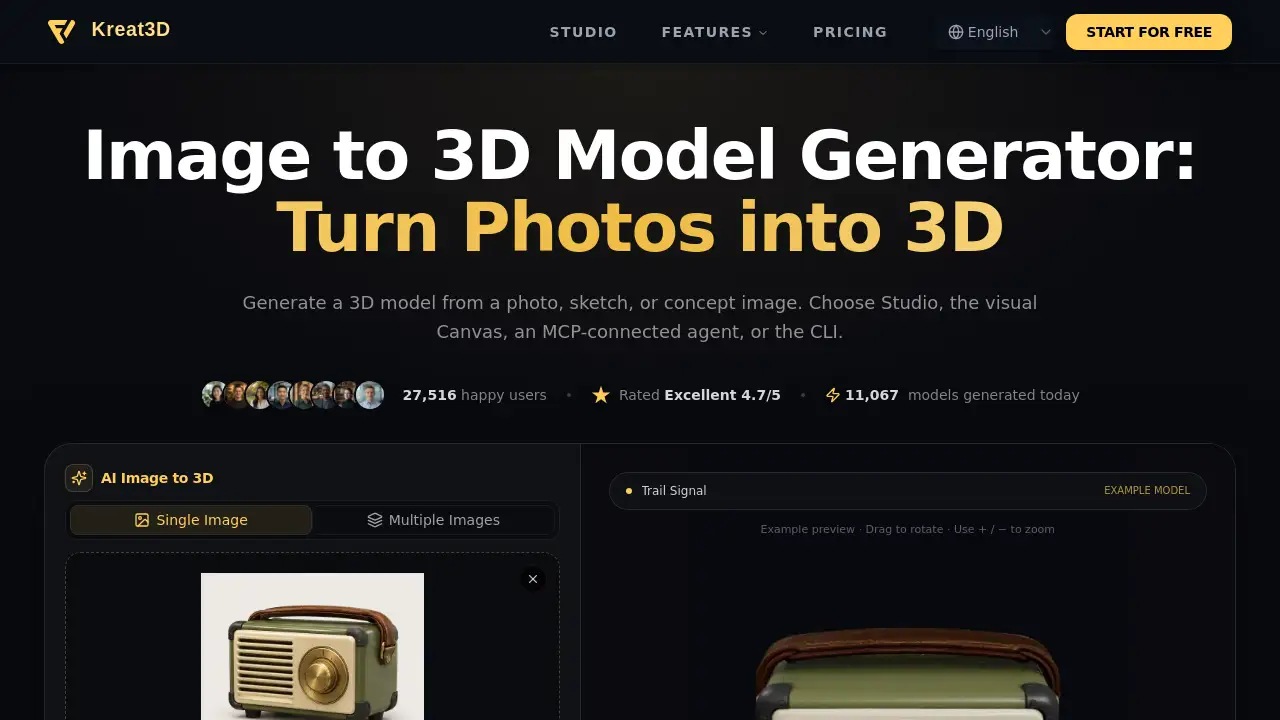
3D Model Maker — Visual Canvas for AI 3D Workflows is a browser-based tool from Kreat3D. It lets users turn images or text into 3D models, generate textures, and connect each step in one AI 3D workflow. No local GPU or installation is required.
What is 3D Model Maker — Visual Canvas for AI 3D Workflows?
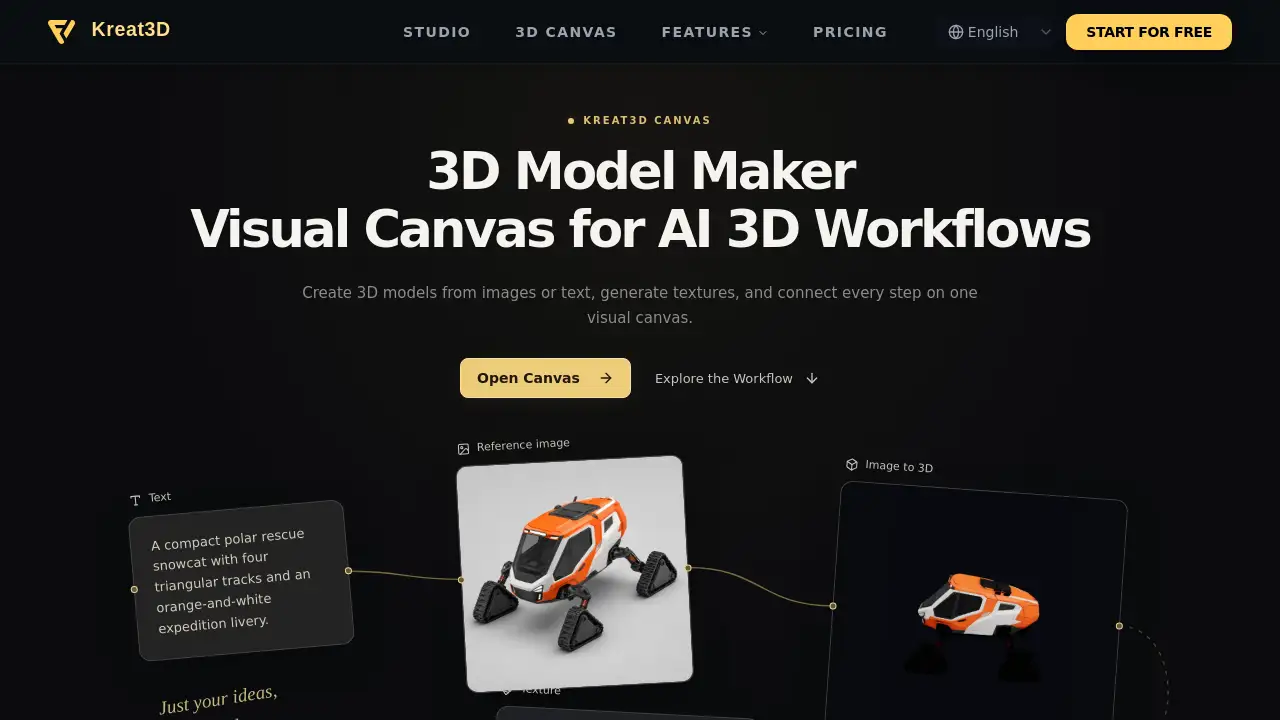
3D Model Maker — Visual Canvas for AI 3D Workflows is a visual node canvas for AI 3D workflows. Instead of moving between separate tools for image-to-3D, text-to-3D, texture generation, and AI image creation, users build a connected workflow on one screen.
The 3D Model Maker solves a common problem: fragmented 3D pipelines that require repeated exporting and importing. It is suitable for 3D artists, game developers, product designers, 3D printing users, and creators who already understand node-based tools. Because it runs in the browser, this online 3D model maker avoids local GPU setup. A visual canvas also keeps each step visible, so an AI 3D model generator, a texture generator, and an AI image generator can work together in one AI 3D workflow.
Key Features of 3D Model Maker — Visual Canvas for AI 3D Workflows
Visual Node Canvas for AI 3D Workflows
Add image-to-3D, text-to-3D, texture, and AI image nodes to a single visual canvas. Connect them into a pipeline and run each step in sequence.
Image to 3D
Drop a product photo, character sketch, or reference image into the image-to-3D node. The 3D Model Maker generates a textured model that can be used directly or passed to another node.
Text to 3D
Describe the model needed and let the text-to-3D node create a 3D asset. This AI 3D model generator helps users inspect, texture, or connect the result to other steps in the AI 3D workflow.
Texture Generator
Add a texture node and describe a surface such as wood grain, brushed metal, or stylized stone. The texture generator applies a material pass to a model generated on the account inside the same visual canvas.
AI Image Generator
Start with concept art, moodboards, or reference images using the AI image generator. Then pipe the result into an image-to-3D node for a connected AI 3D workflow.
Browser-Based 3D Model Maker
Run the 3D Model Maker in a browser with no install and no local GPU. This makes the node canvas accessible on common computers and similar to ComfyUI for 3D without the setup.
Use Cases for 3D Model Maker — Visual Canvas for AI 3D Workflows
Game and Asset Prototyping
Generate quick 3D models from images or text for game props, characters, and background assets. The visual canvas keeps early AI 3D workflows organized.
3D Printing Preparation
Create or refine printable models with image-to-3D and text-to-3D nodes. A texture generator can add surface detail before export from the 3D Model Maker.
Concept Art to Model
Turn sketches and AI images into 3D concepts without switching tools. The AI image generator and image-to-3D node can share one visual canvas.
Product Visualization
Use a product photo as input for the image-to-3D node, then apply a material pass. This online 3D model maker supports fast visual drafts for review.
Character Design Pipelines
Build a character concept, generate an image, convert it to a 3D model, and texture it in a connected AI 3D workflow. Each stage stays visible for iteration.
How to Use 3D Model Maker — Visual Canvas for AI 3D Workflows
Using 3D Model Maker — Visual Canvas for AI 3D Workflows follows a simple node-based process:
- Open the canvas in the browser.
- Add image-to-3D, text-to-3D, texture, or AI image nodes.
- Connect nodes to build a pipeline, such as an image node feeding a 3D model node.
- Enter prompts, reference images, or model inputs, then run each node in sequence.
- Download the output from each image, model, or texture node.
The 3D Model Maker keeps prompts, reference images, models, and texture steps in one AI 3D workflow. Users can change an input and re-run connected nodes without starting over.
Target Audience for 3D Model Maker — Visual Canvas for AI 3D Workflows
The 3D Model Maker is suitable for:
- 3D artists and designers who want faster concept iteration
- Game developers building props, characters, and assets
- 3D printing users who need quick model generation
- Concept artists moving from images to 3D models
- AI workflow users familiar with node-based tools
- Product designers creating early visual drafts
- Content creators exploring AI 3D workflows
Is 3D Model Maker — Visual Canvas for AI 3D Workflows Free?
Pricing details are not included in the reference content. The product page provides an Open Canvas link and workflow information, but it does not list plan names, prices, or free/trial limits.
| Plan | Price | Features |
|---|---|---|
| Not listed in reference | Not specified | Pricing is not provided; check the official Kreat3D website for current plans. |
Based only on the available information, the 3D Model Maker cannot be described as free or paid. Users should check the official site for current pricing and access details.
3D Model Maker — Visual Canvas for AI 3D Workflows's Pros and Cons
| Aspect | Pros | Cons |
|---|---|---|
| Setup | Runs in browser; no install or local GPU | Requires internet access |
| Workflow | One visual canvas for image-to-3D, text-to-3D, texture, and AI image nodes | Node-based setup may feel complex for beginners |
| Iteration | Re-run connected nodes after changing an input | Users need to manage node order and connections |
| Export | Download output from each node | File format depends on generation output; no conversion |
| Pricing | Pricing not listed in reference; check official site | Cost clarity requires checking official site |
| Audience | Useful for 3D creators and ComfyUI-style users | Not a one-click tool for every simple task |
Frequently Asked Questions about 3D Model Maker — Visual Canvas for AI 3D Workflows
What is the Kreat3D 3D Model Maker?
Kreat3D is a visual node canvas for AI 3D workflows. Users add image-to-3D, text-to-3D, texture, and AI image nodes, connect them, and run each step in the browser.
Is this 3D Model Maker online?
Yes. The 3D Model Maker runs in the browser, so there is no local installation, GPU setup, or ComfyUI setup.
How does the visual canvas work?
Add image-to-3D, text-to-3D, AI image, or texture nodes, connect the steps needed, and run them in sequence. The visual canvas keeps each input, setting, and result in one workflow.
What can I connect in a 3D Model Maker workflow?
Connect an AI-generated or uploaded image to an image-to-3D node, or pass a generated or saved model to a texture node. Each stage remains visible on the same canvas without repeated exporting and importing.
Why use a node canvas for AI 3D model making?
A node canvas shows prompts, reference images, 3D models, and texture steps as one connected workflow. Change an input and rerun the relevant nodes while keeping the rest of the process visible.
What formats can I export?
Download the existing output from each image, model, or texture node. The file format depends on the generation output; the canvas does not convert it to another format. Texture nodes return textured 3D models, rather than a separate PBR texture-map package.
3D Model Maker — Visual Canvas for AI 3D Workflows Tags
3D Model Maker, AI 3D Model Maker, visual canvas, AI 3D workflows, image to 3D, text to 3D, texture generator, AI image generator, node canvas, browser-based 3D model maker, online 3D model maker, ComfyUI alternative for 3D