Introduction
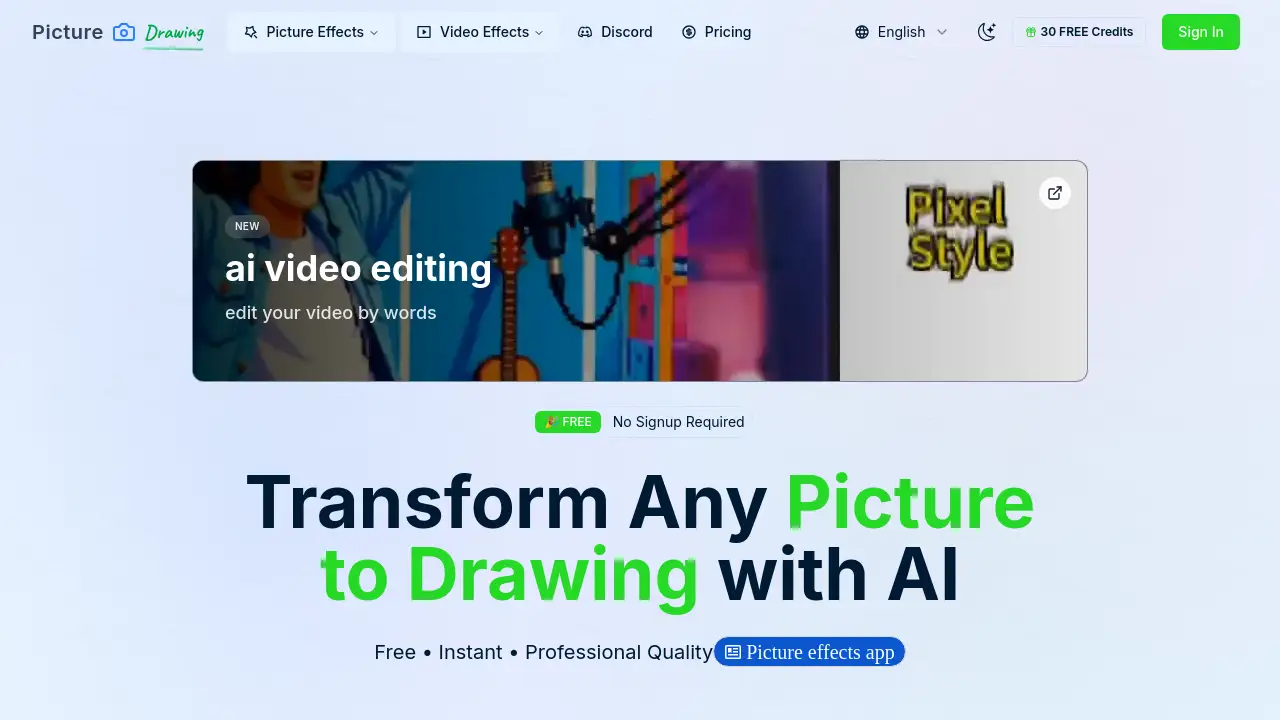
Picture to Drawing AI is a free online tool that uses artificial intelligence to transform any picture to drawing in seconds. With multiple art styles and instant results, this picture to drawing converter helps users create beautiful sketch artwork from photos without any design skills.
What is Picture to Drawing?
Picture to Drawing is an AI-powered photo-to-art converter that turns ordinary images into stunning artistic drawings. It solves the problem of needing manual drawing skills or expensive software to create sketch effects. Suitable for artists, designers, social media managers, educators, and anyone who wants to quickly generate creative visuals. By leveraging machine learning algorithms, the tool analyzes each photo and applies artistic filters to produce realistic pencil sketches, charcoal drawings, watercolor effects, and cartoon-style outputs. The service is accessible directly through a web browser with no installation or signup required, making it a practical choice for both personal and professional projects. The core value lies in its ability to deliver high-quality picture to drawing results that can be used for printing, sharing, or as inspiration for traditional art.
Key Features of Picture to Drawing
AI-Powered Picture to Drawing
The advanced artificial intelligence engine uses deep learning to understand image details and convert them into artistic sketches. It maintains crisp edges, shading, and textures, producing professional-grade picture to drawing output that mimics hand-drawn techniques.
Multiple Drawing Styles
Users can choose from over eight artistic styles, including pencil sketch, charcoal, watercolor, and cartoon effects. Each style transforms the picture to drawing in a unique way, allowing for creative experimentation and varied results.
High Resolution Output
The generated picture to drawing artwork retains high resolution, suitable for printing on paper, canvas, or digital display. This ensures the artistic conversion doesn’t lose quality when enlarged or shared.
Fast Processing
The AI picture to drawing engine processes images quickly. Free models complete a conversion in 20–50 seconds, while premium models deliver results in about 10 seconds, making it efficient for batch work or quick edits.
Free to Use with No Signup
The basic picture to drawing service is completely free. Users can upload unlimited photos without creating an account or paying any hidden fees. Premium options exist for faster generation and enhanced stability.
Simple and Intuitive Interface
A drag-and-drop upload system with support for JPG, PNG, WEBP, and HEIC formats makes using the picture to drawing tool effortless. No technical training is needed to achieve professional-looking results.
Use Cases for Picture to Drawing
Digital Artists Seeking Inspiration
Digital artists can upload reference photos and use picture to drawing AI to generate sketch variations, which serve as base compositions or style studies for their own artwork.
Social Media Content Creation
Social media managers use the picture to drawing converter to create unique, eye-catching posts. Artistic drawings often receive higher engagement, and the tool provides a steady stream of distinct visual content.
Educational Art Demonstrations
Art teachers can quickly show students how different drawing styles affect an image. The picture to drawing tool helps illustrate concepts like shading, line work, and artistic interpretation without manual demonstration.
Portrait Artists and Photographers
Portrait artists and photographers transform client photos into stylized drawings for gifts or portfolio pieces. The picture to drawing AI produces realistic results that can be printed or displayed digitally.
How to Use Picture to Drawing
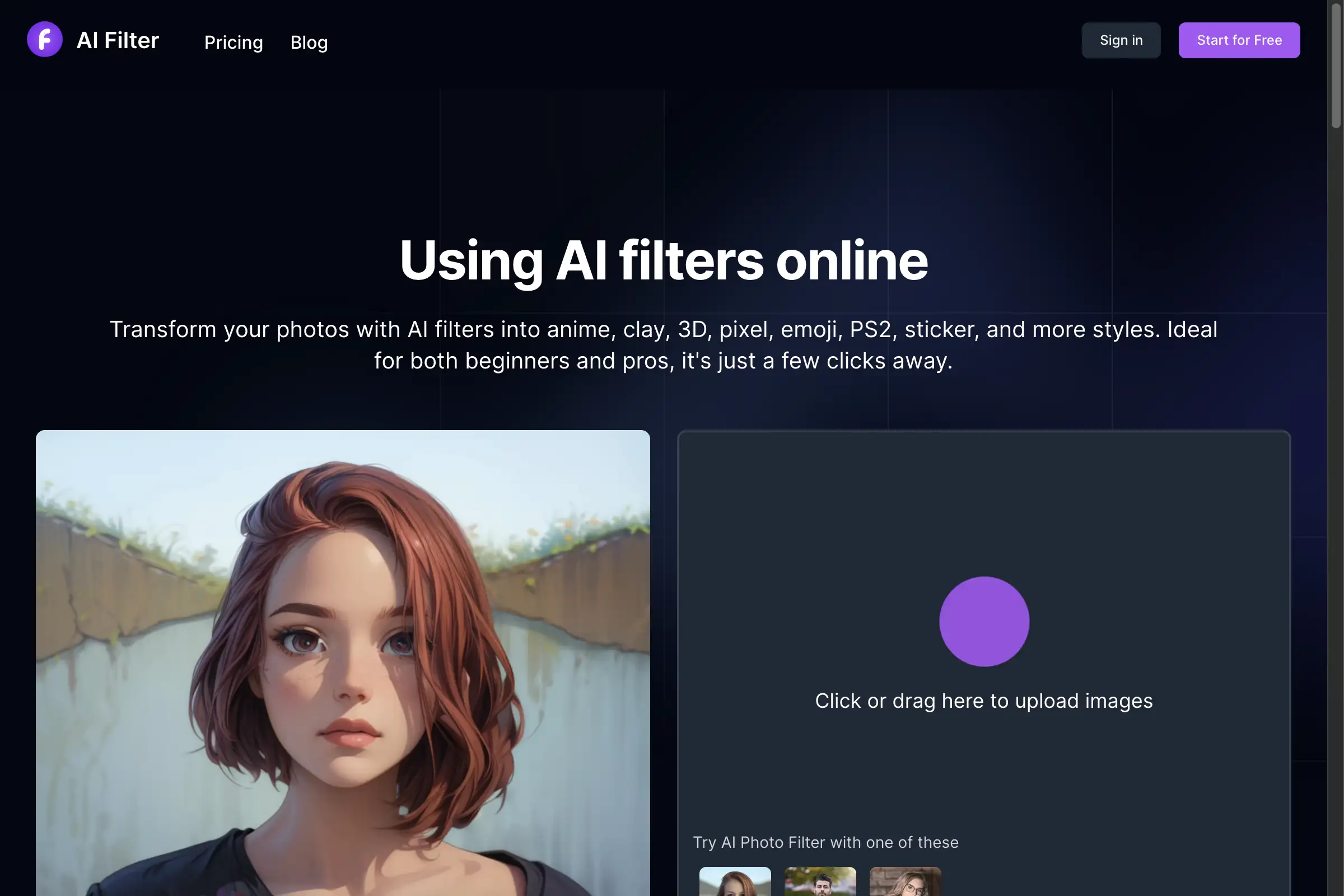
- Upload Your Picture – Drag and drop a photo onto the upload area, or click to browse. Supported formats include JPG, PNG, WEBP, and HEIC.
- Select Drawing Style – Choose from available artistic styles such as pencil sketch, charcoal, watercolor, or cartoon. Each style applies a unique picture to drawing effect.
- Generate Your Drawing – Click the generate button. The AI processes the image and creates the artistic conversion. Wait a few seconds for the result.
- Download Result – Once ready, save the picture to drawing artwork to your device. It can be shared directly or used in other projects.
The entire process requires no registration, and users can repeat the steps with different photos or styles anytime.
Target Audience for Picture to Drawing
- Digital artists and illustrators
- Graphic designers seeking quick sketch references
- Social media managers and content creators
- Photography enthusiasts
- Art teachers and students
- Portrait artists
- Anyone wanting fun, artistic photo effects
Is Picture to Drawing Free?
Yes, the basic picture to drawing service is free with no signup required. Users can convert unlimited photos at no cost. However, the free model may have longer generation times (20–50 seconds) and occasional stability issues. For faster processing and more reliable performance, premium models are available. Pricing details for premium plans are not explicitly listed on the homepage, but users can access them through the tool’s interface. The table below summarizes the options:
| Plan | Price | Features |
|---|---|---|
| Free | $0 | Unlimited conversions, multiple styles, free models (slower, occasional issues) |
| Premium | See tool | Faster processing (~10 seconds), enhanced stability, priority service |
Picture to Drawing's Pros and Cons
| Aspect | Pros | Cons |
|---|---|---|
| Pricing | Completely free for basic use; no registration needed | Free model can be slow and unstable; premium costs not transparent |
| Features | Multiple art styles (8+), high resolution output, AI-powered quality | Limited style customization compared to manual software |
| Ease of Use | Simple drag-and-drop interface, no skills required | No advanced editing options after generation (e.g., adjusting stroke thickness) |
| Speed | Quick processing (especially premium) | Free version takes 20–50 seconds per conversion |
| Accessibility | Works on any browser, no installation or signup | Internet connection required; no offline mode |
Frequently Asked Questions about Picture to Drawing
What is Picture to Drawing AI and how does it work?
Picture to Drawing AI is an online tool that uses artificial intelligence to convert any photo into an artistic drawing. The algorithm analyzes the image’s edges, shading, and textures, then applies a selected style to produce a sketch-like result. The entire process is automated and takes only seconds for a completed picture to drawing.
Is Picture to Drawing really free to use?
Yes, the basic picture to drawing service is completely free with no hidden fees. You can convert unlimited photos without registration. However, free models may have longer generation times (20–50 seconds) and occasional stability issues. Premium models are available for faster processing and more consistent performance.
What types of images work best for picture to drawing conversion?
Any photo can be used, but images with clear subjects and good lighting produce the best results. Portraits, close-ups, and pictures with distinct shapes yield more detailed and realistic picture to drawing output. The AI handles various formats and lighting conditions.
How long does the picture to drawing process take?
Processing time depends on the selected model. Free models typically complete a conversion in 20–50 seconds. Premium models can finish in approximately 10 seconds. Actual time may vary based on image size, complexity, and server load.
Can I choose different styles for my picture to drawing conversion?
Yes, the tool offers multiple artistic styles including pencil sketch, charcoal drawing, watercolor effect, and cartoon-style picture to drawing. You can experiment with different styles on the same photo to achieve unique artistic results.
Do I need to create an account to use Picture to Drawing?
No registration is required. You can start converting photos immediately by accessing the website and uploading an image. No account creation or login is necessary to use the picture to drawing service.
Picture to Drawing Tags
picture to drawing, AI picture to drawing, free picture to drawing converter, picture to drawing AI, photo to sketch, photo to drawing online, AI sketch generator, free drawing tool, multiple art styles, high resolution drawing, no signup drawing tool, picture to drawing website