Introduction
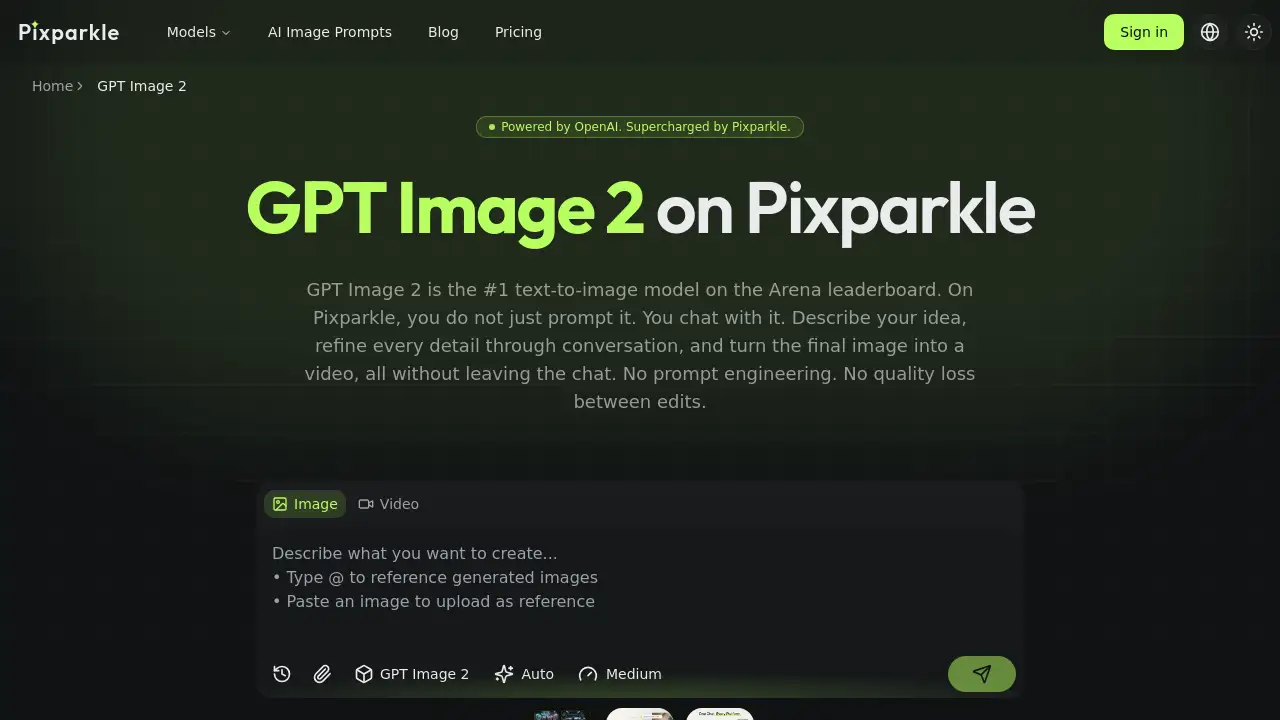
The GPT Image 2 is OpenAI's leading text-to-image AI model, accessible through Pixparkle for conversational image creation and multi-turn refinement.
What is GPT Image 2?
GPT Image 2 is OpenAI's most advanced text-to-image generation model, designed to create professional-quality images from simple descriptions. It solves the common problem of needing complex "prompt engineering" to get good results. Instead of crafting perfect prompts, users can chat with it, describe ideas in plain language, and refine details through conversation. This makes it suitable for content creators, marketers, e-commerce sellers, and designers who need high-quality visuals quickly. What sets it apart, especially on Pixparkle, is its integration into a dedicated chat interface that allows for multi-turn refinement without losing context, accurate text rendering, and the ability to turn a final image into a short video within the same conversation.
Key Features of GPT Image 2
Multi-Turn Refinement
Unlike traditional tools that force a full regeneration for every change, GPT Image 2 on Pixparkle allows you to edit specific details like lighting, colors, or composition through chat, with each instruction building on the last image.
Accurate Text Rendering
The model shows significantly improved accuracy in rendering non-Latin text, including Chinese, Japanese, and Korean characters, making it suitable for creating professional design assets with integrated text.
Image-to-Video Conversion
After generating and refining an image, you can describe a desired motion in the same chat to create a short, cinematic video clip, eliminating the need to switch between separate image and video tools.
High Resolution and Coherence
GPT Image 2 supports up to 2K resolution standard (with 4K in beta) and can generate up to 8 coherent, cross-scene consistent images from a single prompt, ideal for storyboarding or product variant creation.
Thinking Mode
For complex prompts, its "Thinking Mode" enables the model to reason through the request, plan the composition, and even search the web for context before generating, leading to more logical and accurate outputs.
Flexible Aspect Ratios
The model supports a wide range of aspect ratios from 3:1 (ultra-wide) to 1:3 (ultra-tall), covering needs for social media banners, presentation slides, and mobile content.
Use Cases for GPT Image 2
E-commerce Product Imagery
Generate clean hero shots on a white background, refine product label text through chat, and create various lifestyle scenes (flat lays, model shots) from a single conversation for Amazon and Shopify listings.
Social Media Content Creation
Describe a brand's aesthetic once and generate a week's worth of platform-specific visuals (Instagram squares, Reels, Twitter banners) from one chat thread, maintaining consistent branding throughout.
Creative Concept Development
Use Thinking Mode for complex abstract ideas, generate a character concept, place them in multiple consistent scenes, and turn a keyframe into a motion clip for pitch decks or storyboards.
Marketing and Advertising Assets
Quickly produce high-quality banners, ad creatives, and print materials with integrated text, leveraging the model's improved text rendering and high-resolution output.
How to Use GPT Image 2
Using GPT Image 2 on Pixparkle is a straightforward, chat-based process:
- Describe Your Idea: Start a chat and type your request in plain language. You can also upload a reference image or record a voice note.
- Generate the Image: The AI Agent processes your input and GPT Image 2 returns the result in seconds. You can select the quality tier (Low, Medium, High).
- Refine Through Conversation: If the image isn't perfect, reply in the chat with specific adjustments (e.g., "make the lighting warmer," "change the dress to blue"). The model edits the existing image without starting over.
- Export to Video (Optional): Once satisfied, describe the motion you want (e.g., "add a gentle zoom") in the same chat to generate and download a video clip.
Target Audience for GPT Image 2
- Content Creators & Social Media Managers
- E-commerce Sellers & Product Photographers
- Digital Marketers & Advertisers
- Graphic Designers & Illustrators
- Startup Founders & Pitch Deck Creators
Is GPT Image 2 Free?
Pixparkle offers a free trial with 10 credits to test GPT Image 2 and other models. For ongoing use, paid subscription plans are available. Based on the reference information, the "Pro" plan is highlighted.
| Plan | Price | Key Features |
|---|---|---|
| Free Trial | $0 | 10 one-time credits, commercial use allowed, access to all models. |
| Pro (Most Popular) | $29.9/month | ~1600 credits per month, best credit rate, ideal for high-volume content creation. |
For the latest pricing and other plan details (like Starter or Premium), users should visit the official Pixparkle GPT Image 2 page.
GPT Image 2's Pros and Cons
| Aspect | Pros | Cons |
|---|---|---|
| Ease of Use | No prompt engineering needed; conversational, multi-turn refinement. | Thinking Mode may be slower for simple tasks. |
| Output Quality | #1 ranked model; high coherence; excellent multi-image consistency; improved text rendering. | 4K resolution is still in beta on some platforms. |
| Workflow | All-in-one chat for image creation, editing, and video conversion. | Requires a Pixparkle subscription for full access beyond the trial. |
| Cost | Competitive credit rates on paid plans; one subscription covers multiple top models. | API access via OpenAI may be more expensive. |
Frequently Asked Questions about GPT Image 2
What is the difference between using GPT Image 2 on ChatGPT vs. Pixparkle?
On ChatGPT, GPT Image 2 is part of a general-purpose assistant. Pixparkle is purpose-built for visual creation, offering a dedicated Agent for multi-turn refinement without context loss, automatic prompt enhancement, and direct image-to-video conversion in the same chat, plus access to other leading models.
Is there a free trial for GPT Image 2?
Yes. Pixparkle provides 10 free credits upon sign-up with no credit card required. These can be used to generate images with GPT Image 2, test the editing features, and try the video conversion.
How does GPT Image 2 compare to models like Nano Banana 2?
GPT Image 2 leads in complex reasoning and multi-image coherence. Nano Banana 2 focuses on fast iteration, while Nano Banana Pro excels at CJK text fidelity. On Pixparkle, you can switch between all three models per task under one subscription.
Can GPT Image 2 accurately render Chinese or Japanese text?
Yes. GPT Image 2 has dramatically better non-Latin text rendering than its predecessor. It handles Chinese characters, Japanese kana/kanji, and Korean hangul with substantially improved accuracy. For the sharpest professional-grade text, Nano Banana Pro on Pixparkle offers additional verification.
What is "Thinking Mode" and when should I use it?
Thinking Mode makes the model reason through your prompt before generating. Use it for complex abstract concepts, logical layouts (like infographics), or when you need up to 8 coherent images with consistent characters and style.
Can I turn a GPT Image 2 picture into a video?
Yes. This is a key feature of Pixparkle. After generating your image, simply describe the desired motion (e.g., "make the camera pan left") in the same chat thread. Pixparkle generates the video clip without requiring you to download or switch tools.
GPT Image 2 Tags
GPT Image 2, text-to-image AI, AI image generator, conversational AI, multi-turn refinement, image-to-video, Pixparkle, OpenAI, AI for creators, e-commerce imagery, social media content, accurate text rendering, Thinking Mode, AI video generation, content creation tool