Introduction
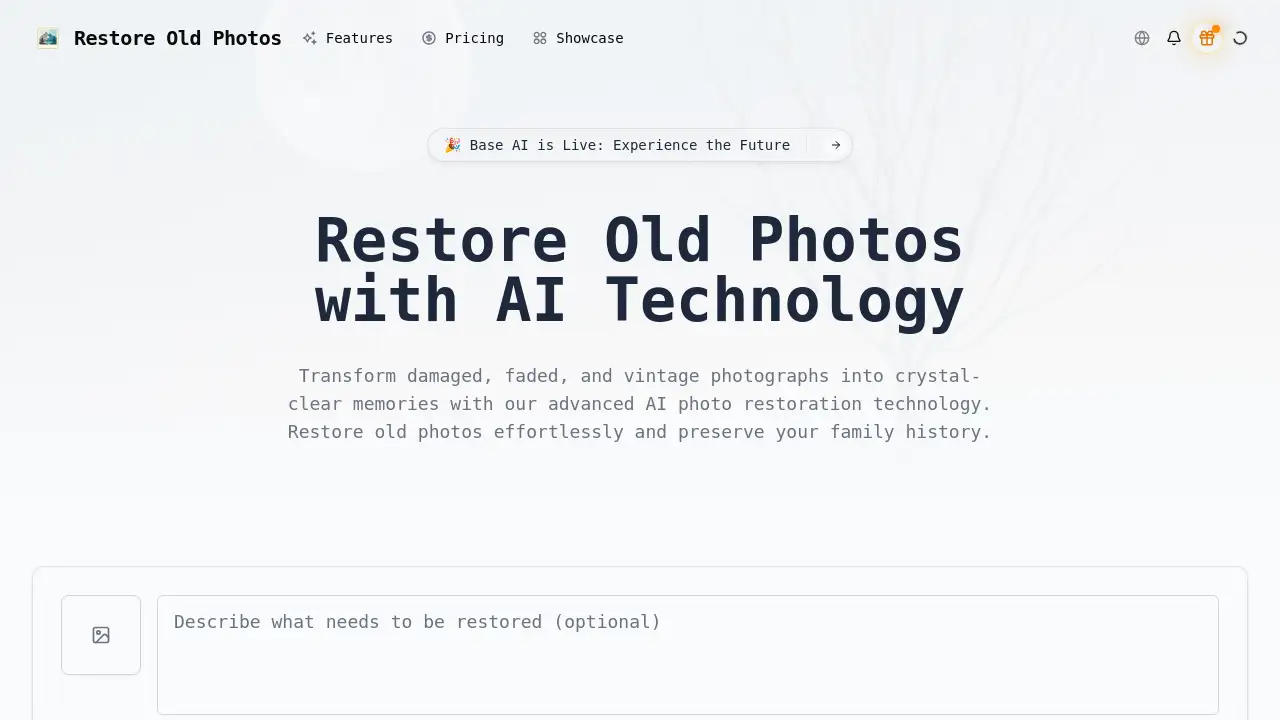
Restore Old Photos AI is a specialized online tool that uses advanced artificial intelligence to repair and enhance damaged, faded, and vintage photographs, bringing cherished memories back to life.
What is Restore Old Photos AI?
Restore Old Photos AI is a web-based platform that leverages cutting-edge machine learning technology to solve the common problem of deteriorating physical photographs. It is designed for anyone looking to restore old photos that have suffered from scratches, tears, stains, color fading, or general wear and tear over the years. The service automates the complex process of photo restoration, making professional-grade results accessible without needing manual photo editing skills. This matters because it provides a simple, fast, and effective way to preserve family history, restore sentimental value, and safeguard visual memories for future generations. It is particularly suitable for family archivists, genealogists, historians, and photography enthusiasts.
Key Features of Restore Old Photos AI
AI-Powered Damage Repair
The platform automatically detects and repairs common physical damage such as scratches, tears, and stains on vintage photographs with surgical precision.
Intelligent Color Restoration
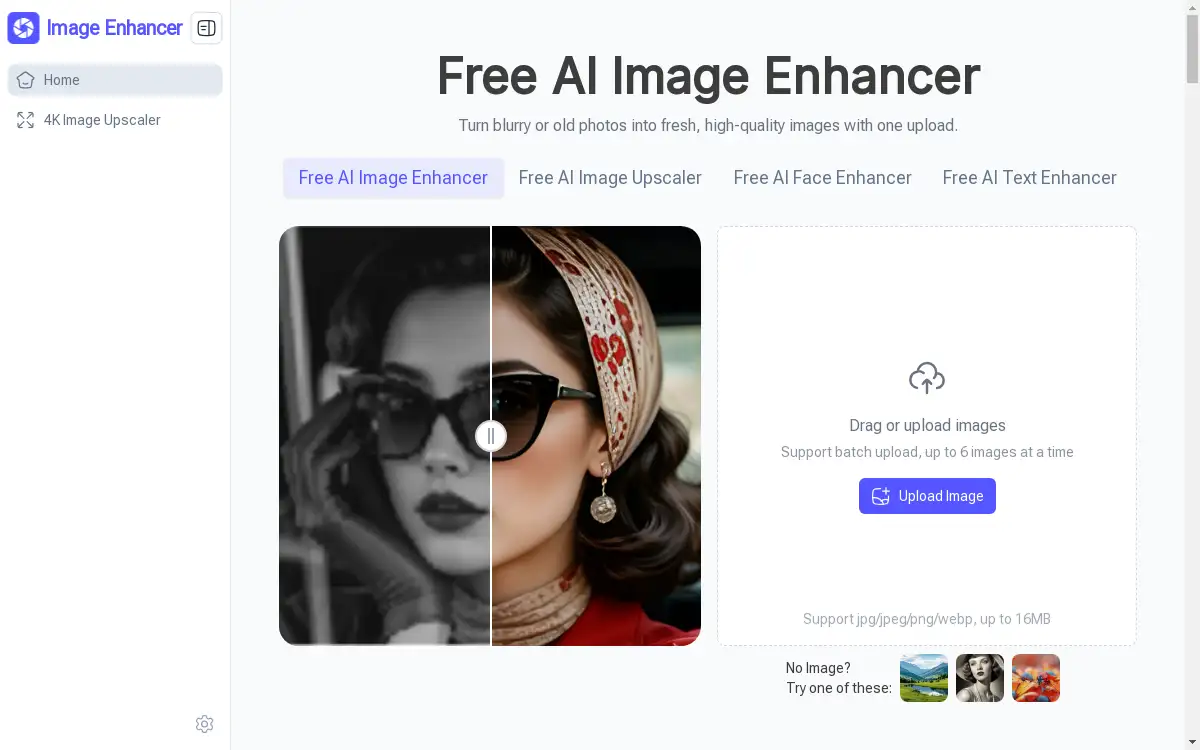
It analyzes faded images to restore vibrant colors and enhance contrast, bringing life back to old family photos while maintaining their authentic vintage character.
Advanced Noise Reduction
The algorithms effectively remove grain, dust spots, and digital artifacts from scanned images without compromising important details.
Specialized Face Enhancement
For portraits, specialized AI focuses on enhancing facial features and expressions, ensuring ancestors in old photos appear clear and lifelike.
Batch Processing Capability
Users can restore old photos in bulk, which is ideal for efficiently processing entire albums or large family photo collections at once.
Format and Authenticity Preservation
The restoration process maintains original aspect ratios and the historical feel of photographs, ensuring improvements don't look artificial.
Use Cases for Restore Old Photos AI
Preserving Family History
Individuals can scan and upload decades-old family portraits to restore old photos, transforming faded or damaged images into clear digital heirlooms to share with relatives.
Genealogical Research
Genealogists use the tool to enhance old, blurry ancestor photos found in archives, making facial features and details clearer for identification and family tree projects.
Historical Archive Digitization
Museums, libraries, and historical societies employ this AI photo restoration service to prepare fragile historical photographs for digital exhibitions and permanent preservation.
Professional Photography Services
Photographers and studios offer photo restoration as a service to clients, using the AI to quickly repair client-submitted damaged photos with professional quality.
How to Use Restore Old Photos AI
Using Restore Old Photos AI involves a straightforward three-step process designed for users of all skill levels.
- Upload Your Image: Visit the website and upload the digital scan or photo of the damaged vintage photograph you wish to restore.
- AI Processing: The platform's AI instantly analyzes the image and automatically applies repairs for damage, color, and clarity. The process typically completes in seconds.
- Download the Result: Once processing is finished, you can preview the restored photo and download the high-resolution result, ready for printing, framing, or digital sharing.
Target Audience for Restore Old Photos AI
- Family historians and individuals with personal photo archives.
- Genealogists and ancestry researchers.
- Museum curators, librarians, and historical archivists.
- Professional photographers and photo restoration specialists.
- Antique dealers and collectors of vintage photography.
Is Restore Old Photos AI Free?
The reference information indicates the service operates on a credit-based system. A free tier appears to be available, offering users a starting balance of restoration credits to try the service.
| Plan | Price | Key Features |
|---|---|---|
| Free Tier | $0 | Includes a limited number of Restoration Credits (e.g., 20) to process photos. |
| Paid Credits | Variable | Users purchase additional credit packs to restore more photos after exhausting the free allotment. |
For the most current pricing and detailed credit packages, users should visit the official Restore Old Photos AI website.
Restore Old Photos AI's Pros and Cons
| Aspect | Pros | Cons |
|---|---|---|
| Ease of Use | Extremely simple three-step process; no technical skills required. | Requires a digital scan/photo of the original; cannot work directly with physical prints. |
| Speed & Efficiency | Processes images in seconds, much faster than manual restoration. | Outcomes are fully automated; users have limited control over the restoration parameters. |
| Quality & Authenticity | Achieves high-quality results that preserve the original character of the photo. | Results may vary depending on the severity of the original damage; extremely degraded photos may have limitations. |
| Accessibility | Makes professional-grade restoration affordable and accessible to the public. | Operates on a credit system; extensive restoration projects require purchasing additional credits. |
Frequently Asked Questions about Restore Old Photos AI
What types of damage can Restore Old Photos AI fix?
The AI is specifically trained to repair common issues in vintage photos, including scratches, tears, water stains, color fading, and general blurriness or graininess.
How long does it take to restore a photo?
The AI restoration process itself is very fast, typically completing within seconds after you upload your photograph. The total time depends mainly on your internet upload and download speeds.
Will the restored photo lose its original vintage look?
A core feature of the service is to preserve the authentic character and historical feel of the original. It enhances clarity and color while aiming to maintain the photograph's original essence and aspect ratio.
What file formats are supported for upload and download?
The platform supports common image formats like JPG and PNG for upload. The restored high-resolution photo is provided in a widely compatible format suitable for printing and sharing.
Is there a limit to how many photos I can restore?
Yes, the service uses a credit system. A free tier provides a limited number of credits to start. Once those are used, you need to purchase additional credit packs to restore old photos.
Is my uploaded photo data private and secure?
Reputable AI photo services typically process images securely and do not claim ownership of your uploaded or restored photos. It is always recommended to review the platform's privacy policy for specific data handling details.
Restore Old Photos AI Tags
restore old photos, AI photo restoration, fix old photos, photo repair, enhance old photos, vintage photo restoration, colorize old photos, remove scratches from photos, family photo restoration, genealogy photos, historical photo repair, online photo restoration