Introduction
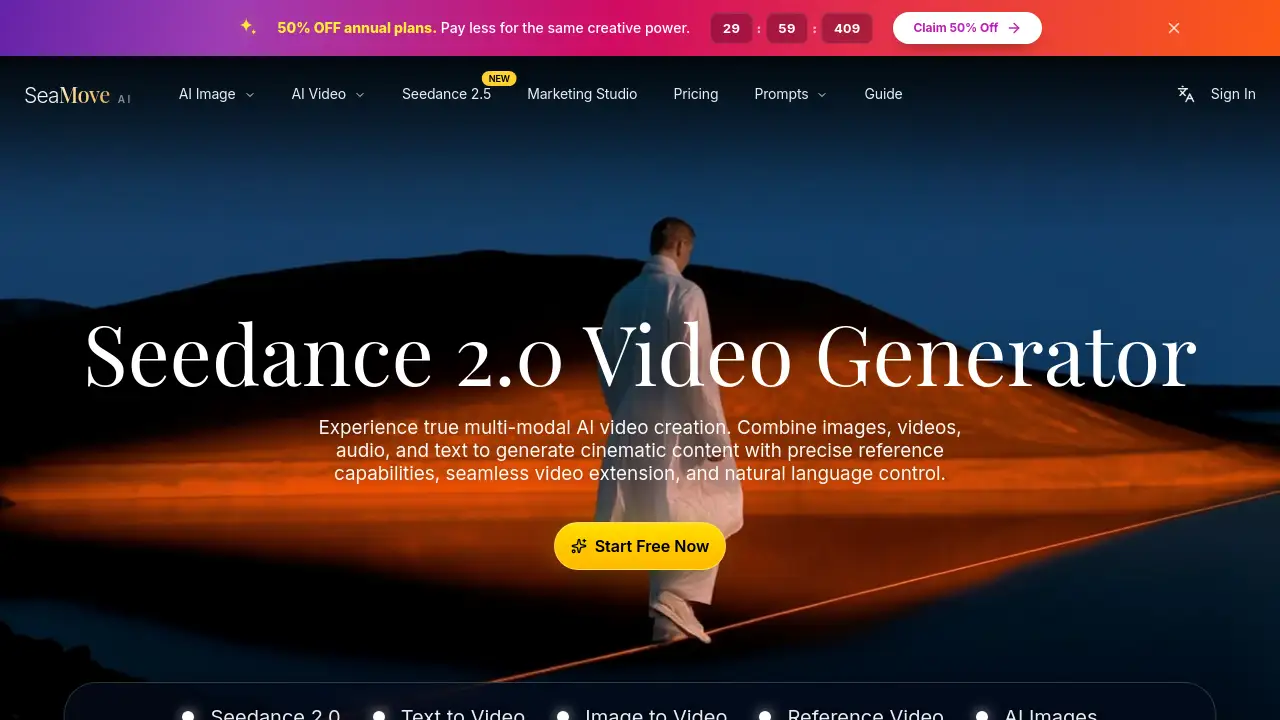
SeaMove AI is a Seedance 2.0 AI video generator for text-to-video, image-to-video, and cinematic AI video creation. It helps creators turn prompts, images, and reference clips into polished videos.
What is SeaMove AI?
SeaMove AI is an AI video generation platform built around Seedance 2.0. It is designed for text-to-video, image-to-video, and multimodal AI video workflows that combine prompts, images, clips, and audio. The platform aims to solve a common creative problem: making cinematic AI video without rebuilding every project from scratch. It is suitable for creators, marketers, filmmakers, and studios that want faster iteration and more control over scene continuity. SeaMove AI also lists Seedance 2.5 as a newer option, with support for multimodal references and native audio. By offering AI video effects, reference-based direction, and scene extension, SeaMove AI matters for teams that need consistent visual output across multiple shots.
Key Features of SeaMove AI
Multimodal Reference System with @ Tags
Use @Image and @Video references to lock characters, guide camera movement, and build multi-shot sequences. This helps keep AI video creation consistent across different scenes.
Text-to-Video and Image-to-Video Creation
Create videos from text prompts, animate still images, or transform existing clips. SeaMove AI supports switching between generation modes without restarting the workflow.
Seamless Scene Extension
Extend scenes with consistent characters, environments, and motion flow. This feature helps creators build longer sequences while preserving cinematic direction.
Cinematic Multi-Shot Continuity
Generate one-take tracking shots or structured sequences that maintain character identity and environmental details. The result is smoother continuity across cuts in Seedance 2.0.
Audio-Visual Synchronization
Generate video with synchronized sound and pacing that match the visuals. Seedance 2.0 helps text, image, motion, and audio direction move together.
Seedance 2.5 Upgrade
Seedance 2.5 is available as a newer model with multimodal references and native audio. It supports 480p and 720p video creation and up to 30-second output, according to SeaMove AI.
Marketing Studio and AI Image Tools
SeaMove AI includes a Marketing Studio and AI Image tools for campaign visuals, product narratives, and social content. These tools support brand teams that need faster content production.
Use Cases for SeaMove AI
Social and Brand Campaigns
Create scroll-stopping stories with consistent identity while scaling production. SeaMove AI can help brand teams produce social-ready edits with tighter creative control.
Product Storytelling
Turn product narratives into premium visual experiences aligned with positioning and proof. Image-to-video and reference video features can support product launch content.
Filmmaking Previsualization
Previsualize scenes, test camera movement, and build multi-shot sequences before final production. This makes Seedance 2.0 useful for filmmakers and video editors.
Marketing and Growth Content
Generate cinematic clarity and measurable iteration for marketing leaders who want velocity without sacrificing taste. SeaMove AI supports rapid testing of AI video effects and concepts.
Creative Direction and Film
Explore expressive motion and disciplined craft for bold ideas that still need to land. SeaMove AI offers end-to-end support for creative direction and film workflows.
How to Use SeaMove AI
- Open the SeaMove AI studio and choose the Seedance 2.0 video creation flow.
- Add a text prompt and optionally upload images or video clips as references using @ tags.
- Set resolution, aspect ratio, audio, and duration. The generator shows options such as 480p, 720p, and 1080p.
- Generate the video. Batch generation can create up to four variations with the same prompt and settings.
- Review the output, then refine, extend, or insert new shots while keeping the project visually coherent.
Target Audience for SeaMove AI
- Brand teams and content marketers
- Filmmakers and video editors
- Designers and visual storytellers
- Social media creators and influencers
- Product and entertainment teams
- Creative studios exploring AI video generation
Is SeaMove AI Free?
SeaMove AI offers a free start through its online generator, and paid plans are available on the official pricing page. The homepage advertises 50% off annual plans, which lowers the cost for the same creative power. Exact prices and plan limits are not listed in the provided reference information, so users should check the official pricing page at https://seamove.ai/pricing for current details. The platform uses a credit-based system, and the generator shows an estimated credit cost before generation.
SeaMove AI's Pros and Cons
| Aspect | Pros | Cons |
|---|---|---|
| Pricing | Free start available; annual plans advertised at 50% off | Credit-based generation may become costly for heavy use |
| Features | Multimodal AI video, text-to-video, image-to-video, AI video effects, reference control | Advanced controls may require time to learn |
| Output | Scene extension, multi-shot continuity, audio-visual sync | Duration and resolution depend on selected model and settings |
| Access | Useful for individuals, teams, and studios | Some copyrighted or sensitive content may be blocked |
Frequently Asked Questions about SeaMove AI
What is SeaMove AI?
SeaMove AI is an AI video generation platform that provides access to Seedance 2.0 and Seedance 2.5. It supports text-to-video, image-to-video, AI video effects, and reference-based video creation.
What is Seedance 2.0?
Seedance 2.0 is the core AI video model available on SeaMove AI. It supports multimodal references, scene extension, multi-shot continuity, and audio-visual synchronization for cinematic AI video.
Can I use images and videos as references?
Yes. SeaMove AI lets users add @Image and @Video references to guide characters, camera movement, and scene direction. This helps maintain consistency across multiple AI video generations.
Is SeaMove AI free?
SeaMove AI offers a free start, and paid plans are available. The site advertises 50% off annual plans. For current pricing, users should visit the official pricing page.
Is SeaMove AI suitable for commercial use?
SeaMove AI is presented as suitable for brand teams, content marketers, filmmakers, and studios. Commercial use may depend on the selected plan and the platform's terms, so users should review the official terms and pricing details.
How fast can I create a video?
The exact generation time depends on settings, model, and queue. SeaMove AI is designed for faster iteration, and users can generate multiple video variations from the same prompt and settings.
SeaMove AI Tags
SeaMove AI, Seedance 2.0, AI video generator, text-to-video, image-to-video, AI video effects, multimodal AI video, cinematic AI video, Seedance 2.5, reference video, AI video creation, marketing studio.