Introduction
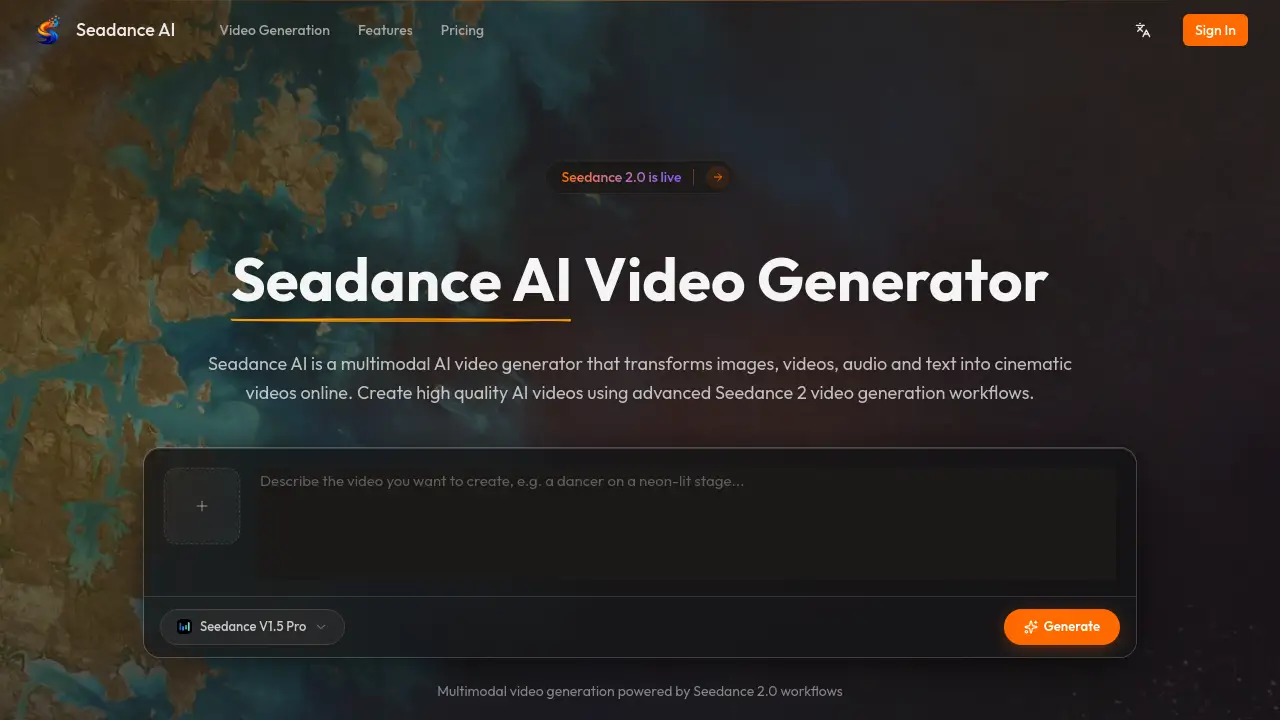
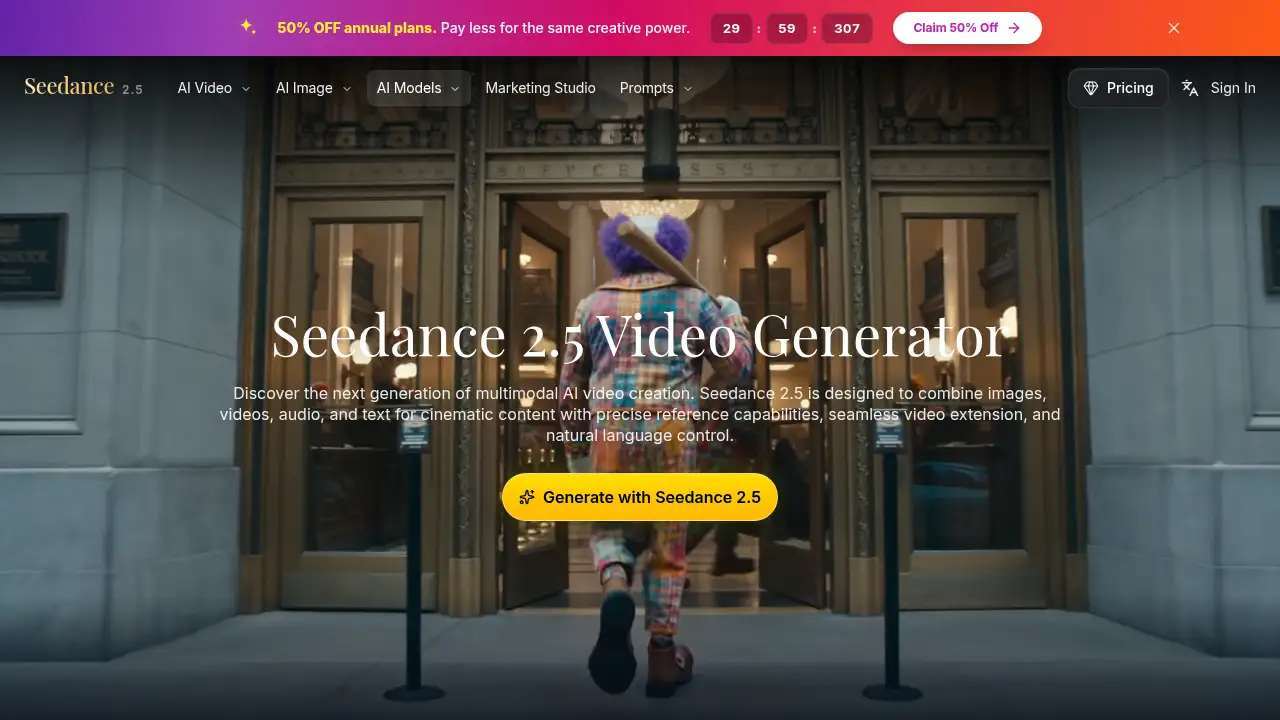
Seedance 2.5 is a multimodal AI video generator.
What is Seedance 2.5?
Seedance 2.5 is a multimodal AI video creation platform designed to combine images, video clips, audio, and text inside one creative workflow. It is built for people who want more control than a simple prompt-to-clip tool can offer, especially when a project needs consistent characters, clear camera direction, or multiple connected shots. The product addresses a common problem in AI video creation: keeping visual identity and scene intent stable as a project grows. Seedance 2.5 aims to solve this with reference tags, natural language control, and seamless video extension. It suits creators, marketers, filmmakers, and design teams that need faster iteration without losing cinematic direction. For anyone comparing an AI video generator for structured creative work, Seedance 2.5 is positioned as a director-style tool rather than a one-click toy.
Key Features of Seedance 2.5
Seedance 2.5 focuses on control, continuity, and flexible inputs. The feature set is shaped around professional video workflows rather than single-shot experiments.
@ Tag Reference System
Use @Image and @Video references to lock characters, guide camera movement, and keep visual details aligned across shots. This reference system gives Seedance 2.5 a practical way to support precise reference capabilities inside an AI video generator workflow.
Text, Image, and Video Workflows
Create from text prompts, animate still images, or transform existing clips without rebuilding the project from scratch. Seedance 2.5 lets users move between text to video, image to video, and video-based generation modes in one place.
Audio-Aware Direction
Add optional audio-driven direction to keep motion, timing, and scene intent aligned. This helps Seedance 2.5 support richer multimodal AI video creation when a project depends on rhythm or sound cues.
Seamless Scene Extensions
Continue a scene with consistent characters, environments, and motion flow. Seedance 2.5 uses video extension to help creators extend generations while preserving cinematic pacing and direction.
Consistent Multi-Shot Scenes
Generate tracking shots or structured sequences that maintain character identity and environmental details across cuts. Seedance 2.5 is designed for projects that need continuity, not just isolated visual moments.
Use Cases for Seedance 2.5
Seedance 2.5 fits several production styles where visual consistency matters.
Social and Brand Campaigns
Build launch videos, social edits, and campaign visuals with a consistent character or product look. Seedance 2.5 can help teams iterate on AI video creation while keeping brand identity aligned.
Filmmaking and Previsualization
Previsualize scenes, test camera movement, and build multi-shot sequences before final production. Seedance 2.5 supports this by combining reference capabilities with natural language control.
Product Storytelling
Turn product narratives into premium visual concepts with controlled motion and repeatable scene details. Seedance 2.5 gives marketing teams a focused AI video generator for polished visual direction.
Design and Motion Concepts
Turn reference images into stylized motion ideas and explore new looks before production. Seedance 2.5 helps designers push visual concepts into clearer, production-ready directions.
How to Use Seedance 2.5
Using Seedance 2.5 follows a simple workflow, though advanced results depend on clear creative direction.
- Open Seedance 2.5 and start a new generation from the official generator page.
- Enter a text prompt, upload an image, or add a video clip to define the starting point.
- Use @Image or @Video tags to guide characters, camera movement, or scene references.
- Adjust natural language control, audio direction, or extension settings to refine the output.
- Review the result, extend the scene if needed, and iterate until the sequence matches the intended direction.
Target Audience for Seedance 2.5
- Brand teams and content marketers who need consistent campaign visuals.
- Filmmakers and video editors who want previsualization and multi-shot continuity.
- Designers and visual storytellers exploring stylized motion concepts.
- Creative studios and production teams that need faster iteration.
- Social media teams producing platform-ready video content.
Is Seedance 2.5 Free?
The available reference does not confirm a free plan or trial for Seedance 2.5. It does include an official pricing page at seedance25.tv/pricing, where current plans and any free or trial options are listed. Because AI video generator pricing can change with credits, resolution, and usage limits, users should check that page before choosing a plan. Seedance 2.5 appears to be aimed at creators and teams, so plan details may vary by usage needs.
Seedance 2.5's Pros and Cons
| Aspect | Pros | Cons |
|---|---|---|
| Pricing | Official pricing page is available for current plan details. | Free-tier and exact plan costs are not confirmed in the reference. |
| Features | Supports multimodal inputs, reference tags, scene extension, and natural language control. | Advanced controls may require practice to use well. |
| Workflow | Fits text, image, video, and audio-driven creative work. | Strong results depend on clear prompts and references. |
| Use cases | Useful for campaigns, previsualization, product storytelling, and design concepts. | Not a replacement for final production judgment. |
Frequently Asked Questions about Seedance 2.5
What is Seedance 2.5 best used for?
Seedance 2.5 is best used for structured AI video creation that needs consistent characters, multiple shots, or controlled camera direction. It fits campaign visuals, previsualization, product storytelling, and motion concept development.
Does Seedance 2.5 support image and video references?
Yes. Seedance 2.5 uses @Image and @Video tags to guide character identity, scene details, and camera movement. This reference system is one of the main reasons it stands out from a basic AI video generator.
Can Seedance 2.5 extend existing video clips?
Seedance 2.5 includes seamless scene extension for continuing a clip with consistent characters, environments, and motion. This video extension feature is useful when a creator needs a longer sequence without losing visual continuity.
Is Seedance 2.5 good for beginners?
Seedance 2.5 can be used by beginners, but its advanced reference and direction controls may take time to learn. New users should start with simple text to video or image to video prompts before testing multi-shot workflows.
Is Seedance 2.5 free to use?
The reference does not confirm a free version of Seedance 2.5. Users should visit the official pricing page to check current plans, credits, and any trial availability before signing up.
Does Seedance 2.5 work for team workflows?
Seedance 2.5 is positioned for creators, teams, and studios that need consistent visual quality and faster iteration. It can support collaborative review, though final workflow details depend on the selected plan and how a team organizes its projects.
Seedance 2.5 Tags
Seedance 2.5, Seedance 2.5 AI video generator, multimodal AI video creation, AI video generator, text to video, image to video, video extension, natural language control, reference capabilities, cinematic AI video, AI video creation workflow, Seedance 2.5 review