Introduction
Seedream5 is a powerful AI image generator and editor powered by ByteDance's advanced technology.
What is Seedream5?
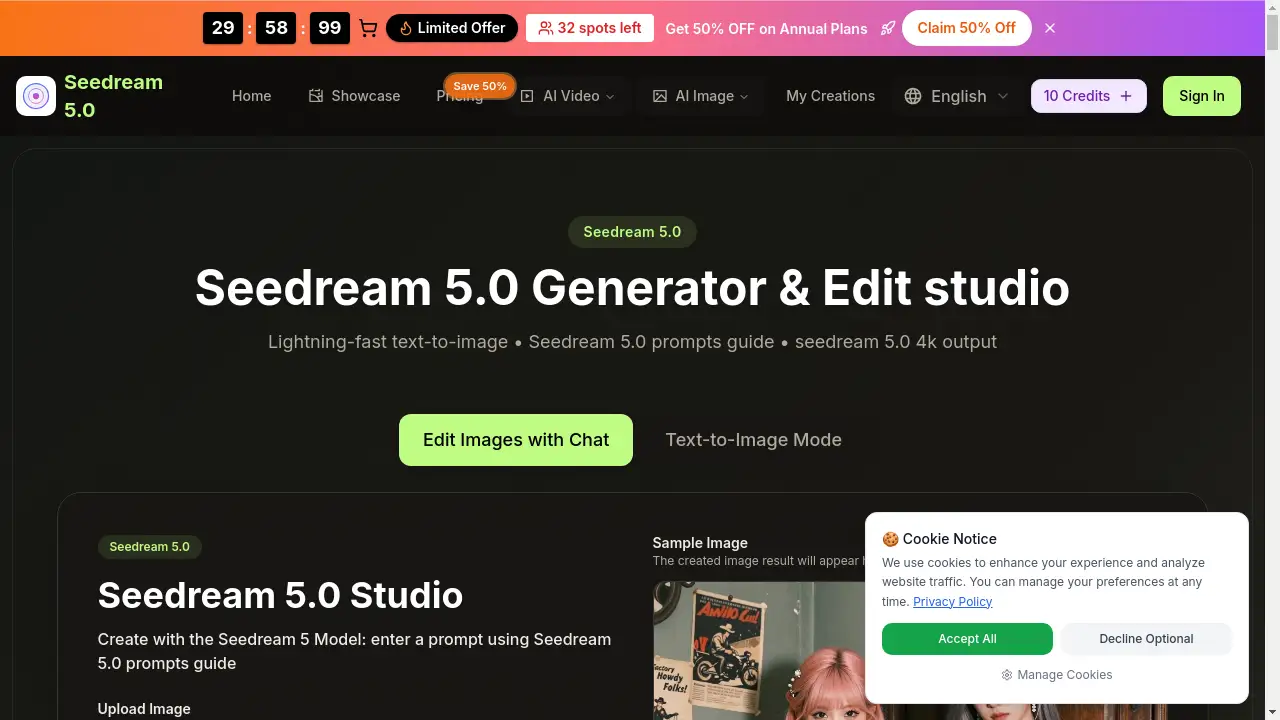
Seedream5 is a cutting-edge AI image generation and editing platform. It is designed to solve the need for rapid, high-quality visual content creation. By simply typing a text description, users can generate detailed images in seconds. This tool is suitable for a wide range of users, from hobbyists and digital artists to marketers and business professionals. Its core appeal lies in its speed, ease of use, and the professional-grade, seedream 5.0 4k output it can produce. The platform is powered by the sophisticated Seedream 5 Model and Seedream V5 engines, making advanced AI image creation accessible through a simple online interface.
Key Features of Seedream5
Lightning-Fast AI Generation
The platform uses the Seedream V5 engine to create images in just 2 to 5 seconds, enabling a rapid workflow for iterative design and quick concept visualization.
High-Resolution 4K Output
Generate images in native high resolution with one-click upscaling to seedream 5.0 4k, ensuring print-quality results suitable for professional projects.
Smart Prompt Interpretation
Leverage the Seedream 5.0 prompts guide for best practices, as the AI excels at understanding detailed descriptions of colors, lighting, style, and composition to produce accurate visuals.
Character Consistency
The Seedream 5 Model excels at maintaining consistent character details—like faces, hair, and clothing—across multiple images, ideal for storyboarding or brand character design.
Natural Language Image Editing
Beyond generation, users can edit uploaded images using simple text instructions, making complex modifications possible without technical knowledge of graphic design software.
Multi-Image Fusion & Style Transfer
Combine 2 to 9 images seamlessly or apply diverse art styles, from photorealistic to anime, using the platform's advanced image combination system.
Use Cases for Seedream5
Creating Marketing & Advertising Assets
Generate high-quality seedream 5.0 4k visuals for social media posts, ad banners, and website graphics quickly, maintaining a consistent brand aesthetic.
Developing Story & Comic Book Characters
Utilize the character consistency feature to design and visualize protagonists, side characters, and scenes, ensuring visual coherence throughout a narrative project.
Producing Concept Art & Mockups
Rapidly prototype ideas for product designs, game assets, or interior decor by generating multiple visual variations based on descriptive prompts.
Enhancing & Editing Existing Photos
Upload personal or stock photos and use natural language commands to refine details, adjust colors, or completely transform the image's style.
How to Use Seedream5
Using the platform is a straightforward process designed for accessibility.
- Access the Tool: Navigate to the Seedream 5.0 studio on the official website.
- Input Your Concept: In the prompt box, type a detailed text description of the image you want to create. Referencing the Seedream 5.0 prompts guide can help achieve better results.
- Configure Settings (Optional): Adjust parameters like aspect ratio and choose to generate the image without a watermark if you have a suitable plan.
- Generate & Review: Click the generate button. The Seedream 5 Model will create your image in seconds. You can then view the full-size result.
- Download or Refine: Download your seedream 5.0 4k image immediately, or use the editing tools to make further refinements with additional text prompts.
Target Audience for Seedream5
- Digital Artists & Illustrators: Seeking to brainstorm ideas, create base images, or experiment with new styles rapidly.
- Content Creators & Marketers: Needing a steady stream of original, high-quality visuals for blogs, social media, and advertising campaigns.
- Game Developers & Storytellers: Looking to design consistent characters, creatures, and environments for their projects.
- Product Designers & Entrepreneurs: Wanting to visualize product concepts, create mockups, and prototype ideas without extensive manual drawing.
- Hobbyists & Beginners: Interested in exploring AI art generation through a user-friendly, seedream 5.0 ai online free trial option.
Is Seedream5 Free?
The platform offers a tiered pricing model. Users can start with free credits to try seedream 5.0 ai online free. For ongoing use, paid plans provide more credits and advanced features. The pricing table below outlines the annual plans (which offer a 50% discount).
| Plan | Price (Annual) | Key Features & Credits |
|---|---|---|
| Basic | $4.9/month | 500 credits/month (6,000/year), Commercial License, Access to Seedream 5 Model. |
| Professional | $9.9/month | 2,000 credits/month (24,000/year), All Basic features, Priority queue, No watermark. |
| Enterprise | $19.9/month | 6,000 credits/month (72,000/year), All Pro features, Highest priority support. |
Seedream5's Pros and Cons
| Aspect | Pros | Cons |
|---|---|---|
| Speed & Performance | Exceptionally fast generation (2-5s). High-quality seedream 5.0 4k output. | Credit-based system may limit high-volume users on lower-tier plans. |
| Usability | Simple, intuitive interface. Powerful editing via natural language. | Optimal results require learning prompt crafting, though a guide is provided. |
| Features | Strong character consistency and image fusion. Powered by advanced ByteDance Seedream 5.0 tech. | The most advanced models (like Sora, Veo) are locked behind annual plans. |
| Pricing | Transparent plans with a free trial. Good value for teams on annual subscriptions. | Monthly pricing is not prominently displayed, favoring annual commitment. |
Frequently Asked Questions about Seedream5
Is there a free trial for Seedream5?
Yes, the platform offers free credits that allow users to try seedream 5.0 ai online free and test its core generation capabilities before committing to a paid plan.
What is the difference between the Seedream 5 Model and Seedream V5?
The Seedream 5 Model is the core AI architecture responsible for image fidelity and understanding, while Seedream V5 refers to the processing engine that delivers the lightning-fast generation speeds of 2-5 seconds.
Can I use Seedream5 for commercial projects?
Yes, all paid plans include a commercial use license, allowing you to use the generated seedream 5.0 4k images in client work, products, and advertising.
How can I get the best results from the AI?
For the best results, it is recommended to use the Seedream 5.0 prompts guide. Be specific in your descriptions, include details about style, lighting, and composition, and use quality keywords like "high resolution" or "detailed."
What image formats and resolutions does it support?
You can upload images in JPG, PNG, and WEBP formats. The tool generates high-resolution images and offers one-click upscaling to seedream 5.0 4k resolution for download.
Can I edit an image I upload to the platform?
Absolutely. A key feature is natural language editing. You can upload an image and then use text prompts to instruct the AI to modify, enhance, or completely change the style of that image.
Seedream5 Tags
Seedream 5.0, AI image generator, AI art, text to image, Seedream 5 Model, Seedream V5, seedream 5.0 4k, online AI editor, ByteDance AI, free AI image generator, character AI, prompt guide, digital art tool, commercial AI art