Introduction
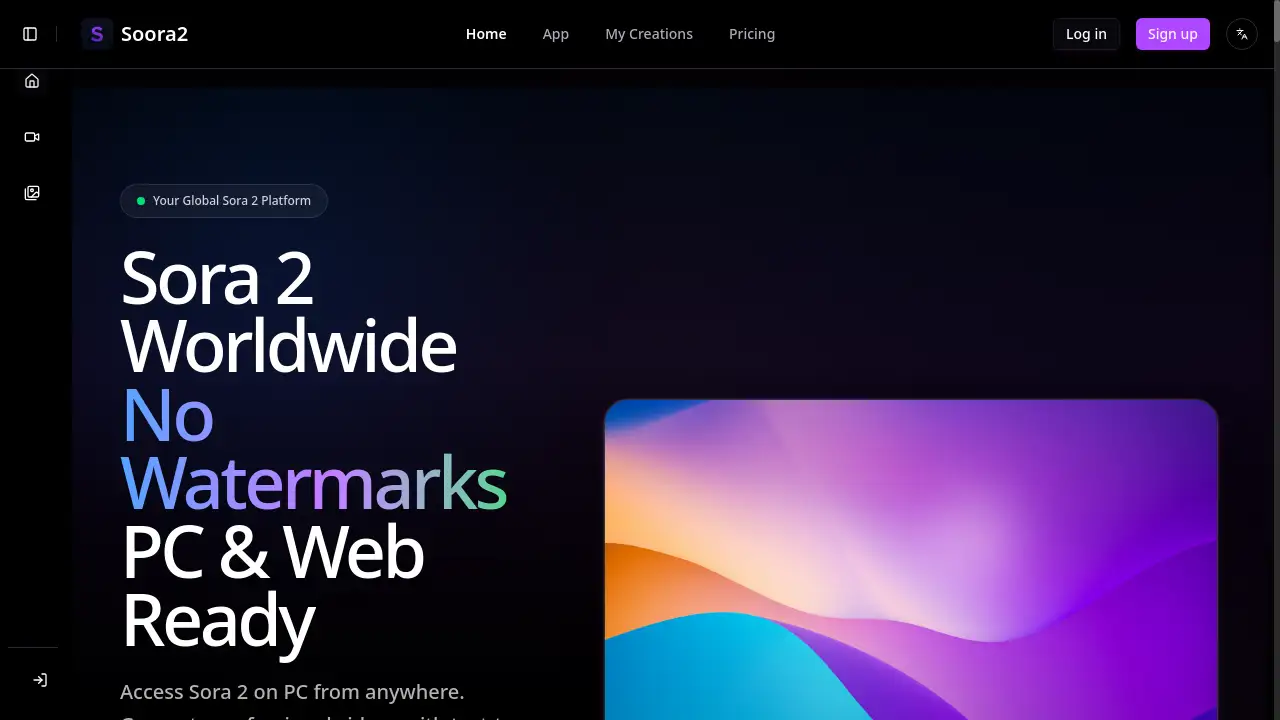
Soora2.ai provides global access to the Sora 2 AI video generation platform on PC.
What is sora 2?
Sora 2 is OpenAI's advanced text-to-video and image-to-video generation model. It solves the problem of creating high-quality, professional video content without requiring extensive video editing skills or expensive production equipment. This technology is suitable for a wide range of users, from digital marketers and social media creators to storytellers and business professionals. The significance of Sora 2 lies in its ability to transform simple text prompts or static images into dynamic, visually compelling videos. Soora2.ai acts as a global platform that provides worldwide access to this powerful Sora 2 technology, bypassing the geographic restrictions often found on official platforms. This makes Sora 2 on PC available to creators everywhere, enabling watermark-free video creation for commercial and personal projects alike.
Key Features of sora 2
Sora 2 Text to Video
Create professional-quality videos from text descriptions using either the Sora 2 or Sora 2 Pro models, with support for detailed prompts up to 2000 characters for precise creative control.
Sora 2 Image to Video
Animate static images into dynamic video content by uploading PNG, JPG, or WebP files and adding creative prompts to bring visual concepts to life.
Multiple AI Video Models
Access a diverse range of AI models including Veo 3 and WaveSpeed alongside Sora 2, allowing users to select the perfect model for their specific project requirements and visual style preferences.
Sora Watermark Remover
Eliminate watermarks from videos generated on official Sora platforms, providing clean, professional-ready content suitable for commercial use and public distribution.
Text to Image Generator
Produce high-resolution 1024x1024 images from text descriptions, offering a complete creative suite for visual content needs beyond video generation.
AI Image Editor
Enhance and modify existing images through AI-powered editing tools that can adjust colors, styles, and content based on text descriptions of desired changes.
Use Cases for sora 2
Social Media Content Creation
Generate engaging, platform-optimized videos for TikTok, Instagram, and YouTube with specific aspect ratios and styles tailored for viral social media content.
Marketing and Advertising
Create professional product demonstrations and promotional videos without the need for complex video production teams or expensive equipment.
Storytelling and Animation
Develop animated narratives and visual stories using text-to-video generation for personal projects, educational content, or entertainment purposes.
Business Presentations
Enhance corporate communications and presentations with custom-generated video content that illustrates concepts and ideas more effectively than static images.
How to Use sora 2
Using Soora2.ai to access Sora 2 is straightforward and requires no technical expertise. First, visit the Soora2.ai website on any PC or web browser and create an account to receive starting credits. Next, select your desired Sora 2 feature from the available options, such as text-to-video, image-to-video, or the watermark remover tool. Then, choose your preferred AI model, enter your creative prompt or upload your image, customize settings like aspect ratio, and generate your content. Finally, download your watermark-free video or image instantly for use in your projects.
Target Audience for sora 2
- Digital marketers and advertising professionals
- Social media content creators and influencers
- Small business owners and entrepreneurs
- Video editors and multimedia designers
- Educators and trainers creating educational content
- Storytellers and independent filmmakers
Is sora 2 Free?
Soora2.ai operates on a credit-based system rather than a traditional subscription model. New users receive starting credits upon registration, allowing them to explore the platform's capabilities. For continued use, users can purchase additional credits based on their needs. The pricing is transparent with text-to-video and image-to-video generation costing 150 credits per creation, while the watermark remover tool is available for 35 credits. This flexible approach makes Sora 2 accessible for both occasional users and professional creators who require regular video generation capabilities.
Frequently Asked Questions about sora 2
Is Soora2.ai available worldwide?
Yes, Soora2.ai provides global access to Sora 2 without geographic restrictions, unlike the official OpenAI platform which is limited to certain regions. Users from any country can access the service without requiring VPNs.
Are the videos generated on Soora2.ai watermark-free?
All videos created using Sora 2 text-to-video and image-to-video features on Soora2.ai are completely watermark-free, making them suitable for commercial use, social media, and professional projects.
Do I need an invite code to use Sora 2 on Soora2.ai?
No invite code is required to use Soora2.ai. The platform provides immediate access to Sora 2 for all users worldwide, eliminating the waitlists and invitation requirements of official platforms.
What image formats are supported for Sora 2 image-to-video conversion?
Soora2.ai supports PNG, JPG, and WebP image formats for Sora 2 image-to-video conversion, with a maximum file size of 10MB per upload.
Can I remove watermarks from official Sora videos?
Yes, the Sora Watermark Remover tool can eliminate watermarks from videos generated on the official OpenAI Sora platform by simply pasting the video URL for processing.
How long does Sora 2 video generation take on Soora2.ai?
Sora 2 video generation typically takes 3-5 minutes depending on complexity and server load, with estimated generation time displayed before starting the creation process.
sora 2 Tags
Sora 2, text to video, image to video, AI video generation, watermark-free videos, Sora 2 on PC, Soora2.ai, AI video creator, video generation platform, Sora 2 Pro, AI content creation, global Sora access