Introduction
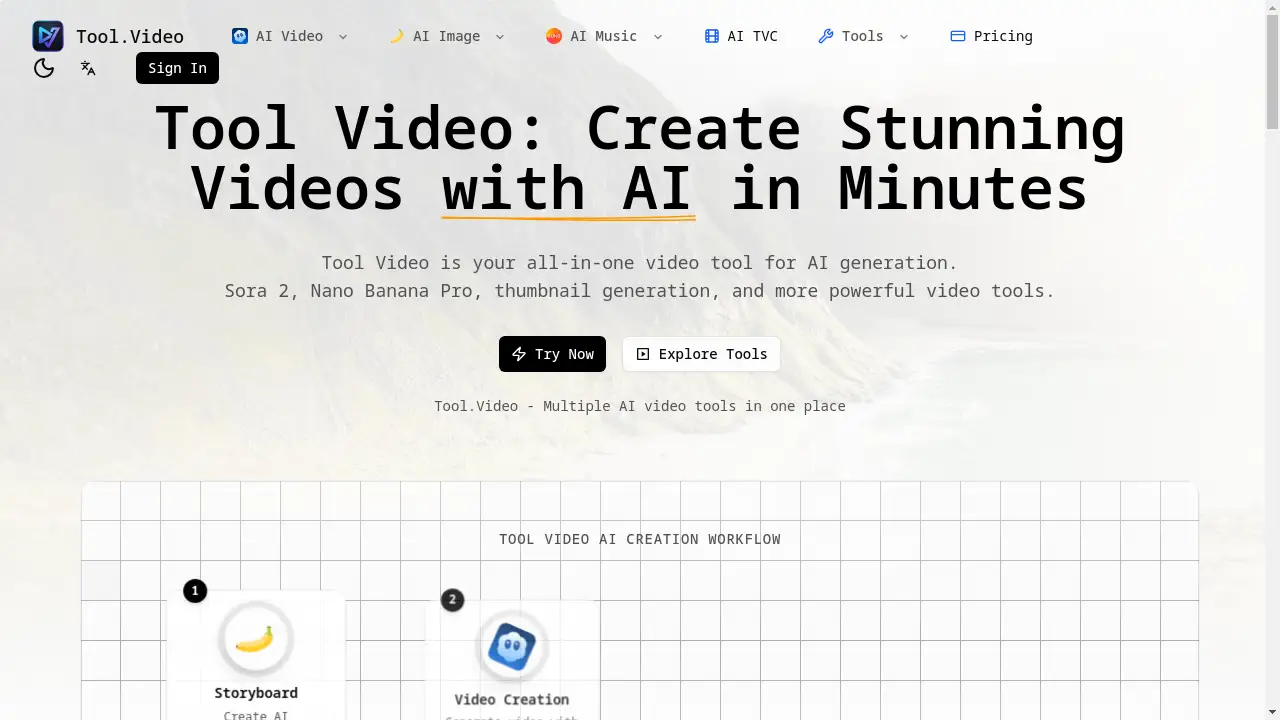
Tool Video is an all-in-one platform offering powerful AI video generation tools like Sora 2 and Nano Banana Pro.
What is Tool Video?
Tool Video is a comprehensive online platform that consolidates multiple AI video tools into a single, user-friendly dashboard. It solves the problem of creators needing to juggle different services for video generation, thumbnail creation, and other video-related tasks. This powerful video tool is suitable for content creators, marketers, social media managers, and anyone looking to produce professional-quality video content quickly and efficiently. Its importance lies in democratizing advanced AI video technology, making it accessible without requiring extensive technical skills or expensive software.
Key Features of Tool Video
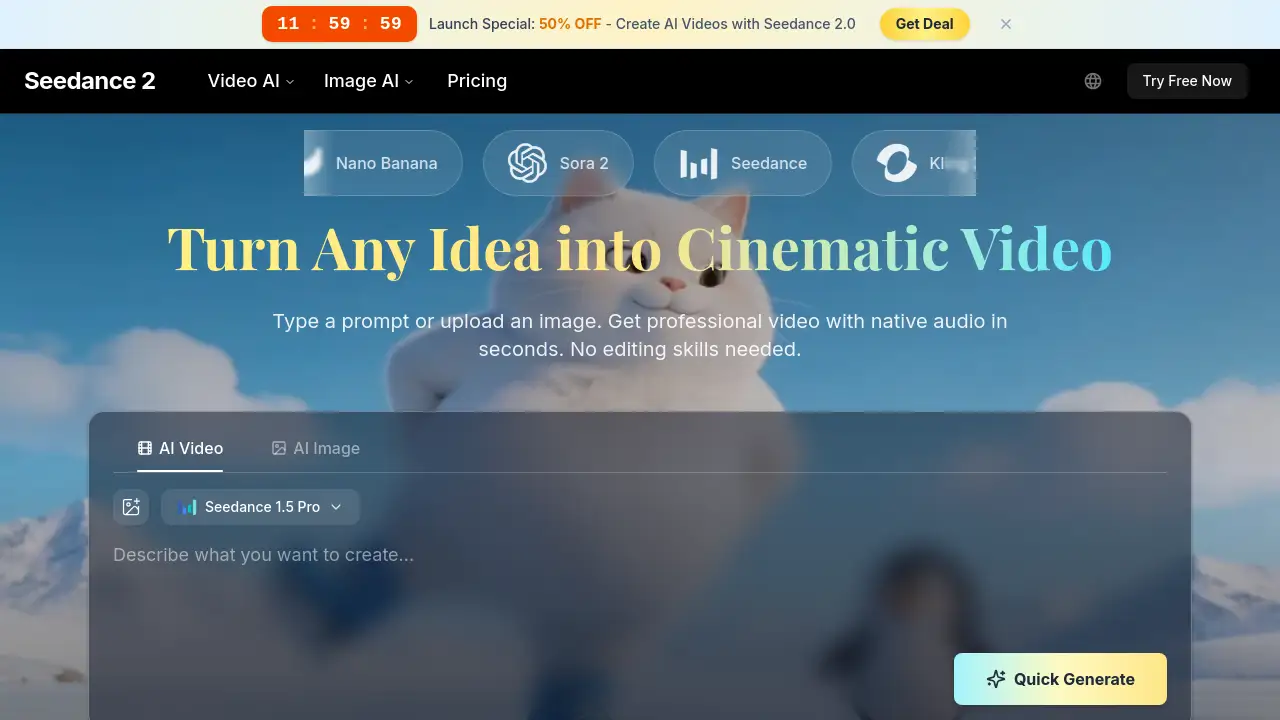
Sora 2 Video Generation
This feature allows users to generate stunning, realistic videos from simple text prompts using OpenAI's advanced Sora 2 model, creating scenes with lifelike motion.
Nano Banana Pro
Create unique and highly creative video content with the cutting-edge generation capabilities of the Nano Banana Pro AI engine.
Video Thumbnail Generator
Automatically generate eye-catching and compelling thumbnails for your videos to boost engagement and click-through rates on platforms like YouTube.
Multiple AI Engines in One Platform
Access a variety of specialized AI video tools from a unified dashboard, offering maximum flexibility for different types of video creation projects.
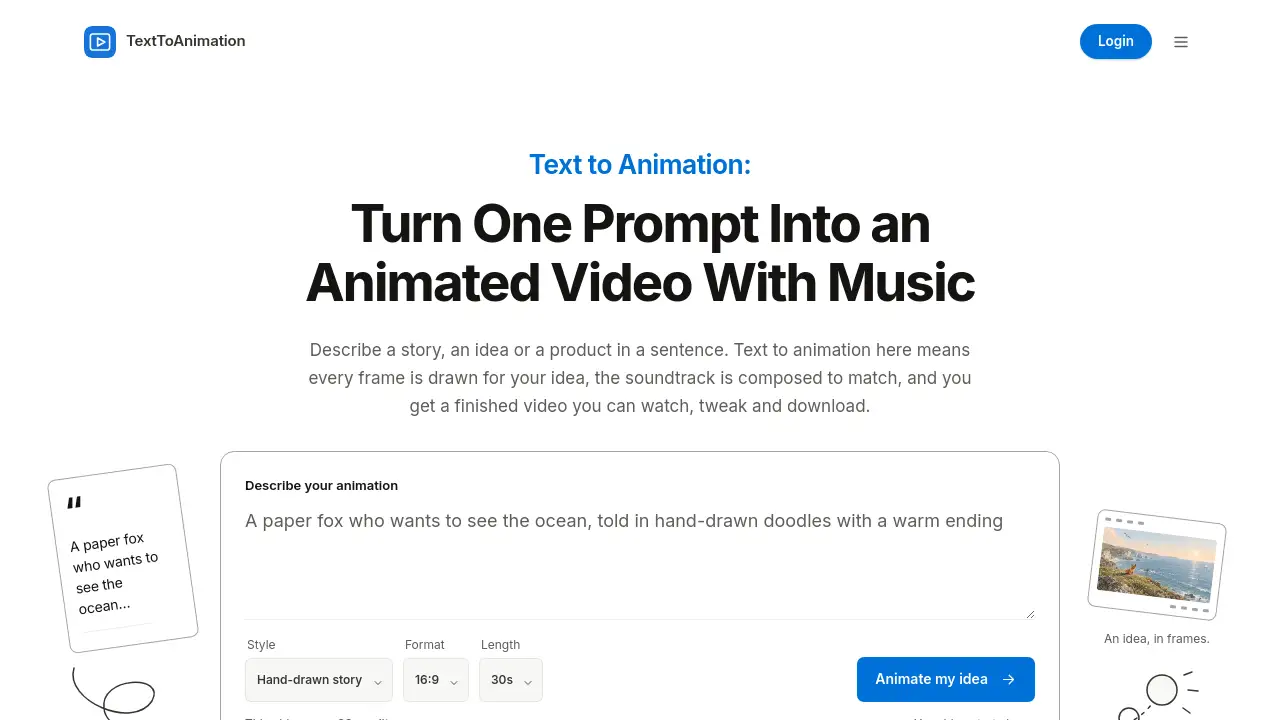
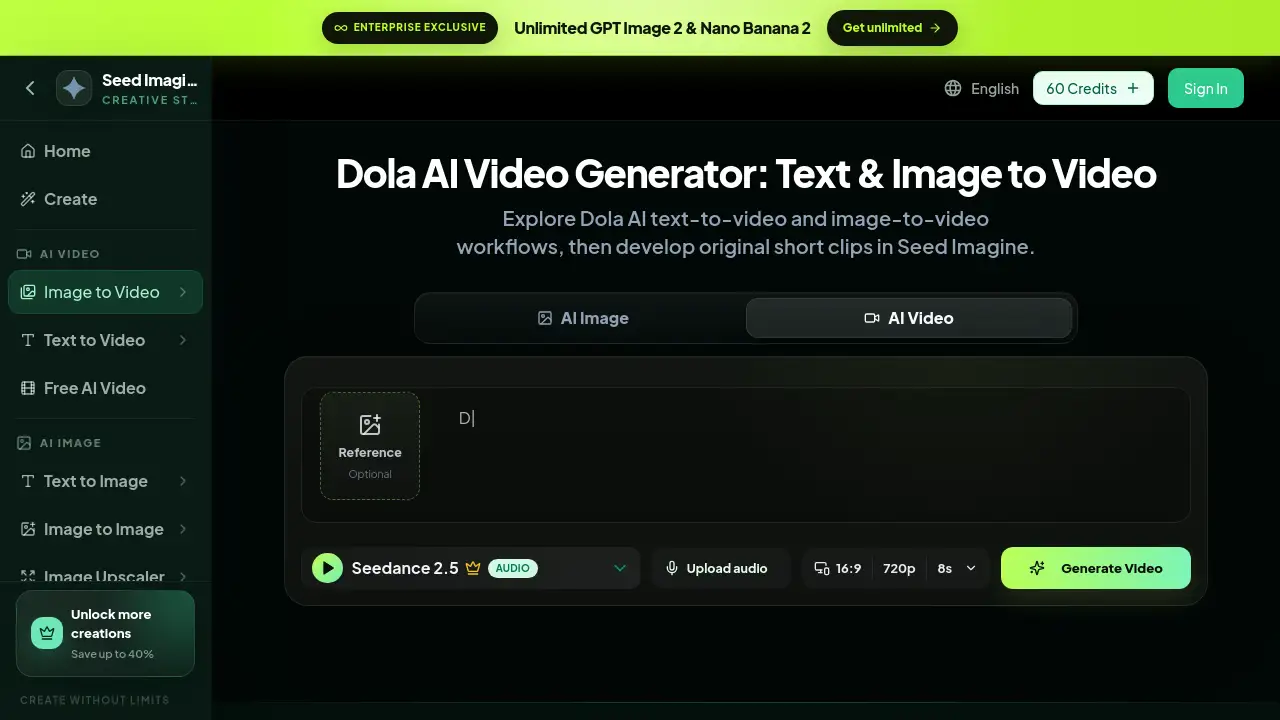
Text-to-Video Conversion
Instantly transform written text descriptions into complete, visually appealing video content, streamlining the content creation workflow.
HD Video Export
Export your final creations in high-definition quality, ensuring your AI-generated videos are suitable for professional presentations and high-traffic platforms.
Use Cases for Tool Video
Social Media Content Creation
Quickly produce engaging short-form videos for platforms like TikTok, Instagram Reels, and YouTube Shorts to capture audience attention.
Marketing and Advertising
Develop professional video ads, product demos, and promotional content without the need for a full-scale production team or complex editing software.
Educational and Explainer Videos
Create clear and visually compelling explainer videos or educational content to simplify complex topics for students or customers.
Content Repurposing
Easily turn blog posts, articles, or scripts into video format to expand content reach and cater to audiences who prefer visual media.
How to Use Tool Video
- Sign Up and Log In: Visit the Tool Video website and create an account to access the dashboard.
- Choose Your Tool: Select from the available AI video tools, such as Sora 2 for text-to-video or the Thumbnail Generator.
- Input Your Prompt: For video generation, enter a detailed text description of the scene you want to create. For thumbnails, upload a video frame or provide context.
- Generate and Customize: Initiate the AI generation process. Once complete, you can review the output.
- Export and Download: Finalize your video or thumbnail and export it in your preferred HD format for use.
Target Audience for Tool Video
- Social Media Influencers and Content Creators
- Digital Marketers and Advertising Professionals
- Small Business Owners and Entrepreneurs
- Educators and Trainers
- Bloggers and Website Owners
- Hobbyists interested in video creation
Is Tool Video Free?
Tool Video offers a tiered pricing model. Users can start with a generous free plan that provides access to basic features and a limited number of generations, which is ideal for testing the platform's core AI video tools. For users requiring more power, higher output quality, or increased generation limits, Tool Video provides affordable premium subscription options that unlock advanced features and remove restrictions.
Frequently Asked Questions about Tool Video
What is Sora 2 in Tool Video?
Sora 2 is an advanced AI model developed by OpenAI, integrated into the Tool Video platform. It specializes in generating high-quality, realistic videos from textual descriptions, handling complex scenes and motion.
How does the video thumbnail generator work?
The AI thumbnail generator analyzes your video content or the context you provide. It then automatically creates multiple eye-catching thumbnail options designed to maximize viewer engagement and click-through rates.
What video formats can I export?
Tool Video supports exporting your final creations in popular high-definition formats, ensuring compatibility with major social media platforms, websites, and presentation software.
Is there a limit on video length for generation?
Limits on video length or generation credits typically depend on your chosen subscription tier. The free plan has certain restrictions, while premium plans offer more generous allowances.
Can I use Tool Video for commercial projects?
Yes, content created with Tool Video can generally be used for commercial purposes. It is always advisable to review the platform's specific Terms of Service for detailed licensing information.
Do I need video editing experience to use Tool Video?
No, one of the main advantages of this video tool is its ease of use. The AI handles the complex creation process, allowing users to generate professional results with just a text prompt or a few clicks.
Tool Video Tags
AI video generator, Sora 2 video, Nano Banana Pro, video thumbnail generator, text to video AI, online video tool, AI video creation, create video with AI, video marketing tool, social media video maker, easy video editor, HD video export