Introduction
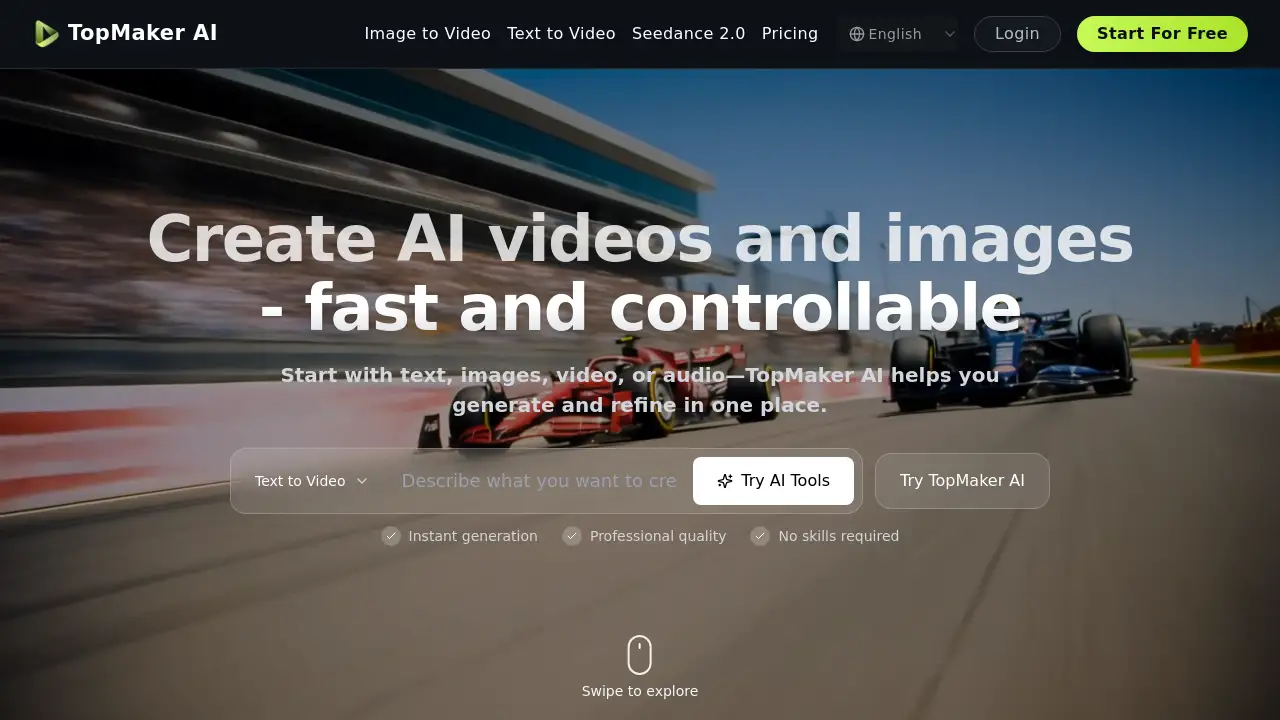
TopMaker AI is a unified AI video generator workspace that consolidates access to leading AI models for creating videos and images.
What is TopMaker AI?
TopMaker AI is a comprehensive AI video generator platform that integrates over 20 leading AI video and image models into a single workspace. It solves the problem of creative fragmentation, where users often need to switch between multiple, separate tools to access different AI capabilities for video and image creation. This platform is suitable for content creators, marketers, social media managers, and businesses who need to produce visual content efficiently. By providing a centralized environment, TopMaker AI allows users to maintain their workflow momentum, compare outputs from different models side-by-side, and refine their projects without the hassle of rebuilding prompts and settings from scratch in different applications.
Key Features of TopMaker AI
Unified AI Workspace
This AI video generator platform brings together top-performing models like Kling 3, Veo 3.1 Premium, and Flux.2 Pro in one interface, eliminating the need to juggle multiple subscriptions and websites.
Multiple Workflow Support
Users can start their creative process from various inputs, including text, images, or existing videos, using dedicated workflows for text-to-video, image-to-video, and video-to-video generation.
Fast Model Comparison
The platform enables quick testing of the same concept across multiple AI models in minutes, allowing for side-by-side output comparison to find the best fit for style, quality, or budget.
Iterative Refinement Tools
Creators can generate, review, and refine their AI-generated videos and images within the same workspace, making adjustments to prompts and settings without losing their place in the production process.
Commercial Use Licensing
Outputs generated on the platform are provided under terms that permit commercial use, making it a viable tool for business projects, advertising, and professional content creation.
Use Cases for TopMaker AI
Performance Ads Creation
Marketing teams can rapidly create multiple ad variants, testing different hooks and visuals, using the text-to-video and image-to-video workflows to streamline ad production.
UGC-Style Video Production
Creators can generate authentic, handheld-style video clips for social proof and product storytelling, ideal for platforms like Instagram Reels and TikTok.
Product Visuals and Showcases
E-commerce businesses can produce clean product images and animated showcase clips from existing photos, perfect for landing pages and promotional materials.
Social Media Content Remixing
Video editors and social media managers can transform existing raw footage into new styles and formats for different channels using the video-to-video AI workflow.
Cinematic Story Shorts
Indie filmmakers and narrative creators can turn script ideas into cinematic scenes, controlling mood and pacing through iterative generation with models like Seedance 2.0.
Animated Character Clips
Producers creating explainer or reaction content can animate still images of characters into talking shots, refining dialogue and expressions step-by-step.
How to Use TopMaker AI
Using this AI video generator is designed to be a straightforward, three-step process within its unified workspace.
- Pick a Workflow: Start by selecting the workflow that matches your existing input. Choose from Text to Video, Image to Video, Video to Video, Text to Image, or Image to Image.
- Choose a Model: Based on your goal—whether it's visual quality, generation speed, or cost—select one of the 20+ integrated AI models like Sora 2 Pro or Grok Imagine.
- Generate and Refine: Input your prompt or upload your asset, then generate a first draft. You can then re-run the generation with adjusted prompts, settings, or even switch models to iterate quickly until the output meets your needs, then download it.
Target Audience for TopMaker AI
- Social Media Content Creators and Influencers
- Digital Marketing Agencies and Performance Marketers
- E-commerce Brands and Product Managers
- Independent Filmmakers and Video Editors
- Creative Studios and In-House Marketing Teams
- UGC (User-Generated Content) Creators
Is TopMaker AI Free?
The reference information does not specify detailed pricing tiers. The platform offers free credits to get started, allowing users to explore its workflows and AI models. For ongoing use, users should visit the official TopMaker AI website to review their current pricing plans, which likely include subscription options for higher credit volumes and advanced features.
TopMaker AI's Pros and Cons
| Aspect | Pros | Cons |
|---|---|---|
| Workflow & Usability | Unified workspace prevents tool-switching; streamlined, iterative process. | May have a learning curve for users new to AI video generation parameters. |
| Model Access & Choice | Direct access to 20+ leading AI models for comparison in one platform. | Model performance and cost (in credits) can vary, requiring user experimentation. |
| Output & Application | Supports commercial use; outputs are private by default. | Final output quality is dependent on the chosen AI model and user prompt skill. |
| Speed & Efficiency | Enables fast generation of multiple variants, accelerating content production. | Credit-based system means costs can accumulate quickly with high-volume use. |
Frequently Asked Questions about TopMaker AI
What AI models are available on TopMaker AI?
TopMaker AI provides access to over 20 leading models, including Kling 3, Veo 3.1 Premium, Flux.2 Pro, Sora 2 Pro, and Seedance 2.0, all within its AI video generator workspace.
Can I use the videos I create for commercial projects?
Yes, outputs generated on the TopMaker AI platform are provided under terms that permit commercial use, making them suitable for business projects, ads, and client work.
Do I need video editing experience to use this AI video generator?
While basic familiarity with creative concepts is helpful, the platform is designed to simplify the process. Users start with text or an image and iterate through a guided workflow, making it accessible even for those without professional editing skills.
How does the pricing work?
TopMaker AI operates on a credit-based system. Users typically receive free initial credits. Generating videos or images consumes credits, with cost varying by the AI model used and the complexity of the generation. Subscription plans for more credits are available.
Is my data and generated content private?
According to the platform's trust and safety information, your generations are private by default and are not made public unless you choose to share them.
Can I animate an existing image into a video?
Absolutely. The Image to Video AI workflow is built specifically for this. You can upload a still image, select a model and motion style, and generate an animated clip while maintaining the core look of the original image.
TopMaker AI Tags
AI video generator, TopMaker AI, AI video creation, text to video AI, image to video AI, video to video AI, AI workspace, AI models, Kling AI, Veo AI, Sora AI, video production platform, content creation tool, AI for marketers