Introduction
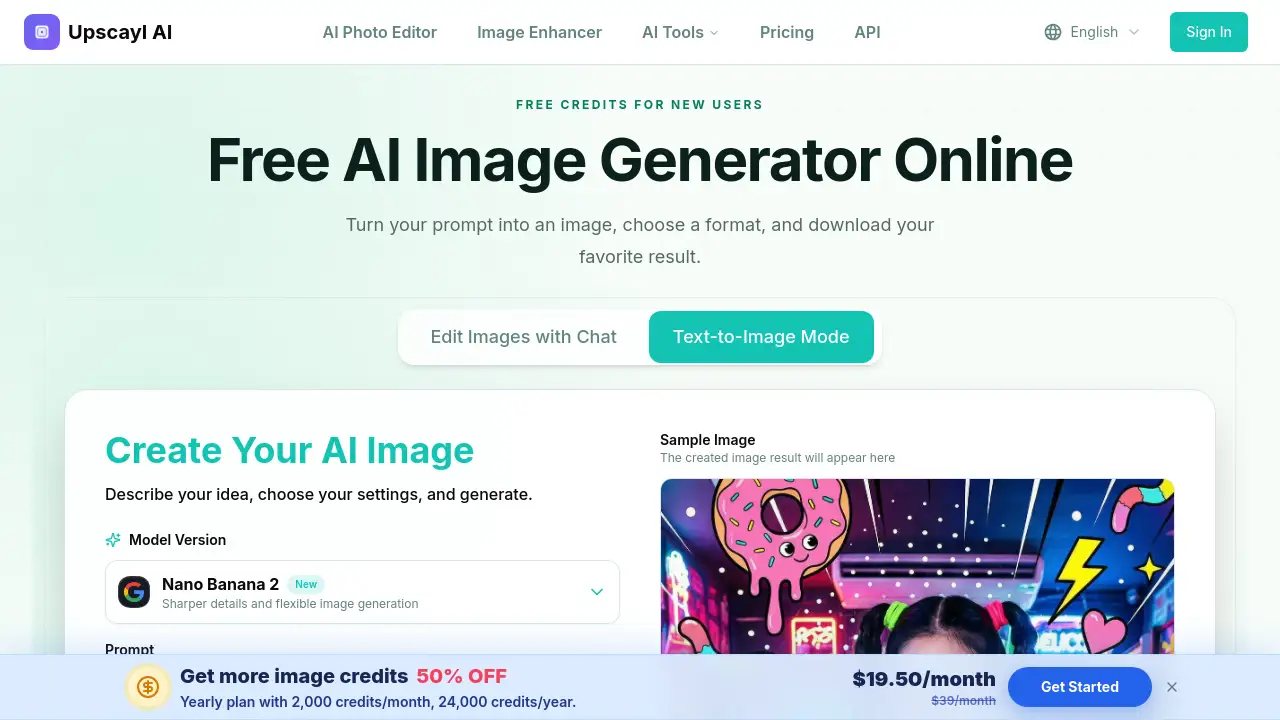
The AI image generator from Upscayl lets users create AI images from text prompts online. New users receive free credits and can choose a model, set an aspect ratio, and create up to four images. This AI image generator is simple enough for beginners and useful for content teams. This review covers features, use cases, pricing, and limitations.
What is ai image generator?
An ai image generator is a web-based tool that creates images from text descriptions. It solves the problem of starting from a blank canvas. Instead of drawing or taking photos, the user writes a prompt that describes the subject, style, lighting, and mood. The tool then produces an image based on that prompt. Upscayl's AI image generator works directly in the browser and offers free credits to new users. It is suitable for content creators, small business owners, students, and anyone who needs original images for digital projects. Because it generates multiple options at once, it helps users compare ideas quickly and choose a visual that fits their needs.
Key Features of ai image generator
This AI image generator has several features that make text-to-image creation easy. With free credits, users can try the basic settings and see how prompts affect the output.
Text-to-Image Creation
Describe an idea in a prompt and the AI image generator creates a visual in seconds. The prompt field accepts up to 1000 characters, so details such as lighting, colors, and composition can be included.
Model Choice
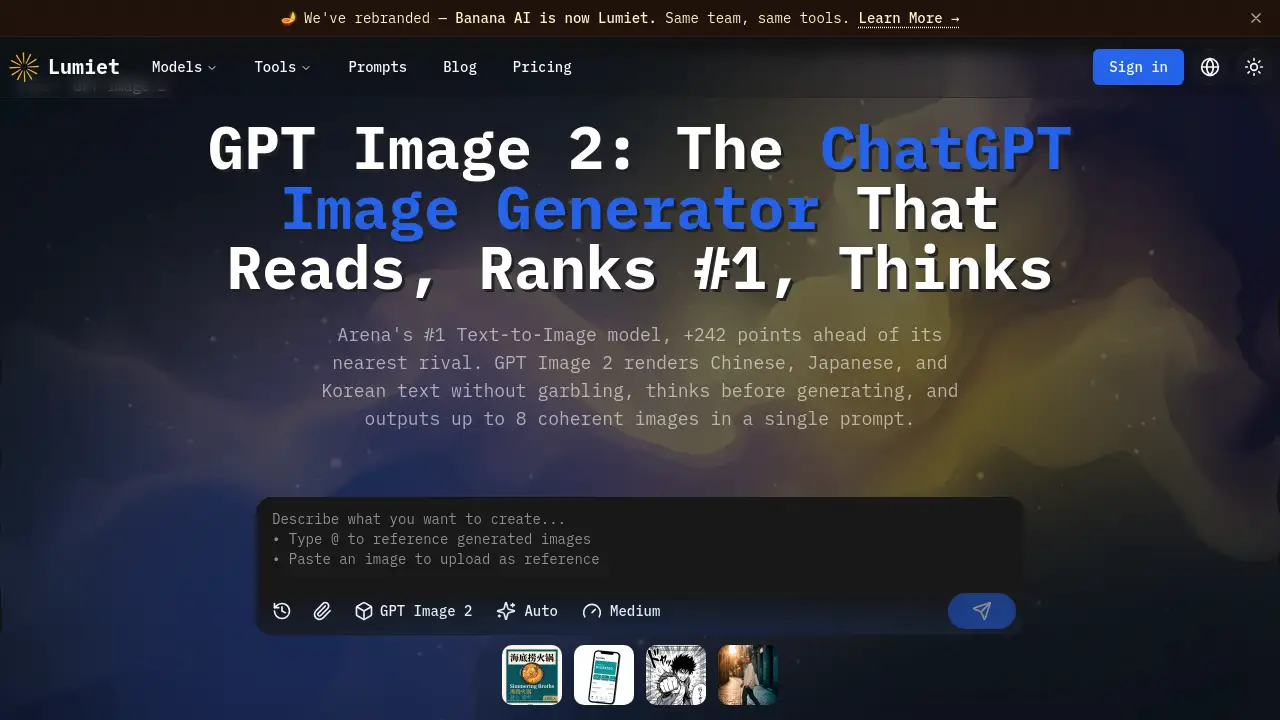
Users can select from models such as Nano Banana 2, Nano Banana Pro, Nano Banana, and GPT Image 2. Each model has different strengths, and the interface shows descriptions and estimated generation times.
Aspect Ratio Control
Choose from nine aspect ratios, including square, portrait, landscape, vertical, and wide formats. This helps users create images that fit social posts, presentations, thumbnails, and banners.
Multiple Results
Generate up to four images from one prompt. Comparing several results lets users see different compositions and details without generating a separate image each time.
No Watermark and Private Generation
Pro users can enable private generation and remove watermarks. These options are visible in the generation workspace and give more control over the final output.
Download Options
After generation, users can click on an image to view it full size and download the favorite result. The entire workflow from prompt to download stays in one place.
Use Cases for ai image generator
The AI image generator is useful for many everyday projects. New users can spend free credits to explore different styles before committing to a paid plan.
Social Media Graphics
Generate images for posts, stories, thumbnails, banners, and seasonal campaigns. The aspect ratio settings help match each platform's format.
Product Images
Explore product backgrounds, studio lighting, materials, and packaging ideas before a final photo shoot. This makes the AI image generator a practical planning tool for e-commerce and marketing.
Anime and Illustrations
Create anime characters, storybook scenes, digital paintings, and posters. A clear prompt with character details and mood works best in this AI image generator.
Characters and Concept Art
Visualize characters, clothing, props, environments, and key scenes for stories, games, comics, or personal projects. The generator gives a quick starting point for further design work.
Backgrounds and Scenes
Create city views, interiors, landscapes, fantasy worlds, and clean backgrounds for editing. This is especially useful when a project needs a specific setting without a photo shoot.
How to Use ai image generator
Using this AI image generator takes three simple steps. After the free credits are used, the workspace still shows the same workflow for paid generation.
- Write a clear prompt. Include the main subject, setting, style, colors, lighting, and camera view when they matter.
- Choose the settings. Pick an AI model, select an aspect ratio, and decide how many images to create — one, two, three, or four.
- Generate and download. Click Generate Image, compare the results, and download the version that best matches your idea.
Target Audience for ai image generator
An AI image generator like this works well for many groups. The free credits make it easy to test the tool without any upfront payment.
- Content creators and social media managers
- Small business owners and marketers
- Product designers and packaging teams
- Writers, game developers, and comic creators
- Students and educators
- Hobbyists and anyone who needs quick visual ideas
Is ai image generator Free?
The AI image generator by Upscayl offers free credits to new users. Users with free credits can generate images immediately. The exact credit balance and cost per image appear before generation, and one generated image uses 4 credits. A user can generate up to four images from one prompt, so the total credit cost is shown in the workspace. Pro features such as private generation and no-watermark downloads are available to Pro users. Full pricing details are not listed on the public page, so users should check the official Upscayl website for current plans.
| Plan | Price | Features |
|---|---|---|
| Free Credits | $0 | New user credits, model selection, aspect ratio options, up to four results per prompt |
| Pro | See official website | Private generation, no watermark, additional advanced tools |
ai image generator's Pros and Cons
| Aspect | Pros | Cons |
|---|---|---|
| Ease of use | Simple prompt-based workflow | Results depend on prompt quality |
| Pricing | Free credits for new users | Full pricing details are not clearly listed |
| Features | Multiple models, aspect ratios, up to four results | Some options require a Pro plan |
| Output control | Private mode and no-watermark options | Pro users only |
Frequently Asked Questions about ai image generator
What is an AI image generator?
An AI image generator is a tool that reads a written prompt and creates a new image from it. It turns a text description into a picture based on the details in the prompt.
Can I use the AI image generator for free?
Yes. New users receive free credits that can be used to try this AI image generator. The workspace shows available credits and the total cost before generation.
How many credits does one image use?
One generated image uses 4 credits. If a user asks for several images from one prompt, the total credit cost is shown before clicking Generate. After the free credits are used, the cost per image remains clear and predictable.
How do I write a good prompt?
Start with the main subject and setting. Add style, colors, lighting, mood, and camera view when they are important. Clear prompts usually guide the AI image generator to produce a more useful result.
Can I generate more than one image at a time?
Yes. The AI image generator can create up to four images from one prompt. This lets users compare different compositions and details before downloading.
Which image sizes can I create?
Users can choose from nine aspect ratios, including square, portrait, landscape, vertical, and wide formats. This covers common needs for social posts, stories, presentations, thumbnails, and banners.
ai image generator Tags
AI image generator, text to image, create AI images from text, free AI image generator, AI art generator, online AI image generator, AI image creator, generate AI images, AI image generator online, free credits AI images, AI prompts, image generation tool