Introduction
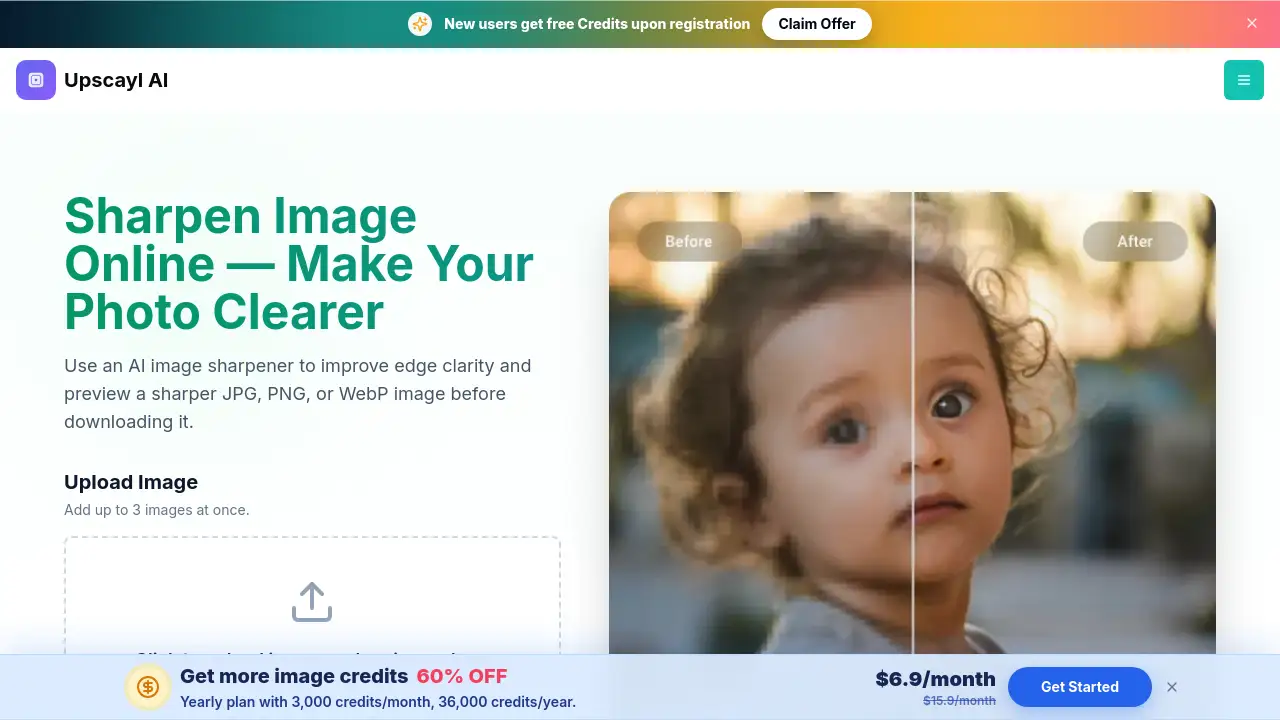
Sharpen Image is an online tool that uses AI to make blurry JPG, PNG, or WebP photos look clearer. It improves edge clarity and fine detail before you download. Anyone who needs to sharpen image files quickly can use it.
What is Sharpen Image?
Sharpen Image is a browser-based AI image sharpener designed to improve soft edges, recover fine detail, and make photos easier to see. It solves common image quality problems such as mild blur, compression softness, and reduced detail after resizing. Instead of adjusting sliders manually, users upload a photo and let AI analyze visible edges and textures. The result is a clearer JPG, PNG, or WebP file with improved perceived sharpness.
This tool matters because many people need to sharpen image files for work, online listings, or personal projects but do not have advanced editing software. It also supports users who want to sharpen images online without installing anything. Since the page works in modern desktop and mobile browsers, the AI image sharpener is accessible to a wide audience.
Key Features of Sharpen Image
Edge Clarity
The AI improves the definition of important edges such as facial features, product outlines, text, and architectural lines. This helps users sharpen image edges without over-processing the whole photo.
Fine Detail Recovery
Soft details caused by light blur, resizing, or compression are restored while keeping the image natural. This is useful for anyone who needs to sharpen image quality after file sharing or downsizing.
Clearer Text and Screenshots
Characters and interface elements become easier to inspect. If you need to sharpen text in an image, this feature reduces mild softness around letters, signs, and scanned pages.
Portrait and Face Detail
Eyes, hair, and facial contours are refined in soft portraits and headshots. The AI image sharpener improves facial clarity without making skin texture look harsh or unnatural.
Product Image Sharpening
Packaging, labels, seams, and product edges become clearer. This is helpful for ecommerce listings, catalogs, and marketing graphics where image clarity affects customer trust.
Works in Your Browser
Upload, process, preview, and download from a modern browser without installing editing software. It is an easy way to sharpen photos online for quick tasks.
Use Cases for Sharpen Image
Sharpen Portraits and Headshots
Use the AI image sharpener to bring out clearer eyes, hair, and facial edges in soft-focus photos. The result stays natural instead of over-processed.
Sharpen Product Photos
Product edges, labels, packaging, and seams can be made easier to see. This improves image clarity for store listings, catalog images, and marketing content.
Sharpen Text and Screenshots
Screenshots, signs, and scanned pages often have mild softness around letters. The tool helps users sharpen image text so documents and interface elements are easier to inspect.
How to Use Sharpen Image
- Upload a JPG, PNG, or WebP image with soft edges, compression softness, or reduced detail. Up to three images can be added at once.
- Let the AI image sharpener analyze visible edges and textures. It applies a focused sharpening pass to improve clarity automatically.
- Preview the result and compare it with the original.
- Download the sharpened image when it looks right.
This simple workflow makes it easy to sharpen image files in just a few steps.
Target Audience for Sharpen Image
- Photographers who need quick image clarity improvements.
- Ecommerce sellers who want sharper product photos.
- Marketing teams creating listings, catalogs, and social posts.
- Content creators who edit screenshots and images regularly.
- Designers who need to sharpen image edges for client work.
- Everyday users who want to sharpen images online without learning complex software.
Is Sharpen Image Free?
Sharpen Image offers trial credits for new accounts so users can test the AI image sharpener before committing. Processing uses credits according to the current account rules shown in the app. The reference information does not list a full pricing table, so users should check the official Sharpen Image pricing page for up-to-date plan details.
Sharpen Image's Pros and Cons
| Aspect | Pros | Cons |
|---|---|---|
| Pricing | Trial credits available for new accounts | Full pricing details are not clearly listed |
| Ease of Use | No installation needed, simple browser workflow | Requires a modern browser for best results |
| AI Sharpening | Improves edge clarity and fine detail naturally | Cannot recreate detail that was never captured |
| File Support | JPG, PNG, and WebP uploads supported | Limited to formats listed on the page |
| Effectiveness | Great for mild blur and compression softness | Severe motion blur may not respond well |
Frequently Asked Questions about Sharpen Image
What does an AI image sharpener do?
It analyzes visible edges and textures in a photo, then improves perceived sharpness and clarity. It can make soft details easier to see, but it cannot recreate detail that was never captured.
How do I sharpen an image online?
Upload a soft or blurry photo, let the AI analyze its edges and textures for AI image sharpening, then preview and download the result. Mild blur and compression softness usually respond better than severe motion blur.
Can it sharpen text in an image?
Yes. It can improve mild softness around letters in screenshots, signs, and scanned pages. Very small or heavily blurred text may still be difficult to read.
Can I sharpen product images?
Yes. Sharpening can make product edges, labels, packaging, and fine textures clearer for ecommerce listings, catalogs, and social posts.
Does sharpening increase image resolution?
The main goal is clearer edges and detail, not simply a larger pixel dimension. For a dedicated resolution increase, users should try an image upscaling workflow.
Do I need to install software?
No. You can upload, process, preview, and download your image in a modern browser.
Sharpen Image Tags
sharpen image, sharpen images online, AI image sharpener, image clarity, sharpen photos online, photo sharpener, unblur image online, sharpen product photos, sharpen text in image, online image sharpening tool, free image sharpener, sharpen image quality