Introduction
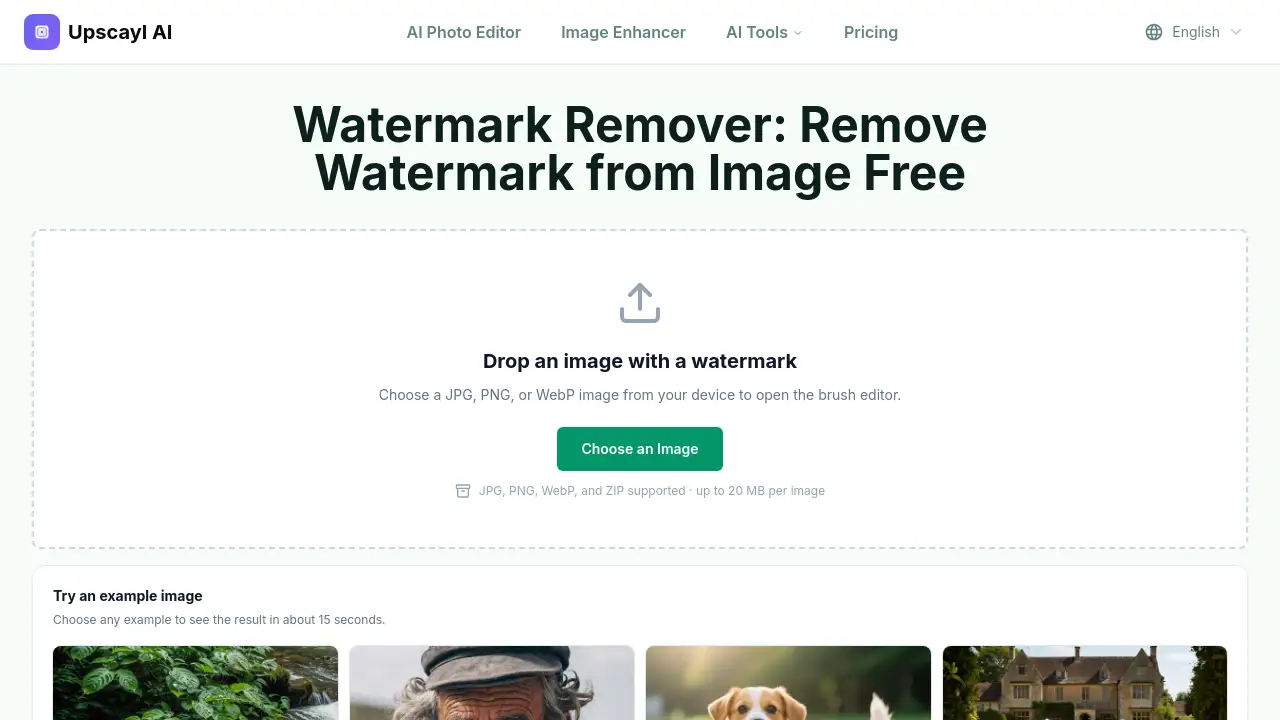
Upscayl Watermark Remover is an online tool for cleaning unwanted marks from images. It is designed for anyone who needs to remove a visible watermark from a JPG, PNG, or WebP file. Instead of cropping, blurring, or painting over a mark, this tool fills the selected area with matching pixels. The result is a cleaner image ready for personal, creative, or authorized editing tasks.
What is Upscayl Watermark Remover?
Upscayl Watermark Remover is a browser-based image editing tool that targets visible overlays such as text, logos, signatures, and date stamps. It solves the common problem of having a marked image when the original clean file is unavailable. Users upload an image, brush over the watermark, and let AI reconstruct the covered area from nearby color, texture, light, and edges. This makes it suitable for photographers, designers, content teams, and anyone who needs to remove watermark from image online without installing software. The tool matters because it provides a focused workflow for both single images and batch cleanups.
Key Features of Upscayl Watermark Remover
Brush-Guided Selection
Use a resizable brush to mark the exact watermark area. This keeps faces, products, and real text outside the selection and gives more control than applying a filter to the whole photo.
AI Pixel Replacement
The AI watermark remover fills selected pixels from visual clues around the mark. It is not a simple blur or cover-up, so the cleaned area can blend with backgrounds, edges, and lighting.
JPG, PNG, and WebP Support
Upload JPG, PNG, or WebP images up to 20 MB per file. The tool also supports ZIP files for batch work, making it easy to process multiple images in one workspace.
Single and Batch Workspace
Visual cards appear for one to four images, and the queue changes to a table layout for five or more. Users can manage larger sets without losing track of each edit.
Reusable Masks
When images share the same layout, one mask can be applied across matching files. For images where the watermark position changes, users can create a separate selection for each picture.
Download Options
Review completed results and download each image individually or collect all finished outputs in a single ZIP file. This saves time during bulk cleanup.
Use Cases for Upscayl Watermark Remover
Rebranding Campaign Images
Users can turn an older company visual into a neutral working file before adding a new logo, message, or campaign treatment. This is useful for marketing teams updating brand assets.
Preparing Personal Photos for Print
Camera dates, scanner notes, and accidental overlays can be cleared from family photos. This helps when restoring, archiving, or printing personal images.
Recovering Drafts Without Source Files
When an editable project or clean master is lost, the tool can remove proof labels or export stamps from work the user created. It offers a practical way to recover a usable copy.
Finishing Authorized Creative Assets
If a clean download cannot be found, a purchased or licensed image can be edited only when the license permits the change. The watermark remover helps finish such authorized projects.
How to Use Upscayl Watermark Remover
This online tool is simple to use and requires no image editing experience.
- Upload your image. Choose the clearest JPG, PNG, or WebP version you have. A sharper source gives the AI more detail to work with.
- Mark the complete watermark. Adjust the brush size and cover the full text, logo, signature, or date stamp. Add a small margin around the edge to avoid leaving a halo.
- Review the result. Look for leftover edges or shadows. If an edge looks uneven, use a smaller brush for another focused pass.
- Download the image. Save each cleaned image on its own, or collect all finished results in one ZIP file when working with a batch.
Target Audience for Upscayl Watermark Remover
- Photographers who need to clean date stamps or timestamps from personal photos.
- Social media managers and content creators who want to remove old logos from images.
- Graphic designers who need a clean working file for rebranding projects.
- Small business owners managing product images and marketing materials.
- Archivists restoring old image collections.
- Anyone who needs a reliable way to clean unwanted marks from images.
Is Upscayl Watermark Remover Free?
The product page does not list a specific price for Upscayl Watermark Remover. Users can open the tool and try an example image to see the result in about 15 seconds. The workspace supports single and batch workflows, but full pricing details, plan limits, and advanced options are not stated in the reference content. To know whether a paid plan is required for larger or commercial use, visit the official Upscayl website.
Upscayl Watermark Remover's Pros and Cons
| Aspect | Pros | Cons |
|---|---|---|
| Ease of use | Simple upload, brush, and download workflow; no software install | Limited to images up to 20 MB per file |
| Editing quality | AI fills the area with matching pixels instead of blur or cover-up | Large or complex watermarks may need multiple passes |
| Batch workflow | Supports one to many images with reusable masks and ZIP download | Batch interface changes after four images, which may take time to learn |
| Rights and pricing | Clear guidance to only edit images you own or have permission to use | Pricing details are not listed on the product page |
Frequently Asked Questions about Upscayl Watermark Remover
How do I remove a watermark from an image?
Upload a JPG, PNG, or WebP image and brush over the full watermark with a small margin. Start the removal, check for leftover shadows, and download the result.
What does the AI watermark remover do behind the mark?
It uses nearby color, texture, light, and edges to fill the selected area. It cannot recover hidden original pixels, so a large mark over a face or unique detail may need another pass.
Can I remove a logo, text, signature, or date stamp?
Yes. The tool can clean visible text, corner logos, signatures, timestamps, and similar overlays. Users should only edit images they own, created, licensed, or have permission to change.
Will removing a watermark make the image blurry?
No. The editor fills the selected area instead of applying a simple blur. Quality depends on the watermark's size, opacity, background, and the detail around it.
How should I handle a tiled or full-image watermark?
Work in smaller sections. Repeated marks over faces, text, or detailed patterns are harder to clean than small marks on sky, walls, or other even surfaces.
Can I use the watermark remover on a phone?
Yes. Users can touch to draw over the watermark and choose a smaller brush near faces, text, and detailed edges.
Upscayl Watermark Remover Tags
Upscayl Watermark Remover, AI watermark remover, remove watermark from image online, online watermark remover, remove text from image, remove logo from photo, remove signature from image, erase date stamp, batch watermark removal, AI photo editing tool, cleanup image watermark, watermark removal tool