Introduction
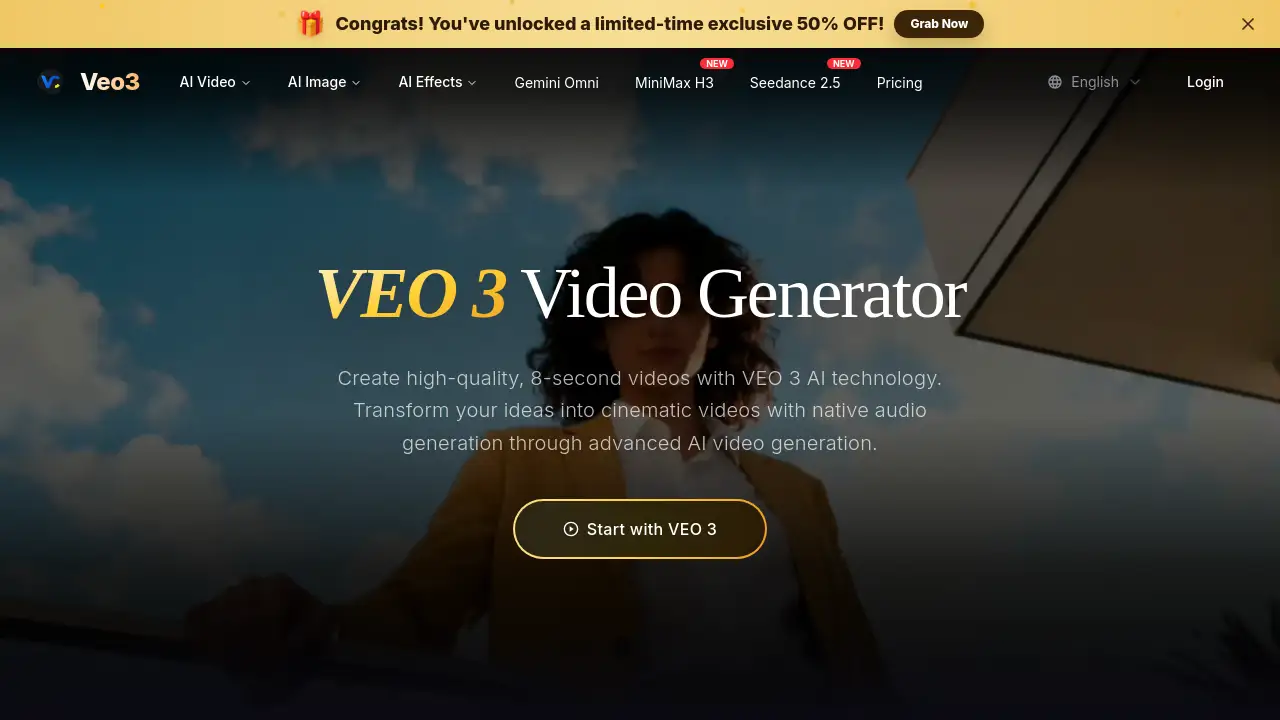
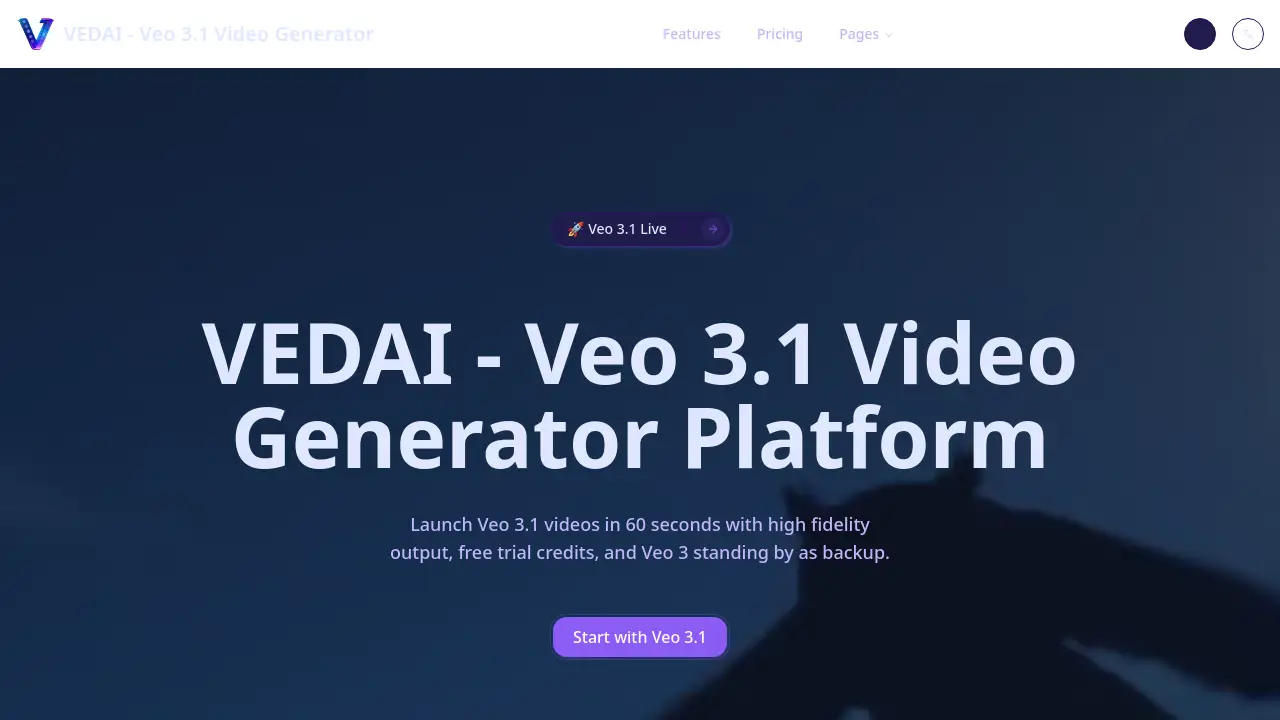
Veo 3.1 is a powerful AI video generation tool that can create cinematic-quality videos from simple text prompts in just 60 seconds.
What is Veo 3.1?
Veo 3.1 is the latest iteration of Google DeepMind's advanced video generation model, accessible through the VEDAI platform. This AI video generator solves the problem of time-consuming and expensive video production by allowing creators to produce high-quality, short-form video content rapidly. It is suitable for marketers, content creators, filmmakers, and businesses looking to create engaging visual content without a full production crew. The significance of Veo 3.1 lies in its enhanced capabilities, including native audio generation and multi-scene storytelling, which bring AI-generated videos closer to professional cinematic standards.
Key Features of Veo 3.1
Multi-Scene Storytelling
This feature allows users to chain multiple shots together with smart transitions and camera path control, enabling more complex and coherent narrative video generation.
Native Audio Generation
Veo 3.1 can create synchronized audio to accompany the visuals, enhancing realism and scene consistency without needing separate audio production tools.
High-Quality Output
The model delivers professional-grade video quality with improved visual fidelity, while Veo 3 remains available as a reliable backup to ensure continuous delivery.
Style Presets and LUTs
Users can easily switch between cinematic, anime, or product styles, or upload custom Look-Up Tables (LUTs) for precise brand control and consistent visual tone.
Image-to-Video Animation
This feature upgrades still images by animating them with effects like parallax and dolly shots, turning static photos into dynamic video clips.
Instant Veo Fast Fallback
When high demand fills Veo 3.1 slots, the system automatically routes requests to the speedy Veo 3 Fast model, guaranteeing a response in eight seconds or less.
Use Cases for Veo 3.1
Social Media Content Creation
Creators can quickly generate eye-catching, high-fidelity video clips for platforms like TikTok, Instagram Reels, and YouTube Shorts to boost engagement.
Concept Visualization for Filmmakers
Directors and producers can use Veo 3.1 to create visual proofs of concept, storyboards, or mood videos to pitch ideas and secure funding before full-scale production.
Marketing and Advertisement
Businesses can produce professional product demos, explainer videos, and promotional ads with cinematic quality at a fraction of the traditional cost and time.
Educational and Explainer Videos
Educators and trainers can animate complex concepts or historical events, creating engaging and visually rich educational content from simple text descriptions.
How to Use Veo 3.1
Using Veo 3.1 through the VEDAI studio is a straightforward three-step process designed for efficiency.
- Plan Your Scene: Start by describing your video idea in a text prompt or by uploading a reference image. You can enable auto-translation for multilingual prompts and select a style preset like "cinematic" or "anime."
- Tune Settings: Choose between Veo 3.1 for the highest quality or set Veo Fast as a fallback. Configure the video duration, aspect ratio (16:9, 9:16, or 1:1), and other parameters to match your creative vision.
- Render and Deliver: Launch the render and monitor its progress in real-time. Once complete, you can review the video with its synchronized audio in the player and download the final file in MP4 or WebM format.
Target Audience for Veo 3.1
- Content Creators and Influencers: For rapidly producing unique, high-quality video content for social media.
- Marketing Professionals and Agencies: For creating cost-effective adverts, product videos, and brand content.
- Independent Filmmakers and Animators: For pre-visualization, storyboarding, and creating short film segments.
- Educators and Corporate Trainers: For developing engaging instructional and explainer video materials.
- Small Business Owners: For producing professional marketing videos without a large budget.
Is Veo 3.1 Free?
VEDAI offers a tiered pricing model. New users can start with a low-cost trial pack to test the platform's capabilities, including Veo 3.1.
| Plan | Price | Key Features & Credits |
|---|---|---|
| Starter | $9/month | 200 user credits, 20 Fast videos, 2 Quality videos, community support. |
| Professional (Popular) | $29/month | 700 user credits, 70 Fast videos, 9 Quality videos, priority processing, email support. |
| Enterprise | $99/month | 3000 user credits, 300 Fast videos, 40 Quality videos, dedicated support, custom integrations. |
Additionally, flexible pay-as-you-go credit packages are available. A first-purchase pack for $0.99 provides 30 credits, which is enough for several trial generations with the AI video generator.
Veo 3.1's Pros and Cons
| Aspect | Pros | Cons |
|---|---|---|
| Speed & Accessibility | Generates videos in 60 seconds; easy three-step workflow. | High demand may trigger fallback to Veo 3, slightly altering output. |
| Output Quality | Delivers high-fidelity, cinematic video with enhanced realism. | Quality can vary based on prompt specificity and complexity. |
| Features | Native audio generation and multi-scene storytelling are significant upgrades. | Advanced features like custom LUTs may have a learning curve for new users. |
| Pricing & Trial | Affordable entry point with a $0.99 trial pack; scalable plans. | High-volume users on the Professional or Enterprise plans may find costs significant. |
Frequently Asked Questions about Veo 3.1
What is the main difference between Veo 3 and Veo 3.1?
Veo 3.1 introduces extended video length (60+ seconds), native audio generation, multi-scene continuity for storytelling, and enhanced style customization with presets and LUTs. Veo 3 remains a robust, always-available production model for single-clip generation.
How do I get access to Veo 3.1 features?
Preview access to Veo 3.1 on VEDAI is rolling out in waves. Users can join the waitlist on the platform, and existing creators will be notified via email when slots become available in their accounts.
Can I use videos created with Veo 3.1 for commercial purposes?
Yes, videos generated through VEDAI can be used commercially. Downloads include optional SynthID watermarking for transparency, and users can also add their own custom watermark.
What video formats and resolutions does Veo 3.1 support?
Veo 3.1 exports videos in MP4 or WebM formats. It supports multiple aspect ratios including standard 16:9, vertical 9:16, and square 1:1, offering flexibility for different content platforms.
Is there a free trial for Veo 3.1?
New accounts start with 0 credits, but a special first-purchase pack offers 30 credits for $0.99. This allows users to generate several videos with Veo 3.1 Fast to test the AI video generation capabilities.
What happens if Veo 3.1 is at full capacity?
The system features an instant Veo Fast fallback. When all Veo 3.1 slots are occupied, your render is automatically routed to the Veo 3 Fast model, which guarantees a response in eight seconds or less, ensuring your workflow never stops.
Veo 3.1 Tags
AI video generator, Veo 3.1, cinematic video AI, VEDAI, AI video creation, text to video, high fidelity video, native audio generation, multi-scene storytelling, video marketing tool, content creation AI, Google DeepMind Veo