Introduction
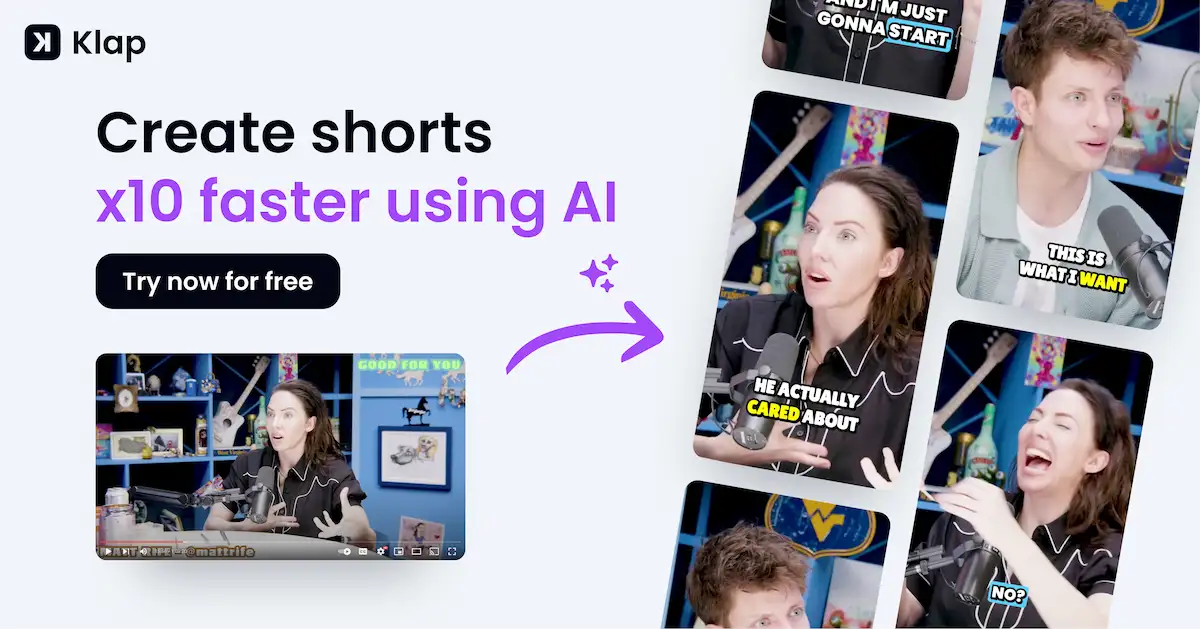
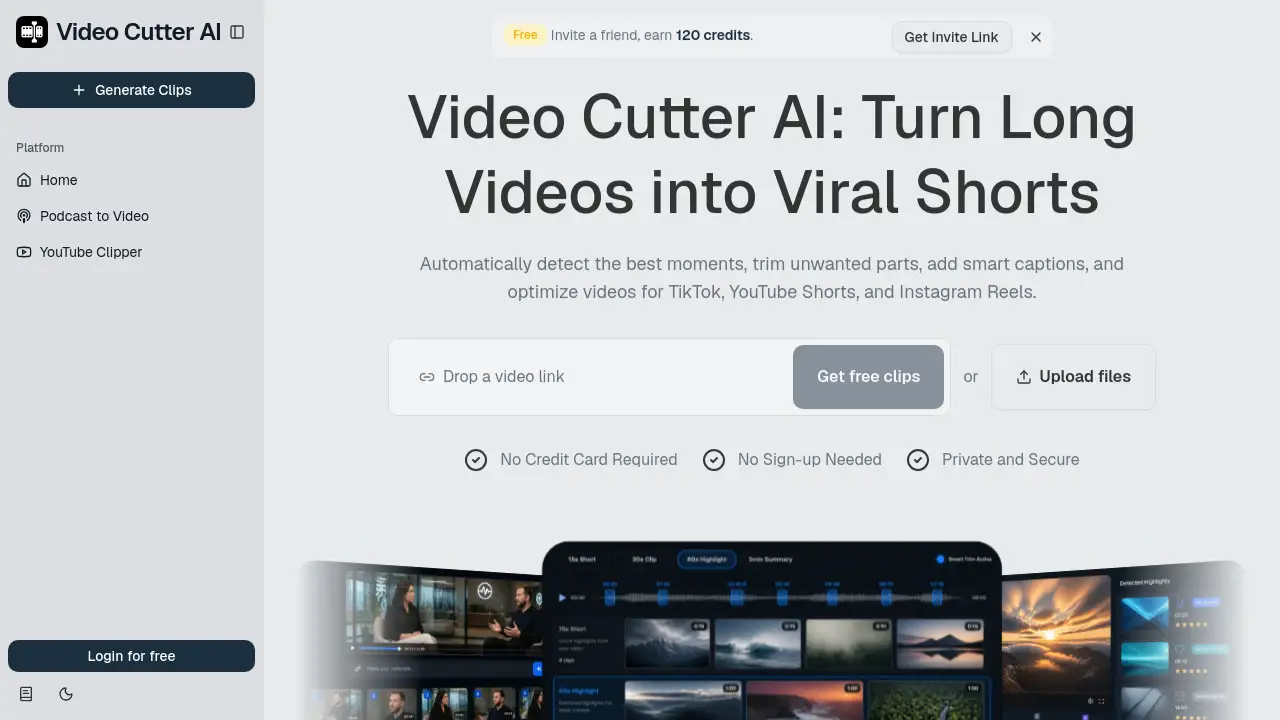
Video Cutter AI is an AI video cutter that turns long videos and YouTube videos into engaging shorts. The online video cutter AI detects highlights, removes wasted moments, adds smart captions, and reframes clips for TikTok, YouTube Shorts, and Reels. Creators can use the product to create social-ready clips without spending hours in an editor. Exporting short videos is free online with no watermark.
What is Video Cutter AI?
Video Cutter AI is a cloud-based AI video cutter for turning one long recording into many short clips. It solves a common content problem: a podcast, webinar, interview, or YouTube video may contain strong moments buried in hours of footage. Rather than watching every second, users can upload the source and let Video Cutter AI find important scenes. The platform then formats those scenes for TikTok, YouTube Shorts, and Instagram Reels.
This AI video cutter is designed for solo creators and small teams who want more content without more editing. The homepage says that the AI can detect highlights, estimate engagement potential, add captions, reframe video, remove pauses, and suggest b-roll. Video Cutter AI gives creators a faster way to repurpose long-form material and makes the first step of short-form publishing less intimidating.
Key Features of Video Cutter AI
Video Cutter AI puts automation at the center of the editing process. This AI video cutter can detect, caption, and reframe clips in one place, so users do not need to switch between separate tools.
AI Highlight Detection
AI Highlight Detection scans the uploaded footage and selects moments that may keep viewers watching. This feature is useful when an interview has a strong story, a webinar has a clear answer, or a podcast has an interesting reaction.
Viral Score
Video Cutter AI assigns a Viral Score to each potential clip. The score gives creators a quick comparison point before deciding which highlight should become a published short.
Smart Captions
Smart Captions creates animated subtitles automatically for each selected clip. In Video Cutter AI, the caption placement follows the speaker's timing and works in vertical video.
Auto Reframe
Auto Reframe converts landscape video into vertical video. Video Cutter AI keeps the main subject centered, which matters for phone-first feeds.
Silence & Filler Removal
Silence and filler removal cuts awkward pauses from a clip. The AI video cutter removes repeated words and empty moments so the final short stays active.
AI B-Roll
Video Cutter AI suggests b-roll visuals for different parts of the clip. The extra scenes make the edit more dynamic and support the speaker's message.
Use Cases for Video Cutter AI
Podcasters Turning Episodes into Reels
Podcasters can upload one episode to Video Cutter AI and receive several highlight clips. This AI video cutter makes it easy to share short teasers on Instagram Reels after every show.
YouTubers Creating Shorts From Existing Videos
Video Cutter AI helps YouTubers turn a regular long upload into vertical Shorts. The AI video cutter catches noticeable moments and formats them for the Shorts feed.
Webinar Hosts Promoting Their Events
Webinar hosts can send a full recording through Video Cutter AI and pull out useful questions and answers. These clips can promote the next event or help attendees review key points.
Social Media Managers Scaling Clip Production
Social media teams can turn one long video into posts for multiple platforms. With an AI video cutter, repetitive editing tasks can be handled automatically. Video Cutter AI keeps the clip workflow fast when several client accounts need fresh content.
How to Use Video Cutter AI
Using Video Cutter AI is simple and does not require an account. The product page says no sign-up and no credit card are necessary.
- Upload a long video file or a YouTube video URL.
- Let the AI video cutter analyze the content and detect highlights.
- Review the generated clips, captions, and framing in the editing stage.
- Export the short video and publish it on TikTok, YouTube Shorts, or Instagram Reels.
Video Cutter AI handles tasks that usually take an editor a long time, such as cutting clips, adding captions, and resizing video for short-form feeds.
Target Audience for Video Cutter AI
- Podcasters and audio-first creators who want short video clips
- YouTube creators publishing Shorts from longer uploads
- Social media managers looking for a faster editing workflow
- Course creators who turn lessons into social media teasers
- Marketers promoting webinars and product talks
- Video editors who need an AI video cutter for high-volume work
Is Video Cutter AI Free?
Video Cutter AI is free to use online. The official product materials mention no credit card requirement and no sign-up needed. Creators can export short videos free online with no watermark. The product page does not show a paid plan in the provided text, but the free workflow already includes AI analysis, AI editing, and publishing-ready outputs.
| Plan | Price | Features |
|---|---|---|
| Free | $0 | Core features of Video Cutter AI, highlight detection, smart captions, auto reframe, silence removal, AI b-roll suggestions, and online export without a watermark. |
Video Cutter AI's Pros and Cons
| Aspect | Pros | Cons |
|---|---|---|
| Pricing | Free access with no sign-up or credit card | Paid plan details are not shown in the provided product page |
| Ease of Use | AI handles cutting, captions, and reframing | Users may want to review selected clips before publishing |
| Privacy | Homepage says the service is private and secure | Public data retention details are not listed in the product description |
Frequently Asked Questions about Video Cutter AI
Does Video Cutter AI have a free version?
Yes. Video Cutter AI has a free online workflow with no watermark. According to the product page, no credit card and no sign-up are required, which makes it easy to try an AI video cutter without commitment.
Can a YouTube video be converted into Shorts?
Yes. Video Cutter AI can analyze a YouTube video and identify moments that may work as Shorts. It also handles podcasts, webinars, and interview files.
Are captions generated automatically?
Yes. Smart Captions creates animated subtitles automatically. Video Cutter AI places those captions on the clip without manual syncing.
What does Viral Score mean?
Viral Score is a metric used by Video Cutter AI to rank clip ideas. It helps creators choose moments that seem most likely to hold attention, but it does not guarantee that a video will go viral.
Does it support Instagram Reels and TikTok?
Yes. Video Cutter AI reframes content into vertical formats for Instagram Reels, TikTok, and YouTube Shorts. The exported clip is ready for those feeds.
Does the tool require an account?
No. The product page states that Video Cutter AI is private and secure, and users do not need to sign up before trying it.
Video Cutter AI Tags
Video Cutter AI, AI video cutter, video cutter AI, YouTube Shorts maker, TikTok video cutter, Instagram Reels editor, online video cutter, auto captions, AI highlight detection, no watermark video cutter, long video to short clips, video repurposing tool