Introduction
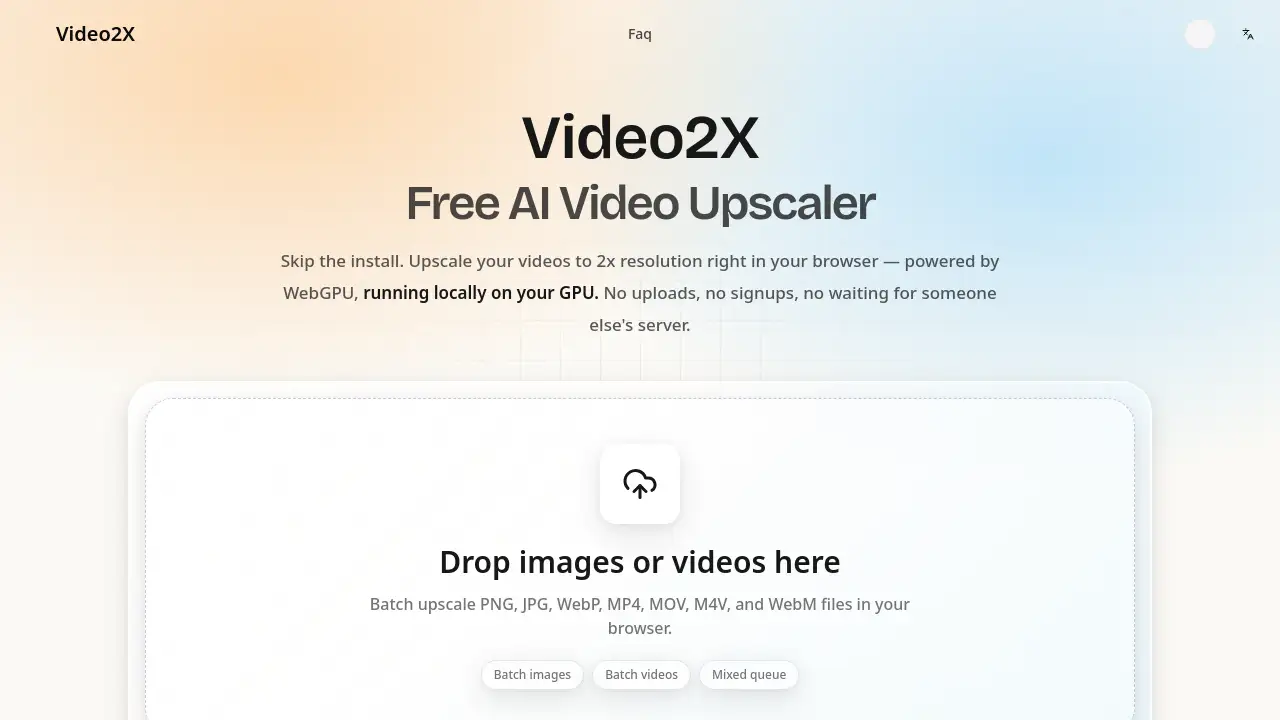
Video2X is a free AI video upscaler that runs locally in your browser, letting you upscale videos online without uploads or signups. It delivers 2x resolution enhancement on Mac, Windows, and Linux using WebGPU, with no watermark and no installation required.
What is Video2X?
Video2X is a browser-based AI video upscaler that processes footage directly on your device’s GPU through WebGPU. Unlike cloud-based tools that require you to upload videos and wait in queues, Video2X performs local video upscaling, so your files never leave your computer. This free video upscaler works on Mac, Windows, and Linux without installation, signup, or watermarks.
It solves three common problems: privacy concerns from uploading personal footage, recurring subscription costs, and the complex setup of desktop AI tools that need Python, drivers, and FFmpeg. Whether you want to upscale videos online for YouTube, restore old family clips, apply 2x video upscaling to gameplay footage, or use an anime upscaler for animated content, Video2X offers a simple path. The tool suits content creators, anime fans, gamers, family archivists, and e-commerce marketers who need quick resolution improvement without technical overhead.
Key Features of Video2X
2x Video Upscaling That Adds Detail
Use the AI video upscaler to perform 2x video upscaling, turning 720p into 1440p or 1080p into 4K. The neural network reconstructs missing detail at the sub-pixel level, keeping faces sharp and text readable.
Frame Interpolation for Smooth 60 FPS
Generate in-between frames with frame interpolation to convert choppy 24fps or 30fps clips into smooth 60fps footage. This feature reduces ghosting and keeps motion natural for gameplay or sports videos.
Anime-Specific AI Models
Apply Anime4K and RealCUGAN models built for animated content to clean up compression artifacts and keep line art crisp. This anime upscaler handles streaming blur, banding, and soft subtitles without creating an oil-painting look.
Image Upscaling Included
Drag in PNG, JPEG, or WebP files to receive the same AI treatment as videos. The tool acts as an image upscaler for thumbnails, product photos, or text screenshots, avoiding a separate app.
Original Audio Untouched
Preserve dialogue, music, and sound effects byte-for-byte because Video2X only processes the visual track. This avoids re-encoding, sync drift, and audio quality loss.
Batch and Queue Processing
Line up multiple videos and let batch video processing run them one after another locally in your browser. There is no upload queue, server wait, or session limit, so you can process several clips in one sitting.
Use Cases for Video2X
Content Creators & YouTubers
Upscale old 720p archive footage to 1440p or 4K so it blends with modern camera content. A free video upscaler like Video2X helps avoid reshoots or expensive desktop software.
Anime & Animation Fans
Clean up blocky gradients, blurry subtitles, and dark-scene banding using dedicated anime upscaler models. The tool restores crisp line art and vibrant colors from compressed streaming files.
Gamers & Streamers
Remove compression artifacts from recorded gameplay and use frame interpolation to turn 30fps highlights into smooth 60fps reels. This makes batch video processing practical for weekly uploads.
Family Video Restoration
Bring 480p phone clips, MiniDV transfers, or VHS rips to HD without learning codecs or bitrates. Local video upscaling keeps private family memories on your own device.
E-Commerce & Marketing
Upscale product demo videos from 1080p to 4K for product pages or clean up compressed social media clips before reposting. The AI video upscaler works without Premiere Pro or a video editor.
How to Use Video2X
- Open Video2X in a WebGPU-compatible browser to upscale videos online.
- Drag an MP4, WebM, or MOV file onto the page; the AI video upscaler analyzes resolution and frame rate.
- Choose a quality preset and optionally enable frame interpolation; preview the first processed frame.
- Click Start Upscaling and let local video upscaling run on your GPU.
- Download the result automatically, with original audio intact and no watermark.
Target Audience for Video2X
- Content creators and YouTubers who need batch video processing.
- Anime fans looking for a reliable anime upscaler.
- Gamers and streamers who want smoother 60fps footage.
- Families restoring old or low-resolution video memories.
- E-commerce and marketing teams preparing product videos.
- Privacy-conscious users who want an AI video upscaler that never uploads files.
Is Video2X Free?
Video2X is a free video upscaler with no trial limits, credit card requirement, or watermarks. Processing runs on your own hardware, so there are no server costs to pass on to users.
| Plan | Price | Features |
|---|---|---|
| Free | $0 | No signup, no watermark, local processing, 2x video upscaling, frame interpolation, anime upscaler models, batch video processing, image upscaling |
No paid tiers are mentioned on the product page.
Video2X's Pros and Cons
| Aspect | Pros | Cons |
|---|---|---|
| Pricing | Completely free with no signup, watermark, or usage limits. | No paid tier for advanced users who want extra features. |
| Privacy | Local processing keeps videos on your device. | Requires a browser with WebGPU support. |
| Compatibility | Works on Mac, Windows, and Linux. | Performance varies by GPU. |
| Setup | No installation, Python, drivers, or FFmpeg needed. | Desktop version offers more granular encoder settings. |
| Features | 2x upscaling, frame interpolation, anime models, batch processing, image upscaling. | Only offers a constant 2x multiplier, not 3x or 4x from a given source. |
Frequently Asked Questions about Video2X
Is Video2X really free?
Yes. Video2X is a free video upscaler with no trial period, credit card requirement, or “free up to X videos” limit. The AI video upscaler runs on your own GPU, so there are no server costs.
Do I need to create an account or sign up?
No. You can open the page, drop a video, and start local video upscaling immediately. No email, password, or social login is required.
Is my video uploaded to a server?
No. All AI processing happens locally through WebGPU, so your video never leaves your computer. This differs from cloud-based tools that require uploading footage for processing.
Does Video2X work on Mac?
Yes. The browser version works on Mac through Chrome, Safari, Firefox, or Edge. This matters because the desktop Video2X relies on Vulkan, which Apple does not support natively. The online AI video upscaler gives Mac users access to the same models.
Will my video have a watermark?
No. Video2X never adds watermarks. You can use upscaled videos on YouTube, TikTok, client projects, or commercial work without branding from the tool.
What video formats does Video2X support?
Video2X accepts MP4, WebM, and MOV files as input. The output format matches the input, and MP4 with H.264 encoding is recommended for the best balance of quality and compatibility. The AI video upscaler also handles PNG, JPEG, and WebP images.
Video2X Tags
AI video upscaler, free video upscaler, upscale videos online, local video upscaling, 2x video upscaling, frame interpolation, anime upscaler, batch video processing, no watermark video upscaler, WebGPU video upscaler, Video2X review, online video upscaler