Introduction
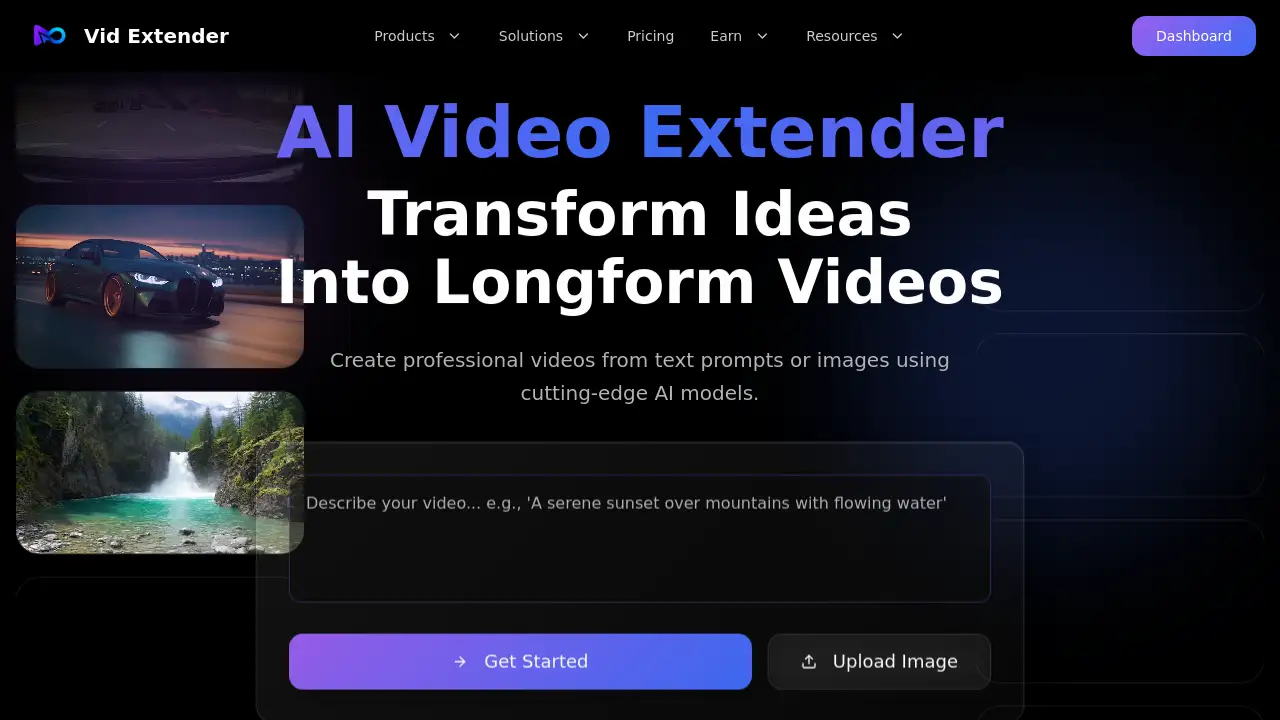
Vid Extender is an innovative AI video generator that transforms text or images into professional, long-form videos in seconds.
What is Vid Extender?
Vid Extender is an AI-powered platform designed to simplify video creation. It addresses the common challenge of needing high-quality video content without extensive time, budget, or technical skills. The tool allows users to generate videos from simple text prompts or extend existing videos seamlessly. It is ideal for content creators, marketers, educators, and small business owners who need to produce engaging video content quickly. The platform's ability to create videos up to 300 seconds long using advanced AI models like Sora 2 Pro makes it a significant tool for democratizing professional video production.
Key Features of Vid Extender
Text to Video Generation
Transform written ideas into complete videos with simple text prompts, as the AI accurately interprets your creative direction.
Intelligent Video Extension
Easily extend the length of your videos while maintaining visual consistency and narrative flow, allowing for longer, uninterrupted content.
Multiple Aspect Ratio Formats
Export your creations in various formats, including portrait for social media and landscape for platforms like YouTube, ensuring platform-ready content.
AI-Powered Prompt Comprehension
The platform's AI video generator understands detailed prompts to produce videos that closely match the user's vision with high accuracy.
Studio-Quality Output
Leveraging cutting-edge Sora 2 Pro technology, Vid Extender delivers professional-grade videos with realistic motion and cinematic detail.
Direct YouTube Upload
Streamline your workflow by uploading your freshly created or extended videos directly to your YouTube channel from the platform.
Use Cases for Vid Extender
Social Media Content Creation
Quickly produce eye-catching short-form videos for platforms like TikTok, Instagram Reels, and YouTube Shorts to boost engagement.
Educational and Explainer Videos
Teachers and trainers can create clear, visual explanations of complex topics by turning lesson plans or scripts into dynamic videos.
Marketing and Promotional Content
Businesses and marketers can generate product demos, advertisements, and brand story videos without a full production team.
Extending Existing Video Clips
Content creators can take a short clip and use the video extension feature to create a longer, more comprehensive narrative or tutorial.
How to Use Vid Extender
Using Vid Extender to create AI videos is a straightforward three-step process designed for ease of use.
- Upload Your Starting Point: Begin by uploading a photo (in JPG, PNG, or WEBP format) that you want to turn into a video, or start with a text prompt.
- Describe Your Vision: In the prompt box, describe how you want the video to look or continue. Be as specific as you like to guide the AI video generator.
- Generate and Download: Select your desired video duration, click the 'Generate' button, and within seconds, Vid Extender will produce your seamless, extended video. You can then download it or upload it directly to YouTube.
Target Audience for Vid Extender
- Social Media Influencers and Content Creators
- Digital Marketers and Small Business Owners
- Educators, Trainers, and Online Course Creators
- Bloggers and Affiliate Marketers
- Freelancers offering video production services
- Anyone looking to create professional video content quickly and easily
Is Vid Extender Free?
Vid Extender offers a generous free plan that allows users to experience its core text to video and extension capabilities. This is perfect for testing the platform and creating initial projects. For users needing higher volume, longer videos, or premium features, affordable premium subscription options are available. These paid plans provide greater flexibility and are designed to offer excellent value for serious creators.
Frequently Asked Questions about Vid Extender
What video formats does Vid Extender support for upload?
The platform currently supports common image formats as a starting point, including JPG, PNG, and WEBP files under 10MB for the initial upload in the video extension workflow.
How long can the AI-generated videos be?
Vid Extender is notable for its ability to create long-form AI videos, with the capability to generate continuous content up to 300 seconds (5 minutes) in duration.
Can I customize the aspect ratio of my video?
Yes, a key feature of Vid Extender is the support for multiple formats. You can choose between portrait, landscape, and other aspect ratios during generation to suit different platforms like YouTube, Instagram, or TikTok.
What AI model does Vid Extender use?
The platform utilizes advanced AI models, prominently featuring Sora 2 Pro technology, to ensure the output is of studio quality with realistic details and smooth motion.
Is there a watermark on videos from the free plan?
Typically, free plans on such platforms may include a watermark. For definitive information on watermarks and feature limitations, it is best to check the official Vid Extender website or terms of service.
Can I edit the video after the AI generates it?
Vid Extender focuses on AI generation and extension. For advanced post-production editing like cutting, adding music, or text overlays, users would need to use a separate video editor.
Vid Extender Tags
AI video generator, video extender, text to video, AI video creation, long-form video AI, Sora 2 Pro, video from text, social media video maker, YouTube content creator, AI video extension, professional video AI, easy video maker