Introduction
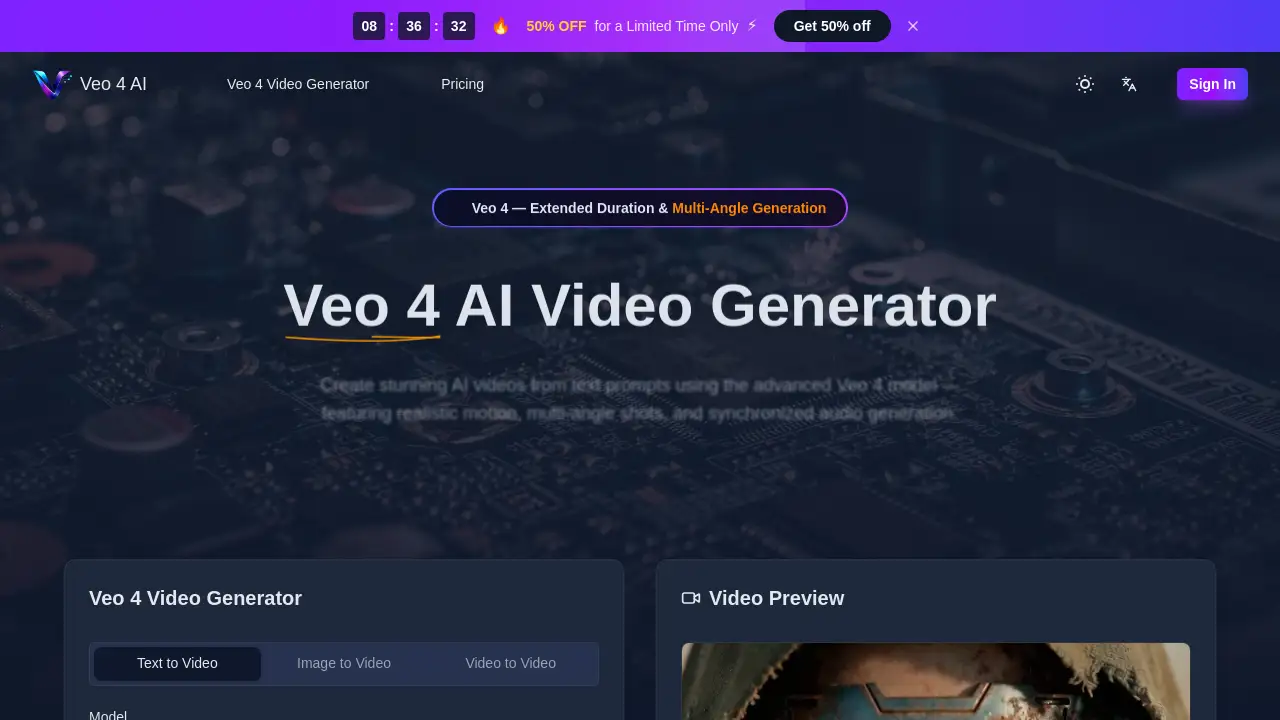
Veo 4 is a free AI video generator that creates high-quality videos from text and images.
What is Veo 4?
Veo 4 is a next-generation AI video model developed by Google that transforms text descriptions or still images into professional, photorealistic video clips. It solves the problem of costly and time-consuming video production by enabling creators to generate cinematic-quality footage in seconds. This tool is suitable for a wide range of users, from independent filmmakers and marketing teams to educators and social media content creators. Its significance lies in its advanced capabilities, such as generating synchronized audio, multi-angle camera shots, and maintaining character consistency, which were previously difficult to achieve with AI.
Key Features of Veo 4
Text-to-Video Generation
Users can input a natural language prompt, and the Veo 4 AI video generator will create a high-fidelity video with realistic lighting, physics, and human motion based on the description.
Image-to-Video Animation
This feature allows anyone to upload a still image, and Veo 4 will bring it to life with natural motion, depth, and cinematic camera movement, effectively animating any picture.
Multi-Angle Camera Shots
A standout feature, it generates the same scene from multiple perspectives—like front, side, and overhead—simultaneously, providing complete creative coverage without separate setups.
Synchronized Audio Output
The model produces dialogue, sound effects, and ambient music that are perfectly synced with the video, including accurate lip-sync across multiple languages.
Extended Duration & High Resolution
Veo 4 supports generating longer video clips with consistent quality and offers output resolutions up to 4K, ensuring professional-grade results for various projects.
Advanced Creative Control
Creators have nuanced control over cinematic elements, including specifying lens types, motion effects, and aspect ratios, allowing for precise artistic direction.
Use Cases for Veo 4
Marketing and Advertisement
Teams can rapidly prototype and produce high-quality ad creatives, product demos, and social media content, significantly speeding up campaign rollouts.
Film and Content Creation
Independent filmmakers and YouTubers can use it to create visual effects, B-roll footage, or even entire scenes, achieving studio-quality results on a limited budget.
Education and E-Learning
Educators can generate engaging explainer videos and animated visuals to illustrate complex topics, enhancing student comprehension and course completion rates.
Prototyping and Storyboarding
Game developers and app designers can quickly visualize concepts, character motions, or app onboarding sequences before committing to full production.
How to Use Veo 4
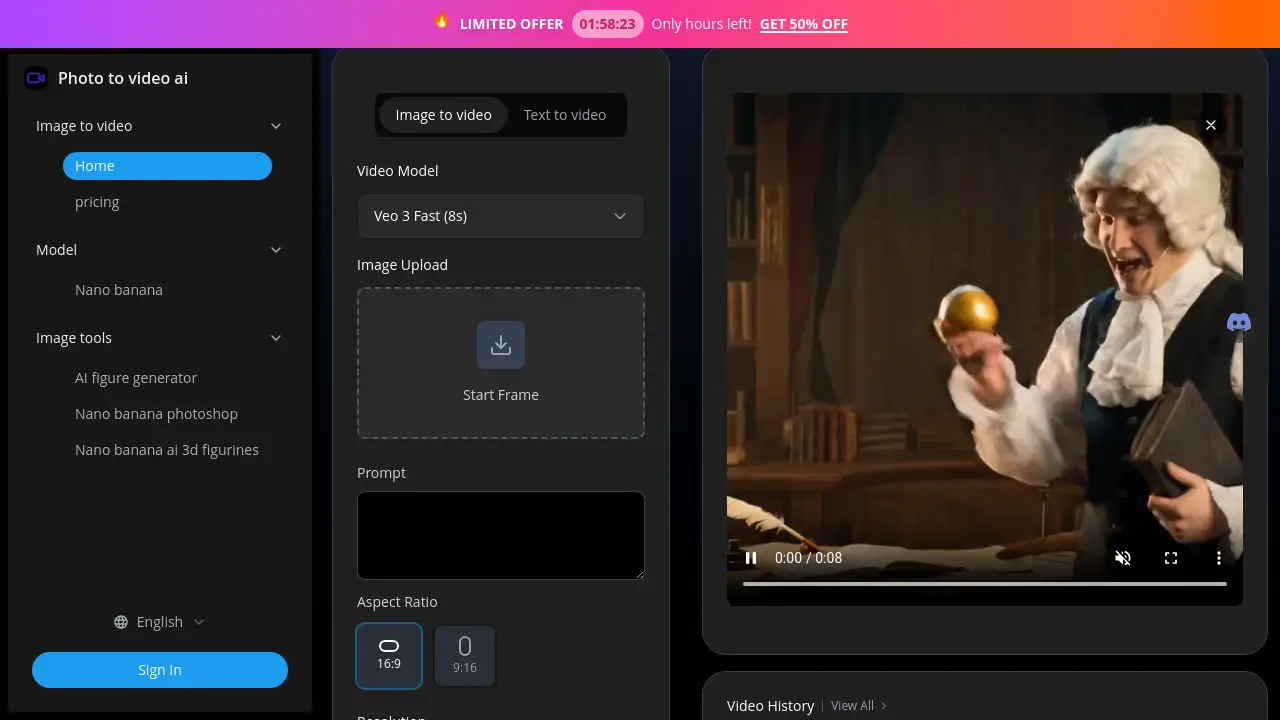
- Enter Your Prompt: Go to the Veo 4 generator. Describe your desired video scene in the text box or upload a reference image or video clip.
- Set Video Parameters: Customize your output by choosing the video duration, aspect ratio (like 16:9 or 9:16), resolution, and enabling the audio generation feature.
- Generate and Download: Click the "Generate" button. After a short processing time, you can preview and download your high-definition AI video.
Target Audience for Veo 4
- Independent Filmmakers and Video Creators
- Marketing Professionals and Ad Agencies
- Social Media Content Creators and Influencers
- Educators and E-Learning Course Developers
- Game Developers and Animators
- Small Business Owners and Entrepreneurs
Is Veo 4 Free?
The product homepage indicates that there is a free tier to get started. New users receive complimentary credits to explore the features. For ongoing use, a credit-based pricing system is in place. Specific plan details can be found on the official Veo 4 pricing page.
| Plan | Access | Key Detail |
|---|---|---|
| Free Tier | Available | Includes complimentary starting credits for new users. |
| Paid Credits | Required for extended use | Users purchase credits to generate videos. A 50% discount was advertised for a limited time. |
Veo 4's Pros and Cons
| Aspect | Pros | Cons |
|---|---|---|
| Capability | Produces photorealistic, cinematic-quality videos with advanced features like multi-angle shots and synced audio. | As an AI model, it may occasionally misinterpret complex prompts or generate unexpected elements. |
| Accessibility | Offers a free starting point and simplifies professional video creation, making it accessible to non-experts. | Generating longer or many videos requires purchasing credits, which adds to the cost. |
| Efficiency | Dramatically reduces video production time, from concept to finished clip in minutes. | The need for precise prompting to get desired results may involve a learning curve for some users. |
| Innovation | Integrates cutting-edge AI for synchronized audio generation and strong character consistency across scenes. | Being a web-based tool, it requires a stable internet connection for use. |
Frequently Asked Questions about Veo 4
Is Veo 4 completely free to use?
Veo 4 offers a free tier that provides new users with complimentary credits to try the AI video generator. For continued and extensive use, purchasing additional credits is necessary.
What is the main difference between Veo 4 and earlier models?
Veo 4 introduces significant upgrades like more realistic synchronized audio output, stronger narrative coherence, enhanced multi-angle generation, and higher overall output quality compared to Veo 3.1, 3, and 2.
Can I generate videos from an image with Veo 4?
Yes, the image-to-video feature is a core function. You can upload any still image, and Veo 4 will animate it with realistic motion and camera movement.
What video formats and resolutions does Veo 4 support?
The tool allows customization of aspect ratios (16:9, 1:1, 9:16, etc.) and supports resolutions including 480p, 720p, 1080p, and up to 4K for high-quality output.
Does Veo 4 create the audio for videos?
Yes, Veo 4 can generate synchronized audio including dialogue, sound effects, and ambient music that matches the on-screen action, complete with lip-sync.
How long can the videos generated by Veo 4 be?
While specific maximums may vary, Veo 4 emphasizes extended duration generation compared to previous models, allowing for longer, more coherent video clips suitable for storytelling.
Veo 4 Tags
Veo 4, AI video generator, text to video, image to video, free AI video maker, Google Veo 4, synchronized audio, multi-angle video, cinematic AI video, video from text, AI video creator, Veo 4 model