Introduction
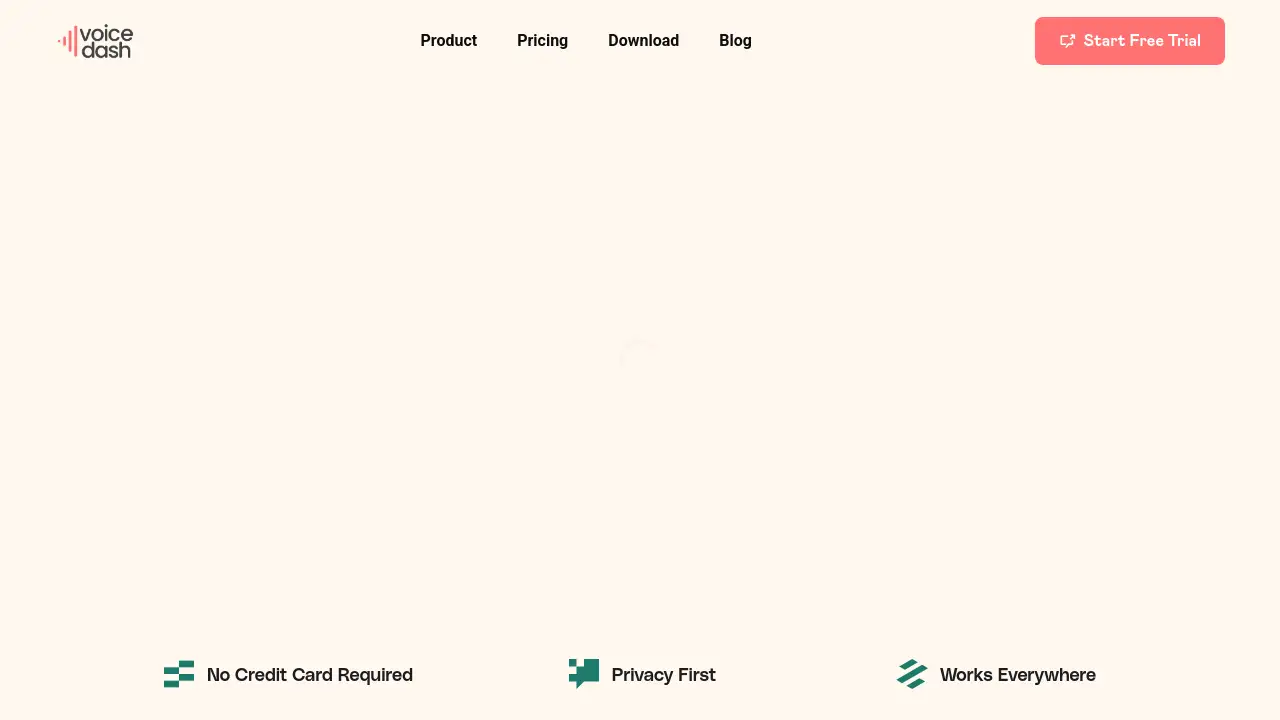
VoiceDash is an AI-powered speech-to-text tool designed for instant, polished transcription.
What is VoiceDash?
VoiceDash is a desktop application that transforms spoken language into structured, edited text in real-time. It addresses the common productivity bottlenecks of manual typing and post-dictation editing by instantly removing filler words, fixing grammar, and organizing thoughts. This tool is ideal for anyone who needs to communicate clearly and efficiently, from professionals drafting reports and emails to students taking notes. It matters because it allows users to capture their ideas at the speed of thought without the friction of typing or extensive proofreading, making speech-to-text workflows remarkably seamless.
Key Features of VoiceDash
Lightning-Fast Transcription
It converts speech to text in real-time with industry-leading accuracy, allowing for fluid and uninterrupted dictation.
Smart AI Editing
The core AI doesn't just transcribe; it instantly processes audio to remove filler words, correct grammar, and structure sentences for polished, professional text.
Works Everywhere
The application integrates system-wide, enabling seamless voice-to-text functionality within any other software on your Mac or Windows PC, from word processors to email clients.
Privacy First
All audio processing for transcription happens locally on the user's device, ensuring that sensitive spoken content never leaves their computer.
Personal Dictionary
Users can train the AI to recognize and correctly transcribe specialized terminology, names, or acronyms unique to their work.
Snippet Libraries
This feature allows for saving and quickly inserting frequently used text blocks via voice command, further speeding up documentation.
Use Cases for VoiceDash
Professional Report Writing
Professionals can dictate detailed reports, client notes, or meeting minutes, with the AI ensuring the output is well-structured and free of verbal clutter.
Efficient Email Communication
Users can compose lengthy or important emails by speaking naturally, resulting in clear, typo-free messages ready to send without tedious editing.
Academic Research and Note-Taking
Students and researchers can capture ideas, lecture notes, or research observations verbally, creating organized text documents without breaking their flow of thought.
Content Creation and Drafting
Writers, bloggers, and content creators can overcome writer's block by speaking their first drafts, using VoiceDash to provide a clean, editable text base.
How to Use VoiceDash
- Download and Install: Visit the VoiceDash website to download and install the application for macOS or Windows.
- Activate and Speak: Open the app and use its global shortcut to start dictating into any active window or application on your computer.
- Talk Naturally: Speak at your normal pace and pattern; the AI is designed to handle natural speech.
- Receive Edited Text: As you speak, polished text will appear in your target application, already edited for filler words and grammar.
- Refine and Use: Review the text, make any final adjustments, and use it immediately—whether sending an email, saving a note, or publishing content.
Target Audience for VoiceDash
- Busy Professionals (Executives, Managers, Consultants)
- Content Creators (Writers, Bloggers, Journalists)
- Students and Academics
- Individuals with Repetitive Strain Injuries (RSI) or who prefer verbal communication
- Teams and Organizations requiring consistent documentation
Is VoiceDash Free?
VoiceDash offers a free tier and paid Pro/Teams plans. The pricing structure is as follows:
| Plan | Price (Billed Yearly) | Key Features |
|---|---|---|
| Free | $0 / month | 1,000 words per month, basic voice-to-text, filler word removal, Mac & Windows support. |
| Pro | $12 / month | Unlimited words, advanced AI editing, personal dictionary, snippet library, priority support, all platforms. |
| Teams | $24 / month (for up to 5 users) | Everything in Pro, plus shared snippet libraries, a team analytics dashboard, and dedicated support. |
A 3-day free trial is available for the Pro plan, requiring no credit card.
VoiceDash's Pros and Cons
| Aspect | Pros | Cons |
|---|---|---|
| Core Functionality | Exceptional real-time editing (filler word removal, grammar fix). | Advanced features like personal dictionary are locked behind Pro plan. |
| Integration | Truly system-wide, works in any application. | Mobile app (iPhone) is listed as "Coming Soon," not yet available. |
| Pricing & Value | Generous free tier for testing; Teams plan offers good value for groups. | The Pro plan may be a significant subscription for individual casual users. |
| Privacy | Local audio processing is a major security and privacy advantage. | – |
| Usability | Extremely simple setup and use; designed for immediate productivity gain. | Power users might desire more customization options for the AI's editing style. |
Frequently Asked Questions about VoiceDash
Is my audio data kept private?
Yes. VoiceDash operates on a privacy-first principle. All speech processing for transcription and editing happens locally on your computer, so your audio never gets sent to the cloud or third-party servers.
What applications does VoiceDash work with?
It works everywhere. Once installed, the tool integrates at the system level on macOS or Windows, allowing you to use voice-to-text in any program, including email clients, word processors, note-taking apps, and web browsers.
Can I use VoiceDash on my phone?
An iPhone application is currently in development and marked "Coming Soon" on the website. Currently, VoiceDash is a desktop application for Mac and Windows PCs.
How accurate is the speech recognition and editing?
The tool boasts industry-leading accuracy for real-time transcription. Its AI is specifically tuned not just for accuracy but for understanding context to properly remove filler words and improve sentence structure, resulting in highly polished text.
Does the free plan have limitations?
The Free plan is limited to 1,000 words of transcription per month and includes basic editing features. It's designed for light use or for trying out the core speech-to-text functionality before upgrading.
Can I train VoiceDash to recognize specific terms?
Yes, the Personal Dictionary feature (available in the Pro and Teams plans) allows you to add custom words, names, or acronyms so the AI learns to transcribe them accurately every time.
VoiceDash Tags
speech-to-text, voice-to-text, AI transcription, real-time dictation, filler word removal, grammar checker, desktop dictation software, productivity tool, Mac dictation, Windows dictation, voice typing, AI editing, local transcription