Introduction
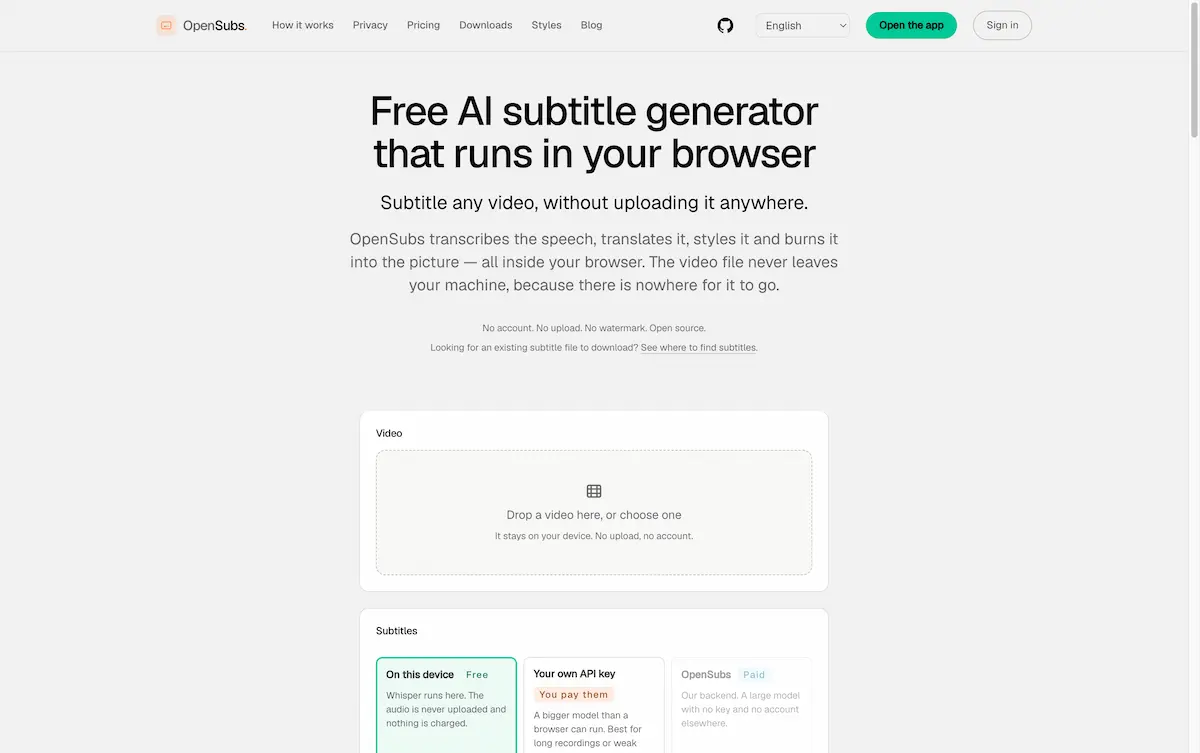
OpenSubs is a private, browser-based subtitle generator.
What is OpenSubs?
OpenSubs is a free, open-source subtitle generator and subtitle editor that runs entirely in a web browser. It lets users transcribe speech, translate subtitles into 20 languages, apply styles, and burn subtitles into a video without uploading the video to a server. The tool is built for people who want automatic subtitles but do not want to send private footage to a cloud service. By using local processing, OpenSubs turns a normal browser into a private subtitle tool for MP4 files, screen recordings, interviews, and social media clips. It solves the common problem of slow uploads, privacy risks, and paywalled caption editors. Because the video never leaves the machine, OpenSubs is suitable for journalists, educators, creators, and anyone handling sensitive material.
Key Features of OpenSubs
In-Browser Speech Transcription
OpenSubs uses Whisper models running in the browser to transcribe speech from video or audio. It can run on WebGPU or WebAssembly, downloads the model once, and never uploads the media file.
On-Device Translation Into 20 Languages
OpenSubs can translate subtitles locally using Chrome's built-in translation or connect a Claude, OpenAI, or DeepL API key for better long-dialogue results. The default on-device option sends nothing.
Twelve Subtitle Styles with Live Preview
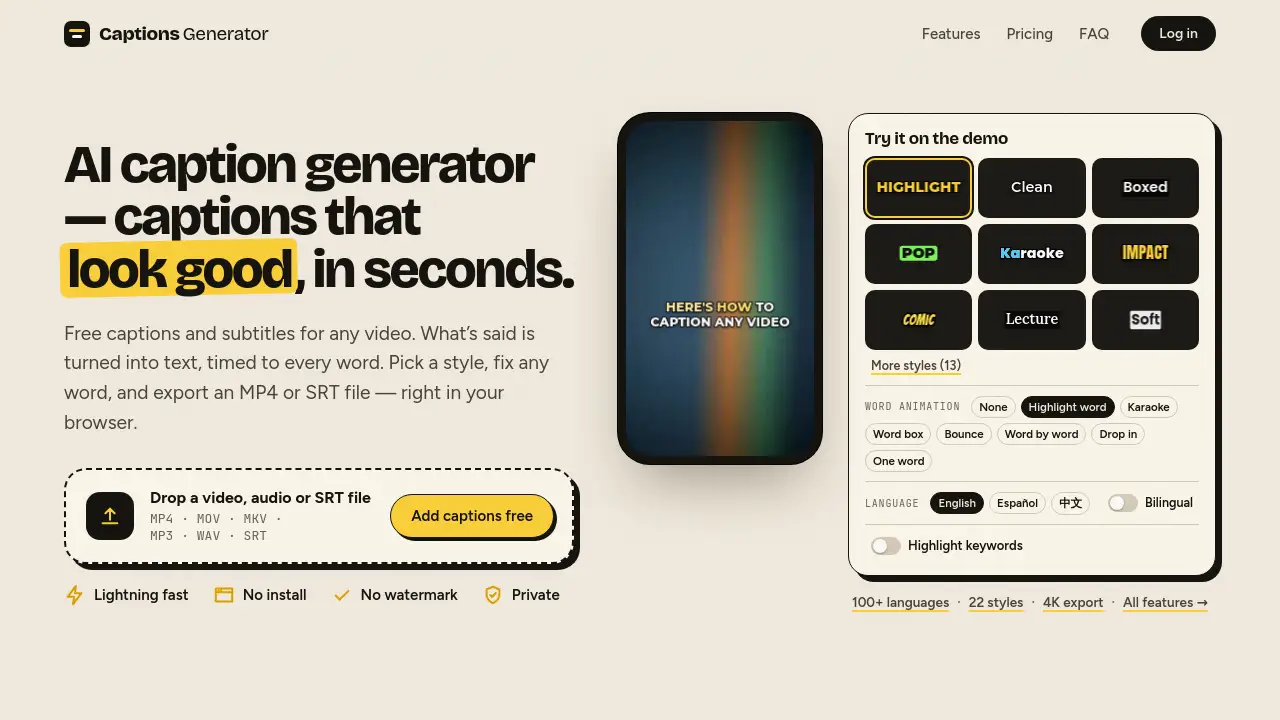
OpenSubs offers twelve presets, including clean broadcast captions and bold social styles. Preview each style over the actual footage, with optional word-by-word highlighting.
Burn Subtitles Into MP4
OpenSubs renders subtitles with libass and encodes them into an MP4 using WebCodecs. The preview matches the final pixels, and the original audio is copied through untouched.
Export SRT, VTT, and ASS
OpenSubs exports plain subtitle files for editing, uploading, or archiving. The subtitle editor supports trimming, line edits, and resolution control.
Browser Extension, Desktop App, and CLI
OpenSubs provides the same Rust engine in a browser extension, a desktop app for long files and batches, or a command-line tool for scripting and CI. Each option fits different workflows.
Open Source Under AGPL-3.0
OpenSubs is released under AGPL-3.0. The engine, web app, extension, desktop app, and CLI share one repository, so users can inspect what runs on their machine instead of trusting a closed service.
Use Cases for OpenSubs
Adding Subtitles to Social Media Videos
With OpenSubs, creators can generate captions, pick a bold style, and burn subtitles into short videos without a watermark. This makes the browser-based subtitle generator useful for TikTok, YouTube Shorts, and Instagram Reels.
Creating Captions for Online Courses
OpenSubs helps educators and course creators transcribe lectures, correct lines, and export SRT or VTT files for learning platforms. Local processing helps protect unpublished course material.
Translating Dialogue for Global Audiences
OpenSubs supports translation into 20 languages so teams can reach viewers in different regions. The option to use a personal API key gives more control over translation quality.
Subtitling Long Recordings Without Uploading
Journalists and researchers can work with interviews, meetings, or field recordings without sending files to a third-party server. The OpenSubs desktop app and CLI are designed for long files and batch jobs.
Scripting and Batch Processing with CLI
Developers can run one command per file, reuse presets, and produce consistent ASS output in automated pipelines. That makes OpenSubs a practical subtitle tool for technical workflows.
How to Use OpenSubs
- Open opensubs.app in a modern browser. No account or install is required for the web app.
- Drop a video file onto the page. The video is read locally through an object URL and is not uploaded.
- Select a Whisper model size, from about 40 MB to 250 MB, and start transcription. The model downloads once and is cached.
- Edit the generated subtitle lines, choose a translation option if needed, and apply one of the twelve styles.
- Export the subtitles as SRT, VTT, or ASS, or burn subtitles into an MP4. The exported file carries no watermark.
Target Audience for OpenSubs
- Content creators and social media editors
- Video editors and post-production teams
- Journalists and documentary makers
- Educators and online course creators
- Translators and localization teams
- Privacy-conscious businesses and researchers
- Developers and automation engineers
- Podcasters and interviewers
Is OpenSubs Free?
| Plan | Price | Features |
|---|---|---|
| Free | $0 forever | Speech recognition in browser, on-device translation, all 12 styles, word-by-word highlighting, trimming and resolution control, burn subtitles into MP4, SRT/VTT/ASS export, personal API keys |
| Credits | $5 for 1,000 credits | Cloud translation on OpenSubs backend, no external key or account needed, job price shown before running, failed jobs cost nothing, credits never expire |
The free plan covers everything that runs on the user's machine. Cloud translation is the only paid option, and the price is shown before a job starts.
OpenSubs's Pros and Cons
| Aspect | Pros | Cons |
|---|---|---|
| Pricing | Free core features; cloud translation credits never expire | Cloud translation costs credits; free plan excludes backend translation |
| Privacy | No upload endpoint; video stays on device; API keys are not stored | Cloud translation can send subtitle text if selected |
| Features | Transcribe, translate, style, burn; multiple presets; SRT/VTT/ASS export | Browser extension is not in stores; desktop and CLI builds are unsigned |
| Compatibility | Works in browser; desktop app for macOS, Windows, Linux; CLI for automation | Desktop and CLI need ffmpeg with the ass filter; WebGPU support varies |
| Openness | AGPL-3.0; one repository for all apps | Current builds are release candidates, not stable releases |
| Ease of use | No account; no watermark; largely works offline after model caching | First model download is 40–250 MB; long files can be slower in browser |
Frequently Asked Questions about OpenSubs
Is OpenSubs really free?
Yes. Transcription, on-device translation, styling, trimming, burning, and SRT/VTT/ASS export are free. The only paid option is cloud translation on the backend, priced at $5 for 1,000 credits.
Does OpenSubs upload my video?
No. OpenSubs reads the video directly in the browser and processes each step on the local machine. There is no upload endpoint in the product, so the footage never moves to a server.
Can OpenSubs burn subtitles into an MP4?
Yes. It uses libass and WebCodecs to render subtitles and encode them back into an MP4. The audio is copied through untouched, and no watermark is added.
Which languages can OpenSubs translate subtitles into?
It supports 20 languages, including Simplified and Traditional Chinese, Japanese, Korean, Spanish, Portuguese, French, German, Italian, Russian, Arabic, Hindi, Indonesian, Thai, Vietnamese, Turkish, Polish, Dutch, and Ukrainian.
Do I need an account or API key?
No account is needed for local features. An account is only required if choosing cloud translation on the OpenSubs backend. Users can also bring their own Claude, OpenAI, or DeepL key, which is kept only in the tab's memory.
Is OpenSubs open source?
Yes. It is released under AGPL-3.0. The same Rust engine powers the web app, browser extension, desktop app, and command-line tool, so users can review the code that runs locally.
OpenSubs Tags
OpenSubs, subtitle generator, subtitle editor, browser-based subtitles, transcribe video, translate subtitles, burn subtitles into video, SRT VTT ASS export, open source subtitle tool, automatic subtitles, private video subtitles, free subtitle maker