Introduction
A YouTube Transcript Downloader streamlines the process of extracting text from videos, enabling users to efficiently download YouTube transcripts for research, content creation, and AI training.
What is YouTube Transcript Downloader?
The YouTube Transcript Downloader is an online tool designed to automate the extraction of text from YouTube videos. It solves the tedious problem of manually copying captions by allowing users to download transcripts in bulk from entire channels and playlists, saving significant time. This tool is particularly suitable for content teams, researchers, marketers, and AI developers who need clean, formatted text data. Its ability to process hundreds of videos in parallel makes it a powerful asset for building internal knowledge bases or sourcing training data for large language models (LLMs).
Key Features of YouTube Transcript Downloader
Bulk Extraction
The tool enables users to extract transcripts from entire YouTube channels or extensive playlists with a single click, eliminating the need for repetitive manual work.
Multiple Export Formats
Users can download the extracted text in various formats, such as individual TXT files or a single consolidated document, with JSON export support planned for future updates.
Full Customization
The service offers options to customize transcript formatting, including the inclusion or removal of timestamps and other metadata, to fit specific project requirements.
Preview & Copy Functionality
Before committing to a download, users can preview the transcript directly in their browser and copy the text to their clipboard for immediate use.
Background Processing
For large batch jobs involving channels or playlists, the system processes videos in parallel in the background, allowing users to continue other tasks or close the tab.
Developer API Access
For integration into custom applications and automated workflows, the tool provides a comprehensive REST API with full documentation and code examples.
Use Cases for YouTube Transcript Downloader
AI and LLM Training Data
The tool is perfect for sourcing large volumes of clean, conversational text data required for fine-tuning and training artificial intelligence models and large language models.
Content Research and Repurposing
Content creators and marketers can efficiently download YouTube transcripts to analyze video content, generate article ideas, create show notes, or repurpose video material into blog posts and social media snippets.
Academic and Market Research
Researchers and analysts can use the bulk download capability to gather and analyze spoken content from multiple video sources for qualitative studies, sentiment analysis, or competitive intelligence.
Building Internal Knowledge Bases
Companies can transcribe internal training videos, all-hands meetings, or expert interviews to create searchable, textual archives of organizational knowledge.
How to Use YouTube Transcript Downloader
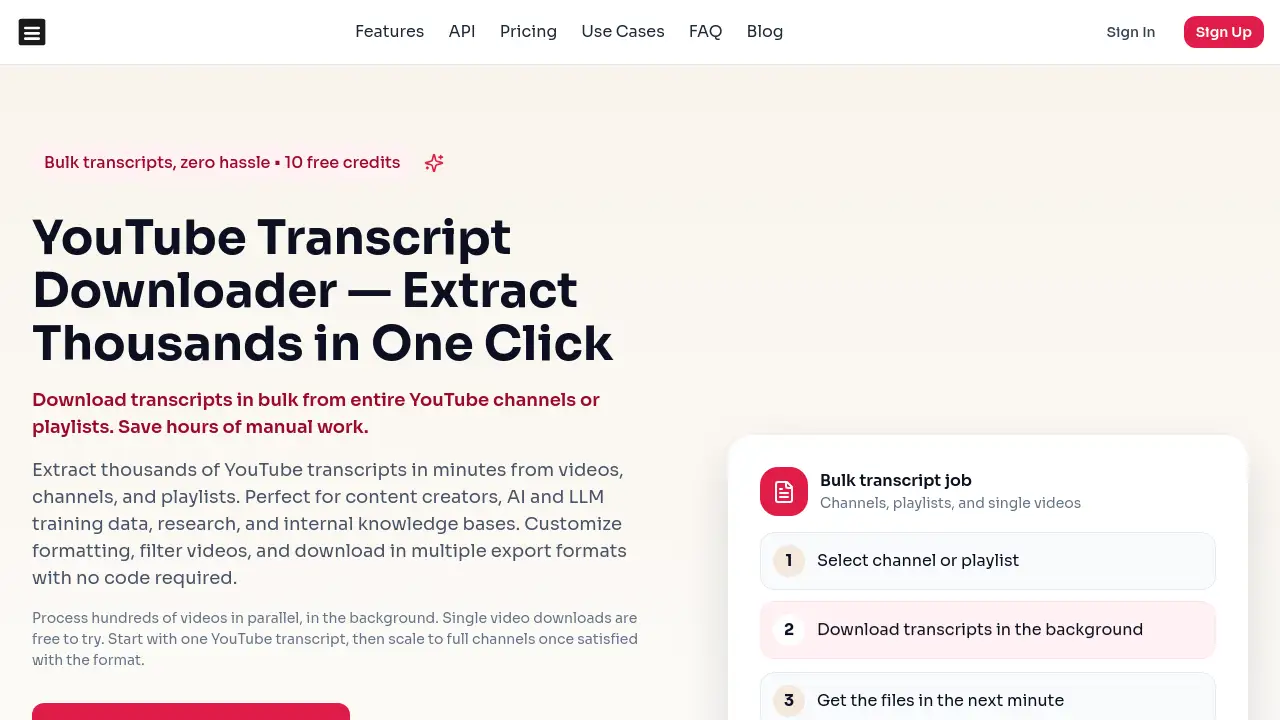
Using the YouTube Transcript Downloader is a straightforward, three-step process designed for users of all technical levels.
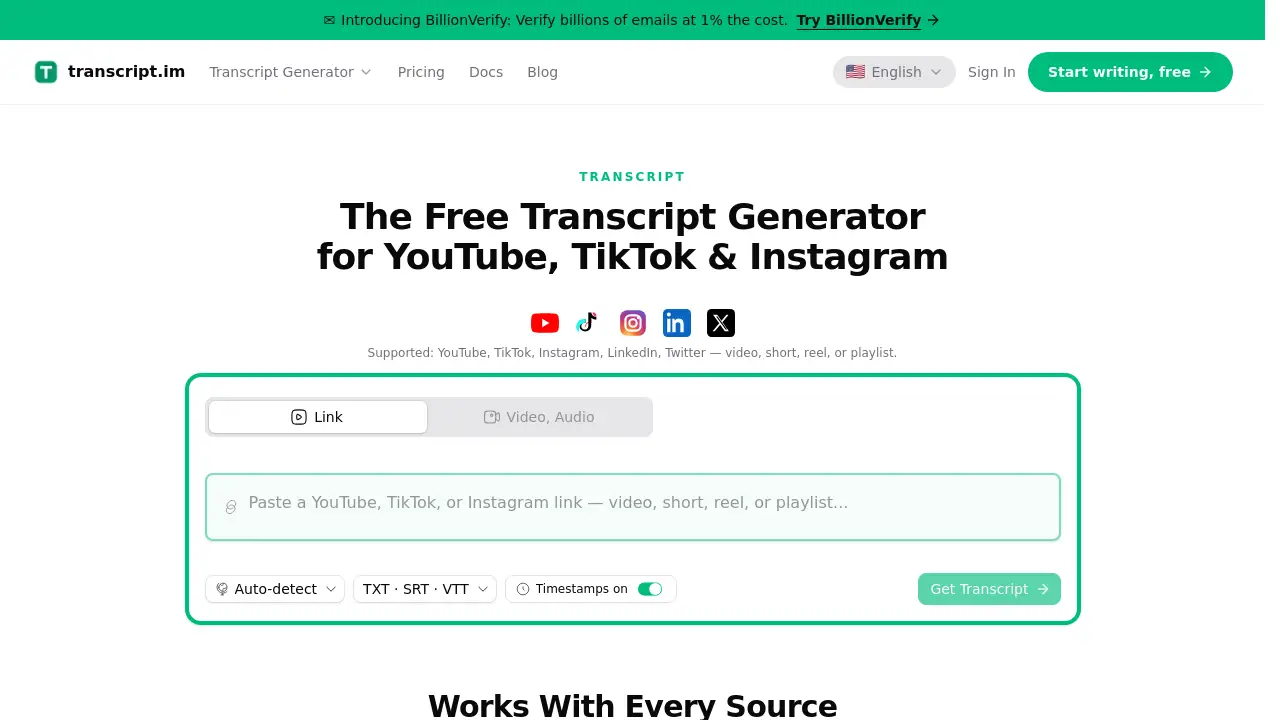
- Paste the URL: Start by copying the URL of the YouTube video, channel, or playlist from which you need the transcript. Paste it into the tool's input field on the website.
- Initiate Processing: Click the "Download" or equivalent button. For single videos, the transcript is generated nearly instantly. For channels or playlists, the tool will queue the job for parallel background processing.
- Download Your Files: Once processing is complete, you can download the transcripts. You will typically have the option to download all transcripts as separate files or combined into one, formatted according to your selected preferences.
Target Audience for YouTube Transcript Downloader
- AI Researchers and Developers: Individuals and teams building or fine-tuning AI models who require bulk, clean text data.
- Content Creators and Marketers: YouTubers, bloggers, and social media managers who need to repurpose video content efficiently.
- Academic Researchers and Analysts: Professionals conducting studies that involve analyzing spoken content from video platforms.
- Businesses and Teams: Organizations looking to build searchable knowledge bases from their video content, such as training materials or webinar recordings.
Is YouTube Transcript Downloader Free?
The service operates on a credit-based system with no subscriptions. Users purchase credits once, and they are usable forever. Single video transcript downloads are available for free to try the service. For bulk operations, several credit packs are available.
| Plan | Price (One-Time) | Credits Included | Best For |
|---|---|---|---|
| Starter | $4.99 | 100 credits | Trying out the service |
| Plus | $6.99 | 400 credits | Regular users |
| Pro | $12.99 | 1,000 credits | Content creators |
| Business | $26.99 | 3,000 credits | Teams and power users |
YouTube Transcript Downloader's Pros and Cons
| Aspect | Pros | Cons |
|---|---|---|
| Efficiency | Saves hours by automating bulk transcript extraction from channels and playlists. | For a single, one-off transcript, manual YouTube copying might be sufficient. |
| Pricing Model | Simple, one-time credit purchase with no recurring subscription fees. | Upfront cost for large bulk jobs, though the per-credit cost decreases with larger packs. |
| Ease of Use | No-code, web-based interface makes it accessible to non-technical users. | Advanced customization and API usage require some technical understanding. |
| Output & Flexibility | Offers multiple export formats and customization options for timestamps and formatting. | JSON export format, often preferred for developers, is listed as a future update. |
Frequently Asked Questions about YouTube Transcript Downloader
How does the transcript extraction work?
The service programmatically accesses the publicly available captions or subtitles for YouTube videos. It formats this data and delivers it to the user. Single videos are processed instantly, while channels and playlists are handled through parallel background jobs for efficiency.
Can I download transcripts from private YouTube videos?
No, the tool can only extract transcripts from publicly available YouTube videos. It cannot access content from private, unlisted, or members-only videos.
What formats can I download the transcripts in?
Currently, transcripts can be downloaded as plain text files (.txt), either as individual files per video or combined into a single document. The development roadmap includes adding JSON export for enhanced programmatic use.
Is there an API available for developers?
Yes, the YouTube Transcript Downloader offers a full REST API with comprehensive documentation. This allows developers to integrate automated transcript extraction directly into their own applications, scripts, and workflows.
Do I need to create an account to use it?
While you can test the single-video downloader without an account, to access features like saving jobs, downloading in bulk from channels, and using the API, you will need to sign up for an account.
What happens if a video doesn't have subtitles?
The tool can only extract transcripts for videos that have captions available, either manually added by the creator or auto-generated by YouTube. If a video has no captions at all, it cannot produce a transcript.
YouTube Transcript Downloader Tags
youtube transcript downloader, download youtube transcripts, bulk youtube transcripts, youtube transcript extractor, youtube channel transcript, youtube playlist transcript, ai training data, llm training data, transcript download tool, content repurposing, video to text, youtube api transcript, automated transcripts, research tool