Introduction
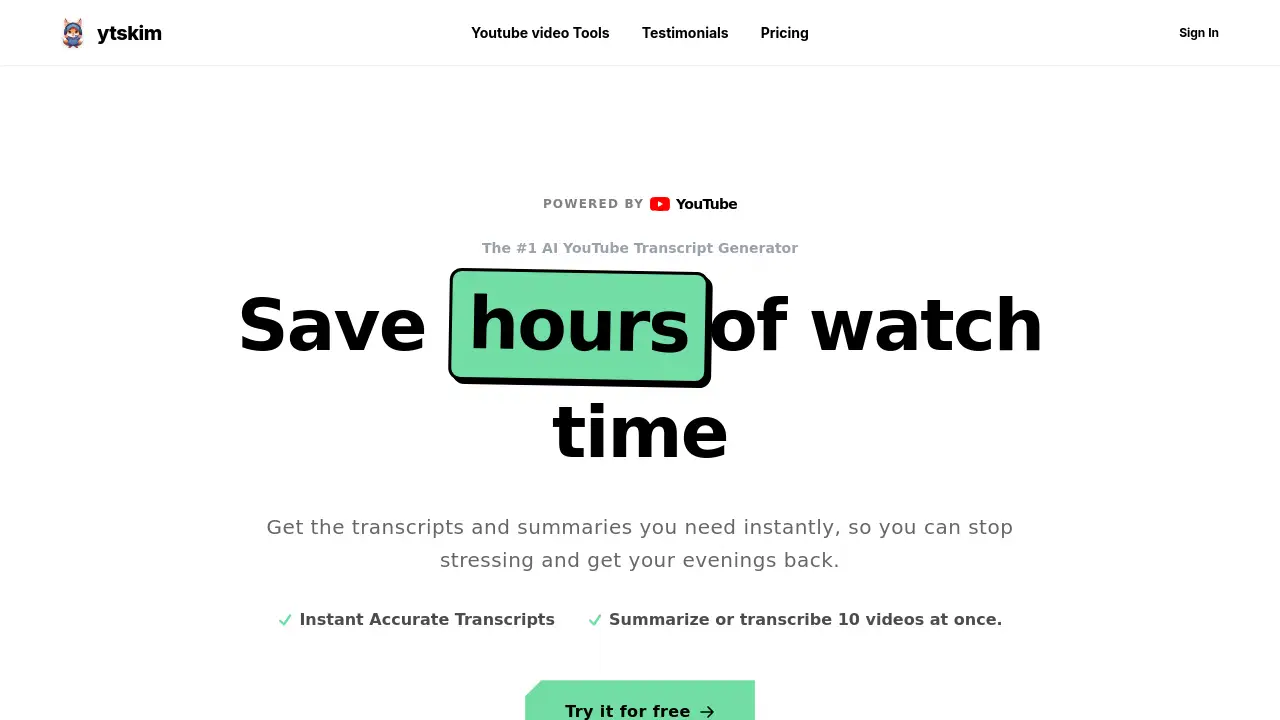
ytskim is the leading AI YouTube transcript generator for fast, accurate video summaries.
What is ytskim?
ytskim is an AI-powered tool designed to instantly generate accurate transcripts and clean summaries from YouTube videos. It solves a common modern problem: the overwhelming amount of time-consuming, filler-heavy video content online. For students, researchers, and professionals, manually watching and taking notes from long videos is inefficient. ytskim addresses this by extracting the core value, allowing users to grasp key information in minutes instead of hours. The platform is built for anyone who needs to learn, research, or create content from YouTube efficiently, making knowledge consumption faster and more accessible.
Key Features of ytskim
Batch Processing
Paste up to 10 YouTube video links simultaneously to process and generate transcripts and summaries in parallel, dramatically speeding up workflow for playlists or course materials.
Accurate Transcripts & Summaries
The AI delivers word-for-word transcripts with timestamps and distills them into structured summaries, highlighting key takeaways with high accuracy.
Multi-Language Support
ytskim supports over 50 languages natively, generating summaries from videos in English, Spanish, Japanese, and many more without extra configuration.
Flexible Export Options
Users can easily export results to multiple formats, including copying to clipboard, downloading as a TXT file, or generating a professionally formatted PDF document.
Credit-Based System
Instead of a subscription, ytskim uses a simple credit system where one credit equals one video summary, offering a flexible, pay-as-you-go pricing model.
Use Cases for ytskim
Academic Research
Students and researchers can quickly extract key arguments and data from lecture videos, documentaries, and conference talks for papers and study notes.
Content Creation
Bloggers, writers, and video creators can efficiently research topics, gather quotes, and repurpose insights from multiple YouTube videos into their own content.
Professional Development
Professionals can stay updated with industry trends by summarizing lengthy tutorial, webinar, and podcast videos into concise, actionable insights.
Language Learning
Learners can use the accurate transcripts alongside videos to improve listening comprehension, vocabulary, and understanding in their target language.
How to Use ytskim
Using ytskim is a straightforward, three-step process designed for immediate results.
- Paste a YouTube Link: Copy the URL of any YouTube video (including short links) and paste it into the ytskim platform.
- AI Processing: The tool automatically extracts the transcript and uses its AI to generate a clean, structured summary highlighting the main points.
- Review and Export: Read the summary side-by-side with the full transcript. Then, export your results with one click to PDF, TXT, or copy them to your clipboard.
Target Audience for ytskim
- Students: For summarizing lectures, educational videos, and research materials.
- Researchers & Academics: For analyzing interviews, presentations, and documentary content.
- Content Creators & Marketers: For researching trends, gathering information, and repurposing video content.
- Professionals & Lifelong Learners: For quickly digesting tutorials, webinars, and industry news.
- Language Learners: For accessing accurate transcripts of videos in various languages.
Is ytskim Free?
ytskim offers a free trial that requires no credit card, allowing users to test the service. For continued use, it operates on a one-time payment credit pack system rather than a monthly subscription.
| Plan | Price | Key Features |
|---|---|---|
| Credit Pack | $19 (one-time) | 500 credits (1 credit = 1 video summary), valid for 1 year, bulk processing for up to 10 videos, support for videos up to 4 hours, exports to PDF/TXT. |
ytskim's Pros and Cons
| Aspect | Pros | Cons |
|---|---|---|
| Efficiency | Extremely fast batch processing of multiple videos saves significant time. | Credit system consumption may require planning for very high-volume users. |
| Pricing Model | Simple, one-time credit purchase with no recurring subscription fees. | No free tier beyond the trial; usage requires purchasing credit packs. |
| Usability | Simple, intuitive three-step process with no complex setup. | Advanced customization options for summaries are limited. |
| Output Quality | High accuracy for transcripts and summaries across many languages. | Summary quality is dependent on the clarity and structure of the source video. |
Frequently Asked Questions about ytskim
How does ytskim generate summaries?
ytskim first extracts the full transcript from the YouTube video. Its AI then analyzes the text to identify key themes, arguments, and takeaways, structuring them into a concise and readable summary.
What languages are supported by ytskim?
ytskim supports any language for which YouTube provides captions, including English, Spanish, French, German, Japanese, Korean, Portuguese, and over 50 others natively.
Can I process multiple YouTube videos at once?
Yes. A key feature of ytskim is batch processing, allowing users to paste up to 10 video links at once. The AI will process them all in parallel, and results can be navigated easily.
What export formats are available?
Users can copy the transcript or summary text directly to their clipboard, download it as a plain TXT file, or export it as a neatly formatted PDF document for sharing or printing.
How do credits work in ytskim?
Each video summary consumes 1 credit. Users purchase a pack of credits (e.g., 500 credits for $19) that are valid for one year. There are no monthly limits, only the total credit balance.
Is there a limit on video length?
ytskim can process videos up to 4 hours in length per the current features listed, making it suitable for long-form content like lectures, podcasts, and documentaries.
ytskim Tags
YouTube transcript generator, AI video summarizer, YouTube summary tool, batch process YouTube videos, accurate video transcripts, export YouTube transcript PDF, YouTube to text, language learning transcripts, research tool for students, content creation tool, online learning aid, save time watching videos