Introduction
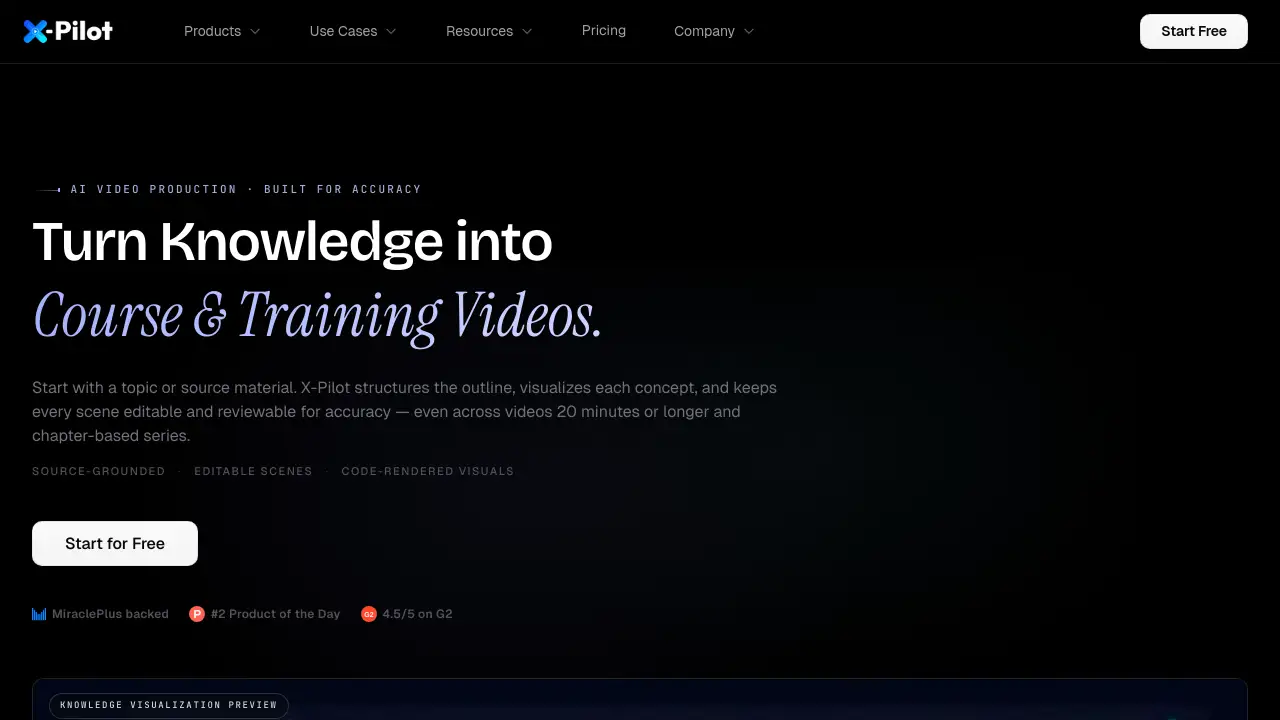
X-Pilot is an AI video production platform designed for course creators and trainers. It turns a topic or source file into editable, reviewable training videos. With scene-level control, knowledge visualization, and chapter-based series support, X-Pilot helps make accurate video lessons easier to create and update.
What is X-Pilot?
X-Pilot is AI video production software for courses and training. It starts with a short topic description or a supported source file such as PDF, PPTX, DOCX, Markdown, MDX, or text. The system uses generative AI to build an outline, plan scenes, add narration, and generate visuals. These AI video production outputs stay editable, so creators can review and change every scene before exporting. X-Pilot is backed by MiraclePlus and rated 4.5/5 on G2. It was also #2 Product of the Day on Product Hunt.
Many teams need accurate, editable course videos rather than quick avatar clips. X-Pilot focuses on this need. It supports long-form lessons up to 20 minutes and complete chapter-based series. This matters because technical topics, compliance lessons, and certification prep require clear, accurate visuals. X-Pilot provides source-grounded AI video production with code-rendered visuals, making the final output reproducible and reviewable.
Key Features of X-Pilot
Editable scenes
Every scene can be reviewed and refined in plain language. Select a scene, describe a change, and preview the revised result before export. This makes it easier to maintain editable course videos and keeps the production process transparent.
Long-form course videos
X-Pilot supports one complete lesson in a single project, up to 20 minutes. This long-form AI video production is useful for in-depth topics that need detailed explanations.
Chapter-based series
Users can plan a chapter outline and build independent video projects for each chapter. This turns large syllabi into organized training videos that are easy to navigate and update.
Knowledge visualization components
The platform includes 58 built-in components for diagrams, annotated figures, animated formulas, charts, code, and process visuals. These help make complex subjects easier to understand.
Code-rendered visuals
Visuals are rendered with code, so the final output is deterministic and reproducible. This is important for AI video production in technical fields where accuracy matters.
Cloned voice and language options
The example workflow supports applying a cloned voice and Spanish language options. This allows instructors to keep a consistent voice across lessons.
Use Cases for X-Pilot
Teachers and exam-prep tutors
K-12 teachers and tutors can turn lesson plans into editable video projects for IGCSE, IB, AP, SAT, and JEE. X-Pilot's AI video production keeps formulas and diagrams visible and reviewable.
Certification and corporate trainers
Trainers build certification and employee-learning libraries for FDNY, OSHA, PMP, CFA, and STCW. The platform lets them create accurate training videos that can be reviewed and updated.
L&D leads and SOP owners
Learning and development leads can turn HIPAA, HACCP, or new-hire manuals into staff training videos with preview and qualified review before export.
Course creators and technical educators
Independent creators selling on Udemy or Teachable can produce coding, API, and data-science courses. Every snippet is rendered from source material, which helps maintain technical accuracy.
SaaS and product teams
Product teams can turn PRDs, pitch decks, or API docs into SaaS demo, walkthrough, and launch-announcement videos. This is useful for complex, technical, and AI products where every claim must be correct.
How to Use X-Pilot
- Start with a topic or upload a supported source file.
- Review the AI-generated outline and scene plan.
- Refine scenes in plain language and preview knowledge visualizations.
- Export a 1080p MP4 video, or organize chapter videos into a course series.
This simple AI video production workflow helps creators move from source material to a finished lesson quickly. The entire process is designed around reviewable, editable course videos.
Target Audience for X-Pilot
- Teachers and exam-prep tutors
- Certification and corporate trainers
- L&D leads and SOP owners
- Course creators and technical educators
- SaaS and product teams
- Researchers and professors
- Instructional designers
Is X-Pilot Free?
X-Pilot includes a free tier with 1 free video generation, no credit card required. Paid plans for AI video production start at $19 per month and scale by credits and features.
| Plan | Price | Features |
|---|---|---|
| Free | $0 | 1 free video, core workflow |
| Creator | $19/month | ~20 min video or 10 min complex video, 1,000 credits |
| Professional | $49/month | ~60 min or 30 min complex video, 3,000 credits |
| Ultra | $129/month | ~180 min or 90 min complex video, 9,000 credits |
| Business | $159/month | ~240 min or 120 min complex video, 12,000 shared credits, owner + 2 member seats |
X-Pilot's Pros and Cons
| Aspect | Pros | Cons |
|---|---|---|
| Accuracy | Source-grounded planning and code-rendered visuals help ensure reviewable output. | Generative AI planning still needs human review before export. |
| Editing | Scene-level plain-language edits make course videos easy to update. | Users must review scenes carefully to maintain accuracy. |
| Video length | Supports long-form videos up to 20 minutes and chapter-based series. | Higher usage requires paid plans. |
| Pricing | Free tier available; plans scale from $19 to $159 per month. | Complex videos can consume credits quickly. |
| Focus | Built for knowledge-heavy content, not just avatar presentations. | Less focus on avatar-led presenters than some competitors. |
Frequently Asked Questions about X-Pilot
What is X-Pilot?
X-Pilot is AI video production software for courses and training. Start with a topic or source material, shape an editable outline and scenes, preview knowledge visualizations, and export one video or organize chapter videos into a series.
How does X-Pilot support accuracy?
X-Pilot keeps the outline and scenes editable, and uses code-rendered visuals for the final visual layer. The planning process uses generative AI, but the output is reproducible and reviewable. This helps creators produce accurate training videos.
What source files can I use to start a video?
Users can start with a topic or upload supported files such as PDF, PPTX, DOCX, Markdown, MDX, or text. X-Pilot uses this material to plan the outline and scenes.
Can I edit a video after it is generated?
Yes. Review the outline and scenes, describe changes in plain language, and regenerate the preview before exporting the final MP4. This is built for editable course videos.
How is X-Pilot different from avatar-based tools?
Tools like HeyGen and Synthesia focus on avatar-led video, while X-Pilot focuses on editable course and training videos. The priority is accurate scene outlines, knowledge visualization, and reviewable output rather than digital presenters.
How much does X-Pilot cost?
The free tier includes 1 free video. Paid plans range from Creator at $19 per month to Business at $159 per month, with annual billing saving 20%. No credit card is required for the free tier.
X-Pilot Tags
AI video production, editable course videos, training videos, chapter-based series, knowledge visualization, scene editing, course video generator, AI training video workflow, natural language video editor, source-grounded videos, long-form course videos, X-Pilot review