Best AI Tools for Content Creators to Scale Video Production
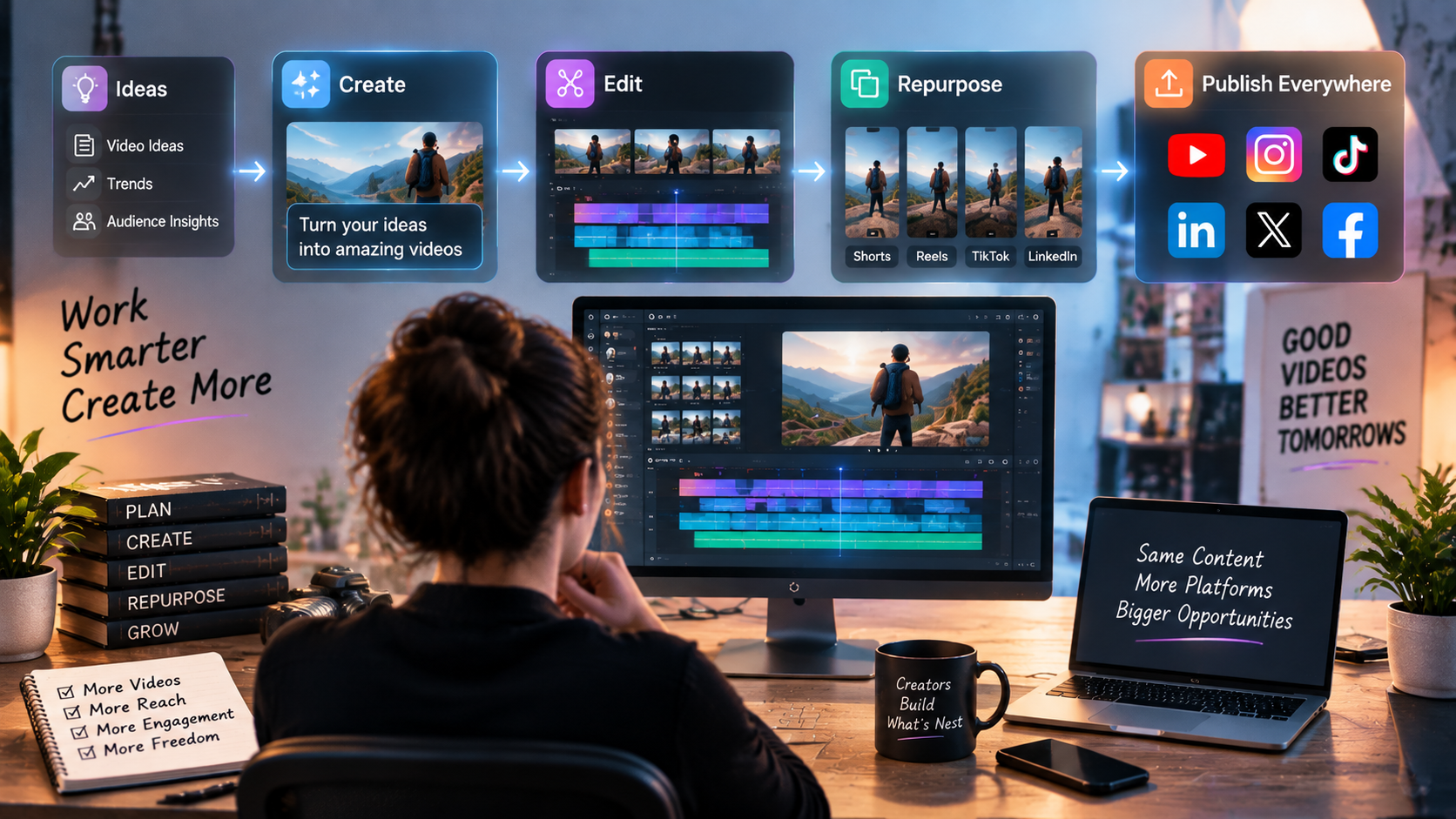
Creating videos has become easier than ever, but producing content consistently is still a challenge for many creators. A single video often requires planning, recording, editing, adding captions, creating different formats, and optimizing content for multiple platforms.
For creators publishing on YouTube, Instagram Reels, TikTok, and other platforms, the biggest challenge is not making one great video. It is maintaining a consistent production system that allows them to create more content without spending all their time on repetitive tasks.
AI tools are helping solve this problem by supporting different parts of the video workflow. Instead of replacing creators, these tools help speed up production by handling time-consuming tasks such as editing, repurposing, transcription, and content adaptation.
From AI-assisted editing platforms to tools that transform long videos into short clips, creators now have more options to build faster and more efficient workflows.
Here are some of the best AI tools creators can use to scale video production in 2026.
1. Invideo Editor
Best for: Creators and editors who want AI assistance throughout the editing workflow
Most AI video tools focus on generating content, but creators often face a different challenge after recording: managing footage and turning it into polished videos.
Invideo Editor helps address this part of the workflow by combining a professional editing timeline with AI editing agents. Instead of manually handling every repetitive editing task, creators can assign work to AI agents that help review footage, identify usable sections, remove unnecessary parts, and create a starting point that can be refined further.
For creators working with long recordings, interviews, podcasts, tutorials, or multiple takes, this can reduce the time spent organizing footage before the actual creative editing begins.
The workflow is designed around keeping creators in control. AI agents handle repetitive execution, but editors can still review the timeline, make changes, adjust pacing, and refine the final video.
Key features:
- AI-assisted footage review
- Automated first-cut assembly
- Take selection and clip organization
- Timeline-based editing control
- Support for creating multiple content versions
Best use cases:
- YouTube creators managing long recordings
- Podcasters creating video clips
- Agencies producing multiple versions of content
- Teams working with large amounts of footage
For creators looking to scale video production, invideo editor helps reduce the manual work involved in moving from raw content to an editable timeline.
2. Opus Clip
Best for: Turning long videos into short-form content
Many creators already have valuable content but struggle to maximize its reach. A one-hour podcast, webinar, or interview can contain multiple moments that work well as short videos, but finding and editing those clips manually can take significant time.
Opus Clip uses AI to analyze longer videos and identify sections that may perform well as short-form content. It helps creators transform existing videos into shorter clips designed for platforms such as YouTube Shorts, Instagram Reels, and TikTok.
The tool is useful for creators who want to increase their content output without constantly recording new material.
Key features:
- AI-powered clip selection
- Short-form video creation
- Automatic reframing
- Caption generation
- Social media optimization
Best use cases:
- Podcast creators
- Educators repurposing lessons
- Businesses creating social content
- YouTubers expanding short-form presence
Opus Clip works well for content repurposing, especially when creators already have a library of long-form videos they want to distribute across multiple platforms.
3. Descript
Best for: Editing videos through text-based workflows
Descript takes a different approach to video editing by allowing creators to edit content through transcripts. Instead of searching through a timeline manually, users can edit spoken content by changing the text transcript.
This workflow is especially useful for talking-head videos, interviews, podcasts, and educational content where spoken words are the main focus.
Creators can remove sections of dialogue, correct mistakes, generate captions, and improve recordings without relying entirely on traditional editing methods.
Key features:
- Text-based video editing
- Automatic transcription
- AI voice tools
- Caption creation
- Audio cleanup
Best use cases:
- Podcast production
- Interview editing
- Educational videos
- Video creators focused on dialogue
Descript helps simplify editing for creators who spend a large amount of time working with spoken content.
4. VEED AI
Best for: Creating and editing social media videos quickly
VEED AI combines video editing features with AI-powered creation tools, making it useful for creators who need to produce content quickly without managing complex editing software.
The platform supports tasks such as generating subtitles, creating videos from prompts, improving visuals, and preparing content for different platforms.
For creators managing frequent social media uploads, tools like VEED AI can reduce the time needed for common editing tasks.
Key features:
- AI video generation
- Automatic subtitles
- Templates and effects
- Background removal
- Browser-based editing
Best use cases:
- Social media creators
- Marketing teams
- Small businesses
- Quick promotional videos
VEED AI is useful for creators who need a simple workflow for producing and publishing content regularly.
5. CapCut AI
Best for: Short-form creators creating mobile-first content
CapCut has become popular among short-form video creators because of its accessible editing workflow and strong social media focus. Its AI features help creators speed up tasks such as adding captions, applying effects, improving visuals, and creating engaging short videos.
The platform works particularly well for creators producing frequent content for TikTok, Instagram Reels, and YouTube Shorts.
Key features:
- AI captions
- Smart editing tools
- Effects and templates
- Background removal
- Mobile-friendly workflow
Best use cases:
- Short-form creators
- Influencers
- Social media managers
- Mobile video creators
CapCut AI helps creators produce fast-paced social content without requiring advanced editing experience.
How to Choose the Right AI Video Tool for Scaling Content Production
The right AI tool depends on where a creator spends the most time in their workflow.
Creators who struggle with managing raw footage and building initial edits may benefit from AI-assisted editing platforms like invideo Editor. Those focused on repurposing existing content may prefer tools designed for finding and creating short clips.
When choosing an AI video tool, consider:
Your content format
A podcast creator may need transcription and clip extraction, while a filmmaker may need stronger timeline editing capabilities.
Your production volume
Creators publishing multiple videos every week should prioritize tools that reduce repetitive tasks and speed up the workflow.
Your level of editing control
Some creators want complete timeline control with AI assistance, while others prefer automated content creation with minimal editing.
Platform requirements
The best tool should support the formats and platforms where your audience spends time, whether that is YouTube, Shorts, Reels, or TikTok.
The Future of AI-Powered Video Production
AI is changing video creation by making production workflows faster and more accessible. The biggest shift is that AI tools are moving beyond simple generation and becoming practical assistants throughout the entire content process.
For creators, scaling video production is no longer only about recording more content. It is about building workflows that make every stage, from editing to repurposing, more efficient.
As AI tools continue improving, creators will spend less time on repetitive production tasks and more time focusing on storytelling, creativity, and connecting with their audiences.
Leave your comment
- No comments yet.
Recommended AI Tools
Carefully selected AI tools to improve your work, study, and live efficiency.



Related Articles
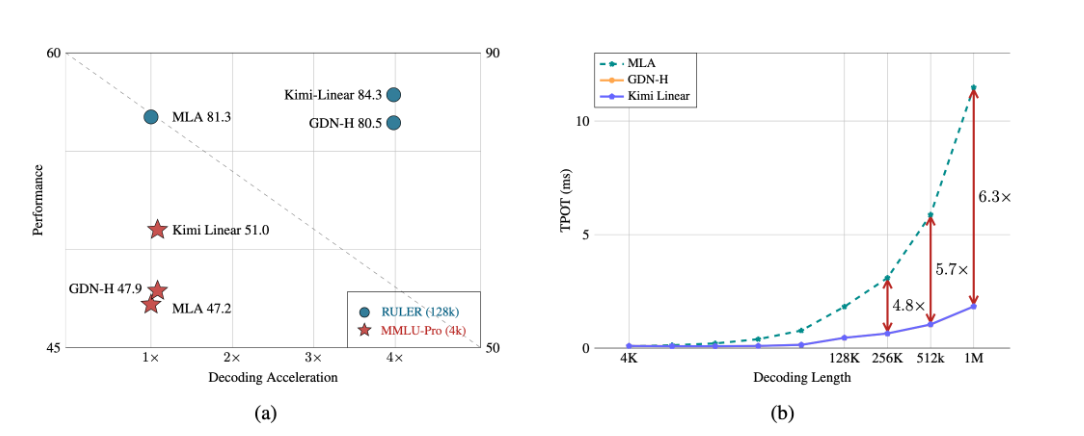
A major breakthrough has been achieved in the core architecture of large-scale models! The release of Kimi Linear marks the first time that linear attention technology has comprehensively surpassed and significantly outperformed the traditional Transformer full-attention model in both performance and efficiency. This "win-win" achievement is expected to significantly reduce the computational barriers and costs for long text processing, complex reasoning, and AI agent applications, potentially changing the competitive landscape of underlying technologies for large-scale models.

Over the past week, the AI community's attention has been drawn to a mysterious model that quietly emerged on the OpenRouter platform—Polaris Alpha. As a direct continuation of yesterday's discussion of the GPT-5.1 leak, this suddenly appearing model brings more technical details and strategic signals worthy of in-depth exploration.
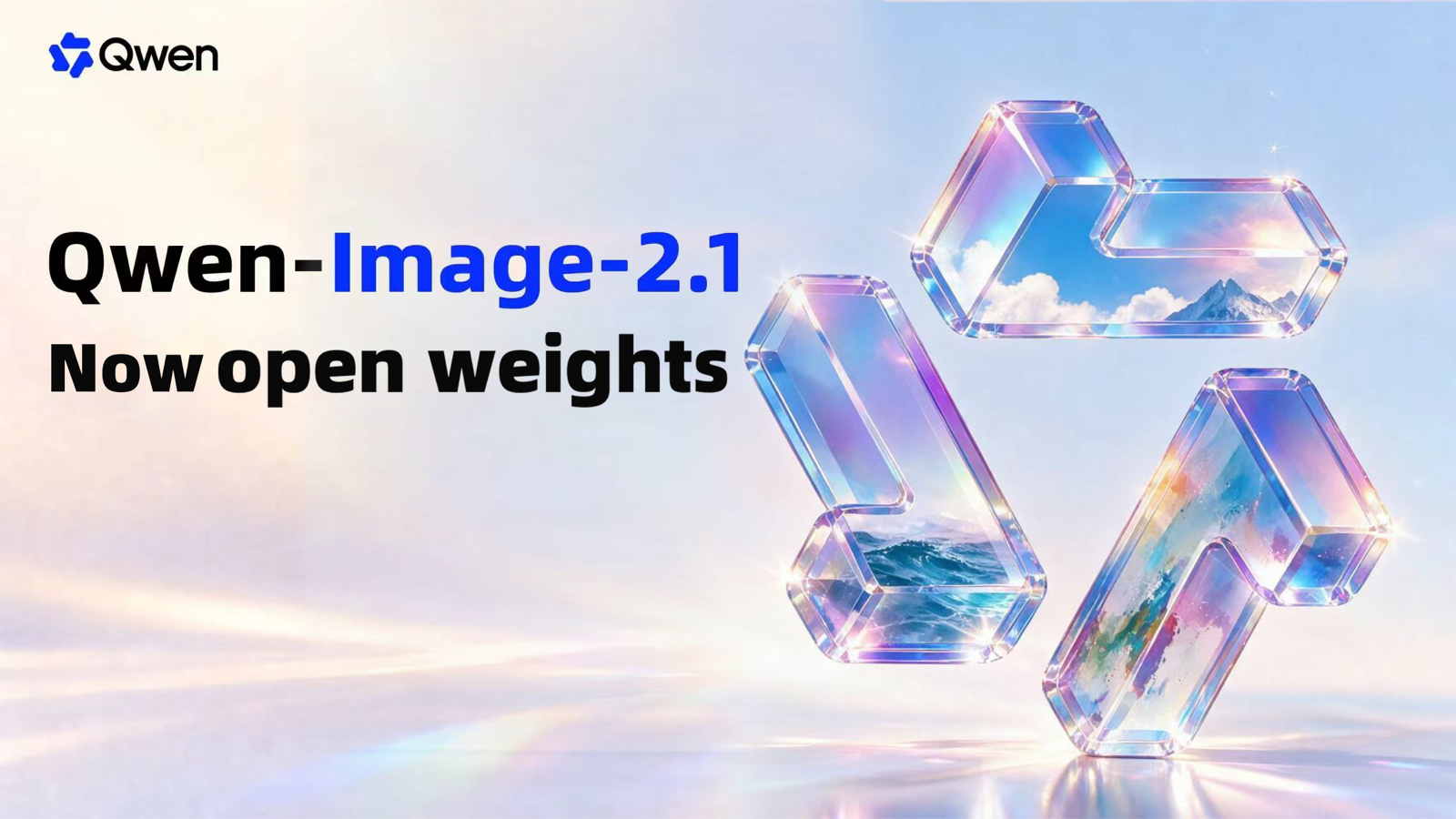
Alibaba open-sources Qwen-Image-2.1: a 7B unified image model with native RGBA transparency and 10-reference editing.