Introducing Google Gemini CLI
Introduction
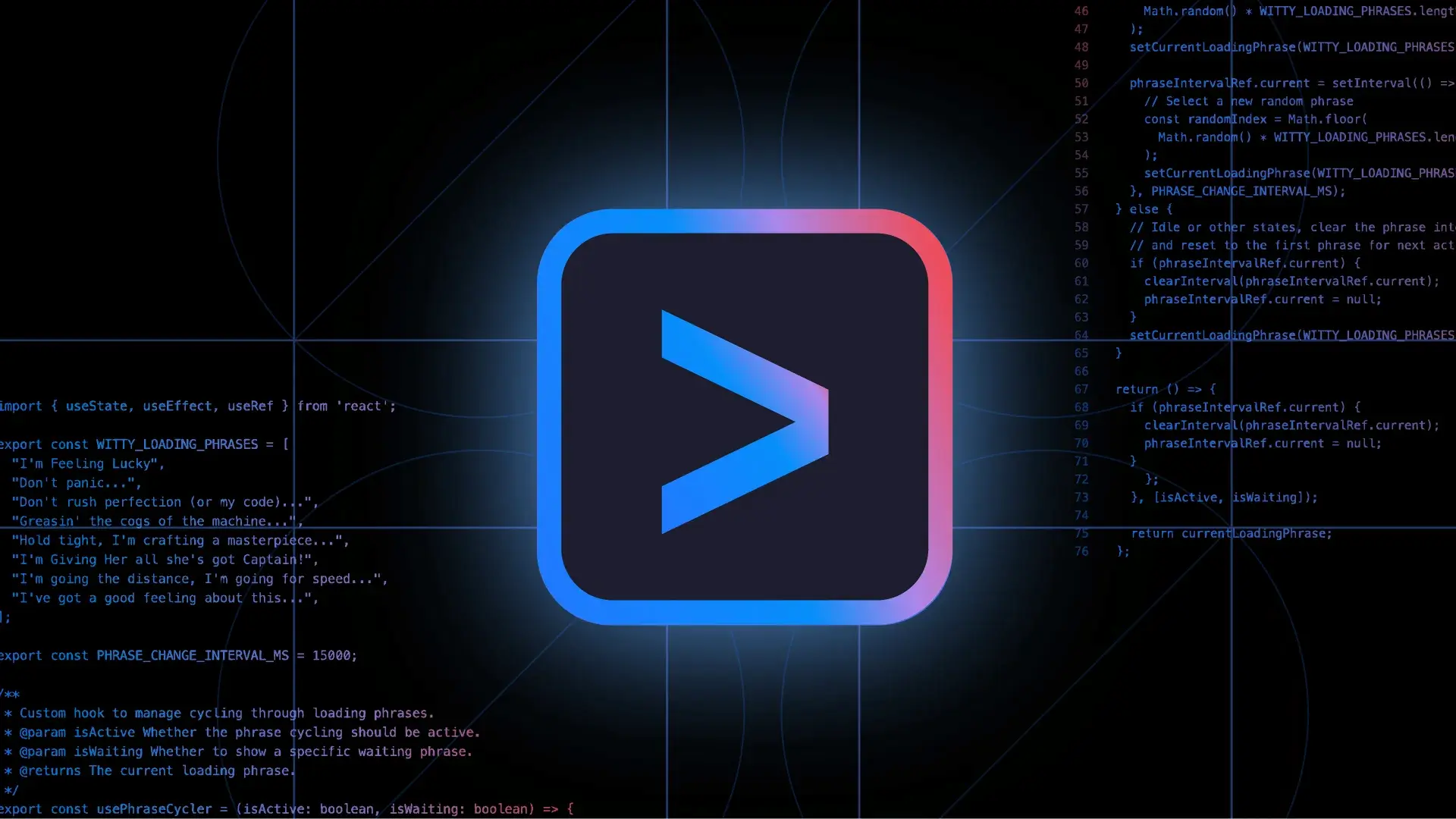
In an era where artificial intelligence (AI) is rapidly reshaping how we interact with technology, Google introduces a groundbreaking tool: the Gemini CLI. This open-source AI agent offers developers an unprecedented opportunity to integrate AI capabilities directly into their terminal environments. With its unique features like MCP support for extensibility and Human-in-the-Loop for oversight, Gemini CLI not only enhances productivity but also ensures that developers maintain control over their AI interactions. In this blog, we will explore the key features, benefits, and use cases of Gemini CLI, and why it is a game changer for developers everywhere.
What is Gemini CLI?
Gemini CLI is an open-source AI agent that effectively brings the power of Google’s Gemini directly into your terminal. Unlike traditional command-line interfaces, Gemini CLI is designed to be user-friendly while offering developers extensive customization options. It supports the Model Control Protocol (MCP), allowing individual developers to customize their AI experiences without the need for extensive programming knowledge. Additionally, the Human-in-the-Loop feature ensures that AI recommendations and actions can be overseen by a human operator, providing an additional layer of safety and reliability.
Sorry, your browser doesn't support embedded videos, but don't worry, you can download it and watch it with your favorite video player!
Key Features of Gemini CLI
Open Source
Gemini CLI is open-source, which means that developers have access to the source code, enabling them to modify and enhance the tool according to their specific needs. This aspect fosters a collaborative environment where users can contribute to the tool’s development.
Unmatched Usage Limits
One of the most appealing aspects of Gemini CLI is its unmatched usage limits for individual developers. With no cost attached, developers can fully leverage the capabilities of this AI agent without worrying about hitting usage caps.
MCP Support
The Model Control Protocol (MCP) support allows developers to extend the functionality of Gemini CLI. This extensibility makes it easy to integrate with existing workflows, tools, or services, thereby enhancing productivity and streamlining operations.
Human-in-the-Loop
The Human-in-the-Loop feature is a game changer for many developers. It allows users to oversee AI suggestions and actions, ensuring that the final decision-making remains in human hands. This is crucial in scenarios where accuracy and ethical considerations are paramount.
Easy Integration
Gemini CLI can be easily integrated into existing terminal setups, making it accessible to developers who are already accustomed to terminal-based workflows. Installation and setup can be done in a matter of minutes, allowing users to start utilizing AI capabilities almost immediately.
Benefits of Using Gemini CLI
-
Increased Efficiency: By integrating AI directly into the terminal, developers can automate repetitive tasks, thus saving time and increasing overall productivity.
-
Cost-Effective: Free and open-source, Gemini CLI provides extensive capabilities without the financial burden often associated with premium software.
-
Customization: The ability to modify and extend the CLI according to specific needs means that developers can create a tailored experience that fits their workflows perfectly.
-
Enhanced Control: With the Human-in-the-Loop feature, developers can ensure that AI actions align with their goals, providing peace of mind and reducing the risk of errors.
Use Cases of Gemini CLI
1. Automating Routine Tasks
Developers can use Gemini CLI to automate tasks such as file management, code compilation, and testing. By scripting these actions with AI assistance, they can focus more on complex problems and innovation.
2. Code Generation
With its AI capabilities, Gemini CLI can assist in generating boilerplate code or even suggest improvements to existing code. This feature can significantly speed up the development process.
3. Data Analysis
Gemini CLI can help in querying databases and processing data directly from the terminal. Its AI capabilities can provide insights and visualizations that would require more complex setups.
4. Chatbot Development
For developers interested in creating chatbots, Gemini CLI can assist in generating conversational scripts and managing user interactions, streamlining the development process.
5. Debugging Assistance
Developers can leverage Gemini CLI to analyze code and suggest debugging solutions. This not only saves time but also enhances the accuracy of troubleshooting efforts.
Conclusion
The introduction of Gemini CLI marks a significant milestone in the realm of AI tools for developers. With its open-source nature, unmatched usage limits, MCP support, and the Human-in-the-Loop feature, Gemini CLI empowers developers to harness the power of AI directly from their terminal. This tool is not just another software; it’s a comprehensive solution that enhances productivity, fosters creativity, and ensures control over AI interactions.
As AI continues to evolve, tools like Gemini CLI will play a pivotal role in shaping how developers work. Embracing this innovative CLI can lead to increased efficiency, enhanced creativity, and ultimately, a more satisfying development experience. Whether you are a seasoned developer or just starting, Gemini CLI is worth exploring for its potential to revolutionize your workflow.
For more information on Gemini CLI and how to get started, check out the official announcement on Google's blog.
Leave your comment
- No comments yet.
Recommended AI Tools
Carefully selected AI tools to improve your work, study, and live efficiency.




Related Articles
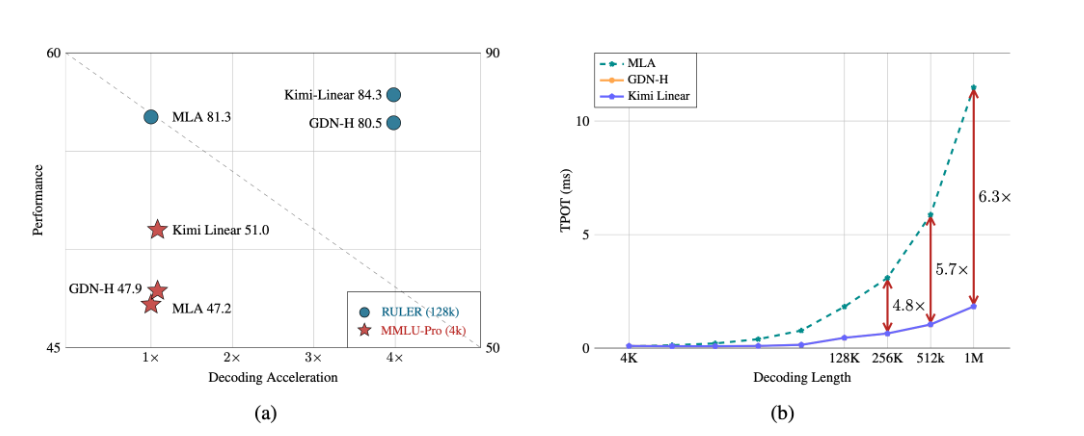
A major breakthrough has been achieved in the core architecture of large-scale models! The release of Kimi Linear marks the first time that linear attention technology has comprehensively surpassed and significantly outperformed the traditional Transformer full-attention model in both performance and efficiency. This "win-win" achievement is expected to significantly reduce the computational barriers and costs for long text processing, complex reasoning, and AI agent applications, potentially changing the competitive landscape of underlying technologies for large-scale models.
Over the past week, the AI community's attention has been drawn to a mysterious model that quietly emerged on the OpenRouter platform—Polaris Alpha. As a direct continuation of yesterday's discussion of the GPT-5.1 leak, this suddenly appearing model brings more technical details and strategic signals worthy of in-depth exploration.
Alibaba open-sources Qwen-Image-2.1: a 7B unified image model with native RGBA transparency and 10-reference editing.