Introduction
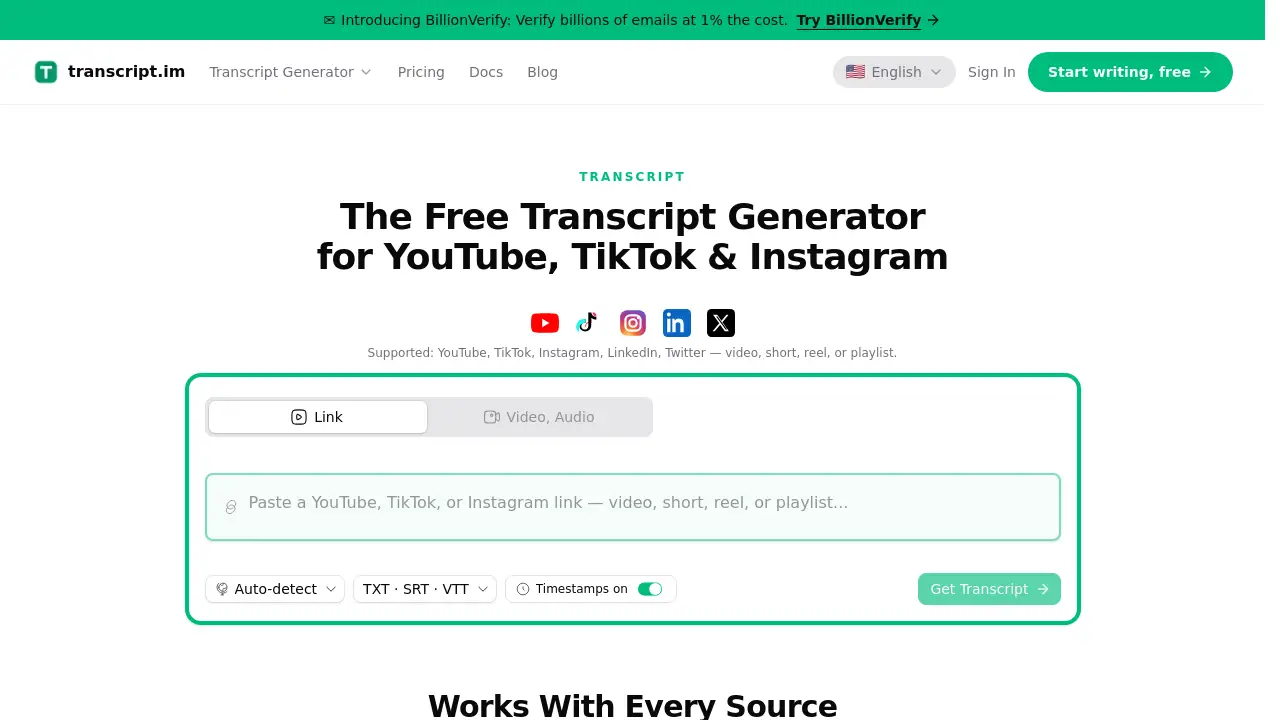
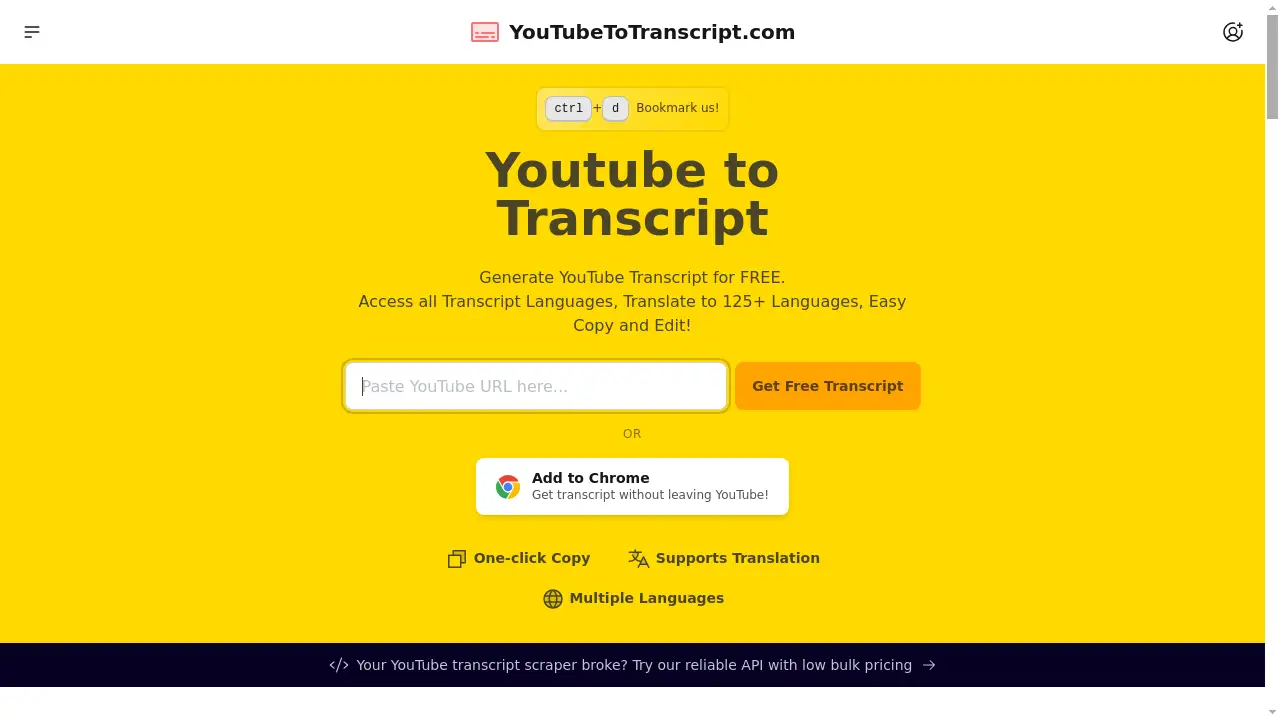
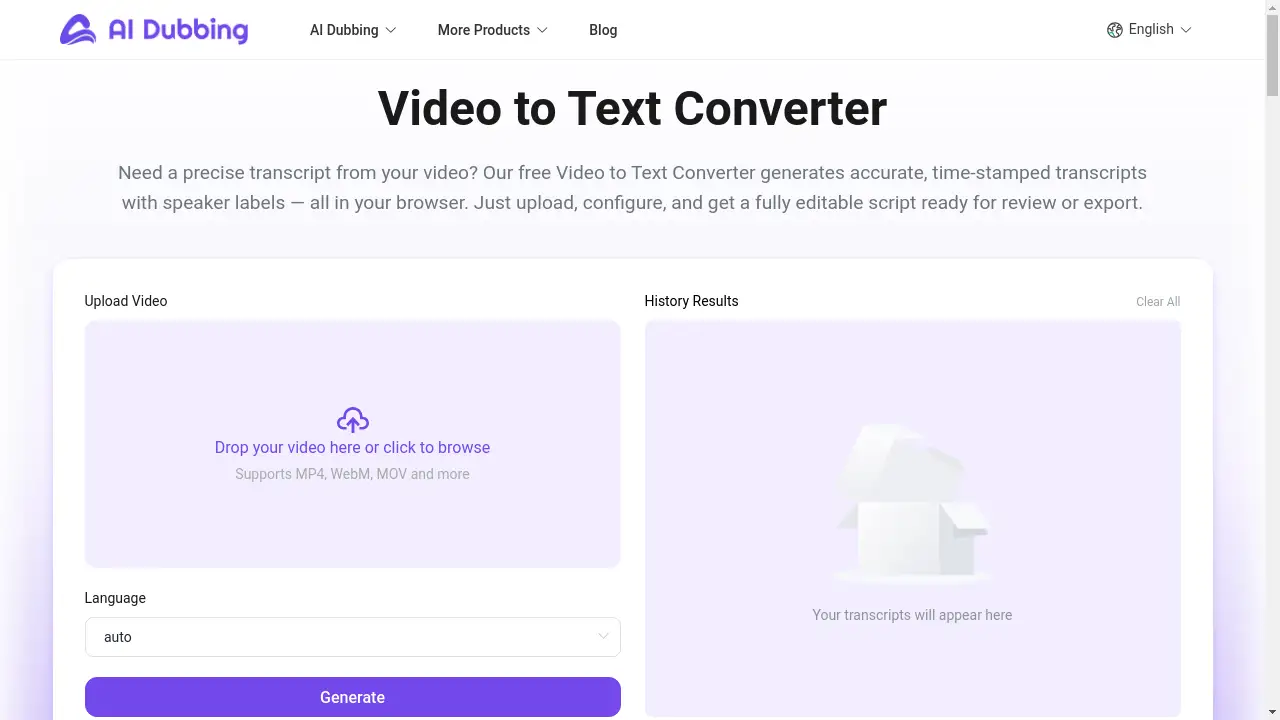
A free, AI-powered video to text converter for accurate, time-stamped transcripts directly in your browser.
What is Free Video to Text Converter?
The Free Video to Text Converter is a browser-based tool that automatically transcribes spoken audio from video files into written text. It solves the time-consuming and often expensive problem of manual transcription by using advanced AI to deliver fast, accurate results. This tool is essential for anyone needing written records of video content, such as journalists, students, educators, content creators, and professionals. It matters because it democratizes access to high-quality transcription, making content more accessible, searchable, and repurposable without requiring technical skills or software installation.
Key Features of Free Video to Text Converter
AI-Powered Accurate Transcription
The tool employs a sophisticated AI engine to detect speech with high precision across multiple languages and dialects, ensuring your transcript faithfully mirrors the original audio.
Automatic Speaker Labels & Timestamps
It automatically differentiates between speakers and adds precise timestamps to each segment, providing clear structure and context about who said what and when.
Secure, Private & Browser-Based Processing
All transcription happens securely in the cloud with end-to-end encryption; your files are never permanently stored or shared, offering peace of mind for sensitive content.
Customizable Language & Accuracy Settings
Users can select the source language and choose between different accuracy modes, allowing the converter to adapt to accents, background noise, and specific content needs.
Side-by-Side Review and Editing
The interface allows you to play your video alongside the editable transcript, making verification and correction of any text segment intuitive and efficient.
Multiple Export Formats
Once finalized, transcripts can be downloaded in versatile formats like TXT, SRT (for subtitles), and DOCX, making them ready for publishing, captioning, or archiving.
Use Cases for Free Video to Text Converter
Academic Lecture Transcription
Lecturers and students can quickly transcribe recorded lectures or seminars, creating searchable study notes and accessible learning materials with accurate timestamps.
Content Repurposing for Creators
Video bloggers and marketers can efficiently convert their YouTube or social media videos into blog posts, articles, or caption files, maximizing their content's reach.
Professional Meeting & Interview Documentation
Journalists, researchers, and business professionals can document interviews, focus groups, and meetings, obtaining speaker-labeled transcripts ideal for quotes, analysis, and legal records.
Accessibility and Inclusion Projects
Organizations and educators can generate captions and transcripts for their video content, making it accessible to deaf and hard-of-hearing audiences and improving overall SEO.
How to Use Free Video to Text Converter
Using the tool is a straightforward, three-step process that happens entirely online.
- Upload Your Video: Click to upload your video file. The converter supports common formats like MP4, MOV, AVI, and WebM, automatically preparing the audio for transcription.
- Configure Settings: Select the source language of your video and choose your preferred transcription accuracy mode (e.g., standard or enhanced) to optimize the AI's output.
- Review & Export: Once processed, review the transcript in the side-by-side player. Edit any text directly, then download your final transcript as a TXT, SRT, or DOCX file.
Target Audience for Free Video to Text Converter
- Journalists, Researchers & Academics: For transcribing interviews, field notes, and qualitative data.
- Content Creators & Marketers: For repurposing video content into blogs, social media posts, and closed captions.
- Educators & Students: For creating accessible course materials and transcribing lectures or study group sessions.
- Legal & Business Professionals: For documenting meetings, depositions, and conference calls accurately.
- Non-Profit & Accessibility Advocates: For adding captions to promotional and educational videos to meet accessibility standards.
Is Free Video to Text Converter Free?
Yes, the core service is completely free. This generous free plan includes access to the AI-powered transcription engine, speaker labeling, timestamping, and the ability to export transcripts in standard formats. The tool operates on a transparent model where users can convert video to text without cost, watermarks, or mandatory sign-ups. Information about any potential premium options for extended features or higher usage limits would be clearly listed on the product website for users with advanced needs.
Frequently Asked Questions about Free Video to Text Converter
What video file formats are supported?
The converter supports most common video formats, including MP4, MOV, AVI, MKV, and WebM. The system automatically extracts the audio for transcription upon upload.
How accurate is the AI transcription?
The accuracy is generally high, especially with clear audio. It supports multiple languages and dialects and includes settings to enhance precision for content with accents or background noise.
Are my video files and transcripts kept private?
Yes. Privacy is a core feature. All processing is done securely in the cloud with encryption. Files and transcripts are automatically deleted after your session and are never stored long-term or shared with third parties.
Can I edit the transcript after it's generated?
Absolutely. The platform provides an interactive editor where you can play the video and edit the corresponding text in real-time, allowing for easy corrections and refinements.
What can I do with the exported transcript files?
The exported files (TXT, SRT, DOCX) are versatile. You can use them to create subtitles (SRT), incorporate text into articles or reports (DOCX/TXT), or archive for searchable records.
Is there a limit on video length or file size for the free version?
The product description emphasizes a free service, but for specific limitations on duration or file size, users should check the current terms on the official product website for the most up-to-date information.
Free Video to Text Converter Tags
video to text converter, free transcription, AI transcription, video transcript, automatic subtitles, speech to text, online video converter, speaker labels, timestamped transcript, transcribe video, SRT generator, content repurposing, accessibility tool