Introduction
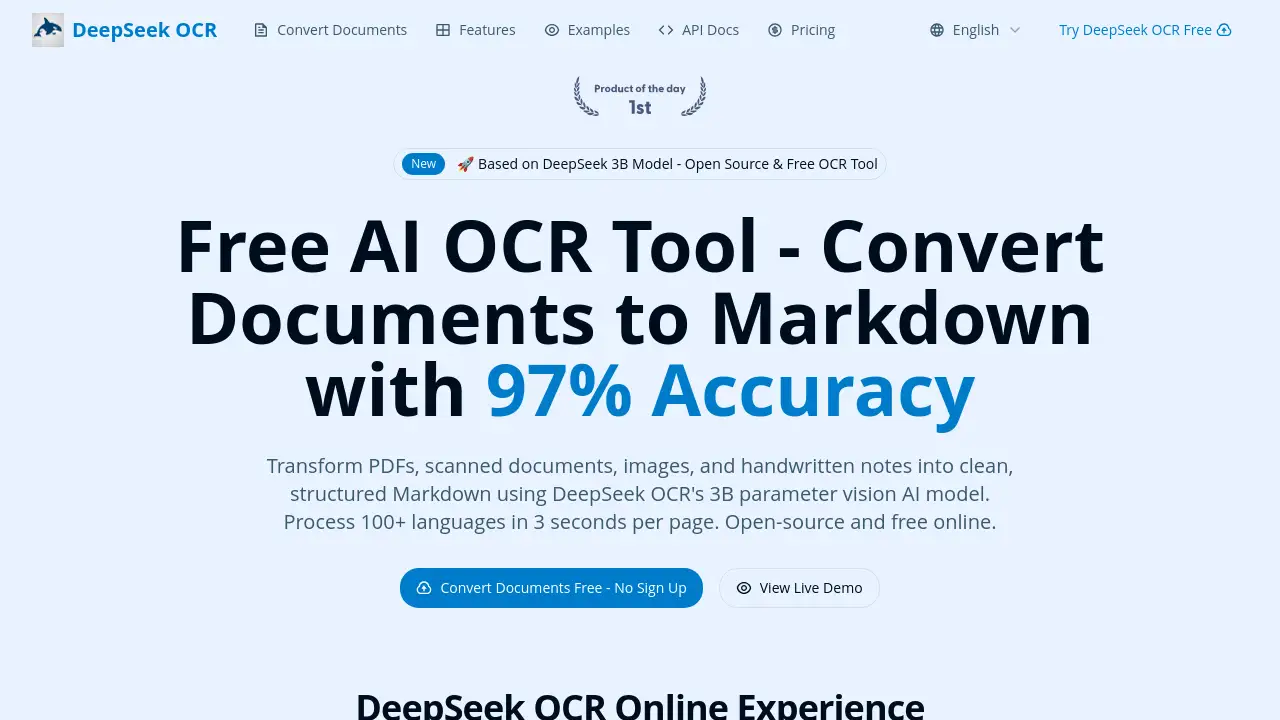
A free, open-source AI OCR tool that converts documents to Markdown with high accuracy.
What is deepseek-ocr.net?
Deepseek-ocr.net is an online optical character recognition (OCR) tool that leverages a powerful 3 billion parameter vision AI model to digitize documents. It solves the tedious and error-prone problem of manually transcribing text from PDFs, scanned images, and even handwritten notes by converting them into clean, structured Markdown format. This product is suitable for researchers, students, legal professionals, archivists, and businesses that need to process large volumes of documents efficiently. Its significance lies in its high 97% character-level accuracy, multilingual support for over 100 languages, and the fact that it is completely free and open-source, making professional-grade document conversion accessible to everyone.
Key Features of deepseek-ocr.net
AI-Powered OCR with High Accuracy
Powered by a 3B parameter vision model, it delivers up to 97% character-level accuracy, outperforming many traditional OCR software solutions, especially on complex layouts and degraded documents.
Dynamic Tiling Vision Encoding
This proprietary technology analyzes documents at multiple resolutions simultaneously through intelligent tiling, ensuring precise character recognition even in dense text areas and complex formats.
Document to Markdown Conversion
It intelligently preserves document structure, accurately converting PDFs and images to Markdown while recognizing complex elements like tables, mathematical formulas, and multi-column layouts.
Batch Processing for PDFs
Users can upload and process up to 1,000 documents at once, enabling automated workflows that significantly boost productivity for large-scale digitization projects.
Multi-Resolution and Multilingual Support
The tool automatically adapts its processing strategy for documents of varying quality and supports over 100 languages, including complex scripts like Arabic, Chinese, and Japanese, with automatic language detection.
Precise Location References
It extracts and preserves position information and citation relationships within documents, which is invaluable for academic research, legal review, and document verification.
Use Cases for deepseek-ocr.net
Academic Research and Paper Digitization
Researchers can quickly convert scientific papers, historical archives, and books into searchable and editable Markdown text, preserving complex tables and formulas for further analysis.
Legal Document and Contract Processing
Law firms and legal departments can digitize contracts and legal documents in multiple languages, reducing manual data entry time by up to 70% while maintaining audit-quality accuracy.
Business and Financial Report Analysis
Finance teams can automate the extraction of structured data from financial reports and statements, with highly accurate table recognition converting weeks of work into hours.
Digital Archiving and Library Management
Archivists and librarians can efficiently digitize large collections of historical documents, including those with faded ink or irregular layouts, making them accessible and searchable online.
How to Use deepseek-ocr.net
Using this free OCR tool is straightforward and requires no technical expertise.
- Upload Your Document: Navigate to the website and upload your PDF, image (JPG, PNG, TIFF), or other supported file. You can drag and drop files or use the batch upload feature for multiple documents.
- Automatic Conversion: The AI model processes your document. On average, it takes about 3 seconds per page. The dynamic tiling vision encoding technology works in the background to ensure high accuracy.
- Download the Markdown Output: Once processing is complete, download the converted text in clean Markdown format. The output will preserve the original document's structure, including headings, lists, and tables.
Target Audience for deepseek-ocr.net
- Researchers and Academics needing to digitize papers and archives.
- Students working with scanned textbooks or handwritten notes.
- Legal Professionals processing contracts and case files.
- Archivists and Librarians managing digital collections.
- Data Analysts and Business Professionals extracting data from reports.
- Writers and Content Creators converting physical notes to digital text.
Is deepseek-ocr.net Free?
Yes, deepseek-ocr.net offers a free plan. According to the reference information, the service provides a free tier that allows users to process 10 pages per month at no cost, which includes access to all core features. For higher volume needs, paid plans are available.
| Plan | Price | Key Features / Page Limit |
|---|---|---|
| Free | $0 | 10 pages per month, includes all core AI features. |
| Paid Plans | Starting at $9/month | Start at 500 pages per month with volume discounts available. |
For the most current and detailed pricing, users should check the official website.
deepseek-ocr.net's Pros and Cons
| Aspect | Pros | Cons |
|---|---|---|
| Cost & Access | Completely free for basic use; open-source. | The free tier (10 pages/month) may be limited for heavy users. |
| Accuracy & Technology | High 97% accuracy; advanced AI with dynamic tiling vision encoding. | Performance may vary on extremely low-quality or handwritten documents. |
| Features | Excellent multilingual support and batch processing; preserves complex layouts. | As an online tool, it requires an internet connection to function. |
| Ease of Use | Simple, three-step process with no software installation needed. | Advanced customization options for power users might be limited. |
Frequently Asked Questions about deepseek-ocr.net
What makes DeepSeek OCR different from other OCR software?
DeepSeek OCR utilizes a 3 billion parameter vision AI model with dynamic tiling vision encoding, which analyzes documents at multiple resolutions. This allows it to achieve a higher 97% character-level accuracy and handle complex layouts, tables, and formulas that traditional OCR tools often struggle with.
What document formats does it support?
It supports common formats including PDF (scanned and digital), images (JPG, PNG, TIFF, BMP, WebP), and multi-page TIFF files. The maximum file size is 50MB per document.
How long does document processing take?
On average, processing takes about 3 seconds per page. Simple documents may be faster, while complex layouts with tables might take 5-8 seconds per page. Batch processing is optimized to run in parallel for efficiency.
What are some tips for getting the best OCR results?
For optimal results, use scans with 300 DPI or higher, ensure documents are properly aligned, and use PDF format for multi-page documents. The tool's automatic language detection and processing modes are generally reliable.
Can I use the output for commercial purposes?
Yes, you retain full ownership and commercial rights to all documents you process. The Markdown output can be used freely for any purpose, including commercial applications and publications.
Is there a limit on the number of documents I can process?
The free plan allows for 10 pages per month. For unlimited or high-volume processing, paid plans are available starting at $9 per month for 500 pages.
deepseek-ocr.net Tags
free OCR tool, AI document converter, PDF to Markdown, scanned document OCR, multilingual OCR, batch PDF processing, open source OCR, high accuracy OCR, online document conversion, DeepSeek AI model, handwritten notes to text, academic paper digitization