Introduction
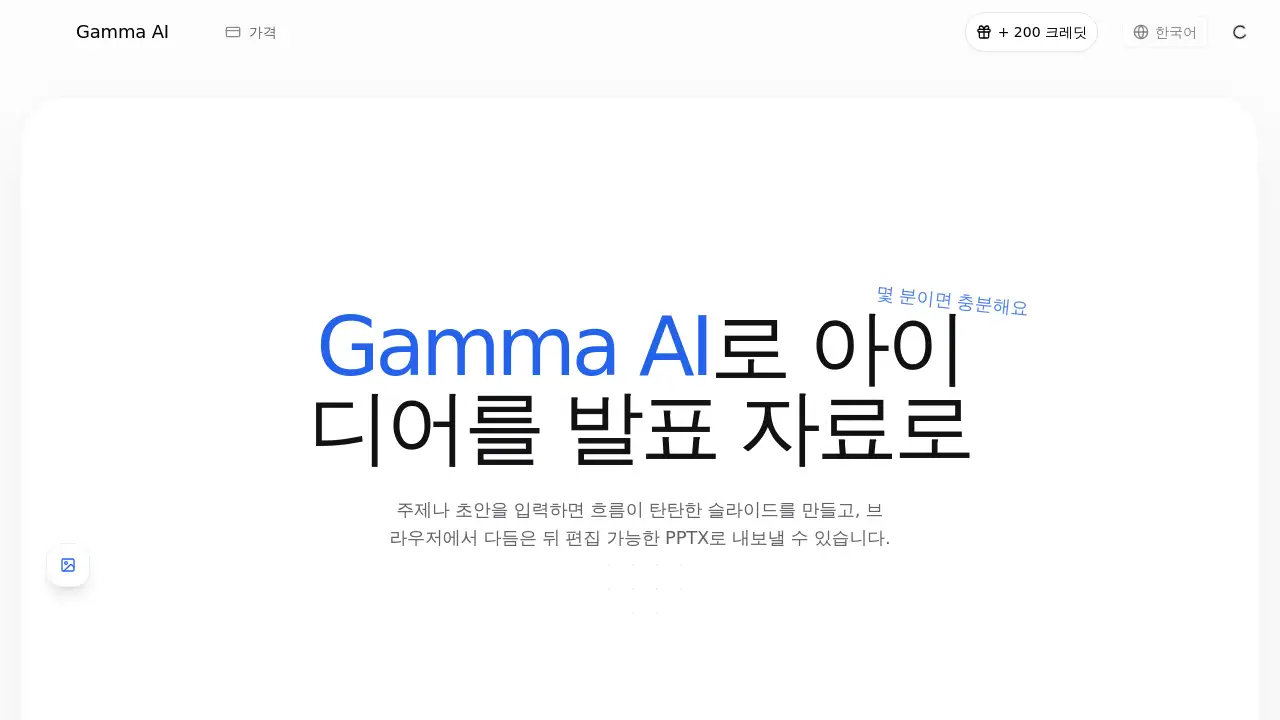
Gamma AI is an AI presentation generator that helps people turn notes, documents, and ideas into complete slide decks. Instead of starting from a blank canvas, users can create structured presentations instantly, edit them in the browser, and export an editable PPTX file. This Gamma AI review covers its features, use cases, and fit for different presentation needs.
What is Gamma AI?
Gamma AI is a web-based presentation maker that reduces time spent on slide layout, wording, and structure. It is built for anyone who needs polished materials for pitches, classes, reports, and marketing. It solves a common problem: documents and ideas often take too long to become presentation-ready. With Gamma AI, the tool sets up the narrative and screen design at the same time, using natural Korean content when the input is Korean. The result is a practical AI presentation tool that feels more like a presentation studio than a simple template library. It matters because users skip repetitive formatting work and focus on the message.
Key Features of Gamma AI
AI Slide Generation
Gamma AI builds a slide deck from a short description or a longer document. It works well for quick brainstorms and detailed notes.
Content and Flow Planning
The tool arranges the table of contents and slide sequence so the main message stands out. This helps the presentation feel persuasive rather than random.
Automatic Layout Suggestions
Gamma AI picks suitable layouts based on whether the slide is text-heavy, image-based, or data-focused. Users get a clean frame they can adjust.
Browser-Based Editing
After generation, users can view and modify slides in the browser. The browser-based editor keeps the workflow simple for non-technical users.
Editable PPTX Export
Users can export the finished presentation as an editable PPTX file. The PPTX export option is a core part of the product.
Multiple Source Formats
The tool accepts PDF, Word, Excel, Markdown, HTML, text, and YouTube links as source material. This broadens the AI presentation tool for people who work across many file types.
Use Cases for Gamma AI
Pitch Decks and Proposals
Gamma AI helps founders and teams create investor-ready pitch decks by organizing problem, opportunity, and execution clearly.
Lecture and Training Materials
Teachers and trainers can turn lesson notes into step-by-step slides that match learning objectives and difficulty levels.
Reports and Research
Long reports can be condensed into key points for a presentation, which helps teams share research findings with stakeholders.
Marketing Content
Marketing teams can use Gamma AI to design campaign briefs, performance reviews, and content presentations with clear visuals.
Document Conversion
Users can turn an old PDF, Word file, or business document into a presentation without copying and pasting text. This makes Gamma AI a useful AI presentation generator for document-heavy teams.
Polishing Existing PowerPoint Files
Gamma AI can improve the visual quality of an existing PPT while keeping the content unchanged. This makes the deck look more professional.
How to Use Gamma AI
Using Gamma AI is straightforward:
- Go to gammaai.kr and enter your topic, idea, or paste a document.
- Choose the purpose of the presentation, such as pitch deck, lecture, report, or marketing content.
- Let Gamma AI generate a draft with suggested slides and layout.
- Review the presentation in the browser and edit the text, order, or design as needed.
- Export the final result to an editable PPTX file and continue in PowerPoint.
This flow lets users move from an idea to a structured presentation in a short time. Gamma AI can be used without coding or design skill. Since a draft can be started without sign-up, it is easy to test the quality before committing. For anyone looking for an AI presentation generator, this setup lowers the barrier to entry.
Target Audience for Gamma AI
- Startup founders and business teams creating pitch decks and proposals
- Educators and trainers preparing lecture slides and course materials
- Professionals who need report and research presentations
- Marketing teams working on campaign briefs and performance reviews
- Anyone who wants a fast AI presentation tool without design experience
Is Gamma AI Free?
Gamma AI does not publicly list detailed pricing plans on the homepage. The product’s landing page emphasizes that users can start a draft without sign-up and can export to PPTX. This suggests there is a free entry point for testing the tool. For exact pricing, free credits, and subscription limits, users should check the official Gamma AI website or pricing page because plan details may change over time.
Gamma AI's Pros and Cons
| Aspect | Pros | Cons |
|---|---|---|
| Gamma AI's ease of use | Starts from a simple topic and creates a full slide deck | Browser-based workflow still needs a stable internet connection |
| Editing | Users can review and edit slides directly in the browser | Advanced design customization may not match manual presentation tools |
| Export | Exports to editable PPTX files for PowerPoint | File formatting may need minor adjustment after export |
| Language support | Generates natural Korean content for Korean users | English-language features are not clearly described on the homepage |
| Pricing structure | No sign-up is needed to start a draft | Full plan pricing is not listed, so users must check the official page |
Frequently Asked Questions about Gamma AI
What is Gamma AI?
Gamma AI is an AI presentation tool that creates slide decks from text, documents, or links. It helps users build presentations faster by generating structure, layout, and content.
Can I edit presentations after Gamma AI creates them?
Yes. Users can edit generated slides in the browser. This allows quick changes to wording, slide order, and layout before exporting.
Does Gamma AI export to PowerPoint?
Yes. Gamma AI supports editable PPTX export. Users can download the file and continue editing in PowerPoint or other software that supports PPTX.
Is Gamma AI good for Korean presentations?
The product is designed to be strong in Korean content generation. Based on the official homepage, it produces natural Korean text and offers a Korean-friendly workflow.
What file formats can I convert with Gamma AI?
Gamma AI supports PDF, Word, Excel, Markdown, HTML, text files, and YouTube links. These sources can be turned into presentation slides with an AI-generated arrangement.
Do I need an account to start with Gamma AI?
According to the homepage, users can start a draft without signing up. This makes it simple to test the tool before deciding whether to subscribe or export.
Gamma AI Tags
Gamma AI, Gamma AI review, AI presentation generator, AI slide maker, PPTX export, presentation software, browser presentation editor, Korean AI presentation, pitch deck maker, lecture slides AI, convert documents to presentation, AI presentation tool